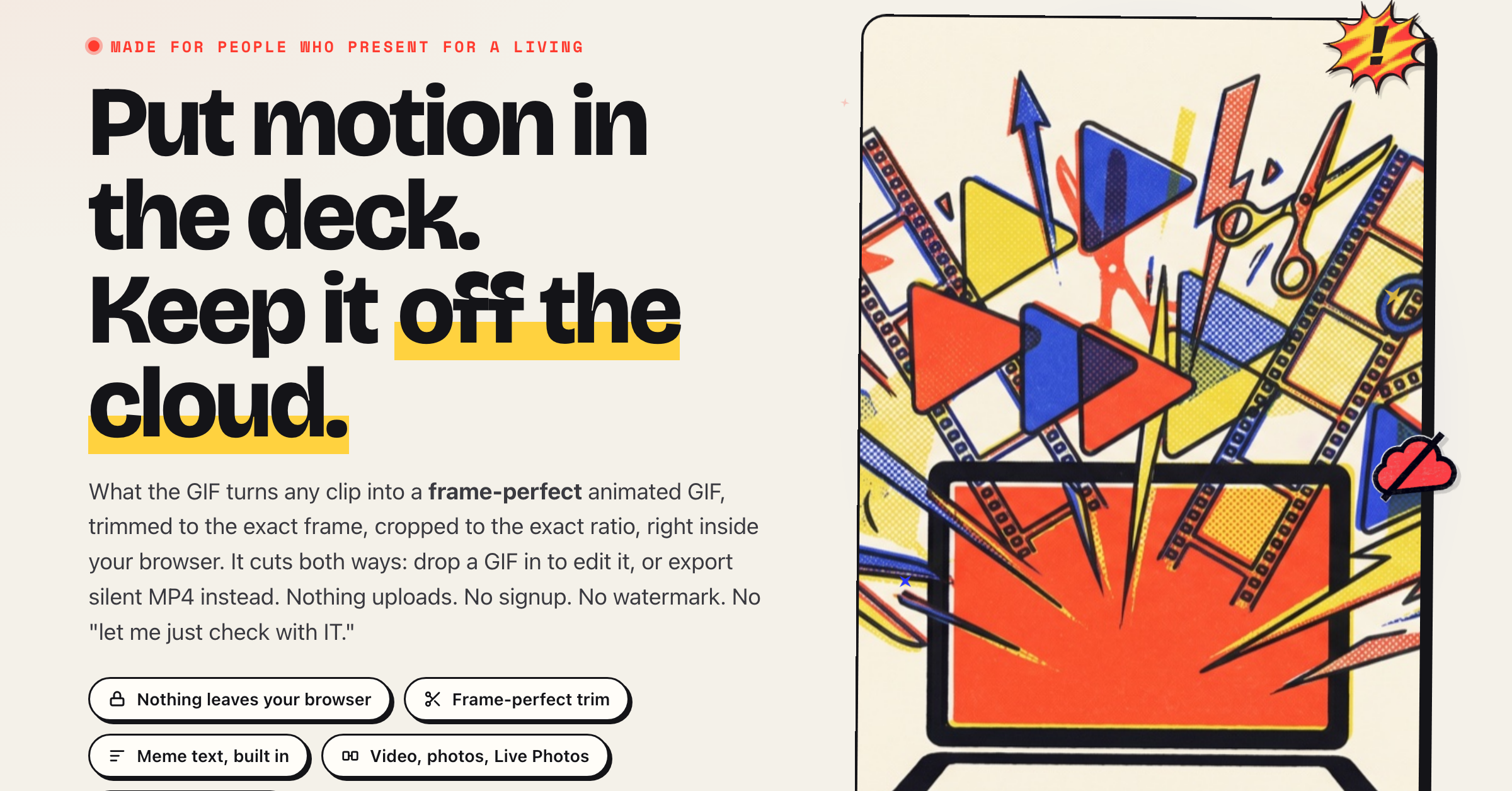
What the GIF is a free, in-browser GIF and video editor that never uploads your file. Drop in a video, a photo, or an existing GIF and turn it into a clean GIF, MP4, or APNG, with frame-accurate trimming, a multi-clip timeline, captions, filters, and more. The entire conversion runs inside your browser tab, so nothing is ever sent to a server, and the site's security policy enforces that. It does what ezgif does, but private: no signup, no account, no watermark, no install. No need to worry about sketchy downloads, IT or security. Made for creatives who present for a living.
Features
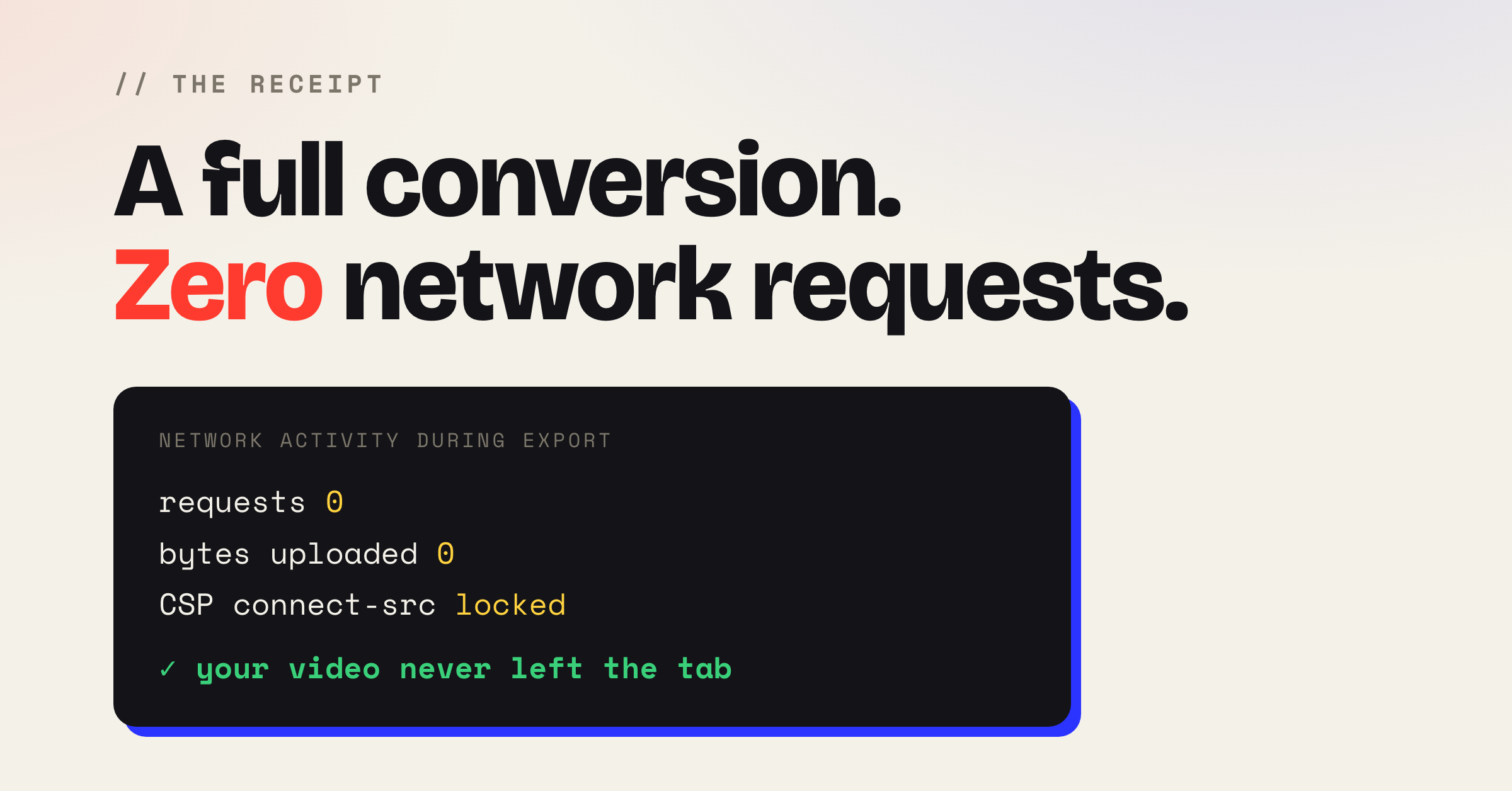
Nothing uploads: the whole conversion runs in your browser, enforced by the site's content security policy
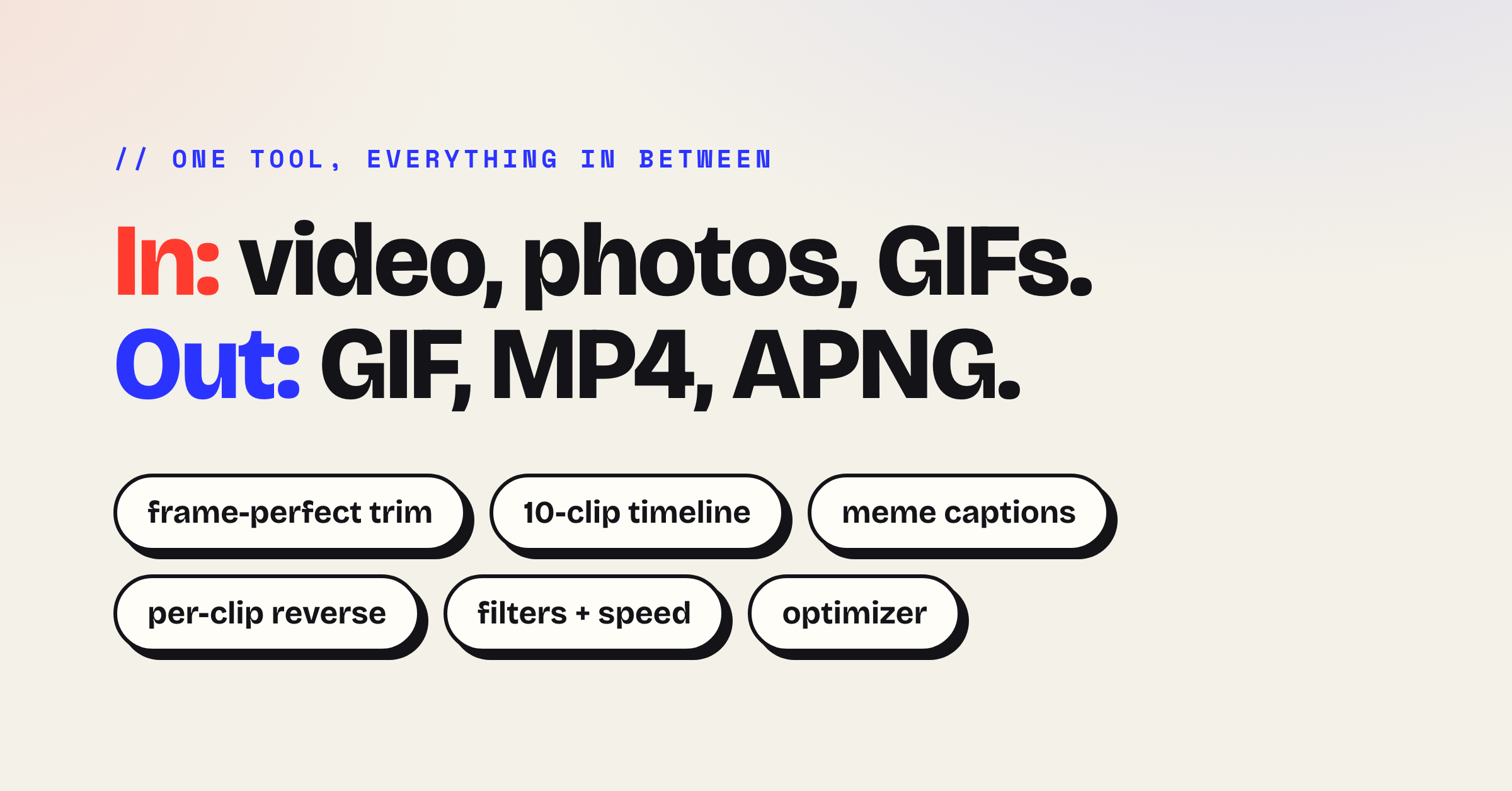
Video, GIF, and photo input (mp4, mov, webm, avi, mkv, screen recordings, Live Photos, HEIC)
Export as an animated GIF, a silent MP4, or an APNG
Frame-accurate trimming, with arrow keys nudging a single frame at a time
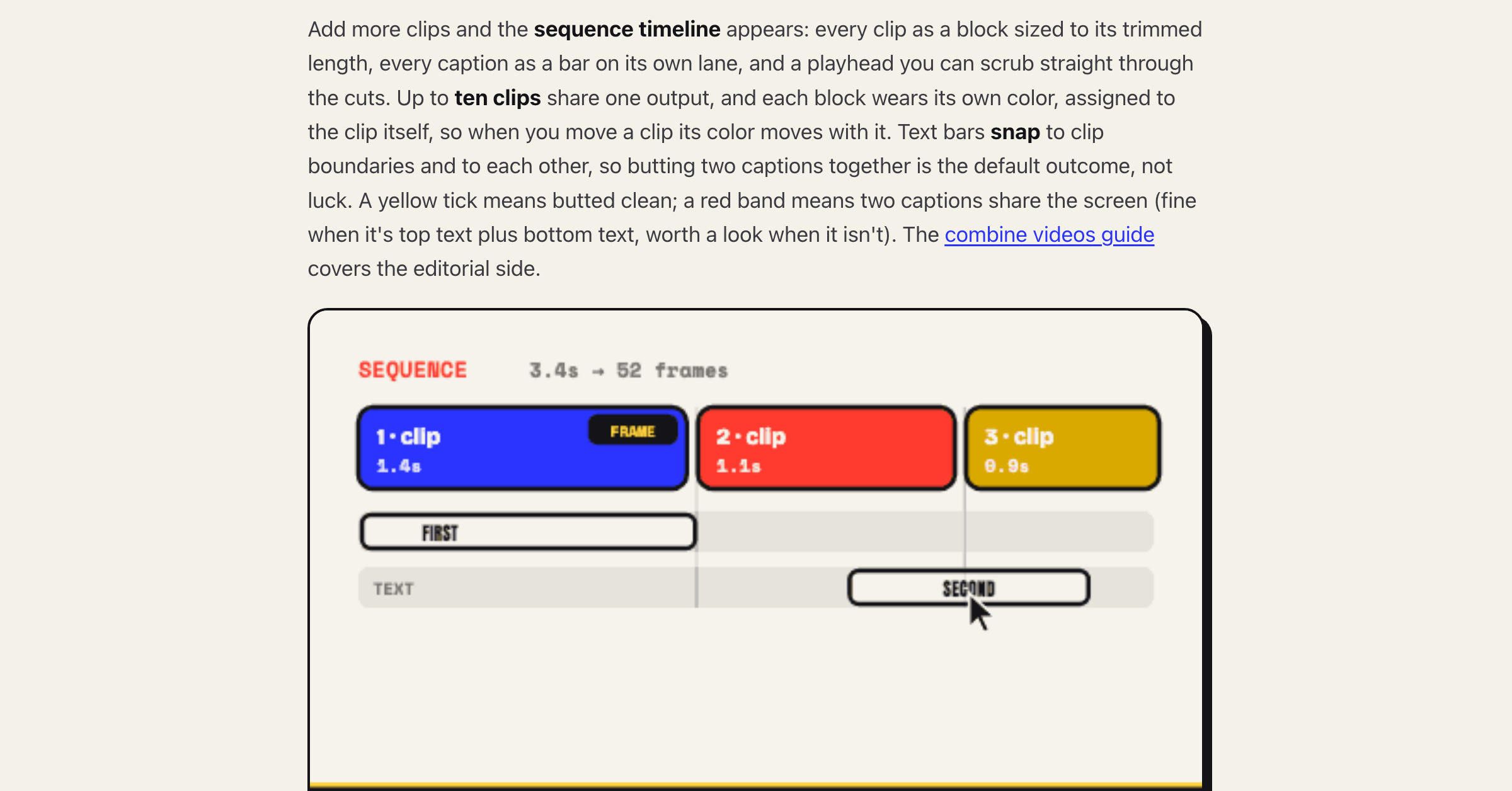
Stitch up to 10 clips on a snapping timeline, drag to reorder
Meme or clean text captions with per-caption timing
Per-clip reverse, crop or letterbox, edge fades, filters, speed, bounce, and rotate
Built-in optimizer, censor, and watermark tools
Undo and redo, save and reload projects, live preview before export
Record a browser tab straight into the editor
Free with no signup, no account, no watermark, and no install
Use Cases
Turn a screen recording or product demo into a GIF for a README, bug ticket, or Slack, without sending internal footage to a server
Make meme-style captioned GIFs for social feeds, chat, and group threads
Drop motion into a slide deck or email where an embedded video will not autoplay
Convert a phone clip or Live Photo into a shareable loop
Cut a short multi-clip edit with reverse, filters, and captions, then export it as a GIF or MP4
Resize, optimize, or shrink an existing GIF to fit a platform's size limit
Get a quick GIF without firing up After Effects or Photoshop

Comments


Hi, I made this GIF converter out of frustration with slide decks and how horrible they are at playing video back. Looking at you, Google Slides. I work with a team that presents a lot of visual concepts, and GIFs are our go-to. But jumping into After Effects or Photoshop to make one sometimes feels like overkill, and our corporate laptops don't like us uploading content to cloud-based converters. That's where What the GIF was born: a solution to a creative's problem in a corporate box. But being an editor, I decided to add a few features most GIF converters don't have: a proper multi-clip timeline, captions, per-clip reverse, and the option to export an MP4 or APNG instead of just a GIF. I really hope you enjoy it and find it useful.

Privacy friction eliminated. Most GIF makers wrestle with uploading sensitive footage to third-party servers - screen recordings with passwords visible, internal demos, rough takes. Even ezgif demands uploading your files to their servers and hoping they get deleted. What The GIF flips this by keeping everything in your browser. No server uploads, no watermarks, no account needed. For teams sharing sensitive content or creatives on strict security policies, this removes a massive friction point. The timeline-based editing is genius too - most free tools force you into clunky interfaces that feel like they're from 2010. For rapid GIF creation during documentation or product demos, this saves hours that normally get eaten by tool switching or format conversion.

Premium Products













































Sponsors
Buy

Makers
Makers
Comments
Hi, I made this GIF converter out of frustration with slide decks and how horrible they are at playing video back. Looking at you, Google Slides. I work with a team that presents a lot of visual concepts, and GIFs are our go-to. But jumping into After Effects or Photoshop to make one sometimes feels like overkill, and our corporate laptops don't like us uploading content to cloud-based converters. That's where What the GIF was born: a solution to a creative's problem in a corporate box. But being an editor, I decided to add a few features most GIF converters don't have: a proper multi-clip timeline, captions, per-clip reverse, and the option to export an MP4 or APNG instead of just a GIF. I really hope you enjoy it and find it useful.
Privacy friction eliminated. Most GIF makers wrestle with uploading sensitive footage to third-party servers - screen recordings with passwords visible, internal demos, rough takes. Even ezgif demands uploading your files to their servers and hoping they get deleted. What The GIF flips this by keeping everything in your browser. No server uploads, no watermarks, no account needed. For teams sharing sensitive content or creatives on strict security policies, this removes a massive friction point. The timeline-based editing is genius too - most free tools force you into clunky interfaces that feel like they're from 2010. For rapid GIF creation during documentation or product demos, this saves hours that normally get eaten by tool switching or format conversion.
Premium Products
New to Fazier?

Find your next favorite product or submit your own. Made by @FalakDigital.
Copyright ©2026. All Rights Reserved