
senhia
From mess to sorted.
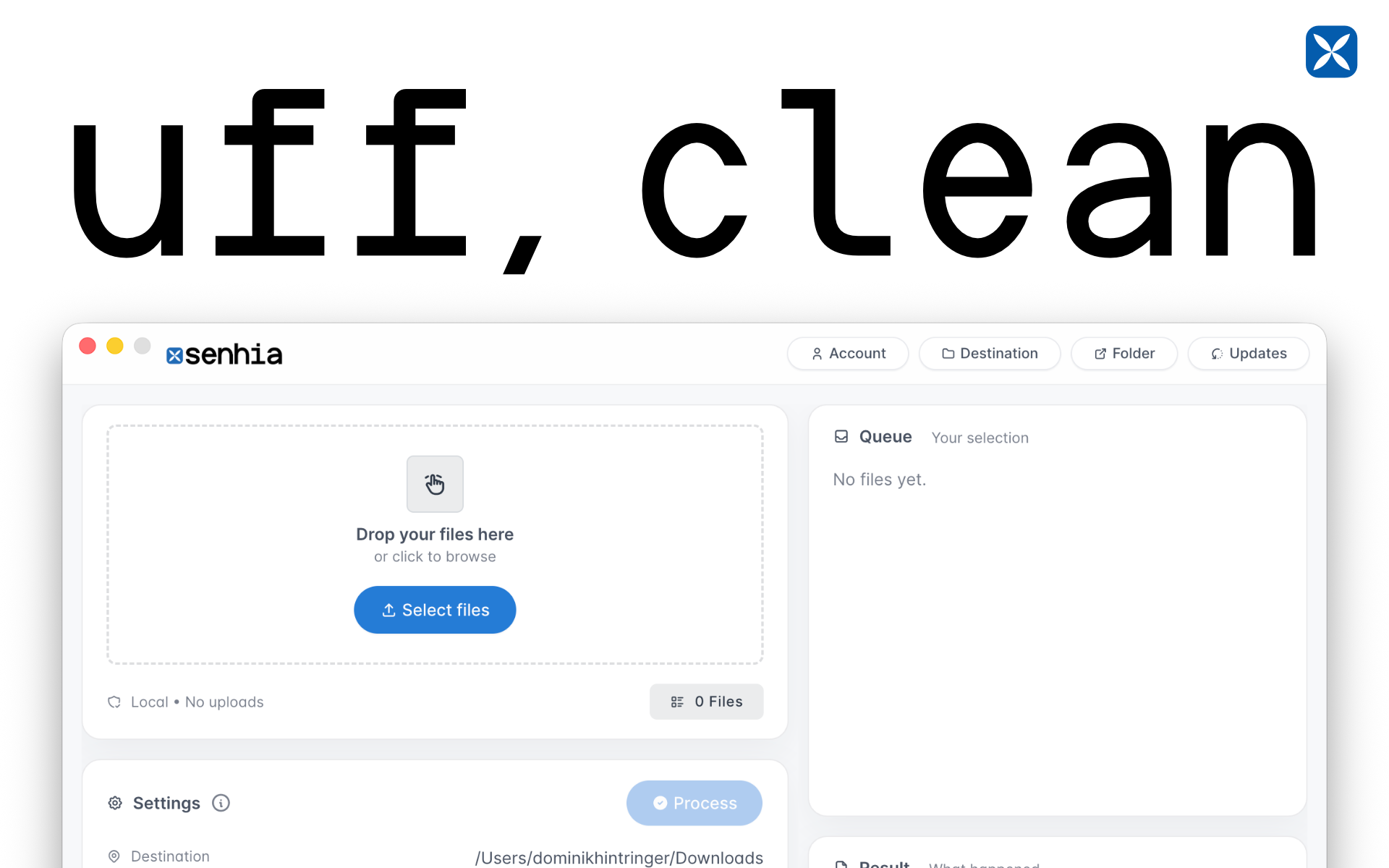
senhia turns file renaming from “ugh” into “done.”
Rename files in bulk, save smart presets, and keep your folders looking like you actually have your life together. Add optional prefixes (like dates or project codes), preview everything before you apply it, and reuse your favorite naming recipes anytime.
Great for creators, developers, and anyone drowning in final_final_v3_REAL.png

Features
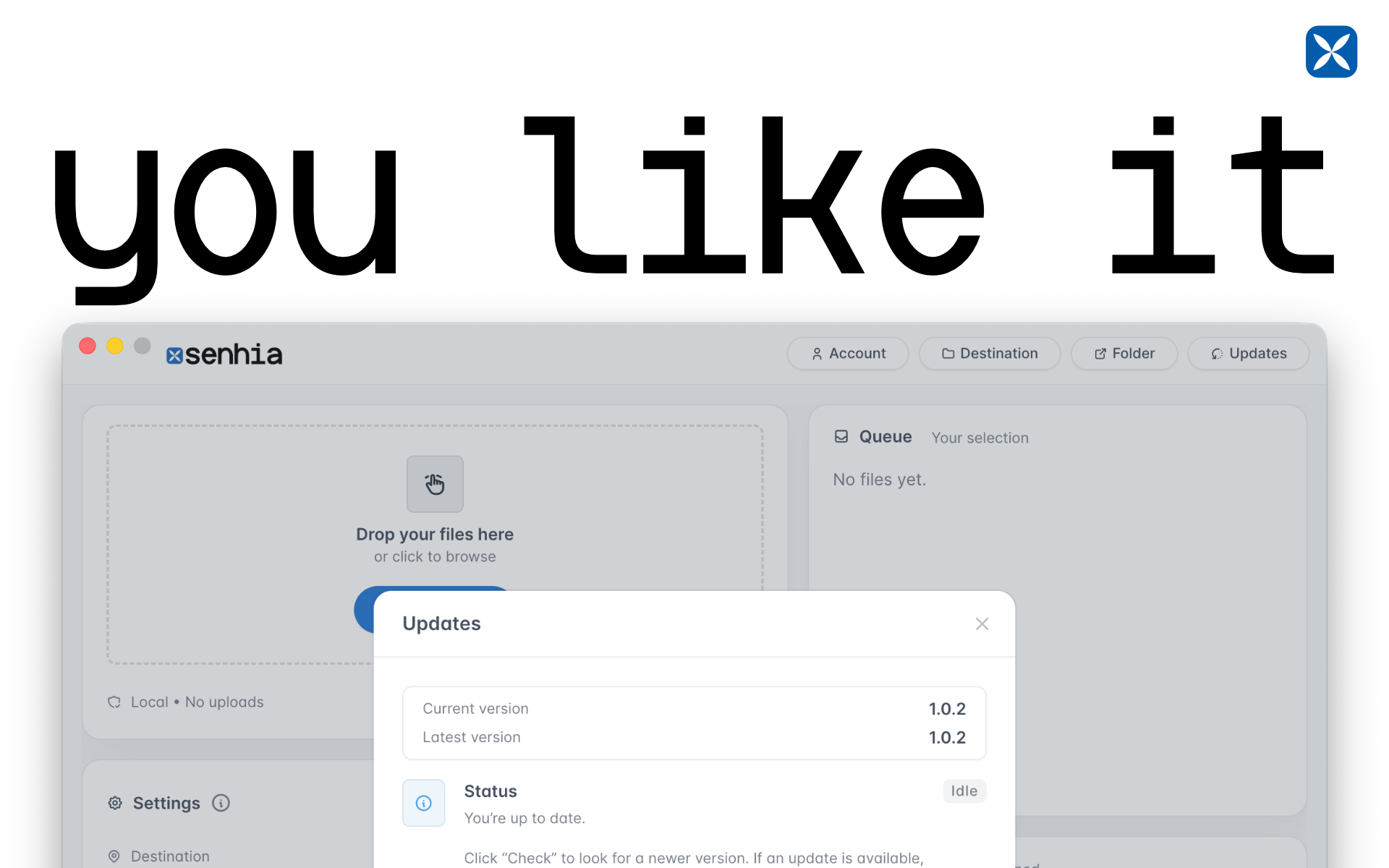
- Automatic updates
- Simple overview
- Prefix
- Add date
- Keep original name
- Move/Copy
- Clean up file names
- Create subfolder

Comments


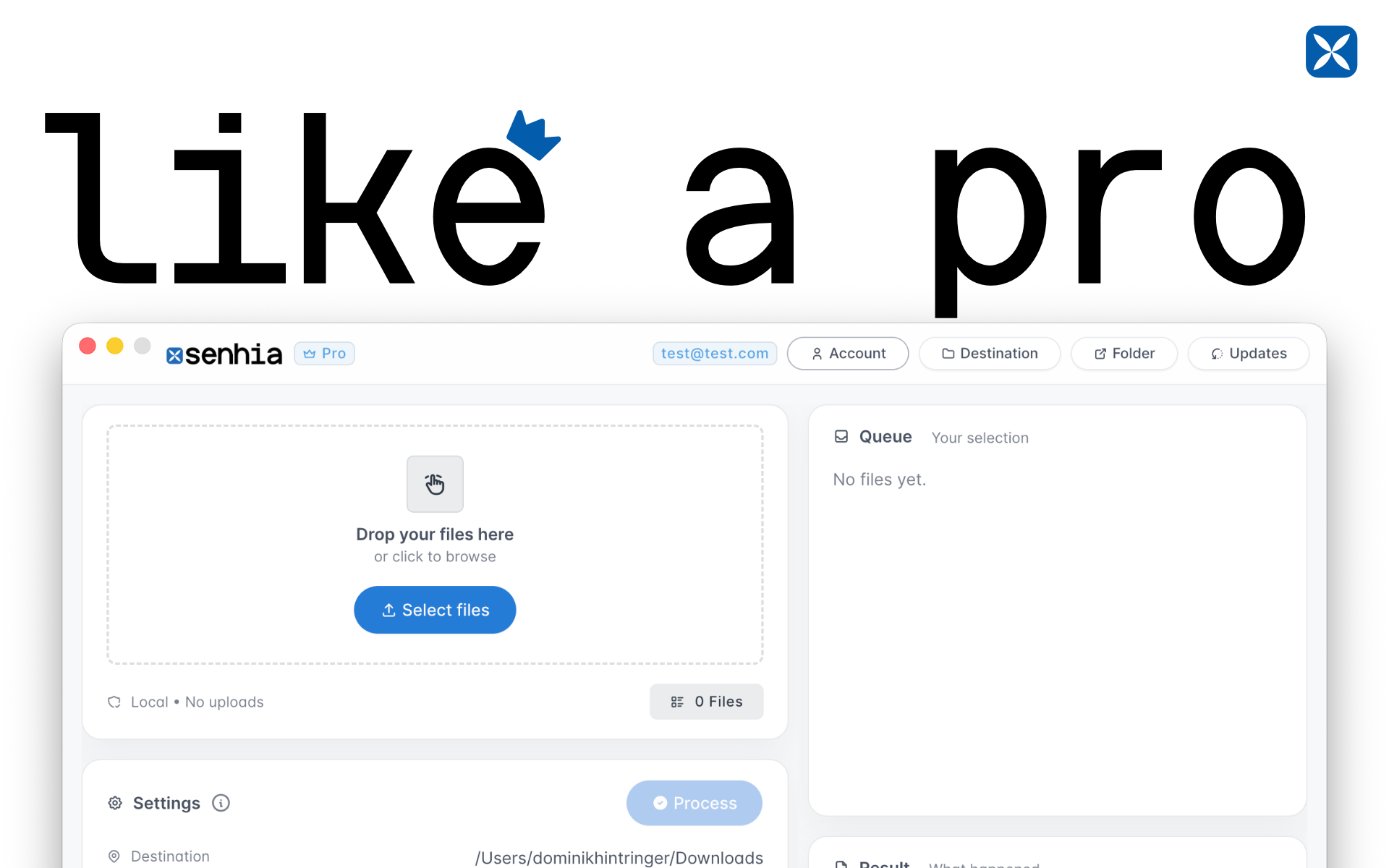
Hey 👋 I’m Dominik, the maker of senhia. I built senhia because I kept drowning in files named things like final_final_v3_REAL.png — and I wanted a faster, cleaner way to rename and organize everything without overthinking it. With senhia you can: - bulk rename files in seconds - add optional prefixes (dates, project codes, etc.) - keep original filenames (Pro) - add the date to filenames (Pro) - copy files into your folder - move files into your folder (Pro) If you try it, I’d love to hear: What’s the most painful renaming workflow you deal with? What feature would make this a daily tool for you? I’m here all day — happy to answer anything and ship improvements fast. — Dominik


MiniMax H3 AI is an all‑round AI video tool. It makes full short videos, including pictures, people talking and sound effects. You may use its outputs without paying extra fees. It runs in your web browser. https://minimaxh3ai.studio/
Hailuo 03 is an AI video tool for creating movie‑like videos. You can use text or reference pictures and set camera movements exactly how you want. Its outputs have no extra copyright costs, and you can start using it in your browser right away. https://hailuo03.studio/
Gemini Music is an all-in-one AI music generator that transforms text or lyrics into studio-quality songs, complete with AI vocals, royalty-free licensing, and optional music video creation—all from your browser. https://geminimusic.studio/
Wan3 AI is a professional AI video tool. It makes high‑quality videos from text descriptions or reference pictures. Videos look real,and camera moves smoothly. You can use the videos for business. No extra programs are needed, and it works right in your web browser. https://wan3ai.studio/
Seedance‑25 is an AI video tool for making stories. It turns simple text ideas into short story videos with several different scenes. Characters look the same from shot to shot, and sound matches the video. You can use it directly in your browser. https://seedance-25.studio/
Premium Products







































Sponsors
Buy

Makers
Makers
Comments
Hey 👋 I’m Dominik, the maker of senhia. I built senhia because I kept drowning in files named things like final_final_v3_REAL.png — and I wanted a faster, cleaner way to rename and organize everything without overthinking it. With senhia you can: - bulk rename files in seconds - add optional prefixes (dates, project codes, etc.) - keep original filenames (Pro) - add the date to filenames (Pro) - copy files into your folder - move files into your folder (Pro) If you try it, I’d love to hear: What’s the most painful renaming workflow you deal with? What feature would make this a daily tool for you? I’m here all day — happy to answer anything and ship improvements fast. — Dominik
MiniMax H3 AI is an all‑round AI video tool. It makes full short videos, including pictures, people talking and sound effects. You may use its outputs without paying extra fees. It runs in your web browser. https://minimaxh3ai.studio/
Hailuo 03 is an AI video tool for creating movie‑like videos. You can use text or reference pictures and set camera movements exactly how you want. Its outputs have no extra copyright costs, and you can start using it in your browser right away. https://hailuo03.studio/
Gemini Music is an all-in-one AI music generator that transforms text or lyrics into studio-quality songs, complete with AI vocals, royalty-free licensing, and optional music video creation—all from your browser. https://geminimusic.studio/
Wan3 AI is a professional AI video tool. It makes high‑quality videos from text descriptions or reference pictures. Videos look real,and camera moves smoothly. You can use the videos for business. No extra programs are needed, and it works right in your web browser. https://wan3ai.studio/
Seedance‑25 is an AI video tool for making stories. It turns simple text ideas into short story videos with several different scenes. Characters look the same from shot to shot, and sound matches the video. You can use it directly in your browser. https://seedance-25.studio/
Premium Products
New to Fazier?

Find your next favorite product or submit your own. Made by @FalakDigital.
Copyright ©2026. All Rights Reserved