
Secure Folder: Privacy Vault
Secure Folder: Privacy Vault
Hide photos and videos on your iPhone. Nothing is uploaded.
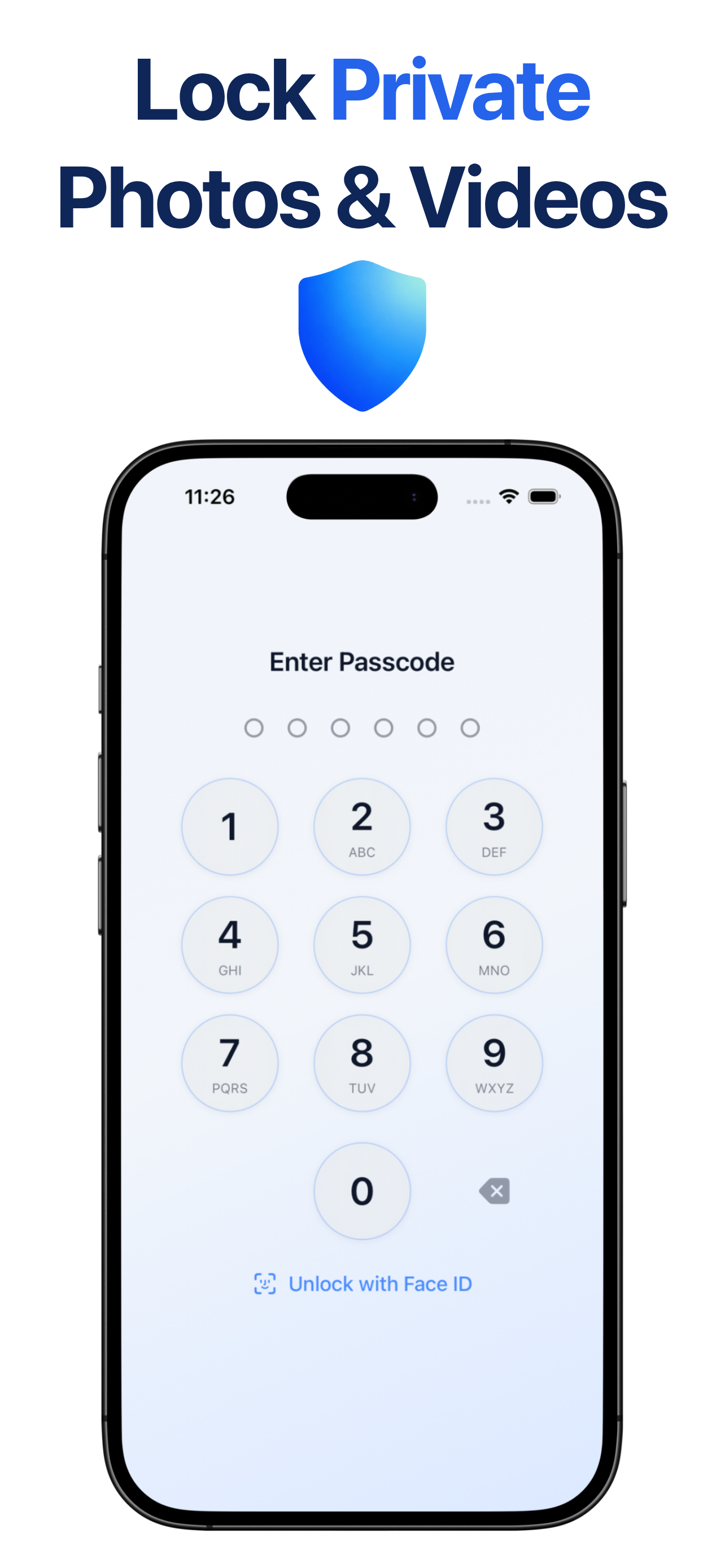
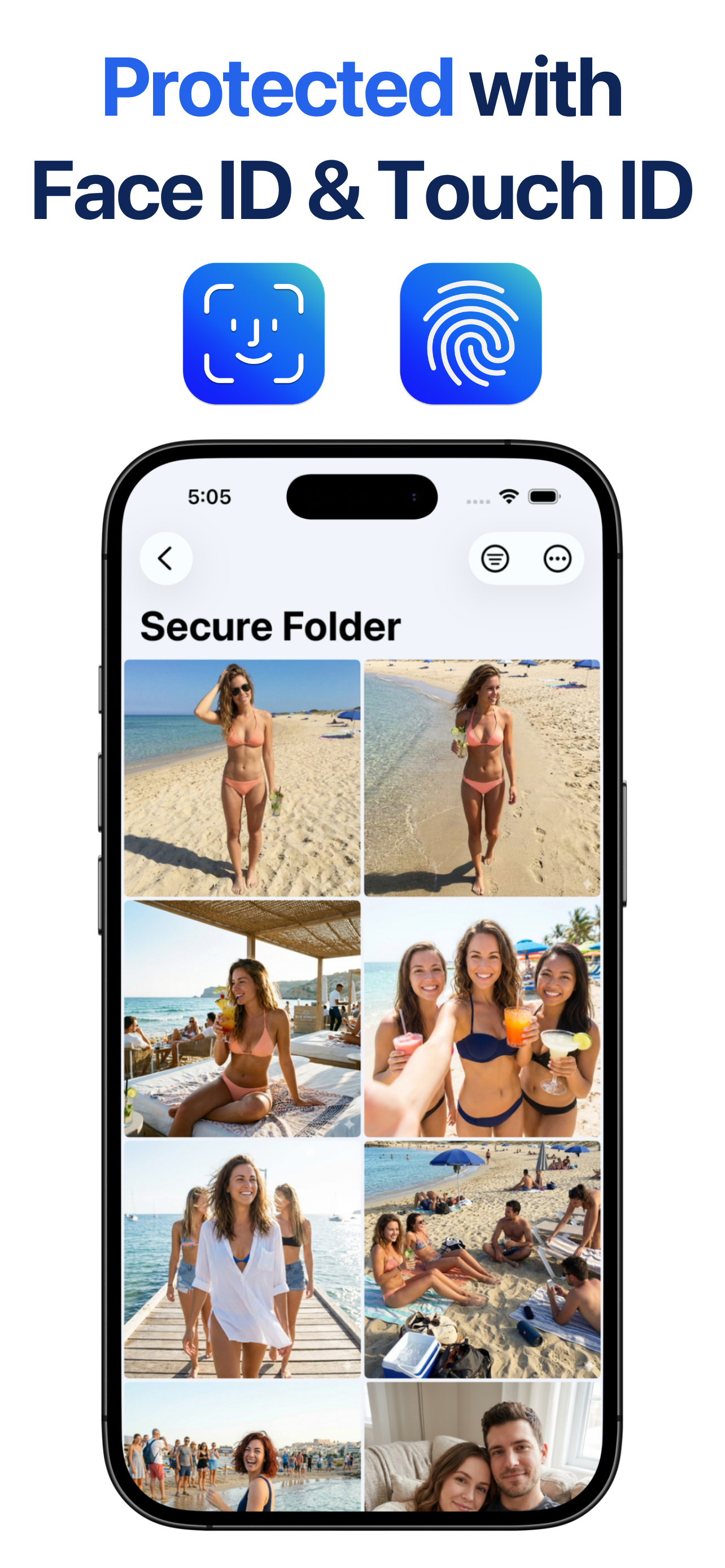
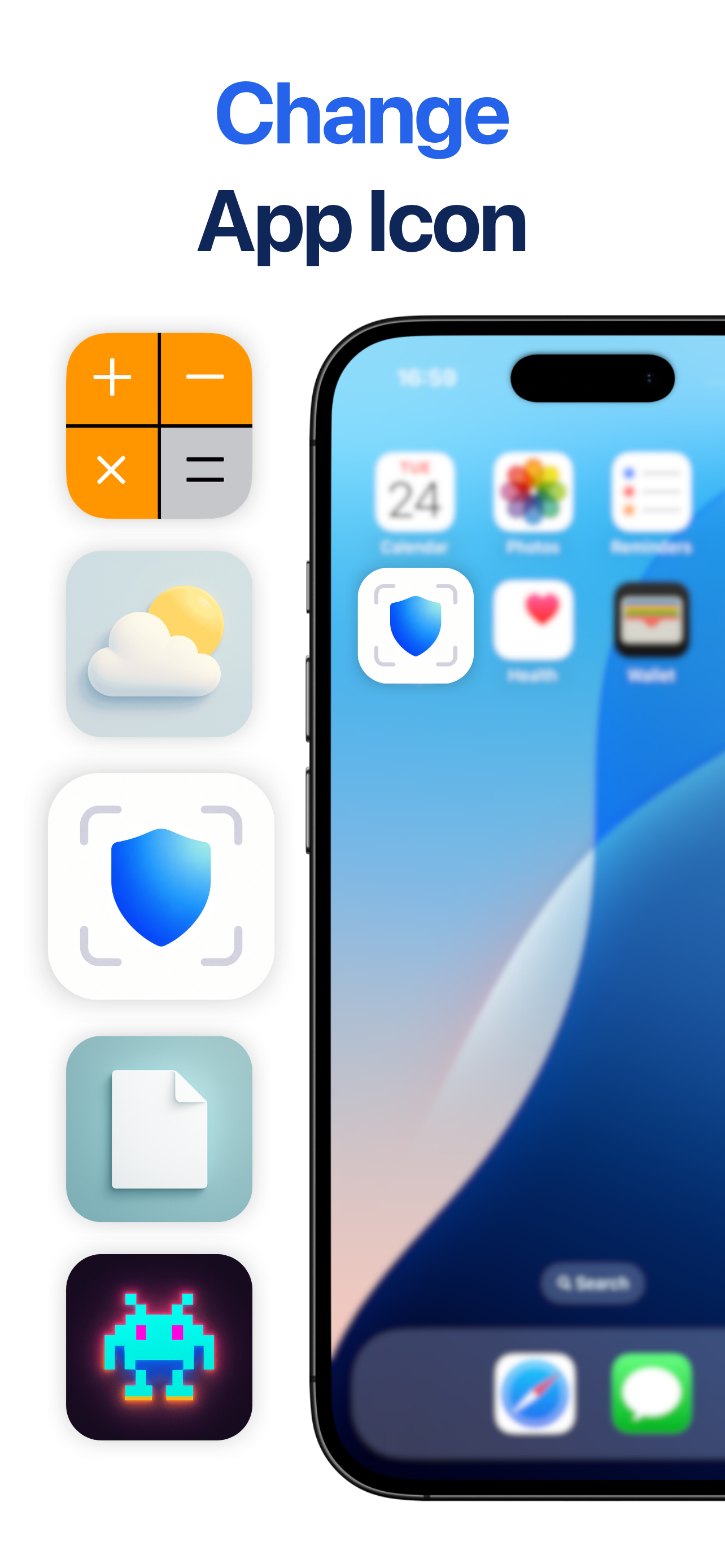
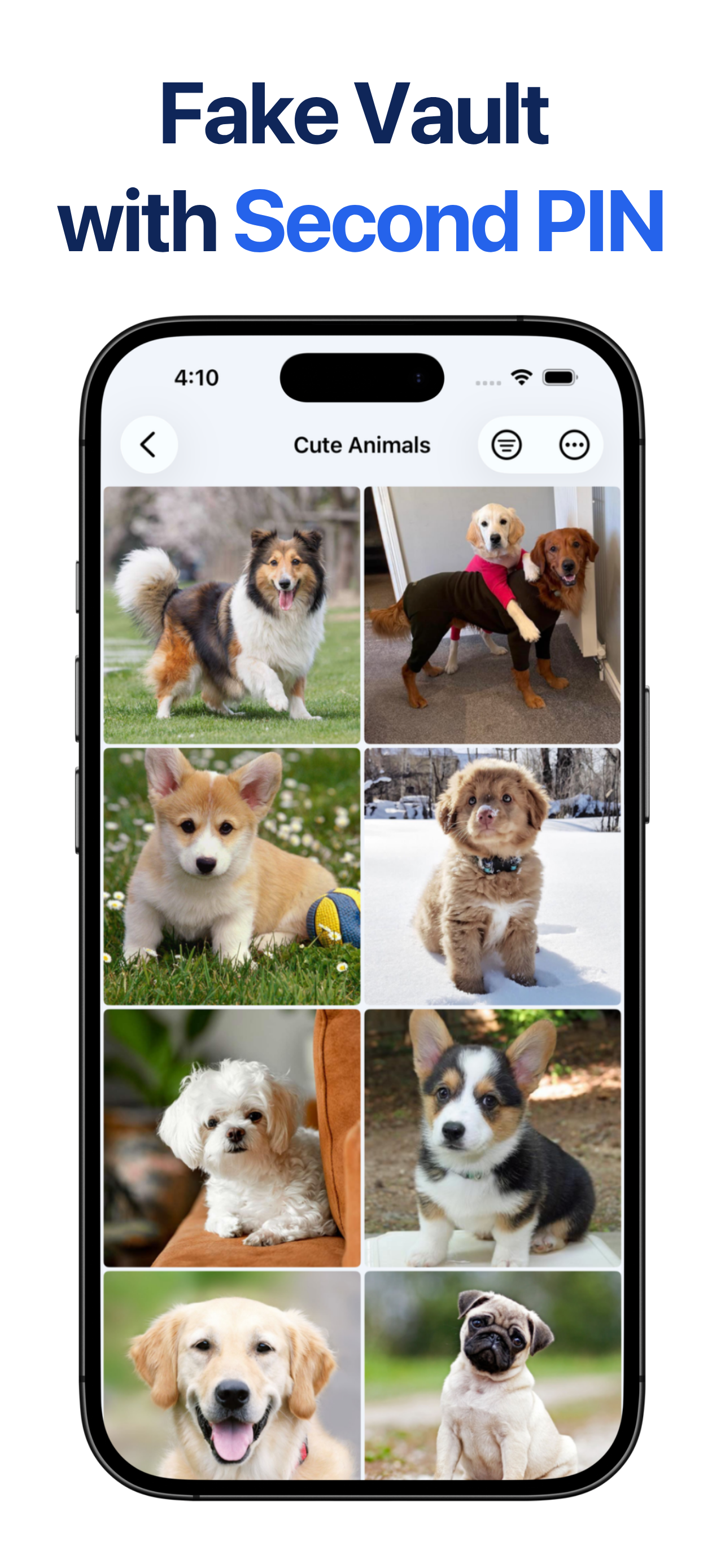
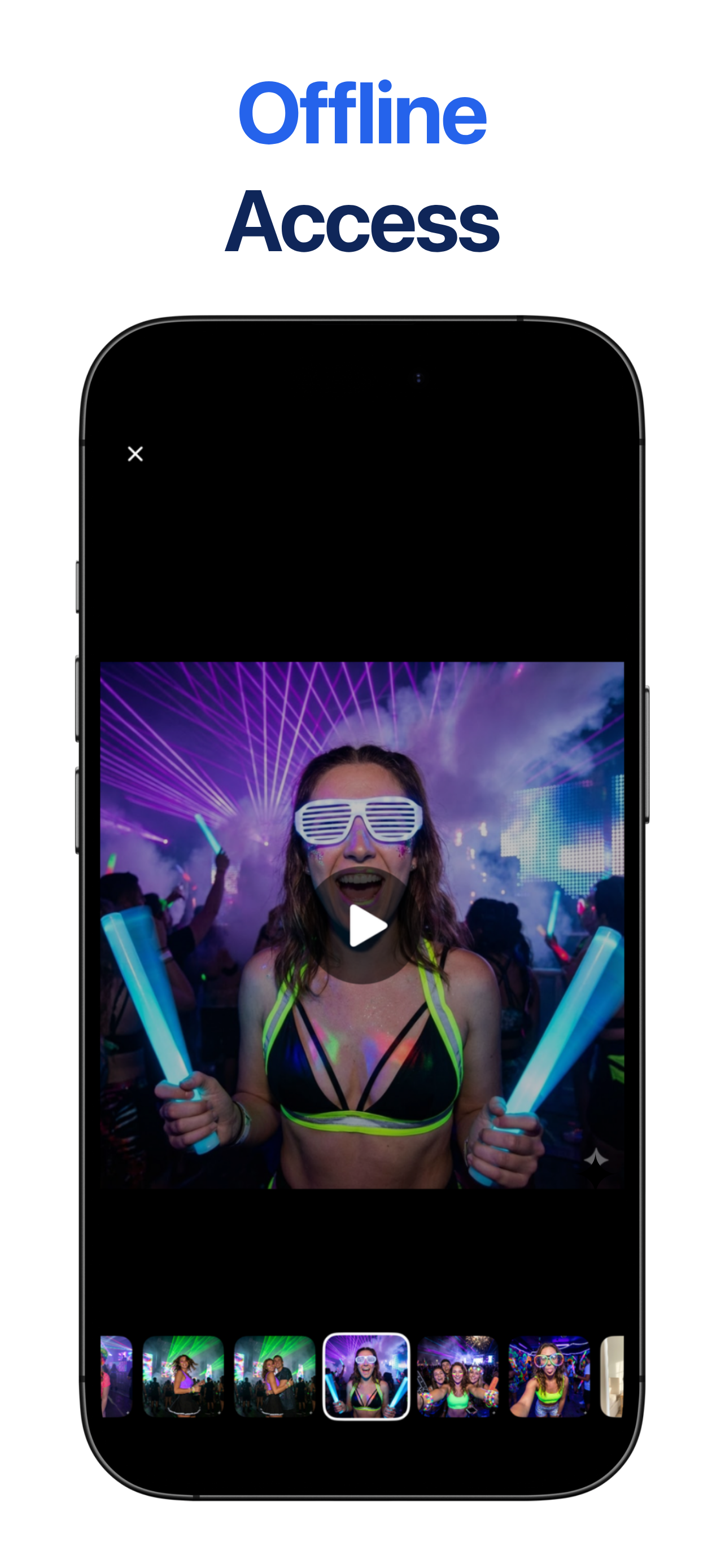
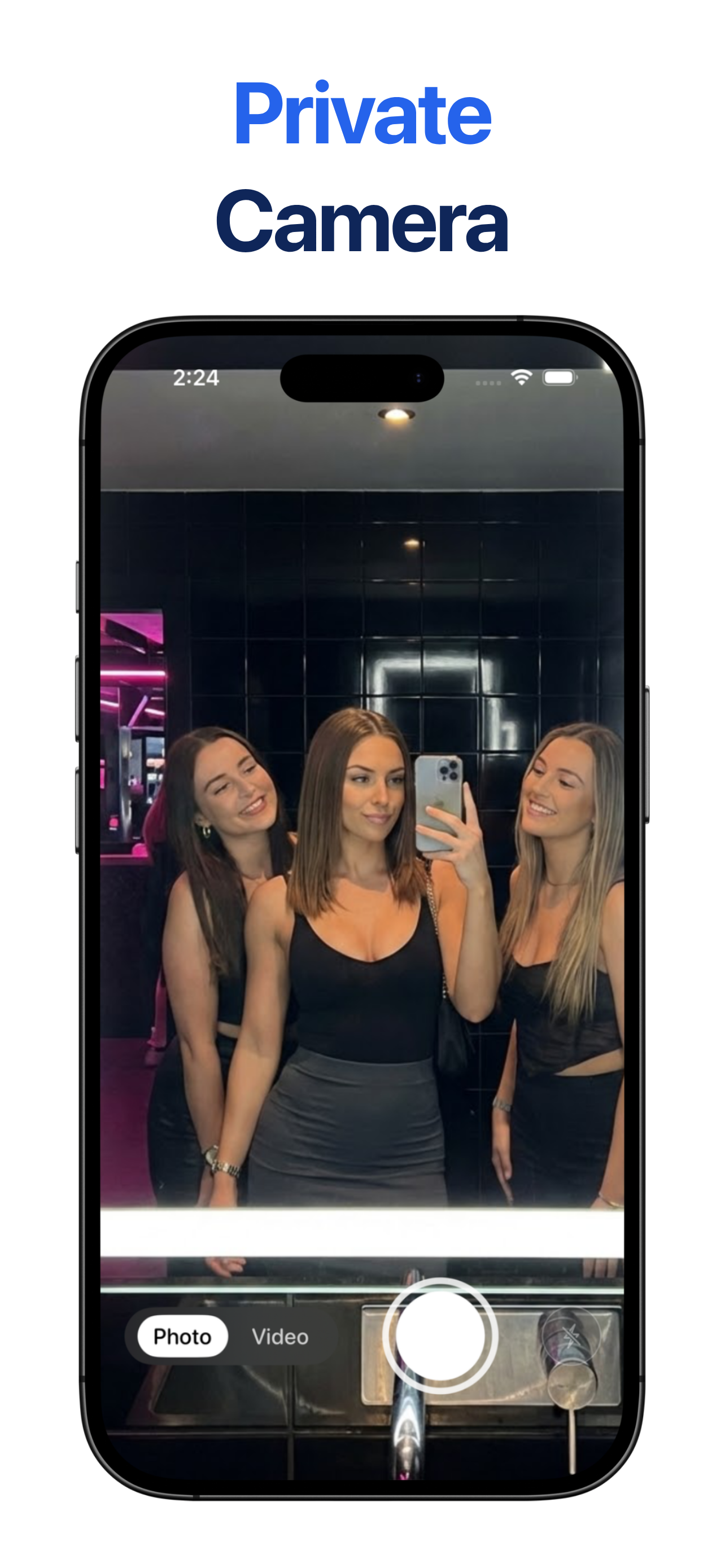
Secure Folder: Privacy Vault is an iPhone app for private photos and videos. They are stored on the phone, and nothing is uploaded. You open the vault with a PIN or Face ID. A second PIN opens a decoy vault. The icon can be changed so the app looks like another app, and a wrong PIN can save a local photo with a timestamp.
Features
- Photos and videos stay on the iPhone.
- A PIN or Face ID opens the vault.
- A second PIN opens a decoy vault.
- The home screen icon can look like another app.
- A wrong PIN can save a local photo and a timestamp.
Use Cases
- Keep private photos out of the main photo library.
- Open a harmless vault when someone asks to see the app.
- Keep a local record of a wrong PIN.

Comments


Premium Products


























































Find your next favorite product or submit your own. Made by @FalakDigital.
Copyright ©2026. All Rights Reserved