
Shadcn Studio
Build Futuristic UIs with Awesome Shadcn Blocks, Components
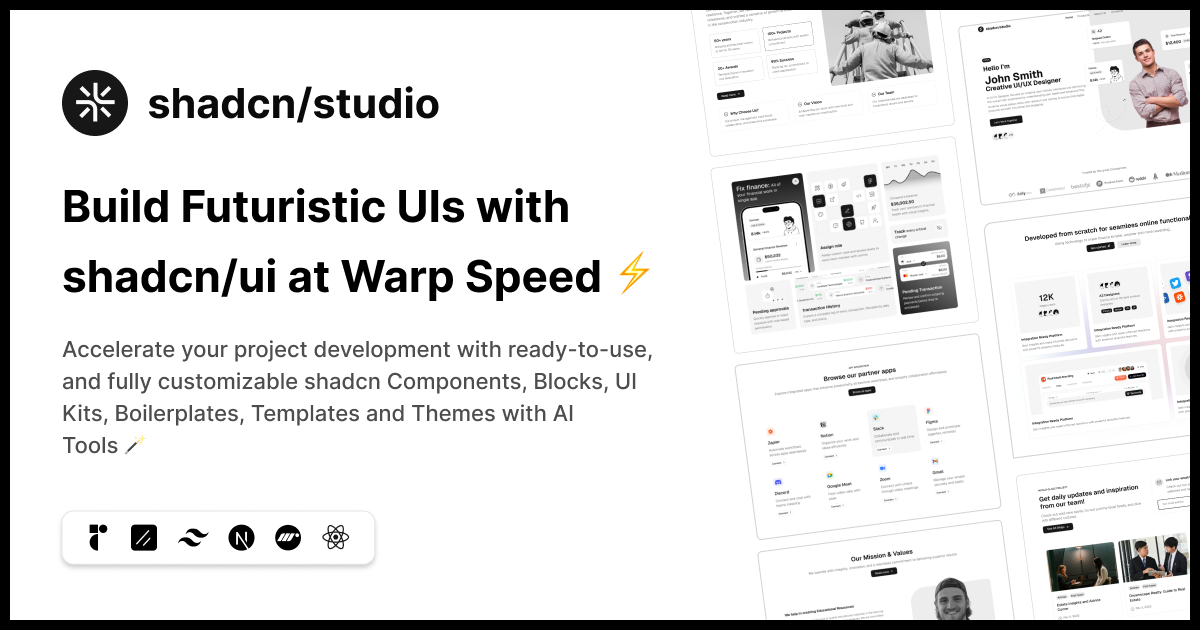
Shadcn Studio gives React and Next.js developers everything they need to build production UIs without reinventing the wheel. It combines copy-paste Shadcn blocks, extended shadcn/ui components, multi-page templates, a matching Shadcn Figma kit, and AI-powered tools (MCP server, theme generator, Figma-to-code) into one ecosystem — with full code ownership, no vendor lock-in, and support for both Radix UI and Base UI primitives.
Features
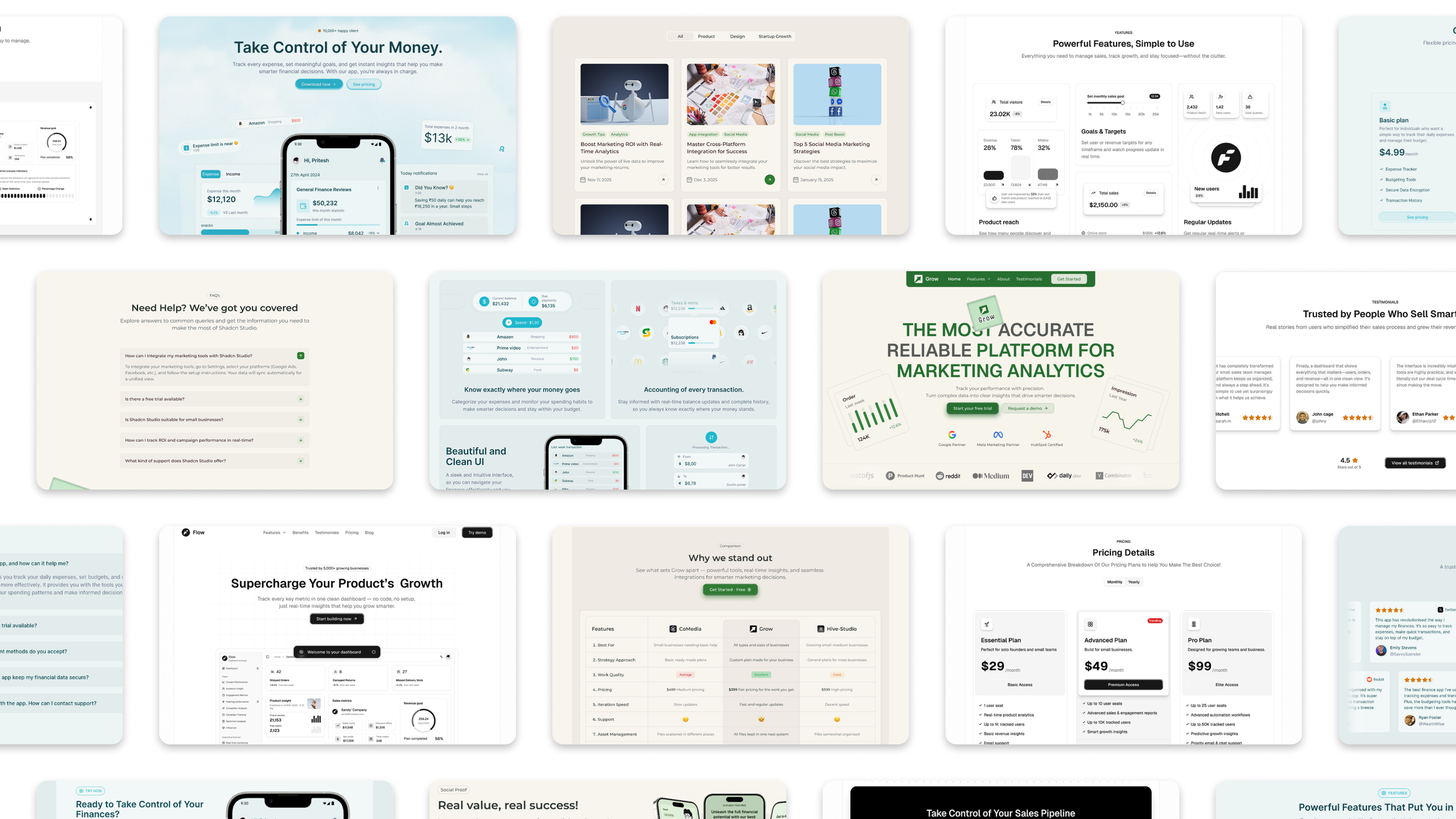
- 800+ Pro & Free Shadcn UI Blocks — marketing, dashboard, e-commerce, data table, and bento grid blocks, ready to copy-paste or install via CLI
- 1000+ Component Variants — extended shadcn/ui components with extra states, variants, and motion beyond the official docs
- 20+ Premium Templates — landing pages, dashboard/application templates, and full frontend templates
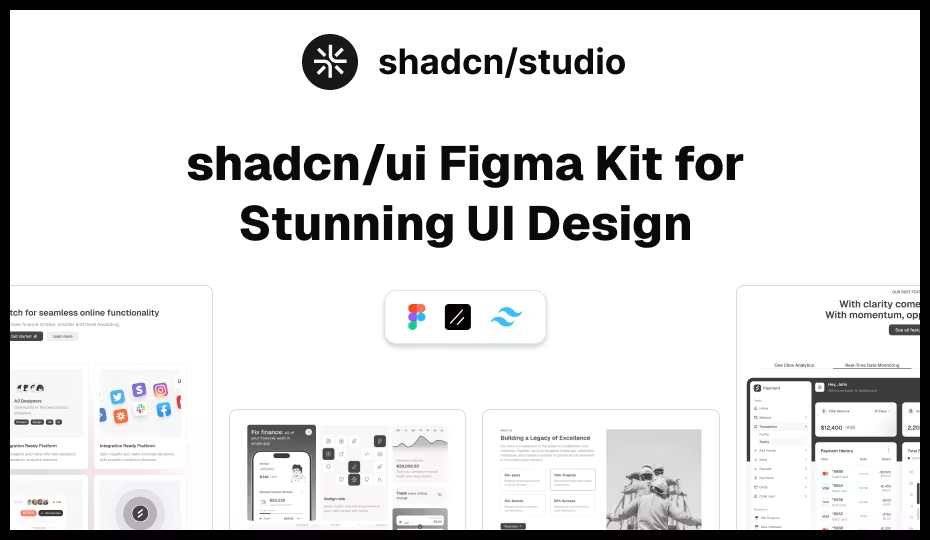
- Shadcn UI Kit for Figma — 1000+ component variants and 800+ blocks matched 1:1 with the code library
- MCP Server — connects AI coding agents (Cursor, Claude Code, Windsurf, Cline, VS Code) directly to the block/component registry for natural-language installs
- Figma to Code — Figma plugin that converts designs into shadcn/ui code
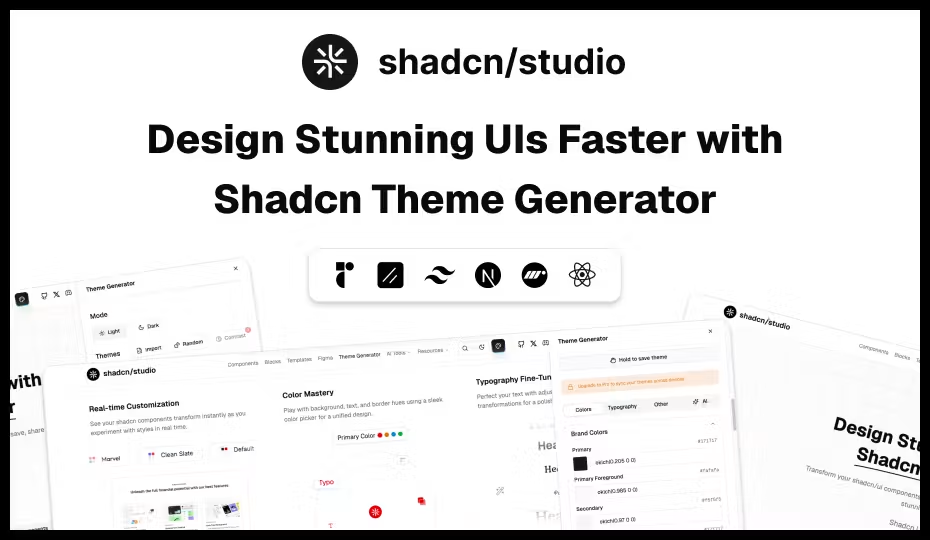
- AI-Powered Theme Builder — generate and preview a full shadcn theme with AI, live
- Drag & Drop Builder — build landing pages visually by searching and dragging blocks, then export production-ready code or CLI commands
- Copy Prompt & Open in v0 — send components/blocks straight into v0, Bolt, or Lovable
- Framework agnostic — works with Next.js, Remix, Astro, Laravel, Vite, Gatsby
- Full code ownership — no hidden dependencies; install via shadcn CLI or copy-paste
- Radix UI + Base UI support — not locked to one primitives library
- Human-crafted, not AI-generated — every block/component/template built and reviewed by senior design engineers
Use Cases
- Ship a SaaS dashboard fast — drop in pre-built dashboard shells, charts, widgets, and stats blocks instead of building from scratch
- Launch a marketing site or landing page — hero, pricing, testimonials, CTA, and footer blocks, or build one visually with the drag-and-drop builder
- Build an e-commerce storefront — product listing, quick view, cart, checkout, and reviews blocks
- Design-to-dev handoff — designers prototype in the Figma kit, developers pull matching code via the Figma plugin, no re-building from scratch
- AI-assisted / vibe coding workflows — use the MCP server so Cursor, Claude Code, or Windsurf can install the right block just by being asked
- Agencies & freelancers shipping client UIs — reusable component library and templates cut project delivery time significantly
- Theming a shadcn/ui project — visually customize colors, radius, and fonts, then export CSS variables (or feed them into Figma Make)

Comments




The MCP server integration is a game changer for AI-assisted dev workflows. Being able to ask Claude or Cursor to install the right block by name, then getting full code ownership with no vendor lock-in, solves a huge friction point. Most component libs trap you in either the ecosystem or SaaS, but this flips that.
Premium Products























































Sponsors
Buy

Makers

Makers
Comments
The MCP server integration is a game changer for AI-assisted dev workflows. Being able to ask Claude or Cursor to install the right block by name, then getting full code ownership with no vendor lock-in, solves a huge friction point. Most component libs trap you in either the ecosystem or SaaS, but this flips that.
Premium Products
New to Fazier?

Find your next favorite product or submit your own. Made by @FalakDigital.
Copyright ©2026. All Rights Reserved