ResizeHub.in
Resize, compress, crop & convert images instantly
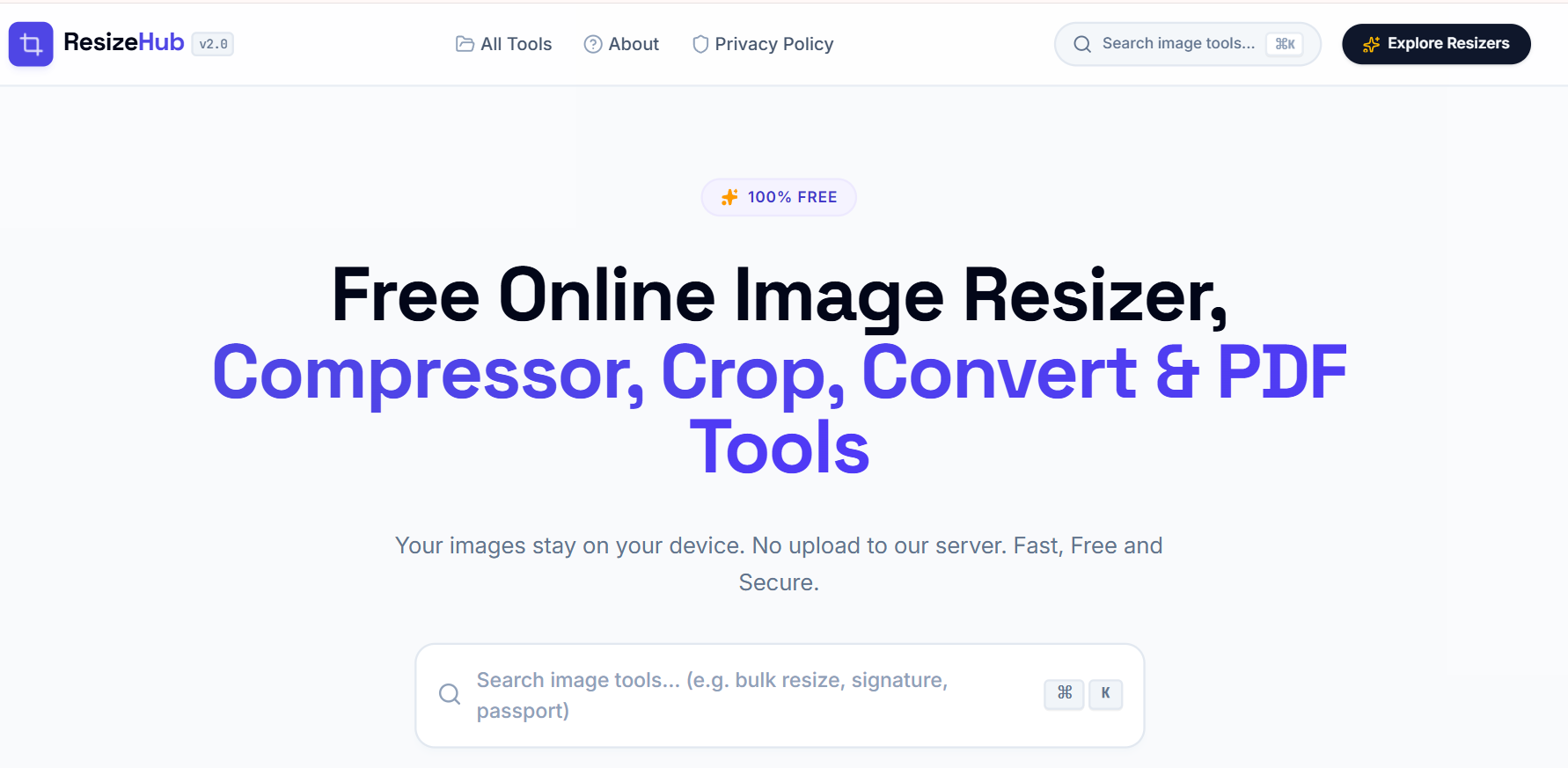
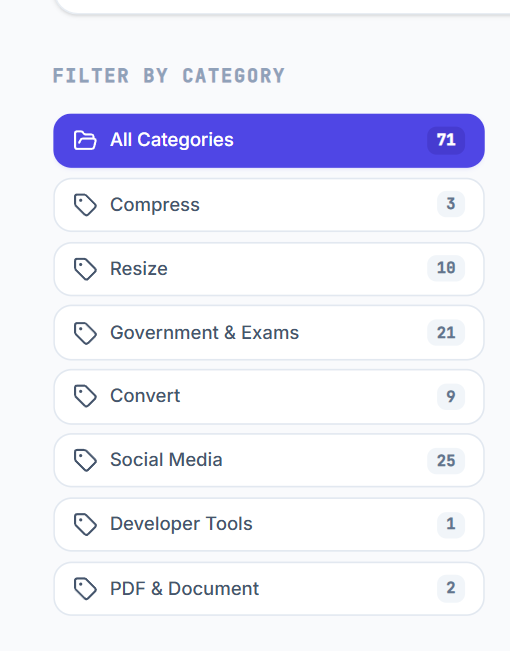
ResizeHub.in is a free browser-based workspace with 71+ powerful image and PDF tools. Resize, compress, crop, convert, optimize, and prepare files instantly—without installing software or creating an account.
Every file is processed locally in your browser, ensuring complete privacy and fast performance. Whether you're optimizing images for websites, creating social media content, preparing professional documents, or meeting passport and application photo requirements, ResizeHub gives you everything you need in one modern workspace.
From everyday image editing to advanced document workflows, ResizeHub helps students, professionals, creators, businesses, and developers save time with fast, reliable, privacy-first tools that work on any device.
Features
- ✅ 71+ browser-based image & PDF tools
- 🖼️ Resize, compress, crop, convert & optimize images
- 📄 PDF compression, conversion & document utilities
- 🪪 Passport photo & signature preparation
- 📱 Social media image templates & resizers
- ⚡ Instant browser-based processing (no uploads)
- 🔒 Privacy-first — files never leave your device
- 🌍 Works on desktop, tablet & mobile
- 💯 No installation or account required
- 🚀 Fast, modern and beginner-friendly interface
Use Cases
- Website & blog image optimization
- Social media content creation
- Passport & application photo preparation
- Resume & document optimization
- PDF compression & conversion
- Everyday image editing in the browser
- Students, freelancers & professionals
- Business & office workflows
- Government application photo preparation
- Anyone looking for an all-in-one image & PDF workspace

Comments


Hi everyone! 👋 I'm Vijay, the creator of ResizeHub.in. I built ResizeHub after noticing that preparing images and documents for websites, social media, job applications, and official forms often meant juggling multiple websites. I wanted a single browser-based workspace where everything could be done quickly, privately, and without uploading files. Today ResizeHub includes 71+ image and PDF tools, with all processing happening locally in your browser for better privacy and speed. I'd really appreciate your feedback on the experience, features you'd like to see next, or any ideas that could make ResizeHub even more useful. Thanks for checking it out!



Client-side processing is the real differentiator here, and it deserves louder billing than "71+ tools". The passport-photo and signature prep cases are exactly where people hesitate to hand a file to a stranger's server, so "never leaves your device" is the line that should lead. One genuine question: does the PDF compression path also run fully in-browser, or does that one fall back to a server? For anyone processing documents with personal data on them, that distinction is the whole decision.

The image tool fragmentation is brutal. Most people need to resize images for websites, compress for emails, convert formats for documents, and prep photos for applications - but end up bookmarking 5-10 different tools across the web, each with different interfaces and quirks. ResizeHub removes that context-switching entirely by consolidating 71+ tools in one workspace. Being able to drag-drop an image and instantly resize, compress, crop, convert, or prep it for passports without switching tabs or installing software transforms the entire workflow. The privacy-first local processing is the cherry on top - you're not uploading files to some random server. For anyone working with images regularly, that consolidation is what makes this stick.

ResizeHub.in has great potential! A few improvements could make it even better. I'd love to share my feedback and suggestions. Email: [email protected]


The all-local processing is the part I would push harder in the pitch. "Files never leave your device" is a stronger reason to pick this over the usual upload-based converters than the tool count is. One practical question on the PDF side: image-heavy or scanned PDFs are where browser-based compression usually hits a memory wall, so is there a rough file-size ceiling before the tab starts struggling? Worth saying on the page, because a 200-page scan is the first thing anyone with a real PDF problem will throw at it.
Premium Products

































Sponsors
Buy

Makers
Makers
Comments
Hi everyone! 👋 I'm Vijay, the creator of ResizeHub.in. I built ResizeHub after noticing that preparing images and documents for websites, social media, job applications, and official forms often meant juggling multiple websites. I wanted a single browser-based workspace where everything could be done quickly, privately, and without uploading files. Today ResizeHub includes 71+ image and PDF tools, with all processing happening locally in your browser for better privacy and speed. I'd really appreciate your feedback on the experience, features you'd like to see next, or any ideas that could make ResizeHub even more useful. Thanks for checking it out!
Client-side processing is the real differentiator here, and it deserves louder billing than "71+ tools". The passport-photo and signature prep cases are exactly where people hesitate to hand a file to a stranger's server, so "never leaves your device" is the line that should lead. One genuine question: does the PDF compression path also run fully in-browser, or does that one fall back to a server? For anyone processing documents with personal data on them, that distinction is the whole decision.
The image tool fragmentation is brutal. Most people need to resize images for websites, compress for emails, convert formats for documents, and prep photos for applications - but end up bookmarking 5-10 different tools across the web, each with different interfaces and quirks. ResizeHub removes that context-switching entirely by consolidating 71+ tools in one workspace. Being able to drag-drop an image and instantly resize, compress, crop, convert, or prep it for passports without switching tabs or installing software transforms the entire workflow. The privacy-first local processing is the cherry on top - you're not uploading files to some random server. For anyone working with images regularly, that consolidation is what makes this stick.
ResizeHub.in has great potential! A few improvements could make it even better. I'd love to share my feedback and suggestions. Email: [email protected]
The all-local processing is the part I would push harder in the pitch. "Files never leave your device" is a stronger reason to pick this over the usual upload-based converters than the tool count is. One practical question on the PDF side: image-heavy or scanned PDFs are where browser-based compression usually hits a memory wall, so is there a rough file-size ceiling before the tab starts struggling? Worth saying on the page, because a 200-page scan is the first thing anyone with a real PDF problem will throw at it.
Premium Products
New to Fazier?

Find your next favorite product or submit your own. Made by @FalakDigital.
Copyright ©2025. All Rights Reserved