
PhotextAI
Edit text in any image online
Edit and replace text in images or screenshots online for free. No Photoshop, account, or original design file required.

Features
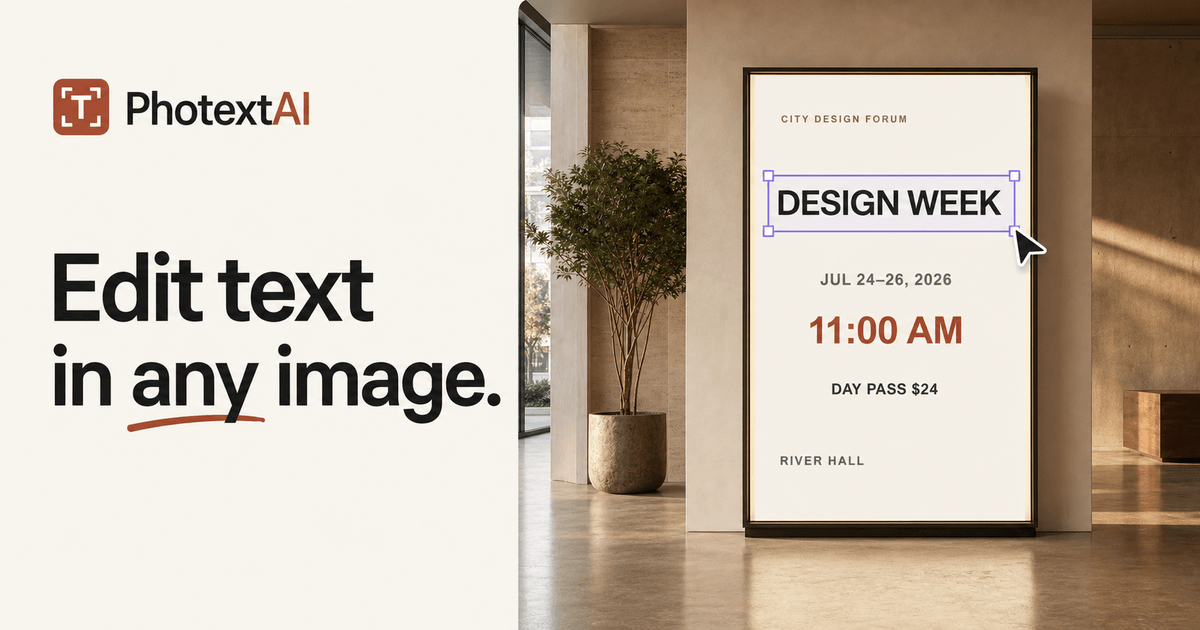
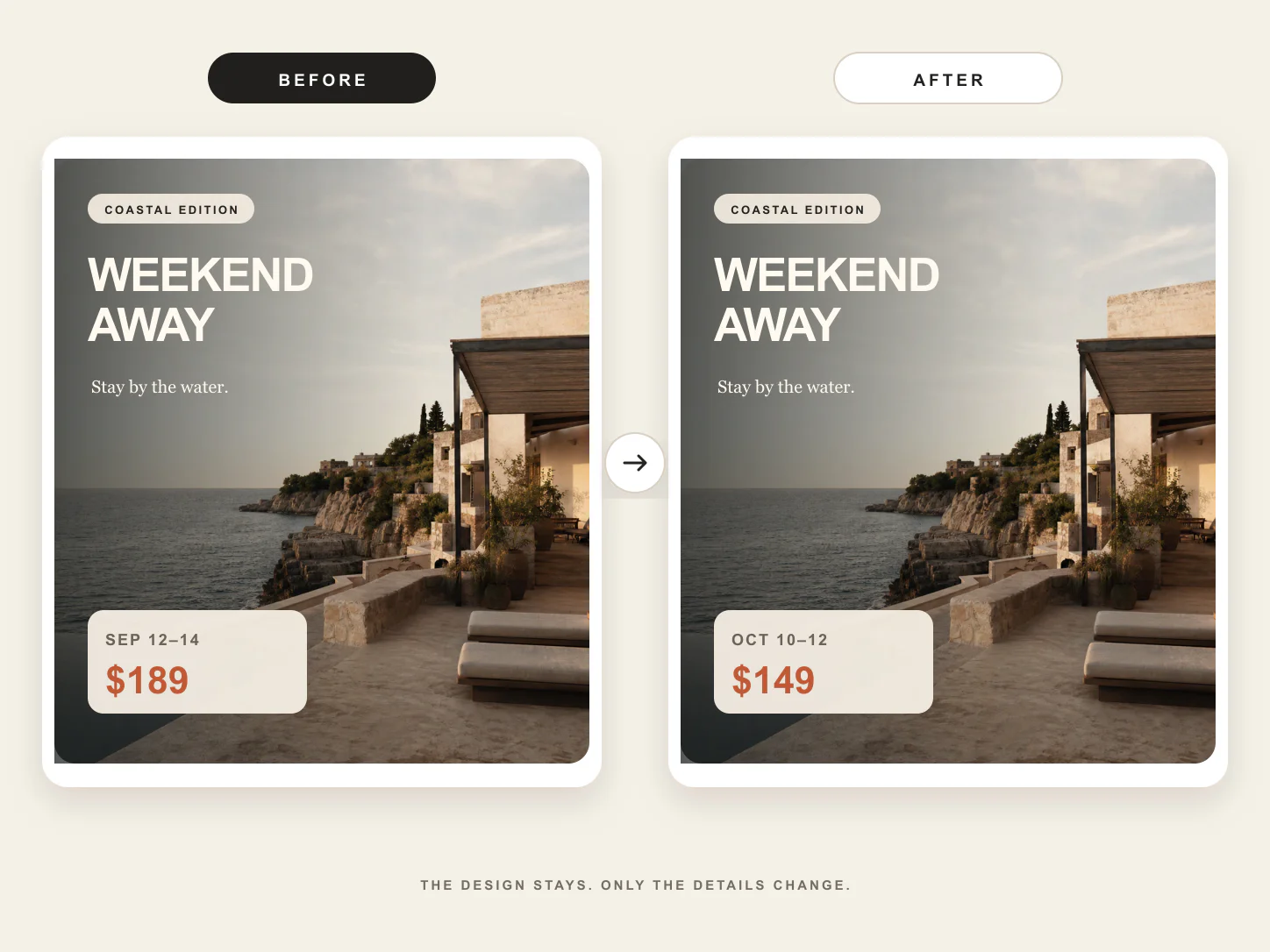
PhotextAI detects text in images and lets you replace, restyle, reposition, and export it directly in your browser.
Use Cases
PhotextAI detects text inside finished images and turns it into editable regions. Users can replace the wording, adjust its appearance and position, compare the result with the original, and download the edited image at its source dimensions.

Comments




The text editing friction here is genuinely compelling. Most people need to quickly edit text in finished images - mockups, presentations, social media graphics - but the traditional path means launching Photoshop, hunting for the right file, learning layer tools, all to make a simple text change. PhotextAI removes that friction entirely by letting anyone edit image text in the browser without any design skills. Being able to upload any finished image and make text changes instantly, then export at the original dimensions without bloating the file, transforms what was a 5-minute Photoshop task into a 30-second browser operation. For content creators and marketers especially, that speed reclaims focus on what actually matters instead of tool switching.

PhotextAI has great potential and offers some useful features, but I encountered a few issues that could be improved. Please contact me so I can share detailed feedback and suggest the changes I'd like to see. Email: [email protected]


The no-account, browser-only approach is what stands out to me. Most quick text edits on screenshots or mockups fail on font matching, so I'd love to know how well it detects and matches the original typeface and kerning. If it handles multi-line text on textured backgrounds cleanly, this replaces a whole hotoshop round-trip for marketing teams.



Premium Products




















































Sponsors
Buy

Awards
View all
Awards
View all
Comments
The text editing friction here is genuinely compelling. Most people need to quickly edit text in finished images - mockups, presentations, social media graphics - but the traditional path means launching Photoshop, hunting for the right file, learning layer tools, all to make a simple text change. PhotextAI removes that friction entirely by letting anyone edit image text in the browser without any design skills. Being able to upload any finished image and make text changes instantly, then export at the original dimensions without bloating the file, transforms what was a 5-minute Photoshop task into a 30-second browser operation. For content creators and marketers especially, that speed reclaims focus on what actually matters instead of tool switching.
PhotextAI has great potential and offers some useful features, but I encountered a few issues that could be improved. Please contact me so I can share detailed feedback and suggest the changes I'd like to see. Email: [email protected]
The no-account, browser-only approach is what stands out to me. Most quick text edits on screenshots or mockups fail on font matching, so I'd love to know how well it detects and matches the original typeface and kerning. If it handles multi-line text on textured backgrounds cleanly, this replaces a whole hotoshop round-trip for marketing teams.
Premium Products
New to Fazier?

Find your next favorite product or submit your own. Made by @FalakDigital.
Copyright ©2026. All Rights Reserved