
PDF & Image Tools
Free PDF & image tools that run 100% in your browser
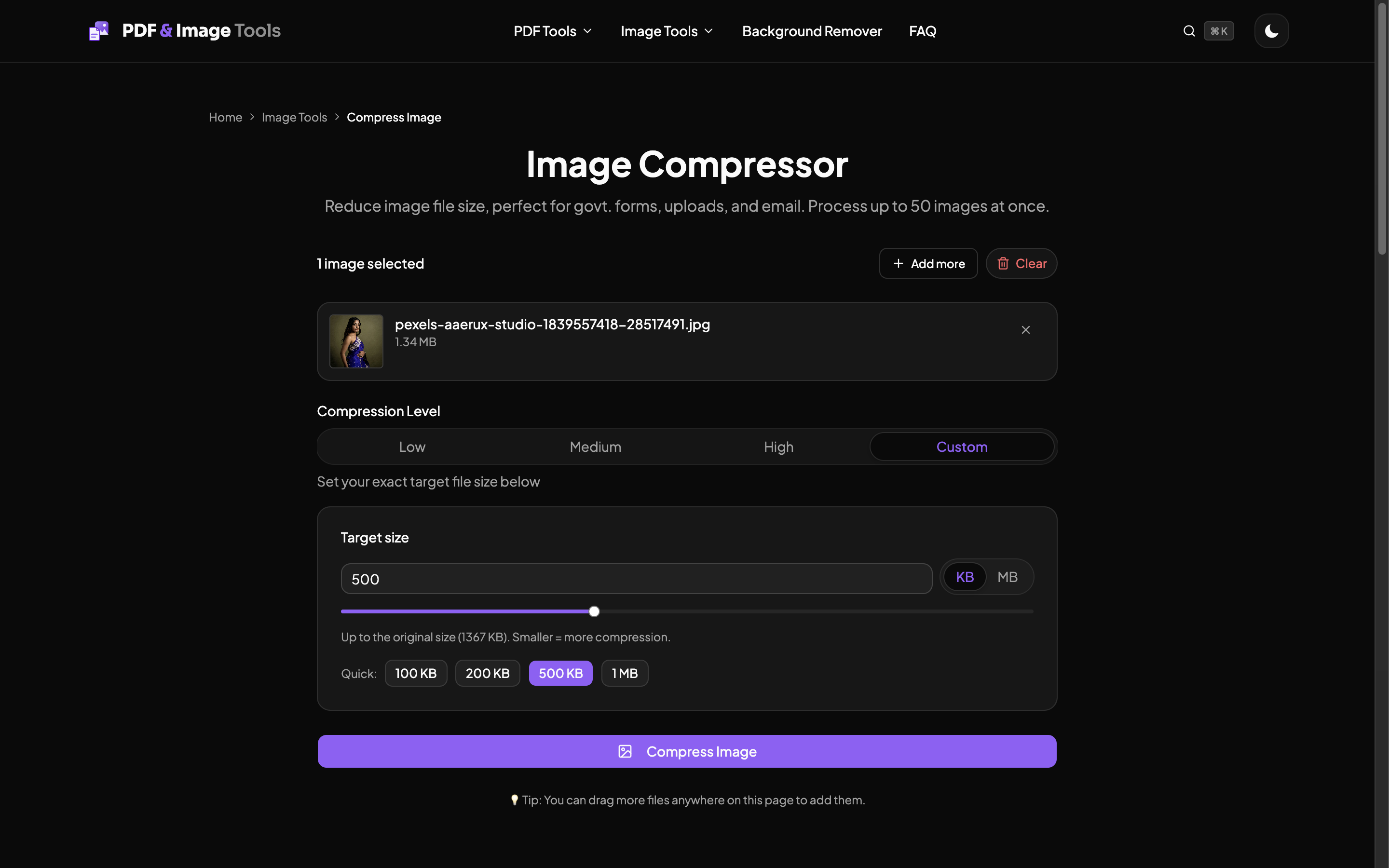
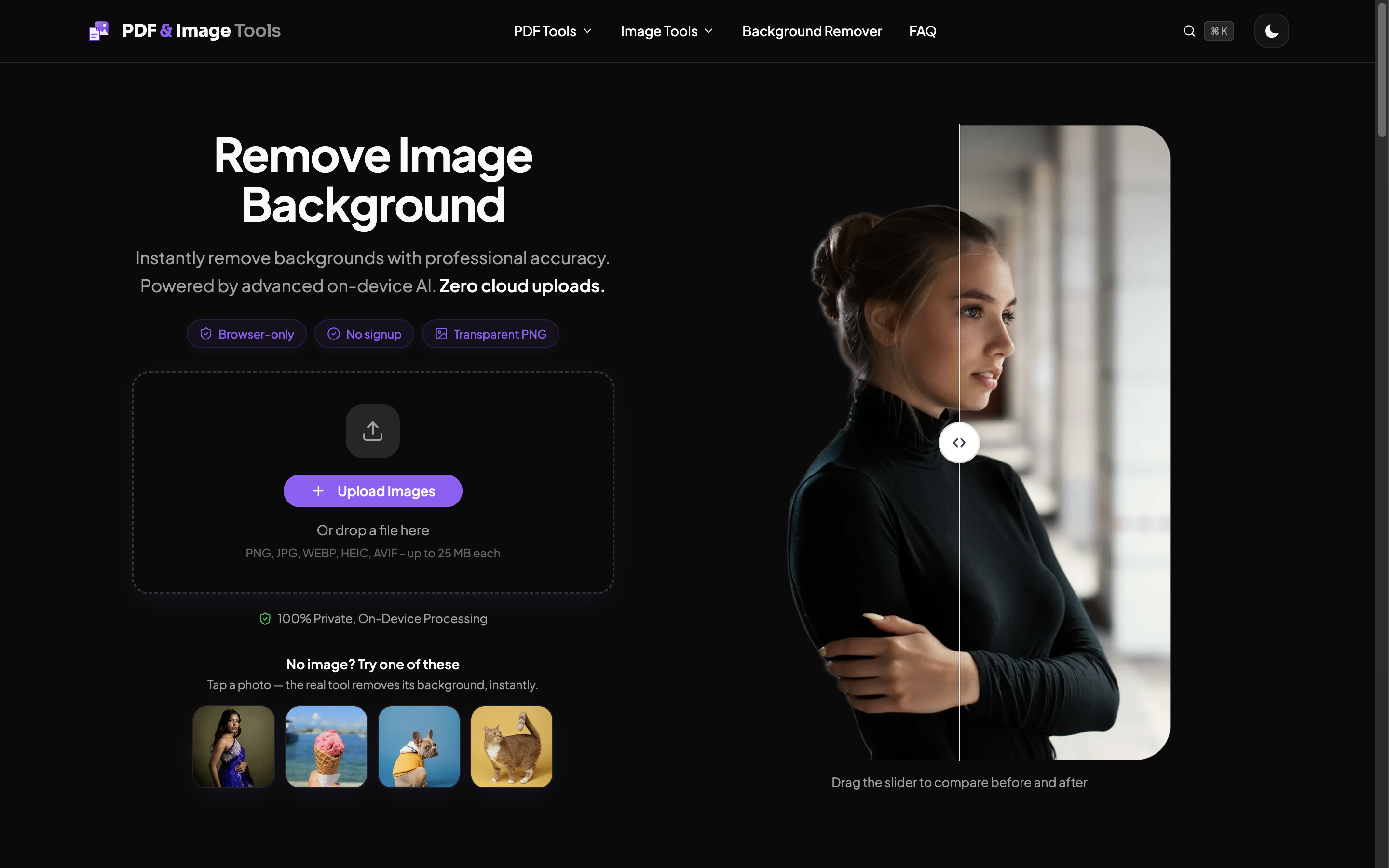
PDF & Image Tools is a free, privacy-first suite of PDF and image tools that run 100% in your browser. Compress, convert, merge, split, and edit PDFs; resize, convert, and compress images; and remove image backgrounds with AI. Everything runs locally on your device, so your files are never uploaded to a server. No signup, no watermarks, no daily limits.
Features
- 100% in your browser - files are processed on your device and never uploaded to a server
- PDF tools: compress, convert, merge, split, rotate, and edit (add text, sign, watermark, page numbers, redact)
- Image tools: compress, resize, convert (20+ formats), crop, rotate, and watermark
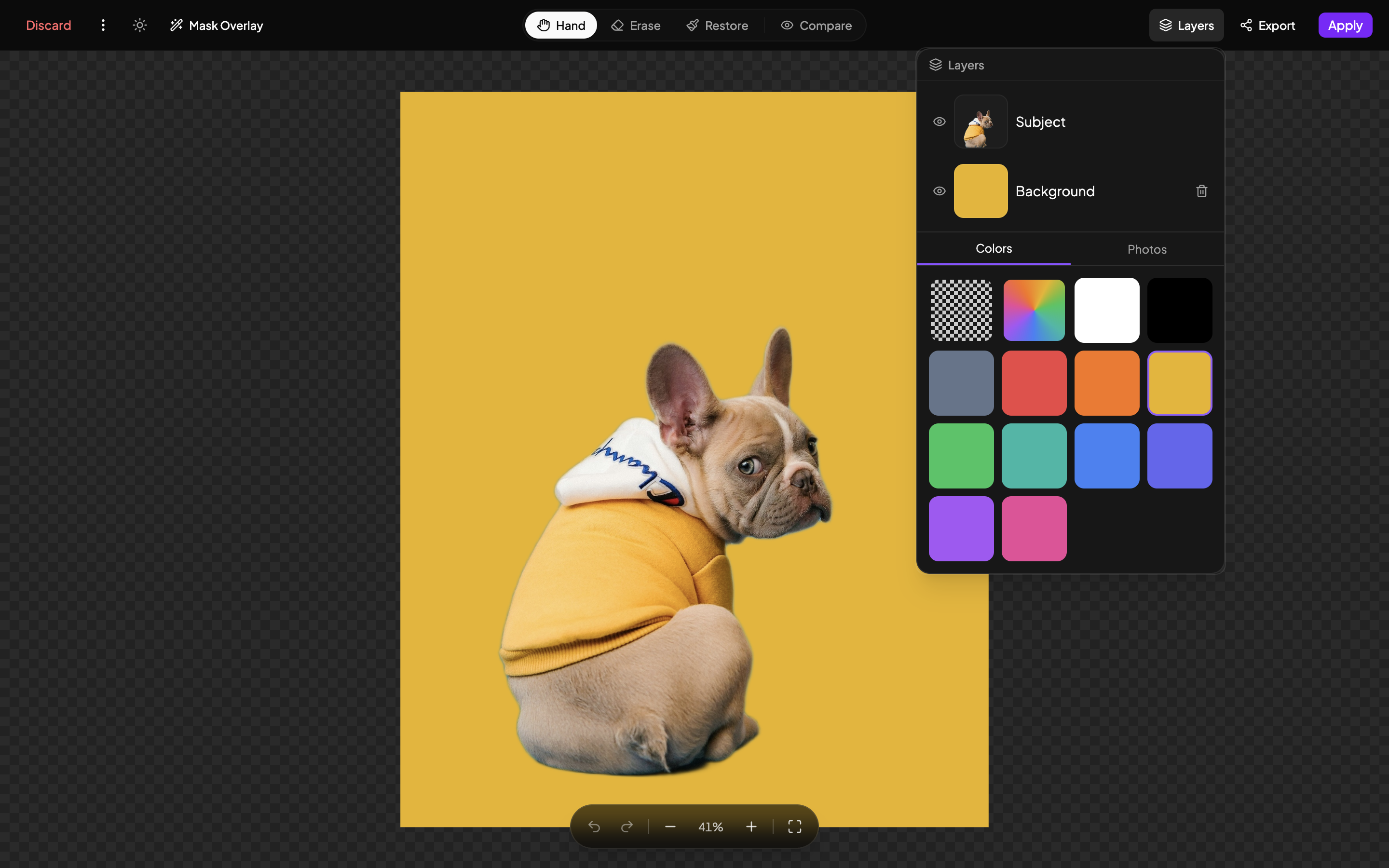
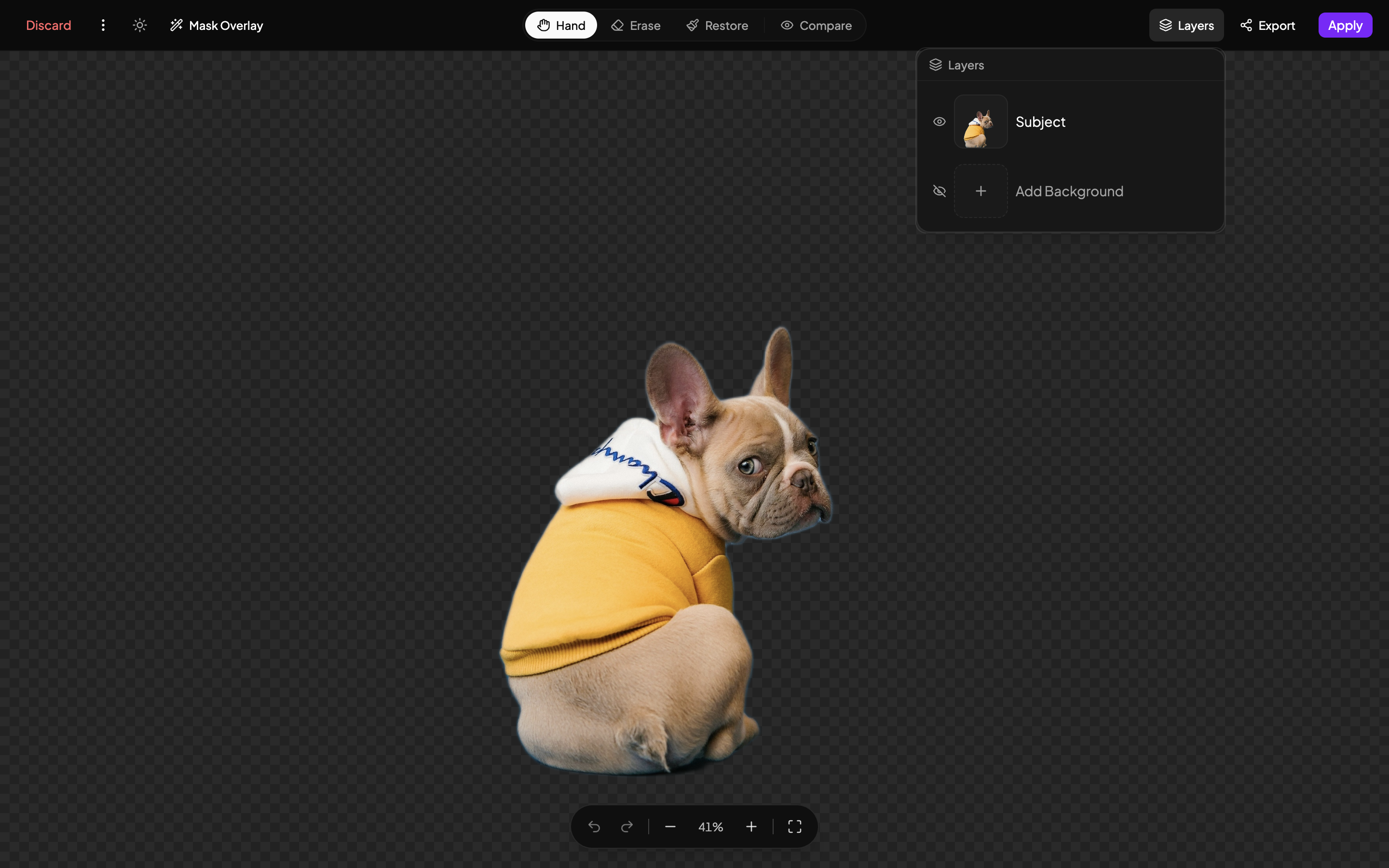
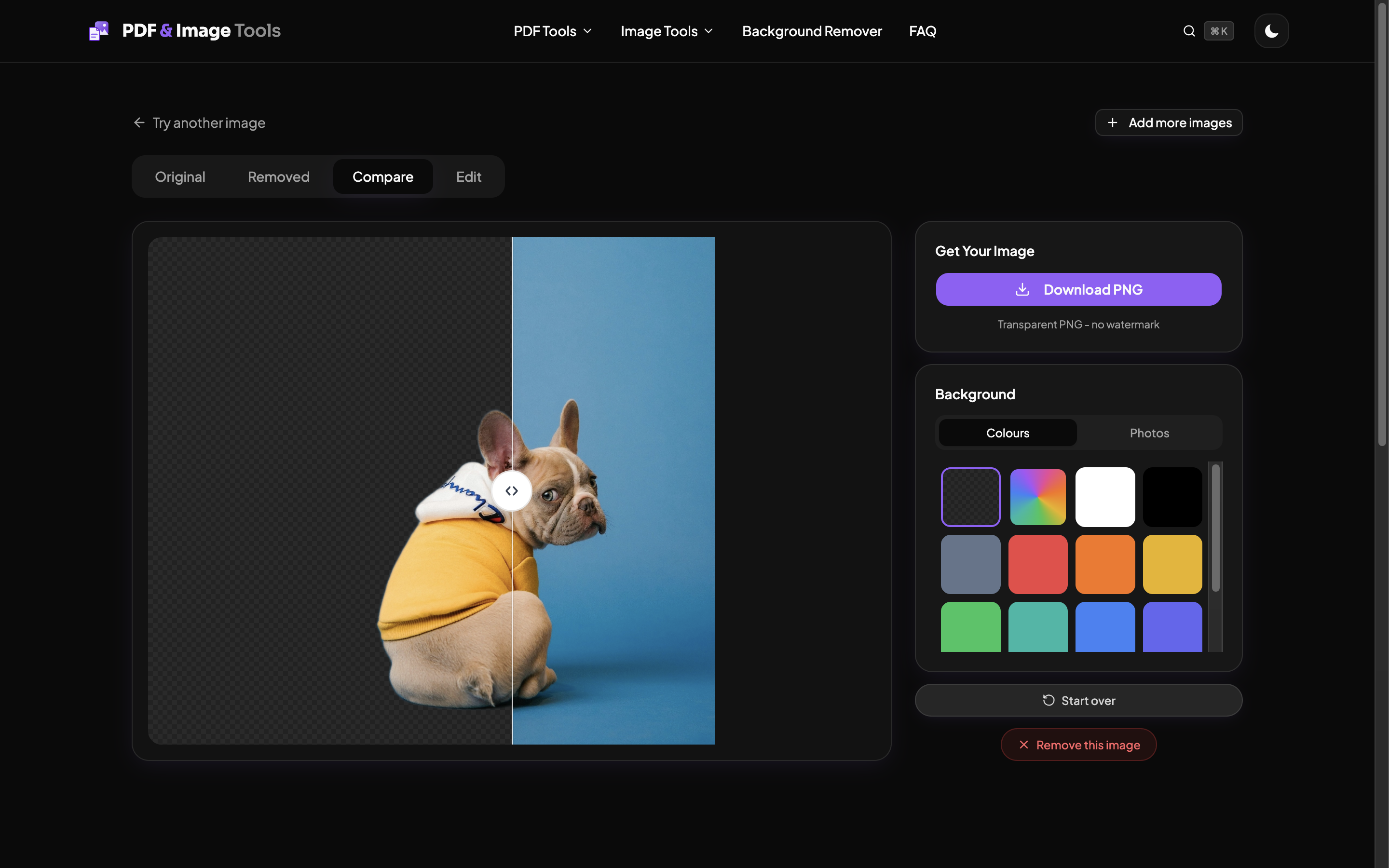
- AI background remover that runs locally, no server
- Free with no signup, no watermarks, and no daily limits
Use Cases
- Compress a photo or PDF to an exact target size for a government form, visa, or job-application upload
- Convert images between formats (HEIC to JPG, PNG to WebP, and more) without uploading them
- Merge, split, or reorder PDF pages before sending or printing
- Remove the background from a product or profile photo, privately
- Edit a PDF - add text, sign, redact, or add page numbers without desktop software

Comments


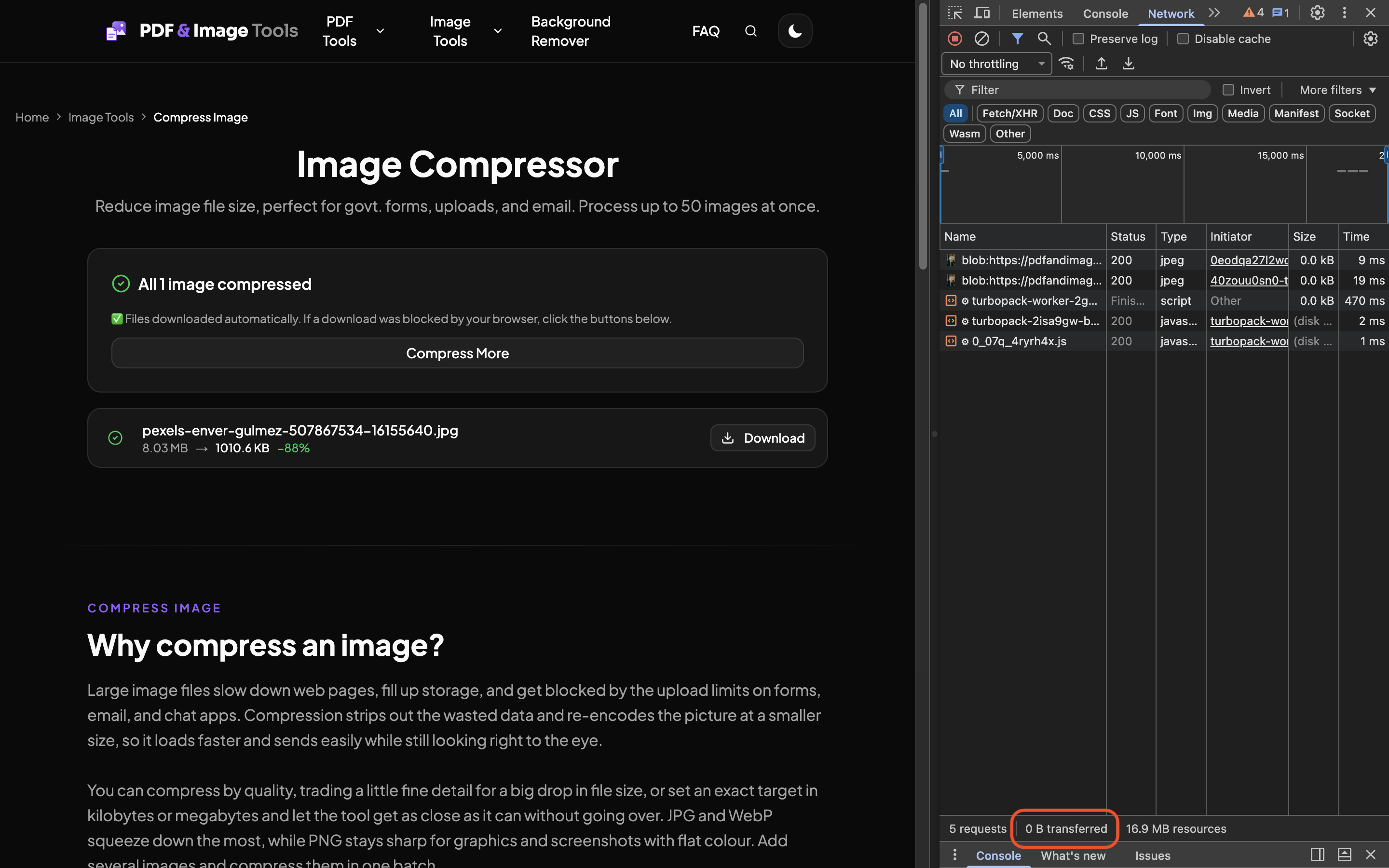
Hi, I'm Swathik. I built this because of one small, recurring annoyance: every time I needed to shrink a photo for a form or merge a couple of PDFs, the "free" tools wanted me to upload my file to their server first. For a passport scan or a bank statement, that always felt backwards. So I made the version I wanted to use. Every tool here runs entirely in your browser, on your own device, so your files are never uploaded anywhere. If you don't believe me, turn off your wifi after the page loads and compress a photo. It still works. I'm a solo maker (an electrical engineer who taught himself to code), so this is my first real website, built one tool at a time. It's free, with no signup, no watermarks, and no daily limits. I'd genuinely love your feedback, especially if something feels slow or breaks on your phone. Thanks for taking a look.
Premium Products




































Sponsors
Buy

Makers
Makers
Comments
Hi, I'm Swathik. I built this because of one small, recurring annoyance: every time I needed to shrink a photo for a form or merge a couple of PDFs, the "free" tools wanted me to upload my file to their server first. For a passport scan or a bank statement, that always felt backwards. So I made the version I wanted to use. Every tool here runs entirely in your browser, on your own device, so your files are never uploaded anywhere. If you don't believe me, turn off your wifi after the page loads and compress a photo. It still works. I'm a solo maker (an electrical engineer who taught himself to code), so this is my first real website, built one tool at a time. It's free, with no signup, no watermarks, and no daily limits. I'd genuinely love your feedback, especially if something feels slow or breaks on your phone. Thanks for taking a look.
Premium Products
New to Fazier?

Find your next favorite product or submit your own. Made by @FalakDigital.
Copyright ©2025. All Rights Reserved