
NexusPad
Your macOS apps, beautifully organized.
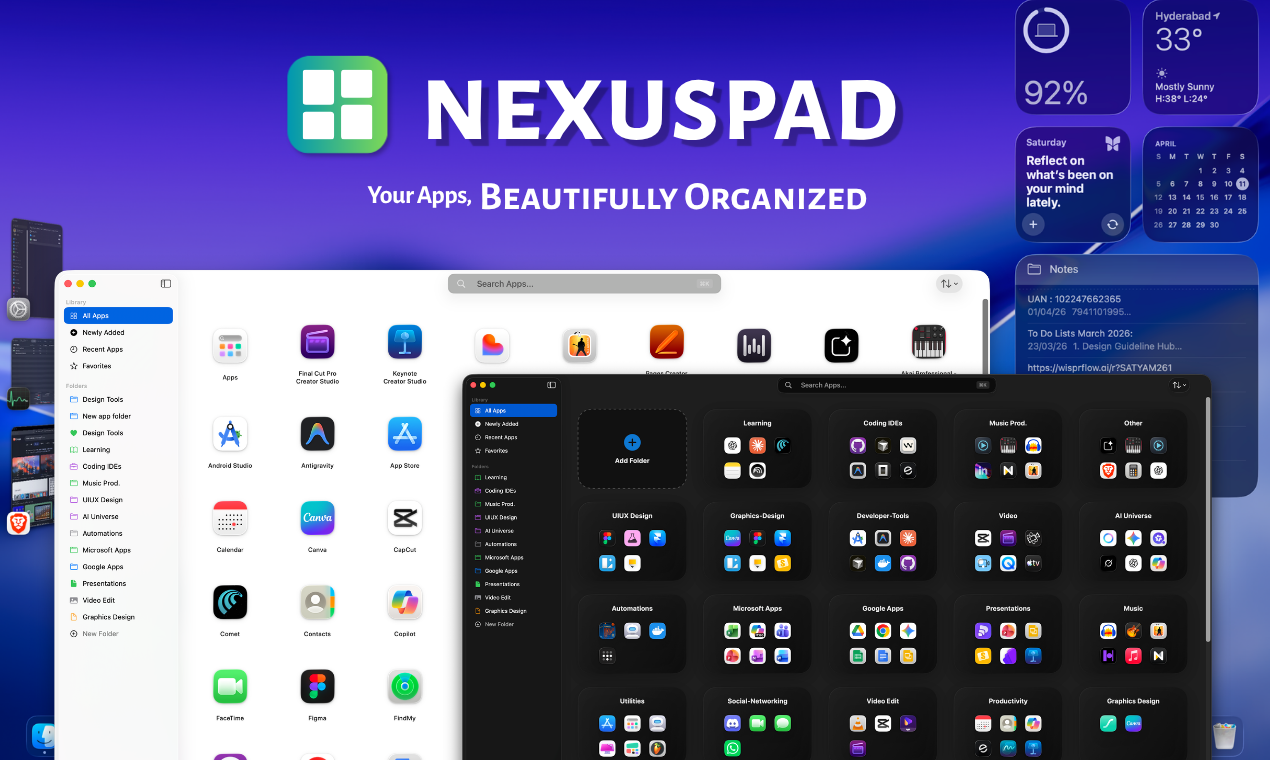
NexusPad is a fast, minimal app launcher built for macOS users who miss Launchpad.
Browse and organize apps with grid/list view, folders, favorites, and smart sorting , all in a clean, native UI designed for speed and simplicity.
Features
- Grid & list view for app browsing
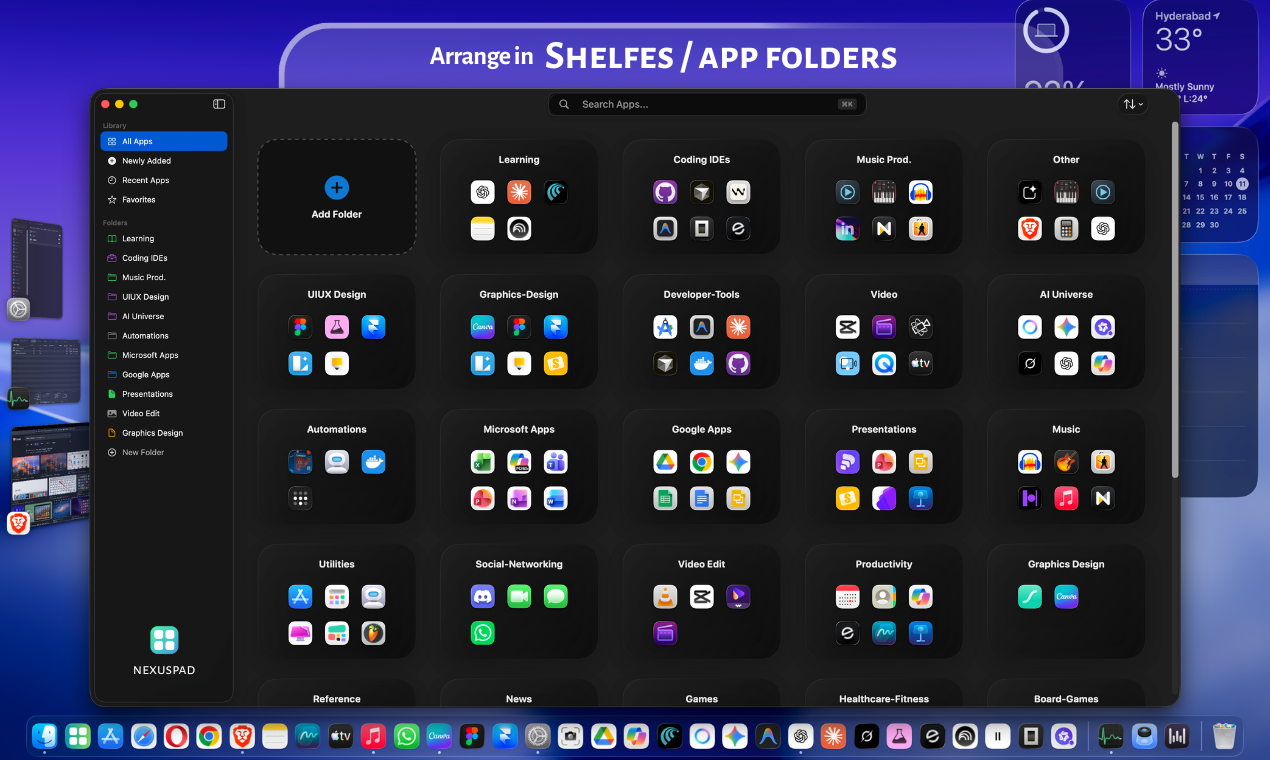
- App folders with icons and colors
- Favorites for quick access
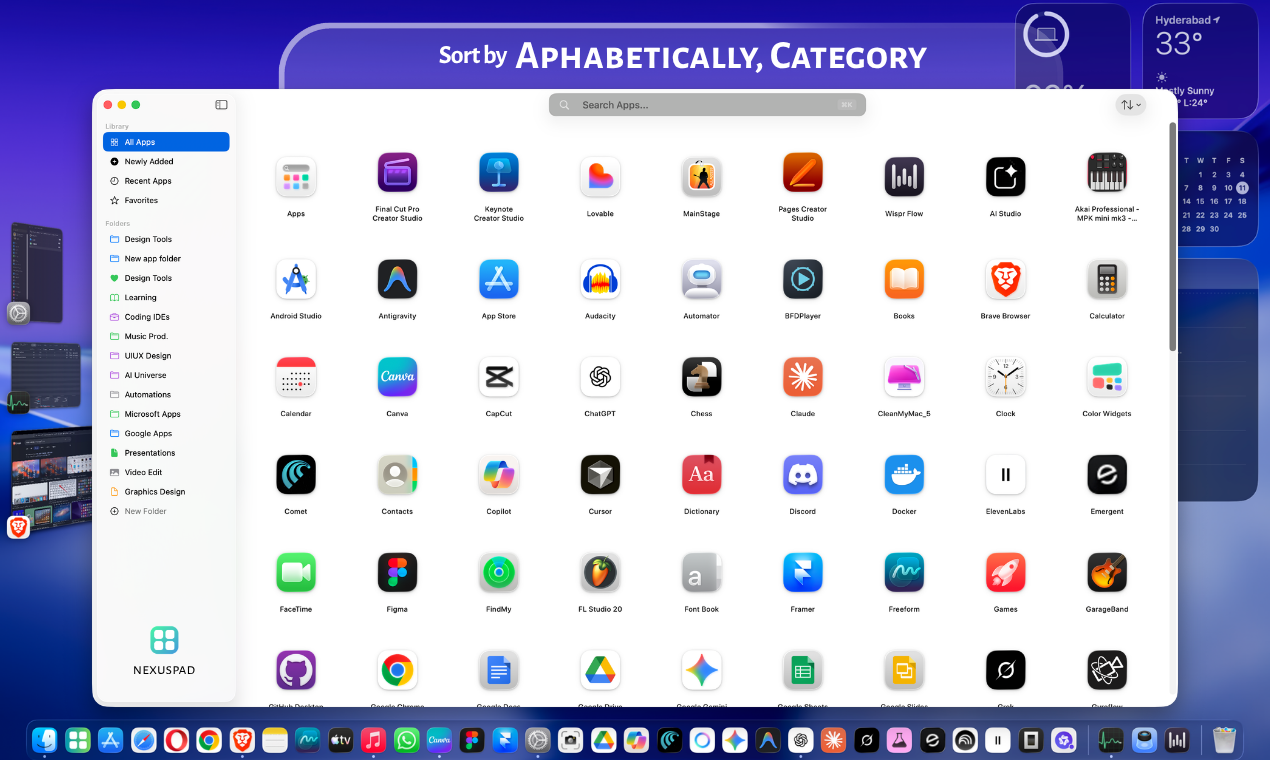
- Sort apps by A–Z, Z–A, and recently used
- Keyboard-first search
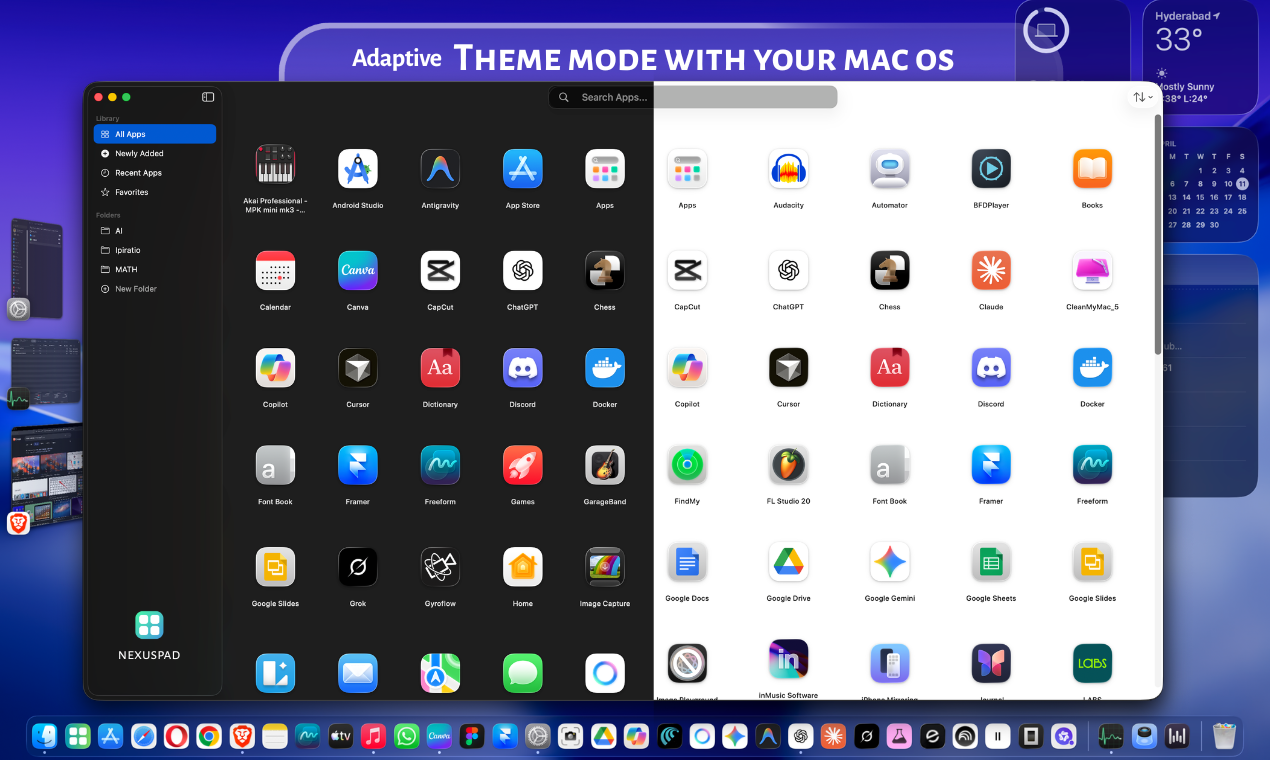
- Minimal native macOS UI
- Fast and distraction-free experience
- Organize workflows visually
Use Cases
- Replace Launchpad on macOS
- Organize work and personal apps
- Quickly access frequently used apps
- Create folders for workflows/projects
- Browse apps visually instead of searching
- Improve productivity and desktop organization

Comments




Hey everyone 👋 I built NexusPad after Apple removed Launchpad in macOS Tahoe. I realized I used Launchpad more than I thought , not for searching apps, but for browsing them visually. Spotlight is great when you know what you want, but sometimes you just want to scan and open apps naturally. So I built a fast, minimal native macOS launcher focused on simplicity and organization. Current features: • Grid & list view • App folders with icons & colors • Favorites • Smart sorting • Keyboard-first search Still early, and I’m actively improving it based on feedback. Would genuinely love to know: What would make this a daily-use launcher for you?
Premium Products






















































Sponsors
Buy

Makers
Makers
Comments
Hey everyone 👋 I built NexusPad after Apple removed Launchpad in macOS Tahoe. I realized I used Launchpad more than I thought , not for searching apps, but for browsing them visually. Spotlight is great when you know what you want, but sometimes you just want to scan and open apps naturally. So I built a fast, minimal native macOS launcher focused on simplicity and organization. Current features: • Grid & list view • App folders with icons & colors • Favorites • Smart sorting • Keyboard-first search Still early, and I’m actively improving it based on feedback. Would genuinely love to know: What would make this a daily-use launcher for you?
Premium Products
New to Fazier?

Find your next favorite product or submit your own. Made by @FalakDigital.
Copyright ©2026. All Rights Reserved