
Motionflare
On-brand marketing videos from any URL, ready in minutes
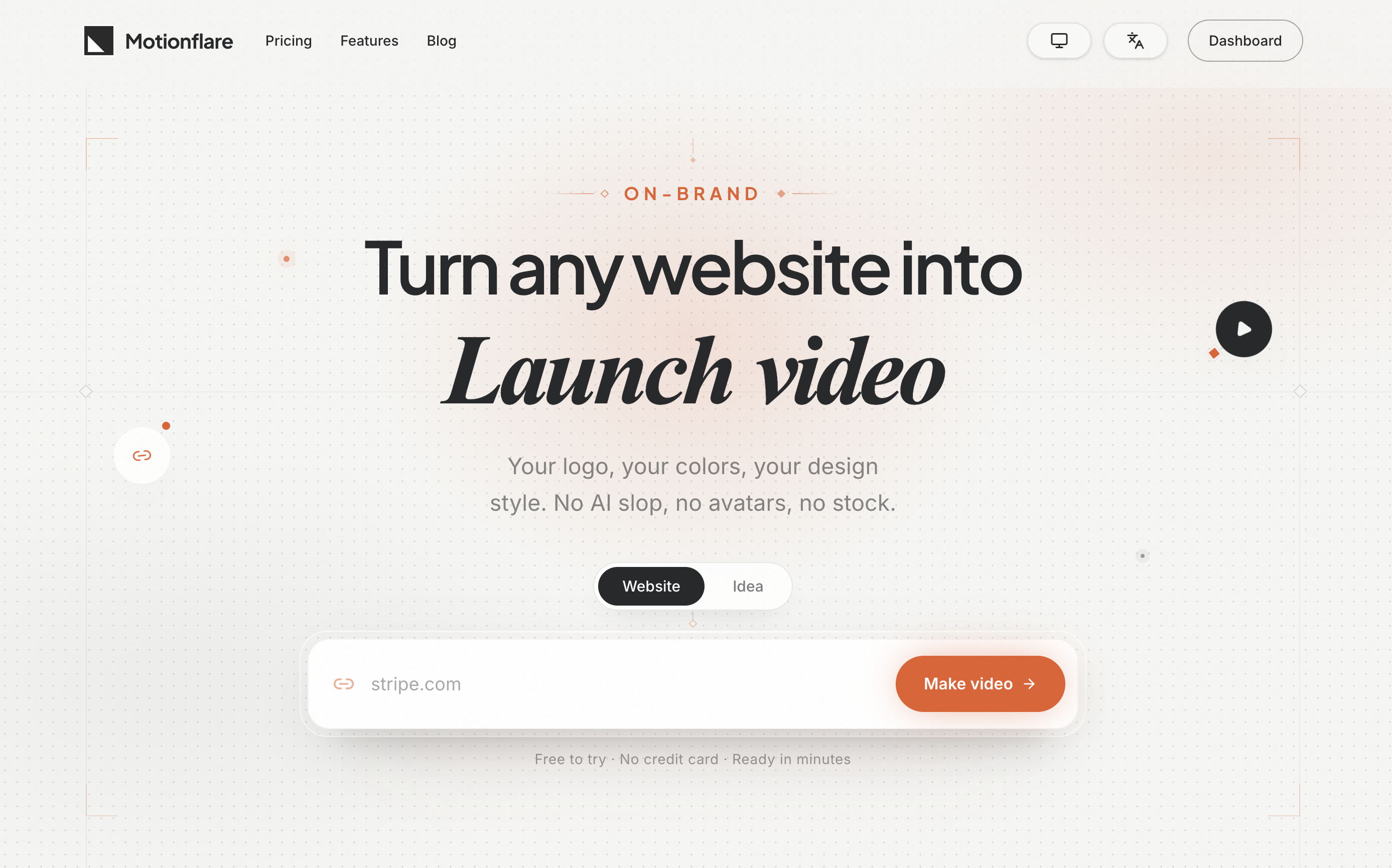
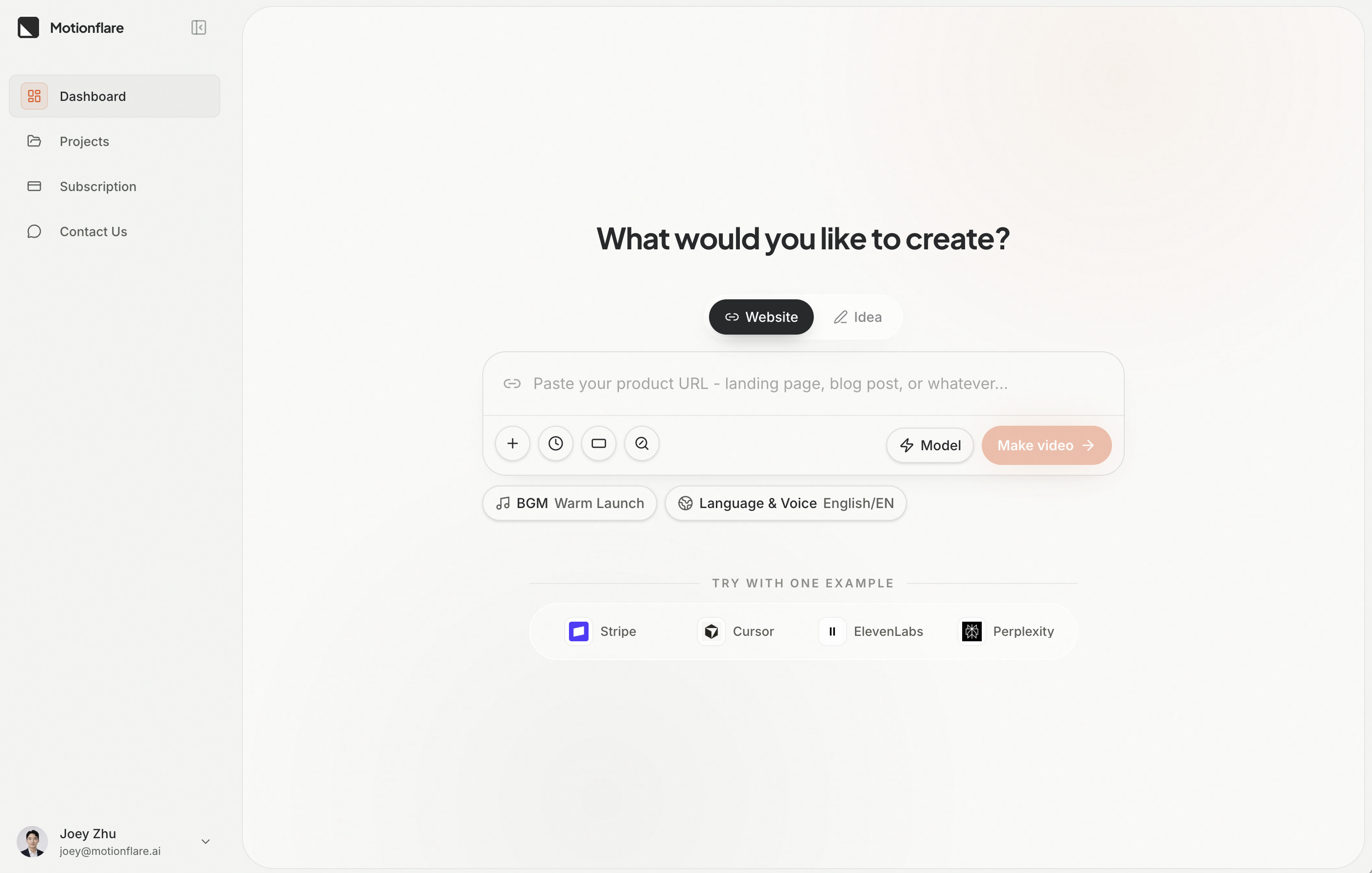
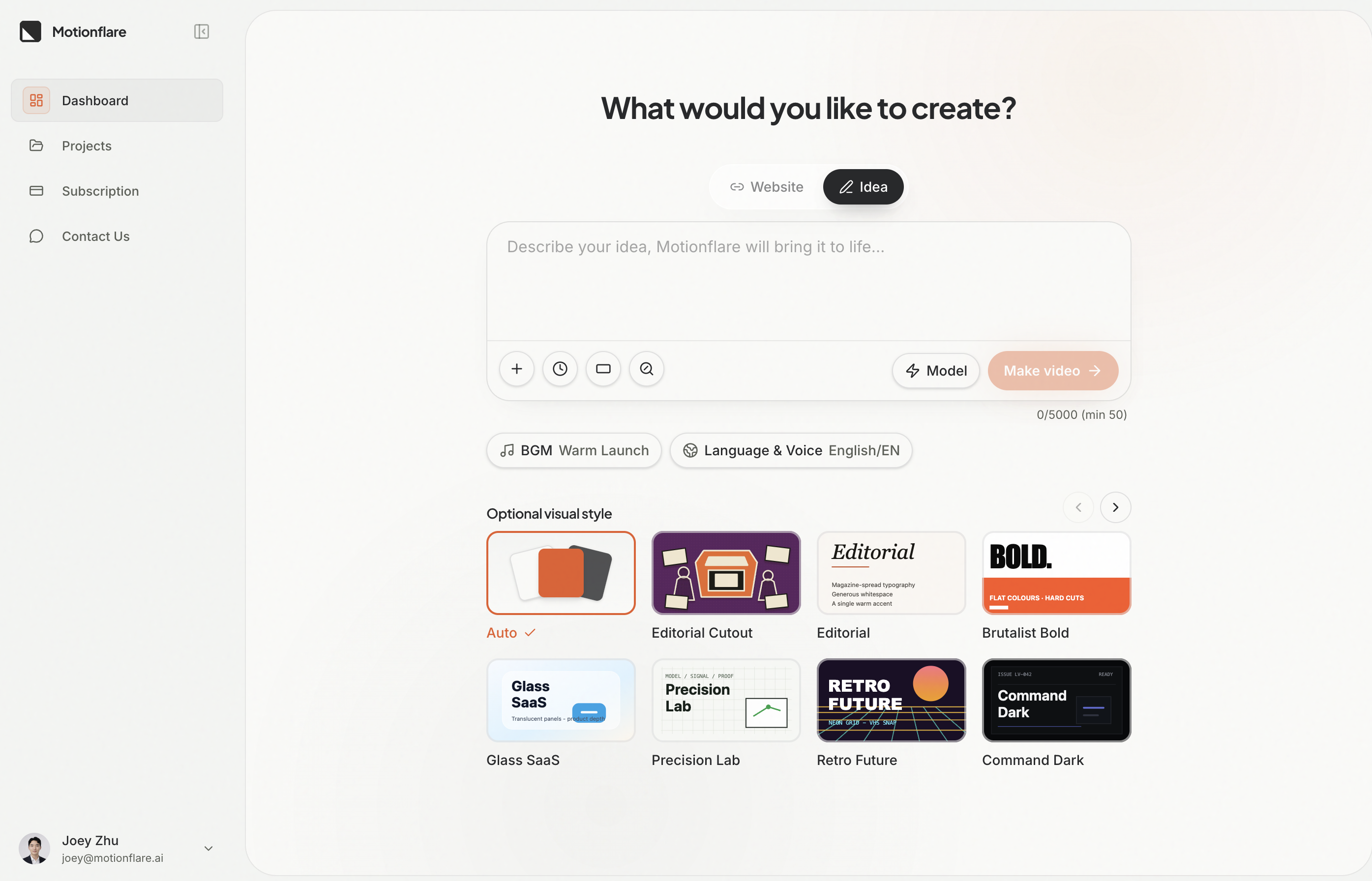
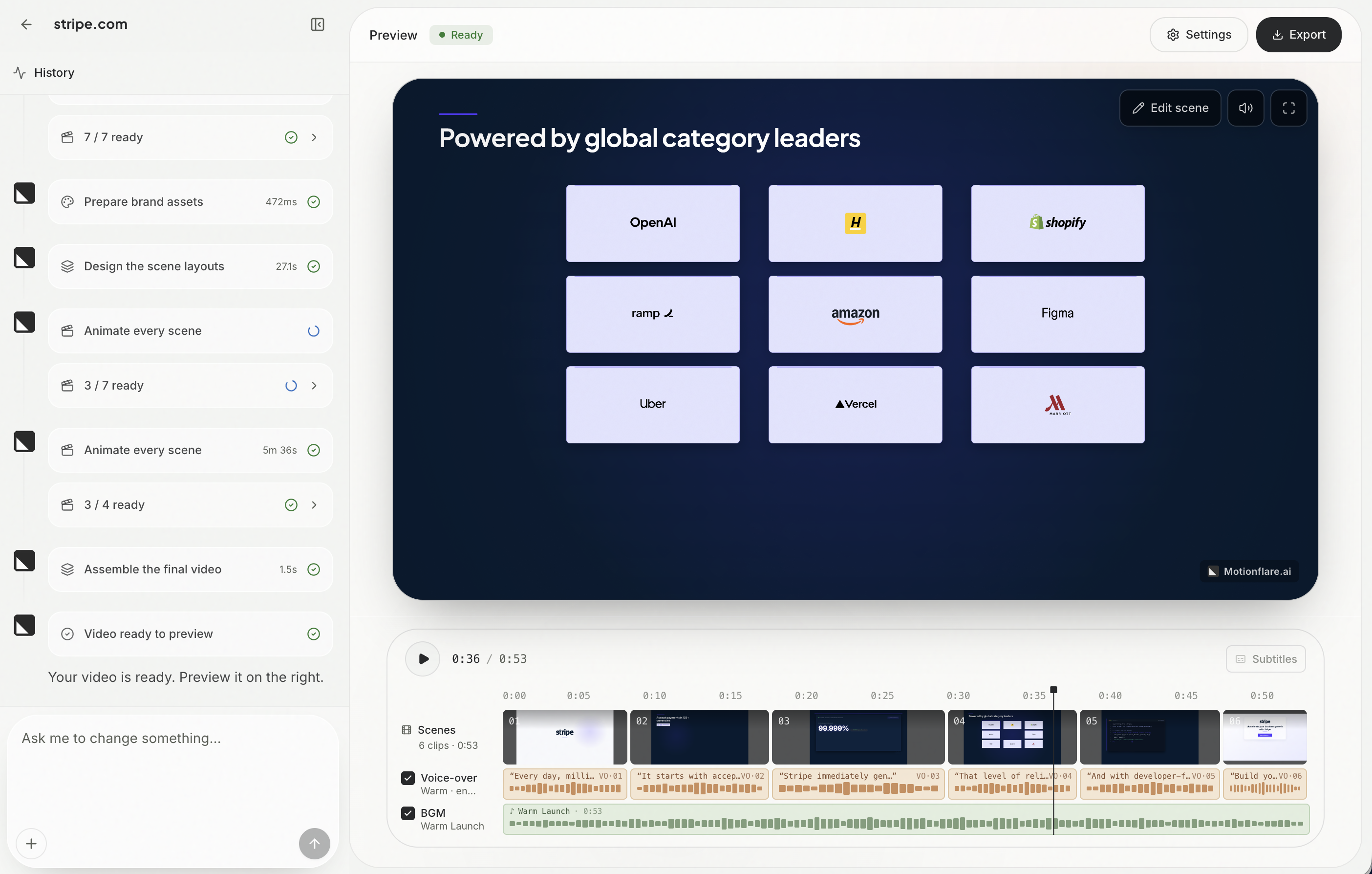
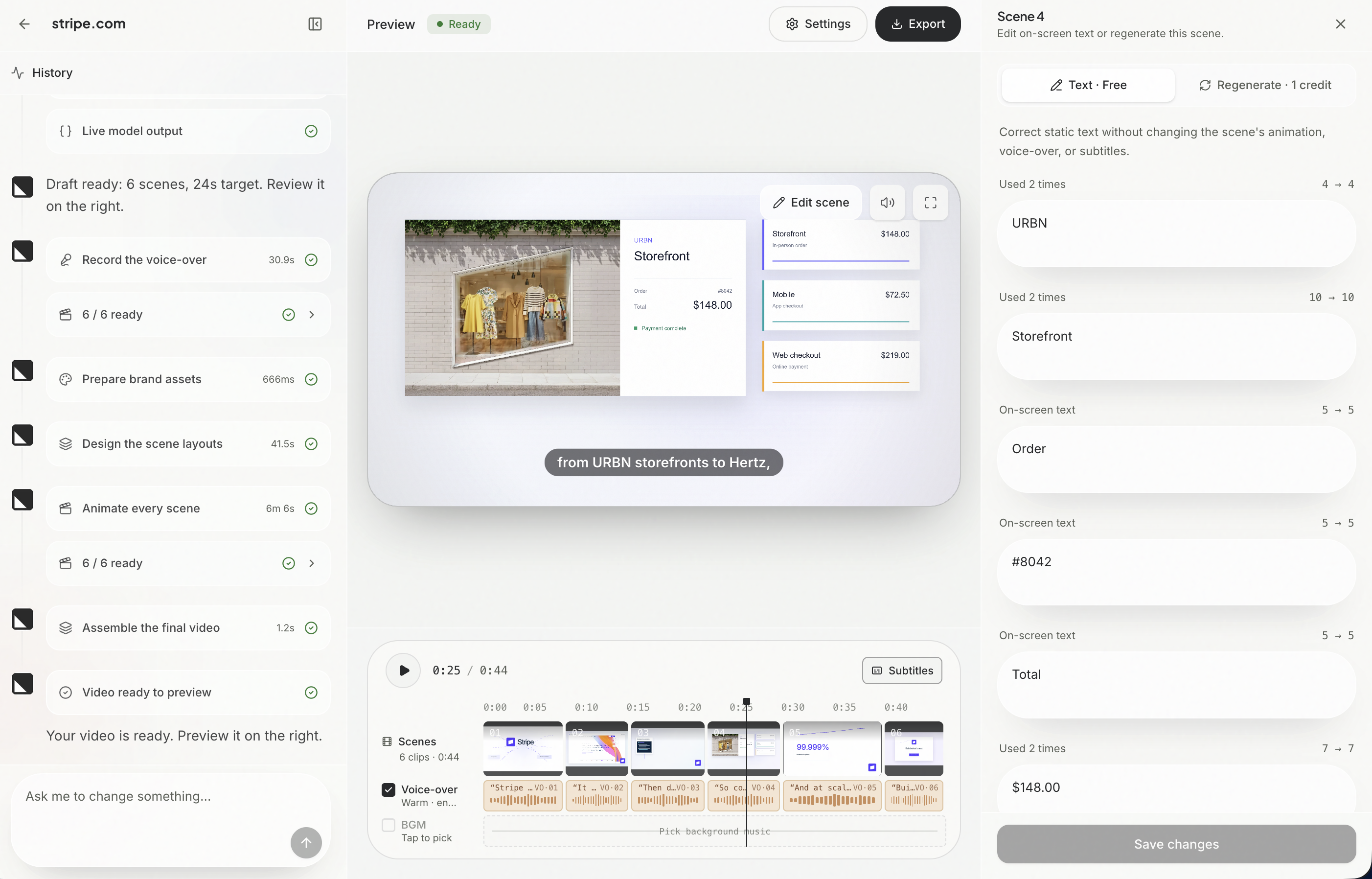
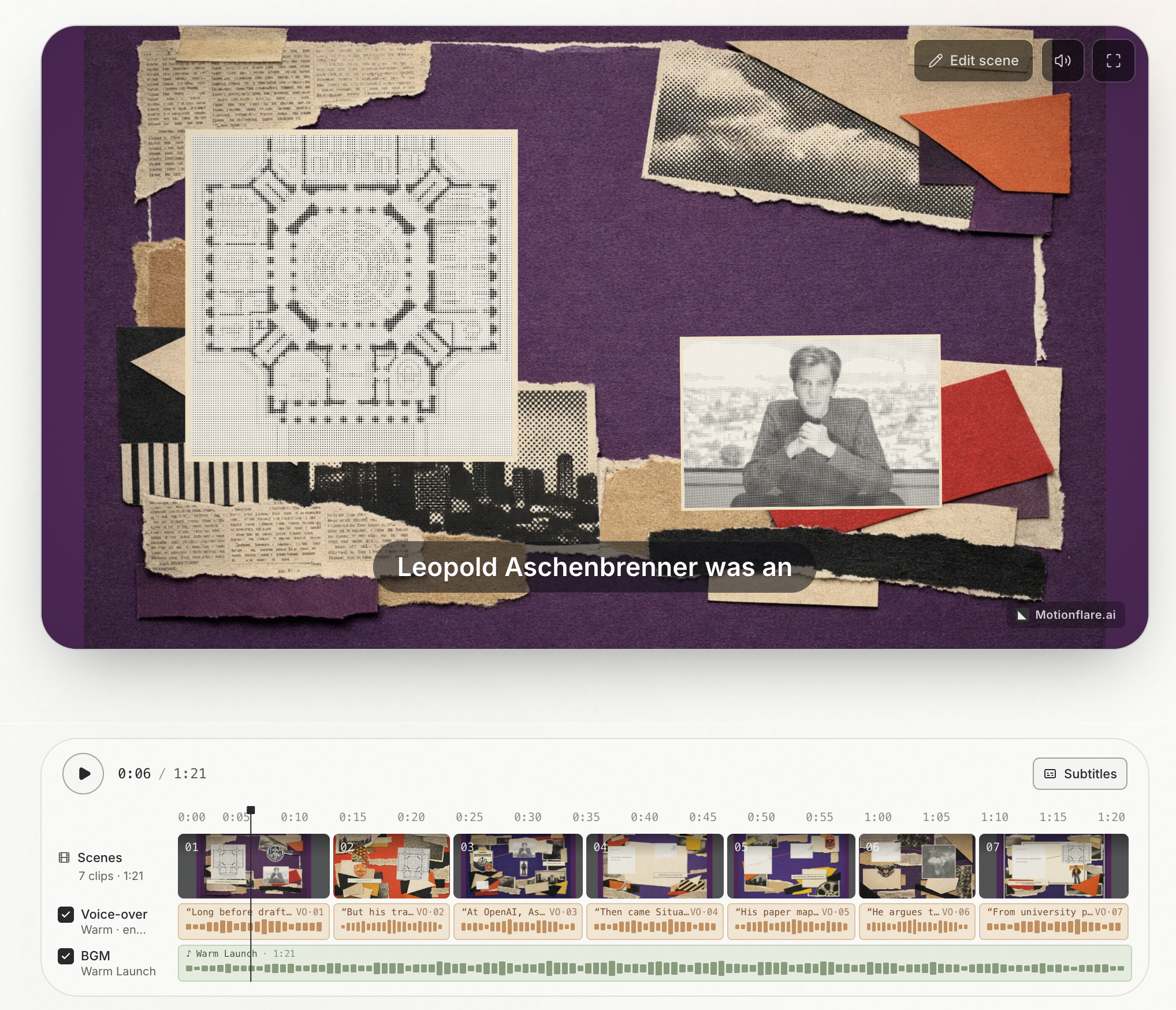
Motionflare turns any website or idea into an on-brand marketing video. Paste a URL, and AI reads your website, writes the script, designs brand-aware animated scenes, adds voice-over and BGM. Refine anything by chat, export in 4K. Free to preview, no card.
Features
Paste a URL. Motionflare reads the site, pulls the real brand colors, type and logo, then writes motion design code to build a short marketing video around them. No AI avatars, no stock collage, no template to fill in. Full preview is free.
Use Cases
- Product launch and feature announcement videos
- Website hero and landing page videos
- Ecommerce product videos from a store URL
- Local service and small business promo videos
- Social clips in vertical format from the same project
- Localized versions of one video in multiple languages

Comments





Pulling the real brand palette, typography, and screenshots from a URL is a much better starting point than another generic AI video template. How does Motionflare handle sites with several visual systems, such as a dark hero and a light product UI? It would be helpful to preview or lock the extracted brand tokens before the Remotion scenes are generated.




I kept shipping things without a video. Not because I didn't want one, but because every option was bad. Agencies quoted $2,000 and three weeks. After Effects templates required knowing After Effects. And every AI video tool I tried handed me either a synthetic presenter or a stock footage montage, both of which audiences have gotten very good at spotting. So Motionflare does neither. You paste a URL, it reads the site and pulls the real logo, palette, typography and screenshots, then writes animation code for each scene and renders it. Behind the scenes every scene is a generated React component running in Remotion, which is why the output is actual motion design rather than a template with your logo dropped into a slot. Two different sites never come out looking like the same video. Two things worth knowing before you try it: - The full preview is free at full quality. You watch the entire video before deciding whether to pay for the export. - If a scene fails to generate, its credits go back automatically. I'd love feedback, especially the uncomfortable kind: if the output looks off to you, tell me which scene and what felt wrong.

Pulling the real brand palette, typography, and screenshots from a URL is a smart approach — that's exactly where most AI video tools fall short, and it explains how the output can feel on-brand without hours of manual setup. The multi-language localization use case stands out for product teams. A couple of questions: when you localize a video, do you regenerate everything per language while keeping the same music and pacing, and can users lock specific brand assets like the logo and fonts so the AI never strays from them? Also curious whether the vertical social clips are generated from the same source project, so edits propagate to every format. Nice launch!

Motionflare is a smart and practical tool for turning a website or idea into polished marketing videos without a complicated production workflow. I especially like that it can analyze a URL, generate the script, create brand-consistent scenes, add voice-over and music, and still let you refine everything through chat. The no-card preview makes it easy to test, and the 4K export is a strong bonus. A very useful solution for founders and marketers who need quality video content quickly.

The marketing video production friction here is genuinely compelling. Most teams and solo creators struggle with on-brand video content because hiring a videographer costs thousands, learning Adobe and motion design takes months, or relying on generic stock footage templates feels impersonal and weak. The traditional path means either accepting months of lead time, blowing the budget on production, or settling for static landing pages and social posts that don't convert. Motionflare removes that friction entirely by turning a URL into a polished, brand-aware marketing video in minutes. Being able to paste your website or product link and get a customized video with your real colors, fonts, and design sensibility transforms what felt like an expensive barrier into something any maker can do instantly. For product launches, feature announcements, and sales pages especially, that ability to ship on-brand video without hiring or learning new tools is what changes the game from "we'll add video later" to "video is part of our launch strategy."


Premium Products










































Sponsors
Buy

Awards
View all
Awards
View allMakers
Makers
Comments
Pulling the real brand palette, typography, and screenshots from a URL is a much better starting point than another generic AI video template. How does Motionflare handle sites with several visual systems, such as a dark hero and a light product UI? It would be helpful to preview or lock the extracted brand tokens before the Remotion scenes are generated.
I kept shipping things without a video. Not because I didn't want one, but because every option was bad. Agencies quoted $2,000 and three weeks. After Effects templates required knowing After Effects. And every AI video tool I tried handed me either a synthetic presenter or a stock footage montage, both of which audiences have gotten very good at spotting. So Motionflare does neither. You paste a URL, it reads the site and pulls the real logo, palette, typography and screenshots, then writes animation code for each scene and renders it. Behind the scenes every scene is a generated React component running in Remotion, which is why the output is actual motion design rather than a template with your logo dropped into a slot. Two different sites never come out looking like the same video. Two things worth knowing before you try it: - The full preview is free at full quality. You watch the entire video before deciding whether to pay for the export. - If a scene fails to generate, its credits go back automatically. I'd love feedback, especially the uncomfortable kind: if the output looks off to you, tell me which scene and what felt wrong.
Pulling the real brand palette, typography, and screenshots from a URL is a smart approach — that's exactly where most AI video tools fall short, and it explains how the output can feel on-brand without hours of manual setup. The multi-language localization use case stands out for product teams. A couple of questions: when you localize a video, do you regenerate everything per language while keeping the same music and pacing, and can users lock specific brand assets like the logo and fonts so the AI never strays from them? Also curious whether the vertical social clips are generated from the same source project, so edits propagate to every format. Nice launch!
Motionflare is a smart and practical tool for turning a website or idea into polished marketing videos without a complicated production workflow. I especially like that it can analyze a URL, generate the script, create brand-consistent scenes, add voice-over and music, and still let you refine everything through chat. The no-card preview makes it easy to test, and the 4K export is a strong bonus. A very useful solution for founders and marketers who need quality video content quickly.
The marketing video production friction here is genuinely compelling. Most teams and solo creators struggle with on-brand video content because hiring a videographer costs thousands, learning Adobe and motion design takes months, or relying on generic stock footage templates feels impersonal and weak. The traditional path means either accepting months of lead time, blowing the budget on production, or settling for static landing pages and social posts that don't convert. Motionflare removes that friction entirely by turning a URL into a polished, brand-aware marketing video in minutes. Being able to paste your website or product link and get a customized video with your real colors, fonts, and design sensibility transforms what felt like an expensive barrier into something any maker can do instantly. For product launches, feature announcements, and sales pages especially, that ability to ship on-brand video without hiring or learning new tools is what changes the game from "we'll add video later" to "video is part of our launch strategy."
Premium Products
New to Fazier?

Find your next favorite product or submit your own. Made by @FalakDigital.
Copyright ©2026. All Rights Reserved