Lans Cloud - Classroom Tools
Free single-purpose web tools — ad-free fullscreen for class
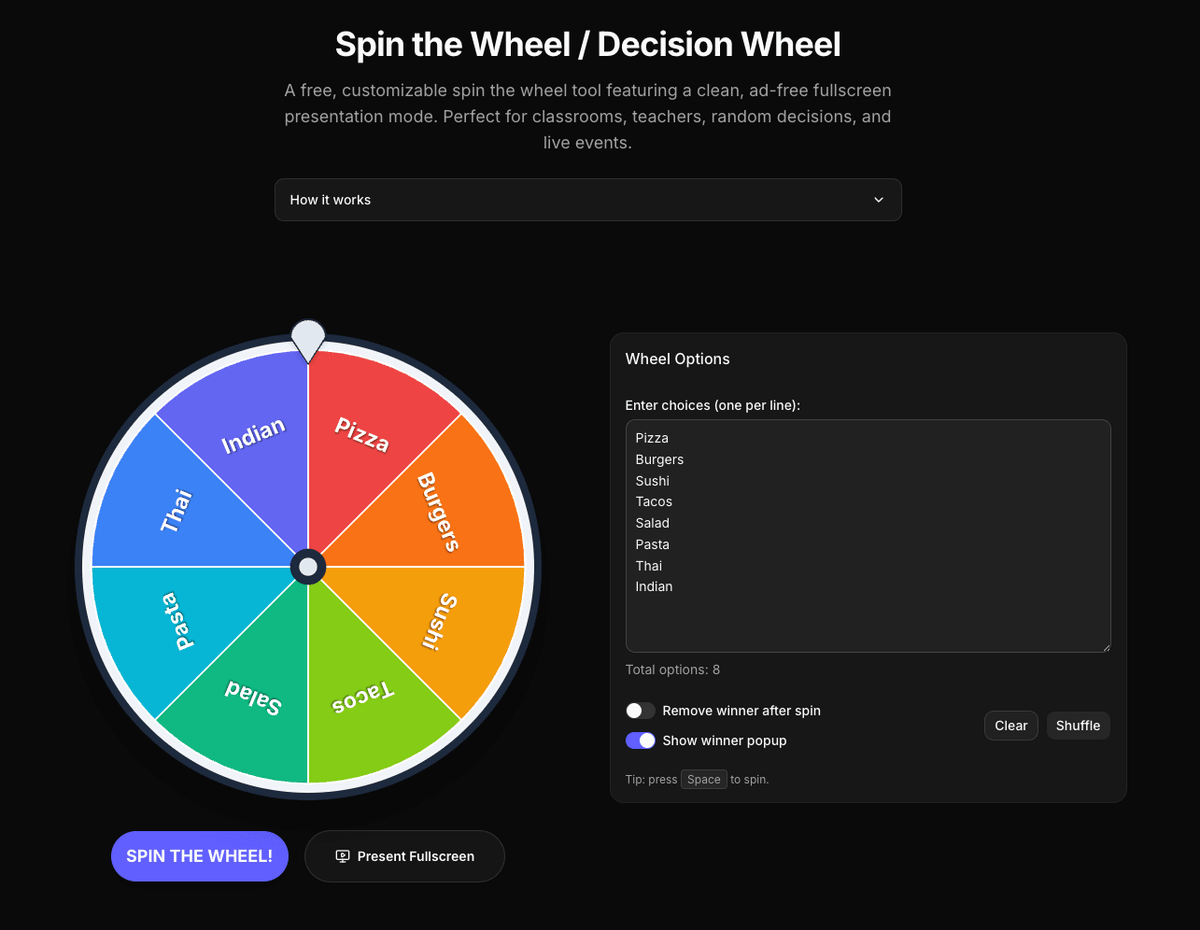
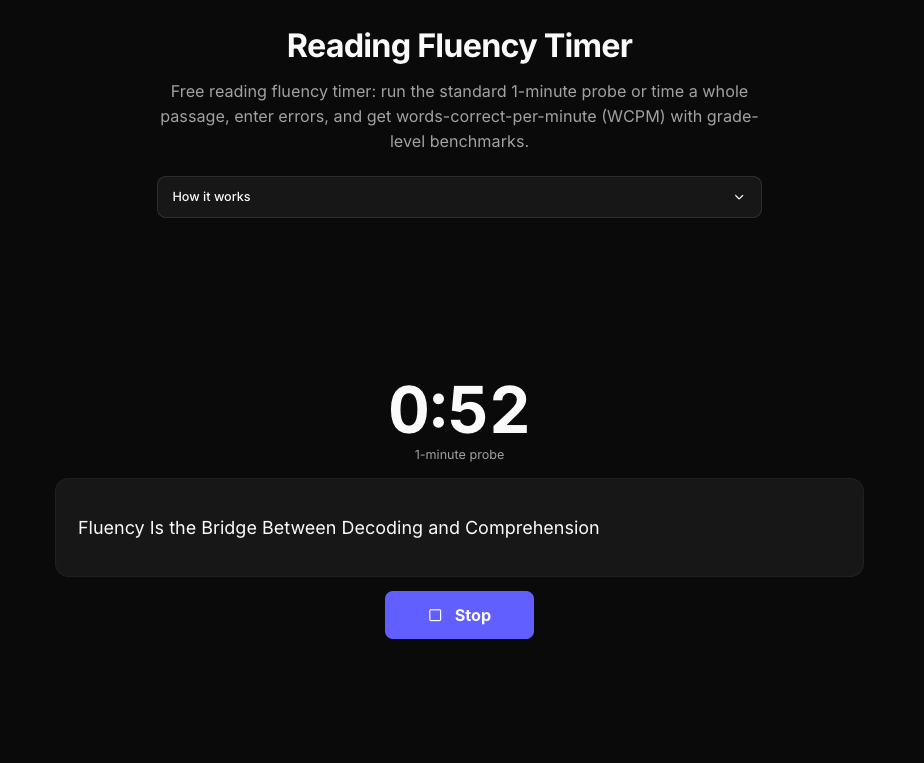
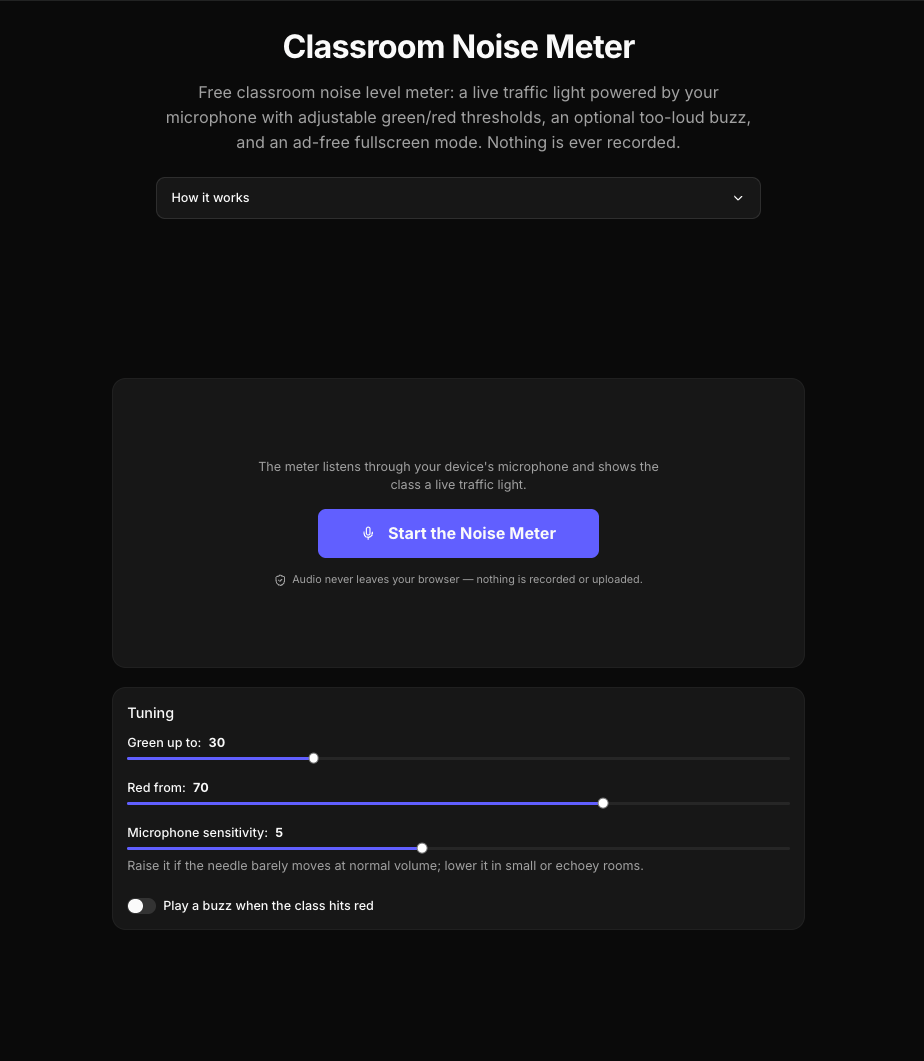
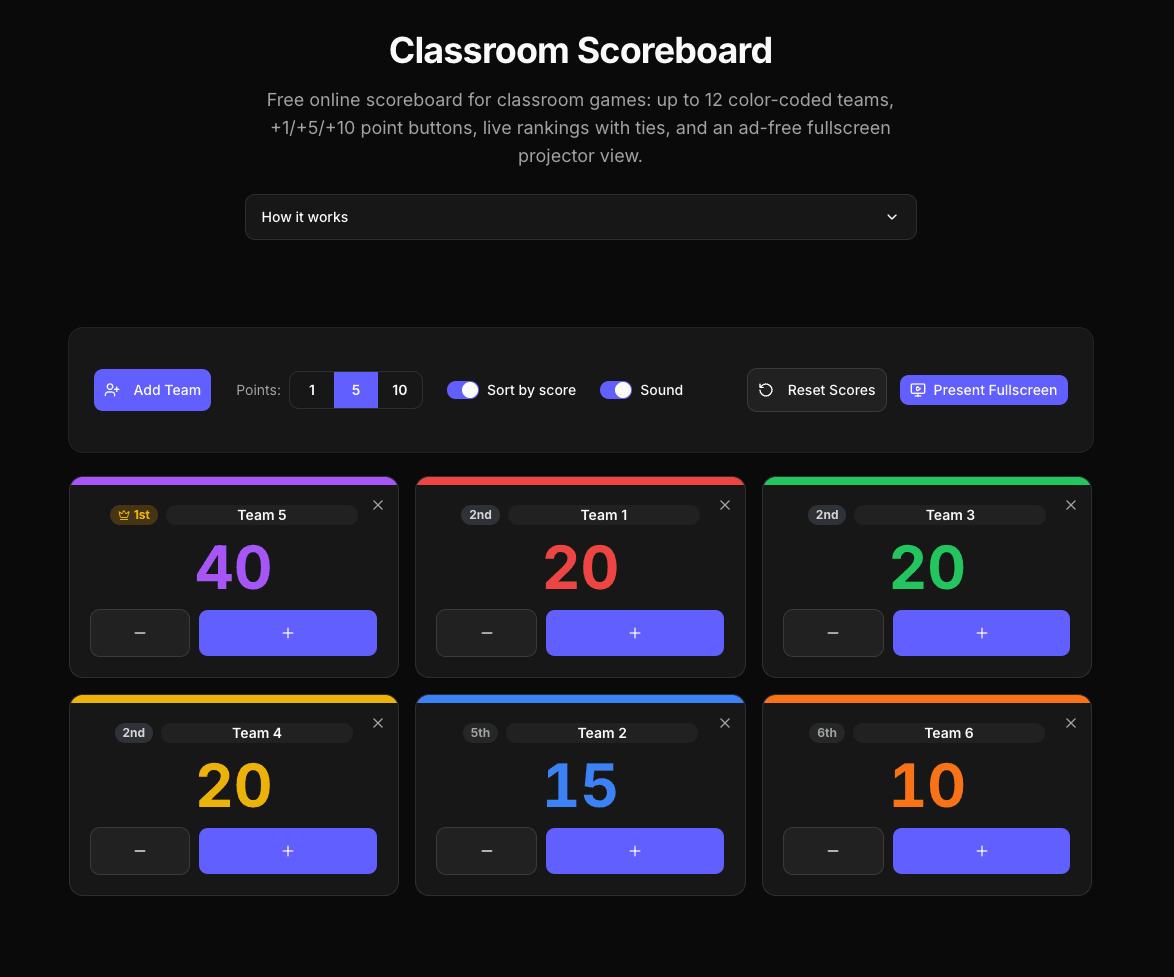
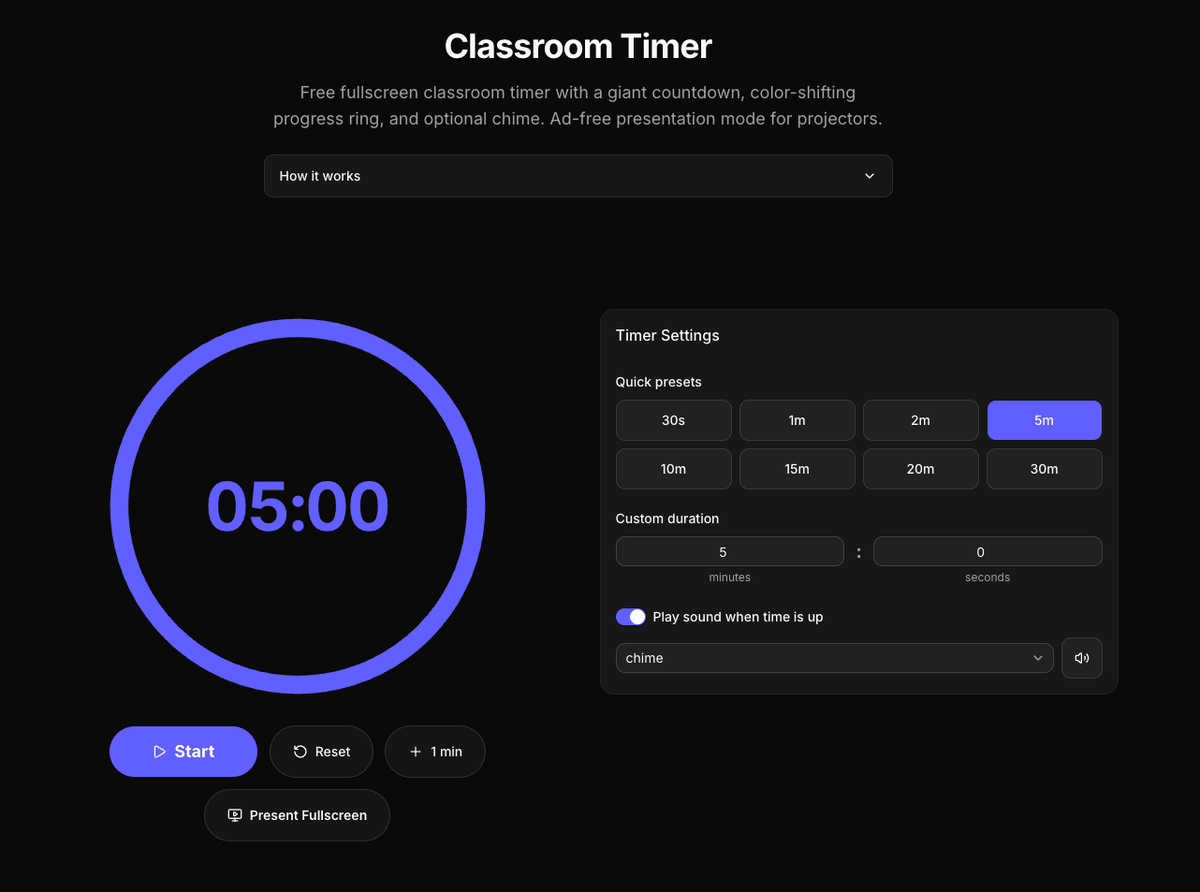
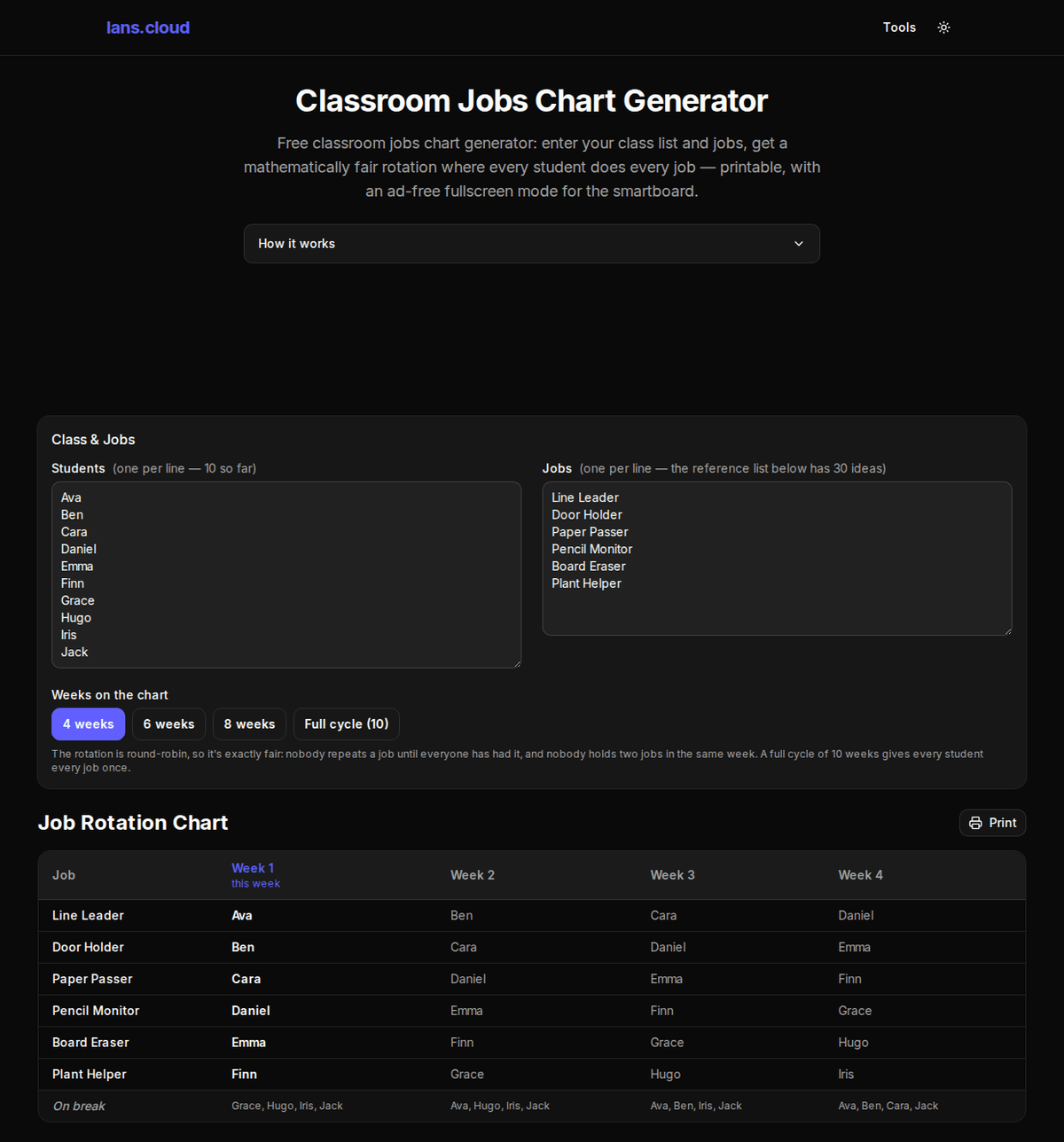
lans.cloud is a collection of 37 free single-purpose web tools. The classroom set — seating chart generator with keep-apart rules, fullscreen timer, random name picker, noise meter that never records, exam clock, spelling practice, reading fluency timer — all have genuinely ad-free fullscreen modes for projectors and smartboards. There are also crochet calculators (granny square blankets, yarn estimates), D&D dice and stat rollers with exact probability tables, Minecraft build calculators, fitness timers, and developer utilities.
Everything runs in your browser: no accounts, no sign-up, and class lists or student names never touch a server. The tools are free and ad-supported, but ads never appear in the fullscreen presentation modes and never interrupt the tools. Several tools (wheel, timers, scoreboard, noise meter) can be embedded into class websites with a copy-paste snippet.
Features
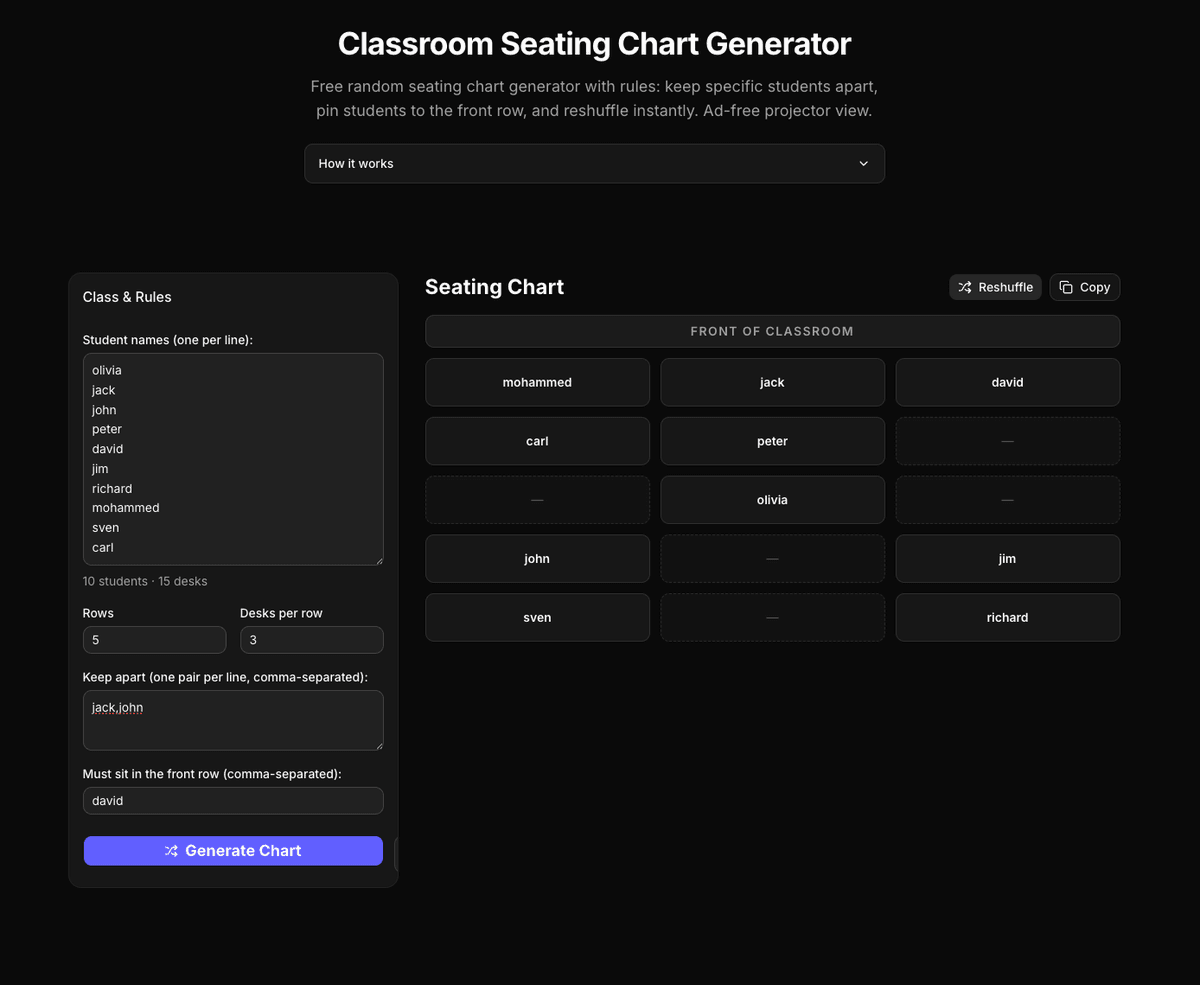
- Project a seating chart with "keep these two apart" rules enforced automatically — reshuffle anytime without breaking them
- Run exam day on the smartboard: live clock, per-paper countdowns, one-click 25% extra-time rows for access arrangements
- Practice weekly spelling lists: the browser reads each word aloud, students type it, then re-drill only the missed words
- Manage centers/stations hands-free: a fullscreen rotation board that chimes and moves every group at zero
- Pick students, split fair teams, and time activities on a projector that never shows an ad — no logins, no student data stored
Use Cases
- Project a seating chart with "keep these two apart" rules enforced automatically — reshuffle anytime without breaking them
- Run exam day on the smartboard: live clock, per-paper countdowns, one-click 25% extra-time rows for access arrangements
- Practice weekly spelling lists: the browser reads each word aloud, students type it, then re-drill only the missed words
- Manage centers/stations hands-free: a fullscreen rotation board that chimes and moves every group at zero
- Pick students, split fair teams, and time activities on a projector that never shows an ad — no logins, no student data stored

Comments


Maker here 👋 I built these after seeing how many "free" classroom tools plaster ads across the projector the moment a teacher goes fullscreen. Everything runs client-side (student names never leave the device), works on any smartboard, and the seating chart generator handles the real-world rules — "these two cannot sit together" and "she needs the front row". Happy to answer anything, and requests are very welcome.


Love the “many small, single-purpose tools” approach instead of one bloated platform. It feels lightweight, fast, and easy to adopt for teachers who don’t want to manage yet another login system. The mix of classroom utilities plus fun extras (like D&D dice, Minecraft calculators, and fitness timers) also makes it useful beyond school. One suggestion: it could be great to have a simple “starter pack” page for teachers, with recommended defaults (e.g., exam day setup, center rotation, spelling practice flow) so they can get value in under a minute. But overall, this is a thoughtful, privacy-conscious toolkit that respects both teachers and students.


The privacy-first approach is especially valuable for classroom tools. Keeping student names and class lists entirely in the browser, while also removing ads from fullscreen presentation mode, addresses two real concerns for teachers. Have you considered adding multilingual interfaces for the spelling and reading tools?

This looks like a really thoughtful collection of classroom tools, especially the commitment to keeping fullscreen presentations completely ad-free. I'm curious—how do you decide which new tools to build? Do you gather feature requests directly from teachers, or do you identify common classroom workflows that could be simplified?


Maker here 👋 I built these after seeing how many "free" classroom tools plaster ads across the projector the moment a teacher goes fullscreen. Everything runs client-side (student names never leave the device), works on any smartboard, and the seating chart generator handles the real-world rules — "these two cannot sit together" and "she needs the front row". Happy to answer anything, and requests are very welcome



37 single-purpose tools is a smart structure - each one can rank for its own long-tail keyword instead of competing with the big all-in-one sites. The noise meter that never records is a thoughtful touch for classroom privacy, and ad-free fullscreen is exactly what teachers need on projectors. I build free browser tools too (PDF space), so genuinely curious: which of the 37 ended up driving the most organic traffic? It's usually not the one you expect.

A great classroom environment often blends digital learning with hands-on creativity. While LANS Cloud helps teachers manage engaging lessons with practical browser-based tools, tactile activities like knitting and crochet can inspire calm, creative learning beyond the screen. Quality chenille yarn from https://bernatstore.com/bernat-chenille-yarn-2/ is an excellent choice for soft classroom projects, cozy blankets, and beginner-friendly crafts that encourage imagination and fine motor skills.
<a href="https://www.w3schools.com">Visit</a>
Premium Products



















































Sponsors
Buy

Awards
View all
Awards
View allMakers
Makers
Comments
Maker here 👋 I built these after seeing how many "free" classroom tools plaster ads across the projector the moment a teacher goes fullscreen. Everything runs client-side (student names never leave the device), works on any smartboard, and the seating chart generator handles the real-world rules — "these two cannot sit together" and "she needs the front row". Happy to answer anything, and requests are very welcome.
Love the “many small, single-purpose tools” approach instead of one bloated platform. It feels lightweight, fast, and easy to adopt for teachers who don’t want to manage yet another login system. The mix of classroom utilities plus fun extras (like D&D dice, Minecraft calculators, and fitness timers) also makes it useful beyond school. One suggestion: it could be great to have a simple “starter pack” page for teachers, with recommended defaults (e.g., exam day setup, center rotation, spelling practice flow) so they can get value in under a minute. But overall, this is a thoughtful, privacy-conscious toolkit that respects both teachers and students.
The privacy-first approach is especially valuable for classroom tools. Keeping student names and class lists entirely in the browser, while also removing ads from fullscreen presentation mode, addresses two real concerns for teachers. Have you considered adding multilingual interfaces for the spelling and reading tools?
This looks like a really thoughtful collection of classroom tools, especially the commitment to keeping fullscreen presentations completely ad-free. I'm curious—how do you decide which new tools to build? Do you gather feature requests directly from teachers, or do you identify common classroom workflows that could be simplified?
Maker here 👋 I built these after seeing how many "free" classroom tools plaster ads across the projector the moment a teacher goes fullscreen. Everything runs client-side (student names never leave the device), works on any smartboard, and the seating chart generator handles the real-world rules — "these two cannot sit together" and "she needs the front row". Happy to answer anything, and requests are very welcome
37 single-purpose tools is a smart structure - each one can rank for its own long-tail keyword instead of competing with the big all-in-one sites. The noise meter that never records is a thoughtful touch for classroom privacy, and ad-free fullscreen is exactly what teachers need on projectors. I build free browser tools too (PDF space), so genuinely curious: which of the 37 ended up driving the most organic traffic? It's usually not the one you expect.
A great classroom environment often blends digital learning with hands-on creativity. While LANS Cloud helps teachers manage engaging lessons with practical browser-based tools, tactile activities like knitting and crochet can inspire calm, creative learning beyond the screen. Quality chenille yarn from https://bernatstore.com/bernat-chenille-yarn-2/ is an excellent choice for soft classroom projects, cozy blankets, and beginner-friendly crafts that encourage imagination and fine motor skills.
<a href="https://www.w3schools.com">Visit</a>
Premium Products
New to Fazier?

Find your next favorite product or submit your own. Made by @FalakDigital.
Copyright ©2026. All Rights Reserved