
Glooin
Screen Recording & Screenshot, Instant Sharing
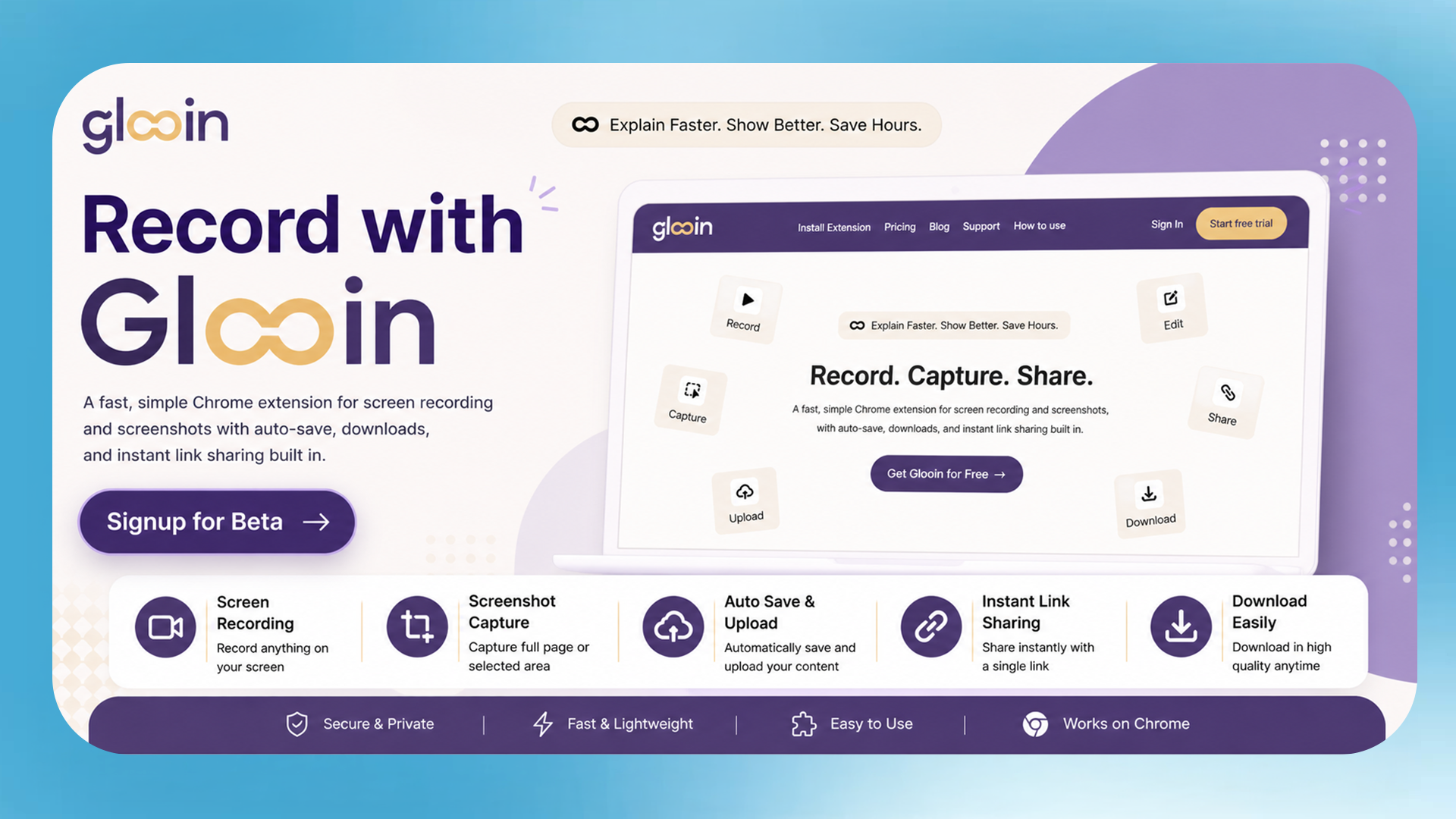
Glooin is the fastest way to show someone what's on your screen.
It's a Chrome extension — nothing to install outside the browser. You record, you stop, you get a link. The person on the other end clicks it and watches. No account, no app, no waiting for an upload to finish.
Screenshot annotation is built in alongside the screen recorder — blur, highlight, draw, crop — so you're not switching between tools depending on whether you need a video or a still.
Built for the everyday moments: a support ticket that needs a walkthrough, a bug that's easier to show than describe, a sales demo that should've been async, a design comment that takes 10 seconds to record and 10 minutes to type.
Free to try. Lifetime plans available.
No download. No install. Just record.
Features
Screen Recording
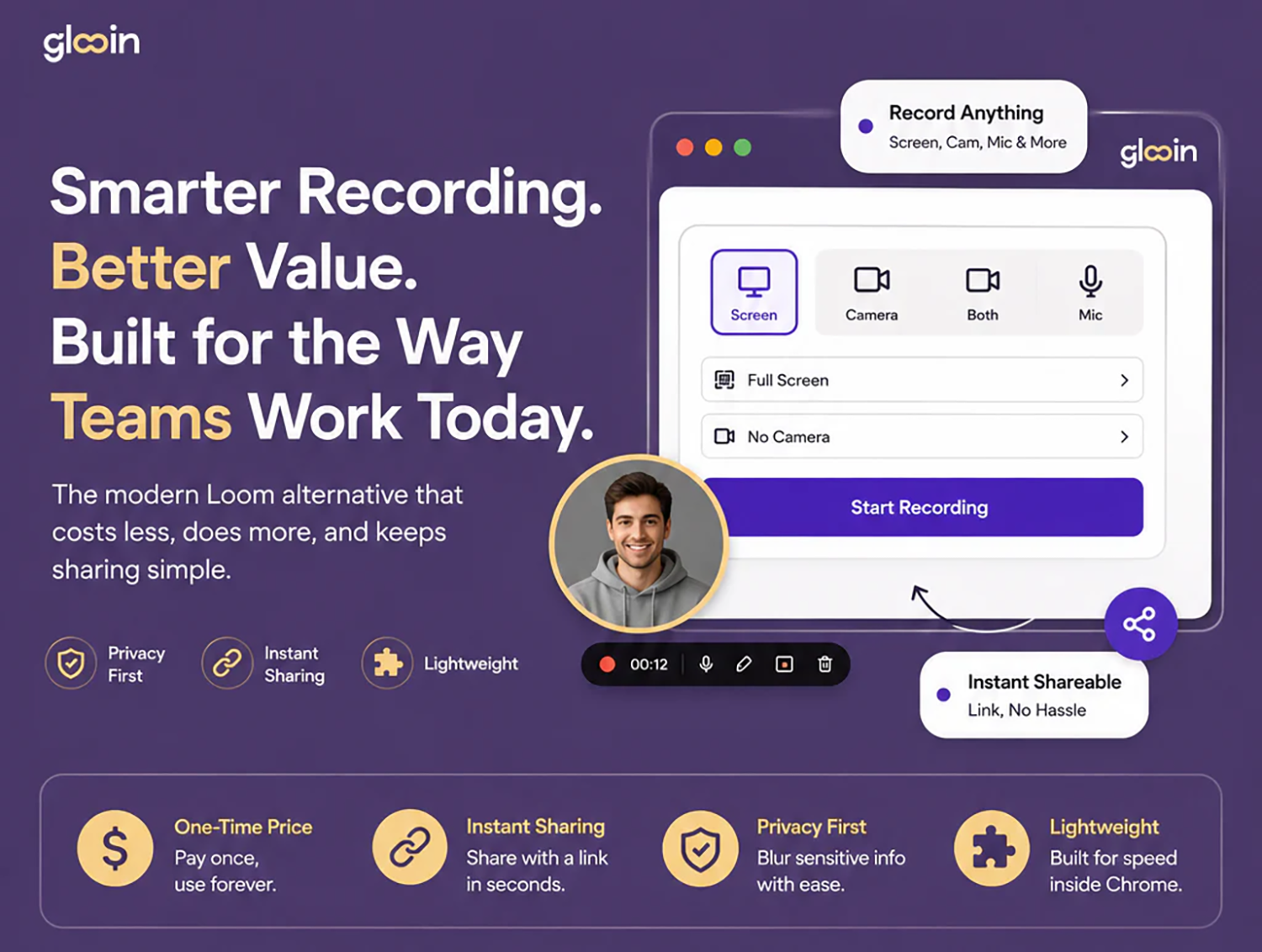
- Record your full screen, a specific browser tab, or a custom window
- Optional webcam overlay so the viewer sees you while watching your screen
- Audio recording included — narrate while you record
- No app to install — works entirely from the Chrome extension
Instant Shareable Links
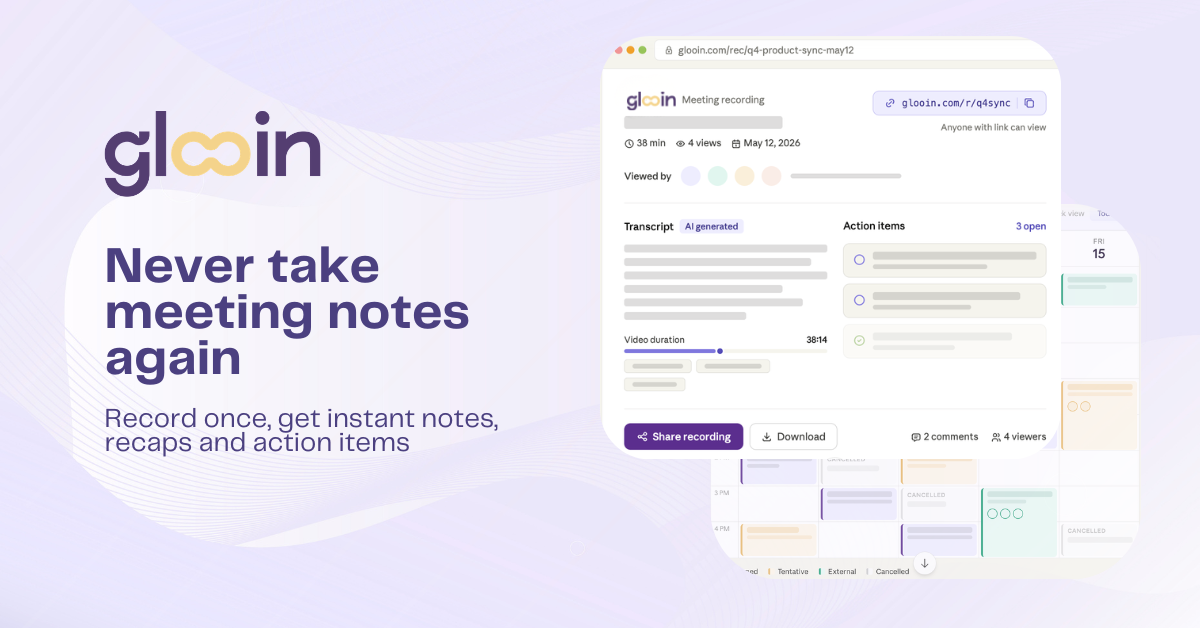
- Link is ready the moment you stop recording — no upload wait, no export step
- Receiver doesn't need an account or any software to watch
- Share directly to Slack, email, or copy the link anywhere with one click
Screenshot Annotation
- Capture a screenshot in one click
- Built-in markup tools: highlight, draw, arrows, text
- Blur tool for hiding sensitive information before sharing
- Crop to focus on exactly what matters
Dashboard & Organisation
- All your recordings and screenshots saved automatically
- Easy to find, manage, and re-share past content
- Track views and engagement on shared links (Pro and above)
Speed & Simplicity
- No downloads, no installs beyond the Chrome extension itself
- No friction for the person you're sharing with
- Built for the moment you'd otherwise type a long message or jump on a call
Plans for Every Need
- Free plan to get started
- Starter, Pro, and Power tiers with increasing storage, recording length, and team features
- Lifetime deal available for early adopters
Use Cases
Customer Support
- Answer "how do I do this" tickets with a 30-second recording instead of a wall of text
- Walk a confused customer through a fix without booking a call
- Send the same explanation to multiple customers by reusing recorded walkthroughs
Sales
- Send personalised product demos to prospects instead of generic decks
- Follow up after a call with a recap video highlighting the key points
- Show a feature update or pricing change without scheduling another meeting
Engineering & QA
- Flag bugs by recording exactly what's happening on screen, attach directly to the ticket
- Explain a code review comment visually instead of writing paragraphs in a PR
- Walk a teammate through a fix without a Slack huddle
Design & Product
- Give feedback on a Figma file or live product with annotated screenshots
- Record a walkthrough of a new feature for the team before it ships
- Share async design critiques without needing everyone on a call
Marketing & Content
- Record quick product clips for social, onboarding emails, or landing pages
- Create how-to content without needing a separate screen recording setup
- Capture and annotate competitor research or inspiration with notes
Remote & Distributed Teams
- Replace "can we hop on a call?" with a 45-second recording across time zones
- Record async standups or updates for teammates who are offline
- Onboard new hires with recorded walkthroughs instead of repeating the same explanation live
Education & Training
- Create quick training videos for internal processes or tools
- Record step-by-step guides for new employees or clients
- Annotate screenshots to build simple how-to documentation fast
IT & Internal Support
- Show employees how to fix a common issue without a help desk ticket
- Record troubleshooting steps once, reuse for every similar request
- Reduce repetitive "let me show you" Zoom calls across the company

Comments


Most screen recording tools feel like friction - you need specialized apps, export steps, then manually upload somewhere. Glooin removes all of that. You record, instantly shareable link. No download, no install beyond the Chrome extension, just point and click. The use cases are genuinely clever - support tickets with visual explanations instead of text essays, product walkthroughs instead of yet another Loom video. Building this as a Chrome extension instead of a stand-alone app is the right call for frictionless adoption.

Founder here. Built Glooin because I kept typing long explanations for things that would've taken 20 seconds to show. Most screen recording tools have friction somewhere — an install, a signup, an upload wait. Glooin removes all of it: record, stop, get a link. No account needed on the other end, nothing to download. It's a Chrome extension that covers both screen recording and screenshot annotation, with everything organised automatically in a dashboard. Would love your feedback today — what works, what's missing, what would make you switch. I'll be here all day replying to everyone.

Premium Products





























Sponsors
Buy

Makers
Makers
Comments
Most screen recording tools feel like friction - you need specialized apps, export steps, then manually upload somewhere. Glooin removes all of that. You record, instantly shareable link. No download, no install beyond the Chrome extension, just point and click. The use cases are genuinely clever - support tickets with visual explanations instead of text essays, product walkthroughs instead of yet another Loom video. Building this as a Chrome extension instead of a stand-alone app is the right call for frictionless adoption.
Founder here. Built Glooin because I kept typing long explanations for things that would've taken 20 seconds to show. Most screen recording tools have friction somewhere — an install, a signup, an upload wait. Glooin removes all of it: record, stop, get a link. No account needed on the other end, nothing to download. It's a Chrome extension that covers both screen recording and screenshot annotation, with everything organised automatically in a dashboard. Would love your feedback today — what works, what's missing, what would make you switch. I'll be here all day replying to everyone.
Premium Products
New to Fazier?

Find your next favorite product or submit your own. Made by @FalakDigital.
Copyright ©2026. All Rights Reserved