Free, private, and built for Windows dictation
Free, private, and built for Windows dictation
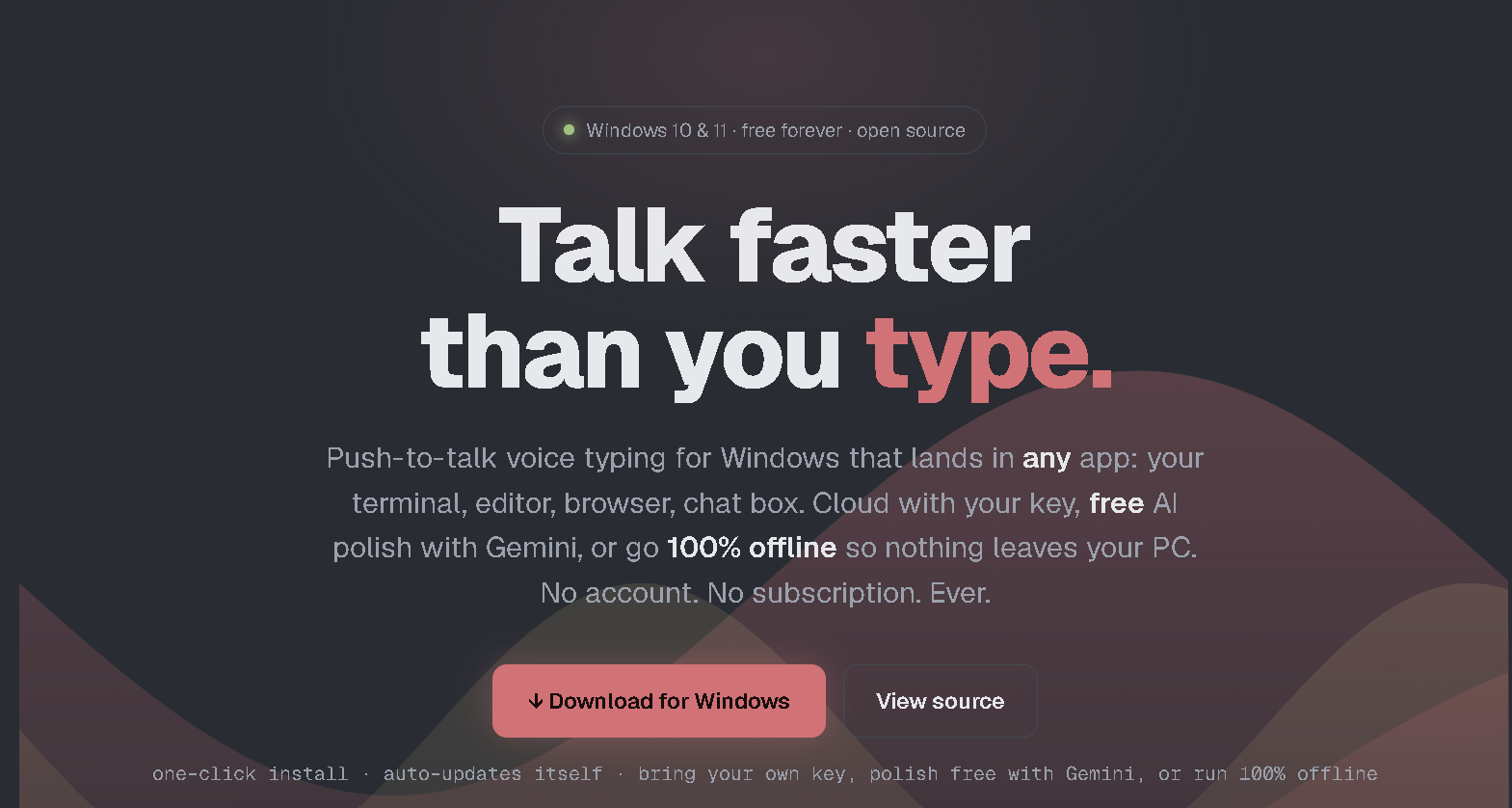
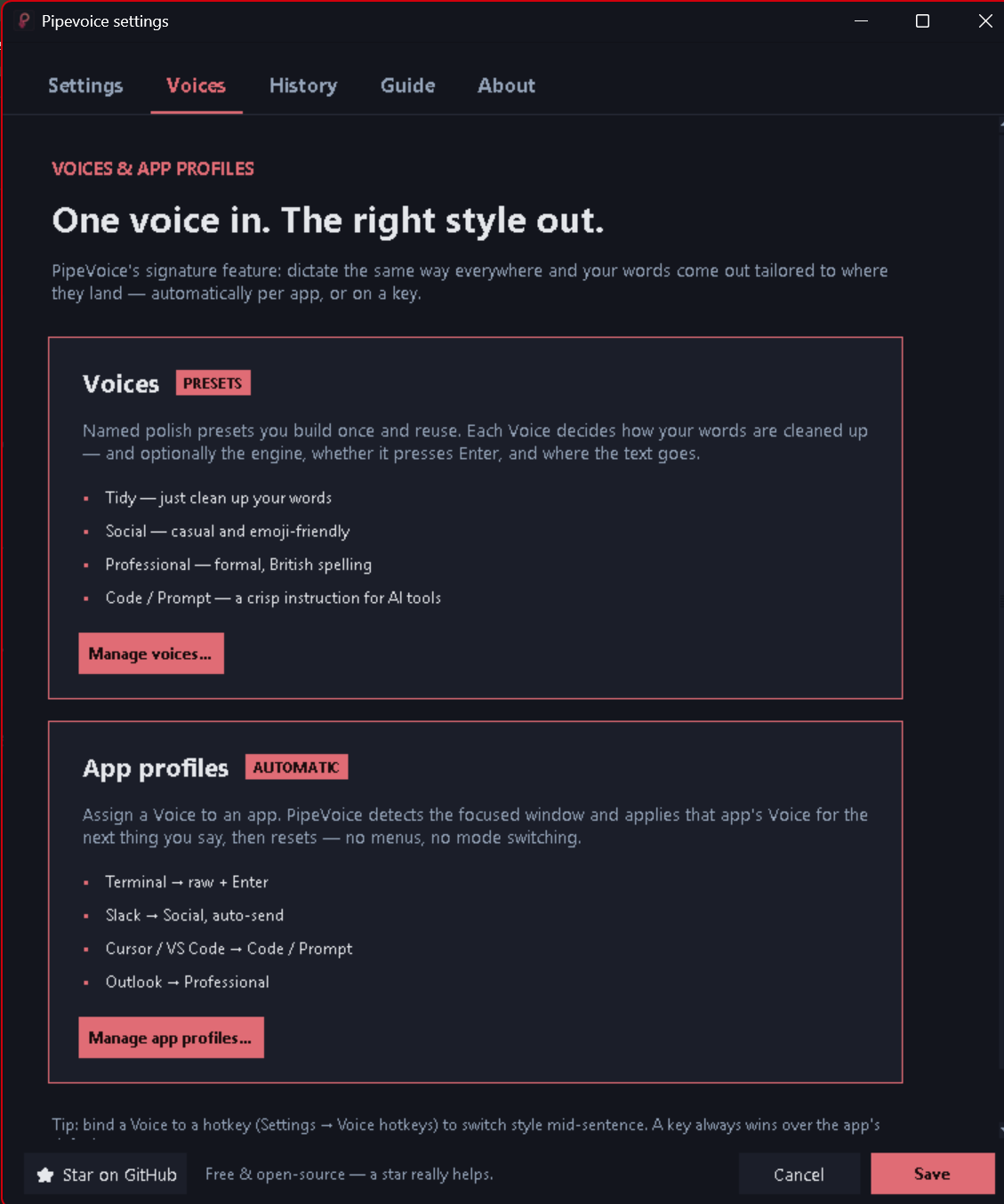
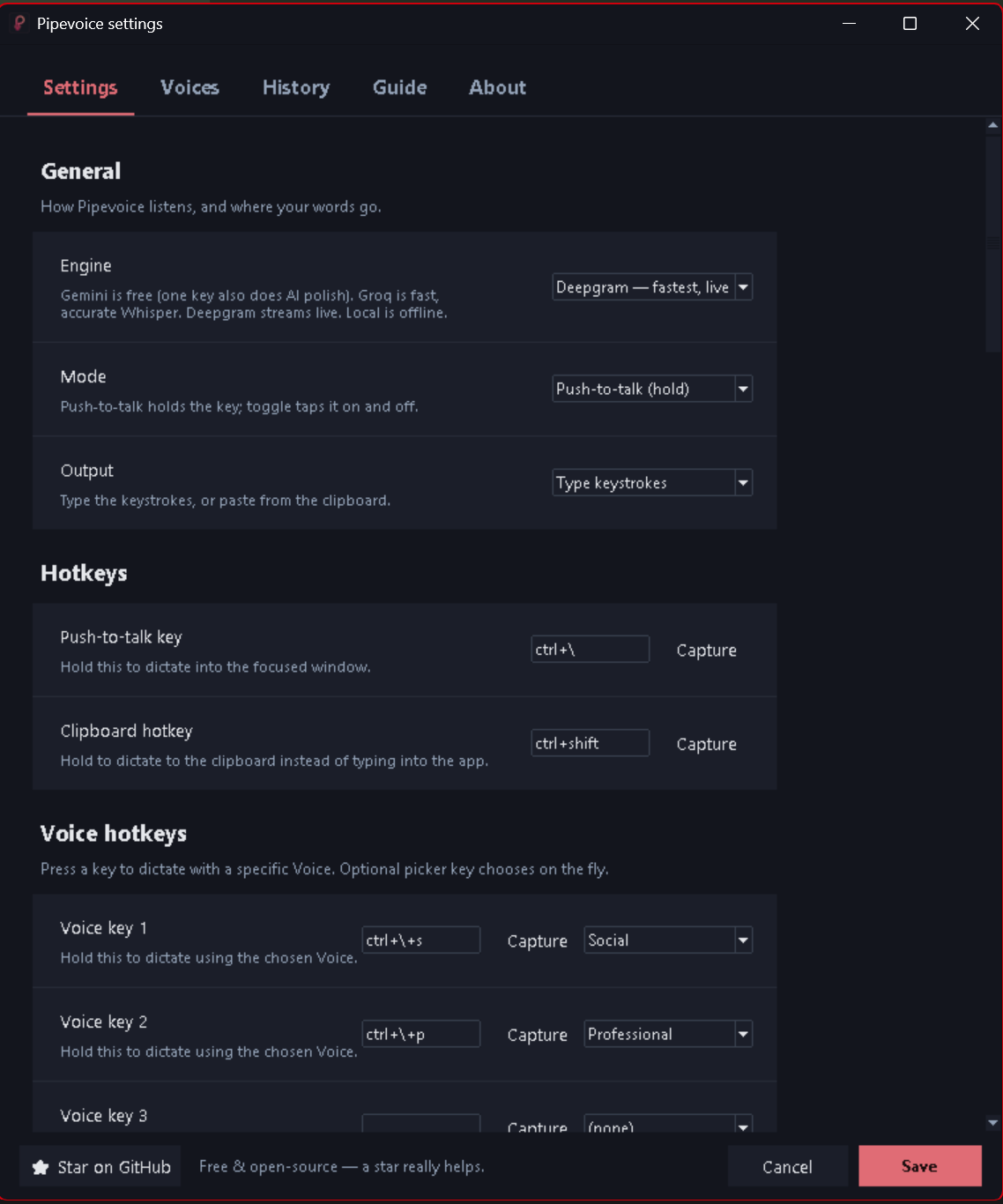
Pipevoice is a free and open-source dictation application built natively for Windows. It allows users to dictate directly into any focused application, such as terminals, editors, browsers, or chat boxes, by simulating real keystrokes. Users can choose between fully offline operation using local Whisper and Ollama models, or integrate with cloud providers like Deepgram or OpenAI Whisper using their own keys. The application is private by default, with an option to keep all data on the local machine, and offers features like per-app profiles, customizable hotkeys, and accent recognition. It is particularly useful for AI coding, enabling users to dictate prompts much faster than typing.
Features
Pipevoice is a free and open-source dictation application built natively for Windows. It allows users to dictate directly into any focused application, such as terminals, editors, browsers, or chat boxes, by simulating real keystrokes. Users can choose between fully offline operation using local Whisper and Ollama models, or integrate with cloud providers like Deepgram or OpenAI Whisper using their own keys. The application is private by default, with an option to keep all data on the local machine, and offers features like per-app profiles, customizable hotkeys, and accent recognition. It is particularly useful for AI coding, enabling users to dictate prompts much faster than typing.
Use Cases
Pipevoice is a free and open-source dictation application built natively for Windows. It allows users to dictate directly into any focused application, such as terminals, editors, browsers, or chat boxes, by simulating real keystrokes. Users can choose between fully offline operation using local Whisper and Ollama models, or integrate with cloud providers like Deepgram or OpenAI Whisper using their own keys. The application is private by default, with an option to keep all data on the local machine, and offers features like per-app profiles, customizable hotkeys, and accent recognition. It is particularly useful for AI coding, enabling users to dictate prompts much faster than typing.

Comments


Hey Fazier here (we also build SignalEngine). PipeVoice started because I was dictating long prompts to Claude Code and Cursor and getting tired of typing them out. So we built push-to-talk voice typing that lands text right at the cursor — terminal, editor, chat, anywhere. Hold a hotkey, talk, release. It transcribes (Gemini free by default, Groq, Deepgram, or fully local Whisper), cleans up the filler and punctuation, then types it in. There's a Code Voice that formats output for the terminal, so spoken intent comes out as a clean prompt instead of a wall of run-on text. It's 100% free, no account, no telemetry, and open source — you can read every line. If you can't send code to the cloud, Local Whisper plus Ollama keeps everything on your machine. I'd genuinely love honest feedback from other devs: does the terminal flow feel right, and what would make it part of your daily setup?

The privacy angle here is huge for developers. Most of us are careful about what code snippets we send to cloud APIs, but when you're iterating on AI prompts and systems code, that hesitation becomes friction. Pipevoice being fully offline (Whisper/Ollama option) removes that entire category of concern. Plus the open-source aspect means you can actually audit what's happening instead of trusting a black box. The fact that it works everywhere - terminals, editors, chat apps - beats single-platform solutions by miles.
Premium Products









































Sponsors
Buy

Awards
View all
Awards
View allMakers
Makers
Comments
Hey Fazier here (we also build SignalEngine). PipeVoice started because I was dictating long prompts to Claude Code and Cursor and getting tired of typing them out. So we built push-to-talk voice typing that lands text right at the cursor — terminal, editor, chat, anywhere. Hold a hotkey, talk, release. It transcribes (Gemini free by default, Groq, Deepgram, or fully local Whisper), cleans up the filler and punctuation, then types it in. There's a Code Voice that formats output for the terminal, so spoken intent comes out as a clean prompt instead of a wall of run-on text. It's 100% free, no account, no telemetry, and open source — you can read every line. If you can't send code to the cloud, Local Whisper plus Ollama keeps everything on your machine. I'd genuinely love honest feedback from other devs: does the terminal flow feel right, and what would make it part of your daily setup?
The privacy angle here is huge for developers. Most of us are careful about what code snippets we send to cloud APIs, but when you're iterating on AI prompts and systems code, that hesitation becomes friction. Pipevoice being fully offline (Whisper/Ollama option) removes that entire category of concern. Plus the open-source aspect means you can actually audit what's happening instead of trusting a black box. The fact that it works everywhere - terminals, editors, chat apps - beats single-platform solutions by miles.
Premium Products
New to Fazier?

Find your next favorite product or submit your own. Made by @FalakDigital.
Copyright ©2026. All Rights Reserved