
FontDance
AI font generator for downloadable TTF and WOFF2 fonts.
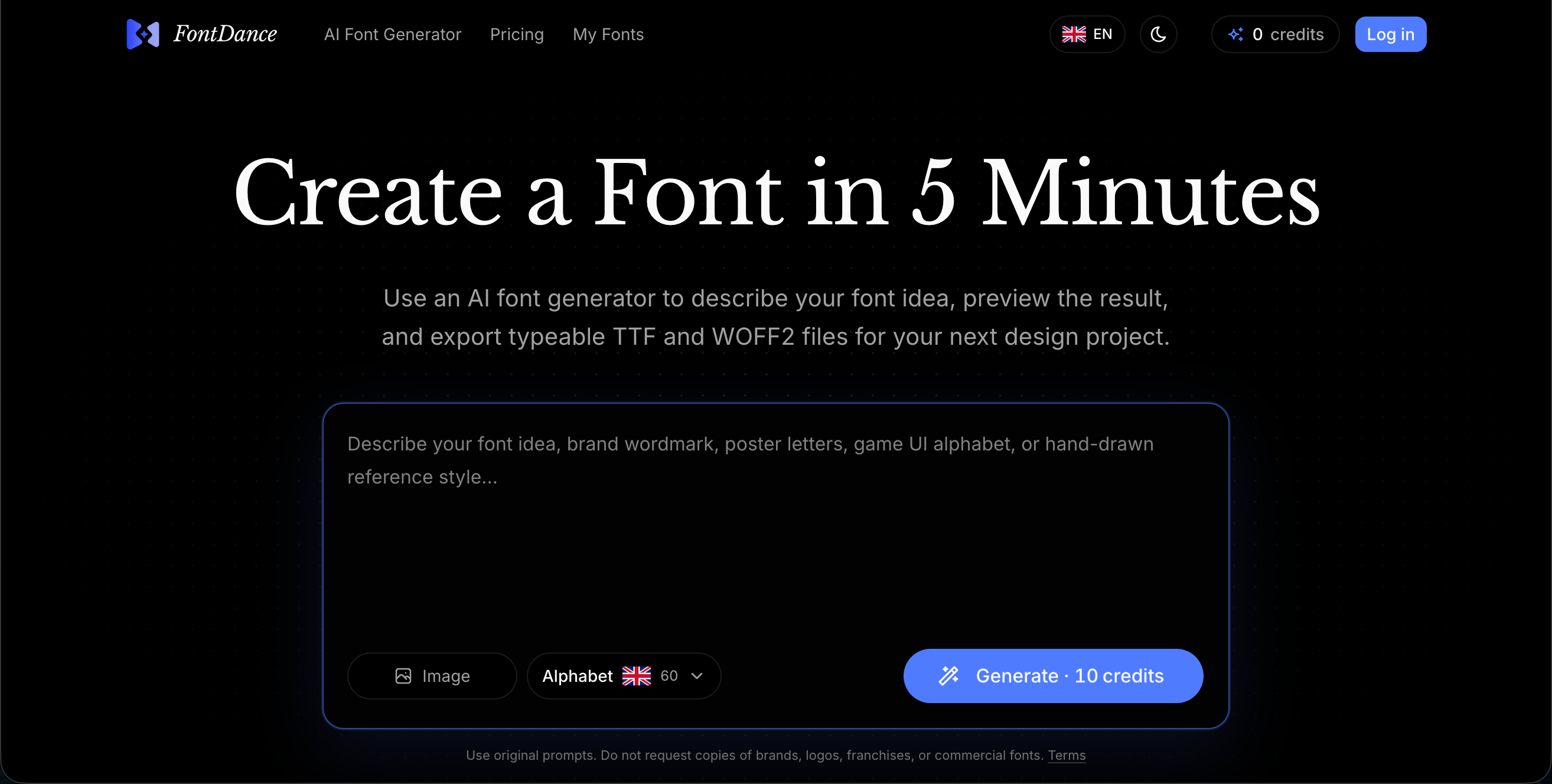
FontDance helps designers, founders, and creative teams generate custom fonts from text prompts or reference images. Users can preview generated characters, save fonts to their account, and download real TTF and WOFF2 files for branding, posters, packaging, UI projects, and other design work.
Features
- Generate custom fonts from text prompts
- Convert reference images into font concepts
- Download real TTF and WOFF2 font files
- Preview generated characters before downloading
- Save generated fonts to your account
- Use credits for flexible font generation
Use Cases
- Create custom logo fonts for brands
- Design display fonts for posters and packaging
- Make unique typefaces for websites and apps
- Turn lettering references into usable font files
- Prototype typography ideas for client projects
- Generate playful fonts for social media and campaigns

Comments




Shipping actual TTF/WOFF2 files instead of rendered images is the right call — that's the difference between a toy and something I can drop into a client build. We do a lot of design-to-WordPress work and the "client has lettering in a mockup but no licensed font file" situation comes up more than you'd think; generating from a reference image could genuinely solve that. Two things I'd want to know before using it in production: how complete is the glyph coverage (full Latin Extended? German umlauts + ß are a hard requirement for us), and how's the hinting/kerning quality at body-text sizes vs display sizes? Congrats on the launch!

The ability to convert reference images directly into font files is genuinely innovative. Most AI font tools work from text descriptions, but designers often have a specific style in mind from a sketch, reference image, or existing typeface they need to replicate. Being able to drop a reference in and get actual downloadable TTF/WOFF2 files cuts out the entire manual refinement process. The preview-before-download workflow respects the designer's time and the credits system makes the pricing transparent instead of subscription anxiety.
Premium Products















































Sponsors
Buy

Makers

Makers
Comments
Shipping actual TTF/WOFF2 files instead of rendered images is the right call — that's the difference between a toy and something I can drop into a client build. We do a lot of design-to-WordPress work and the "client has lettering in a mockup but no licensed font file" situation comes up more than you'd think; generating from a reference image could genuinely solve that. Two things I'd want to know before using it in production: how complete is the glyph coverage (full Latin Extended? German umlauts + ß are a hard requirement for us), and how's the hinting/kerning quality at body-text sizes vs display sizes? Congrats on the launch!
The ability to convert reference images directly into font files is genuinely innovative. Most AI font tools work from text descriptions, but designers often have a specific style in mind from a sketch, reference image, or existing typeface they need to replicate. Being able to drop a reference in and get actual downloadable TTF/WOFF2 files cuts out the entire manual refinement process. The preview-before-download workflow respects the designer's time and the credits system makes the pricing transparent instead of subscription anxiety.
Premium Products
New to Fazier?

Find your next favorite product or submit your own. Made by @FalakDigital.
Copyright ©2026. All Rights Reserved