
ekstrakt
⚡ AI-powered YouTube summaries. Watch less, learn more. ✨
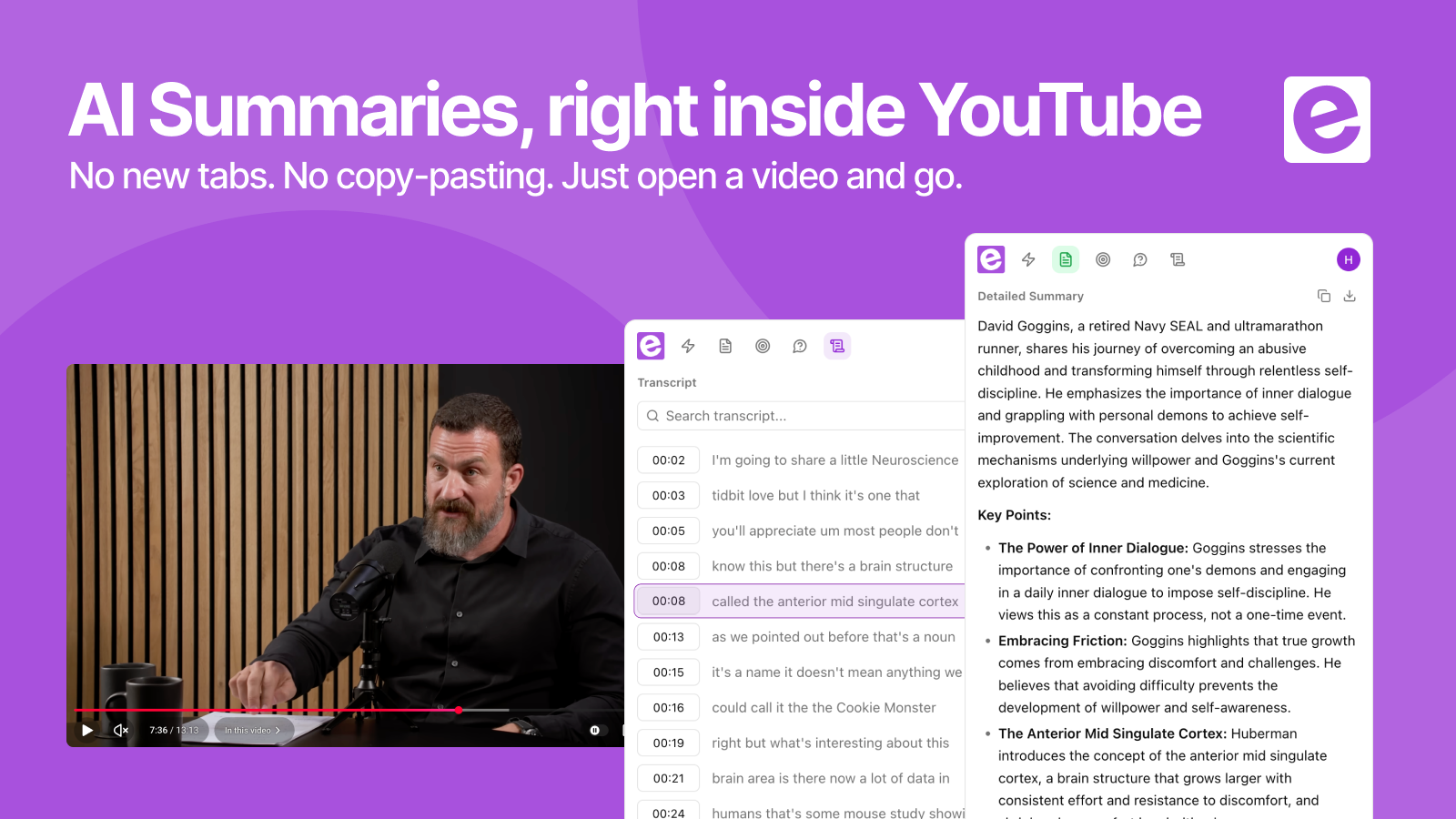
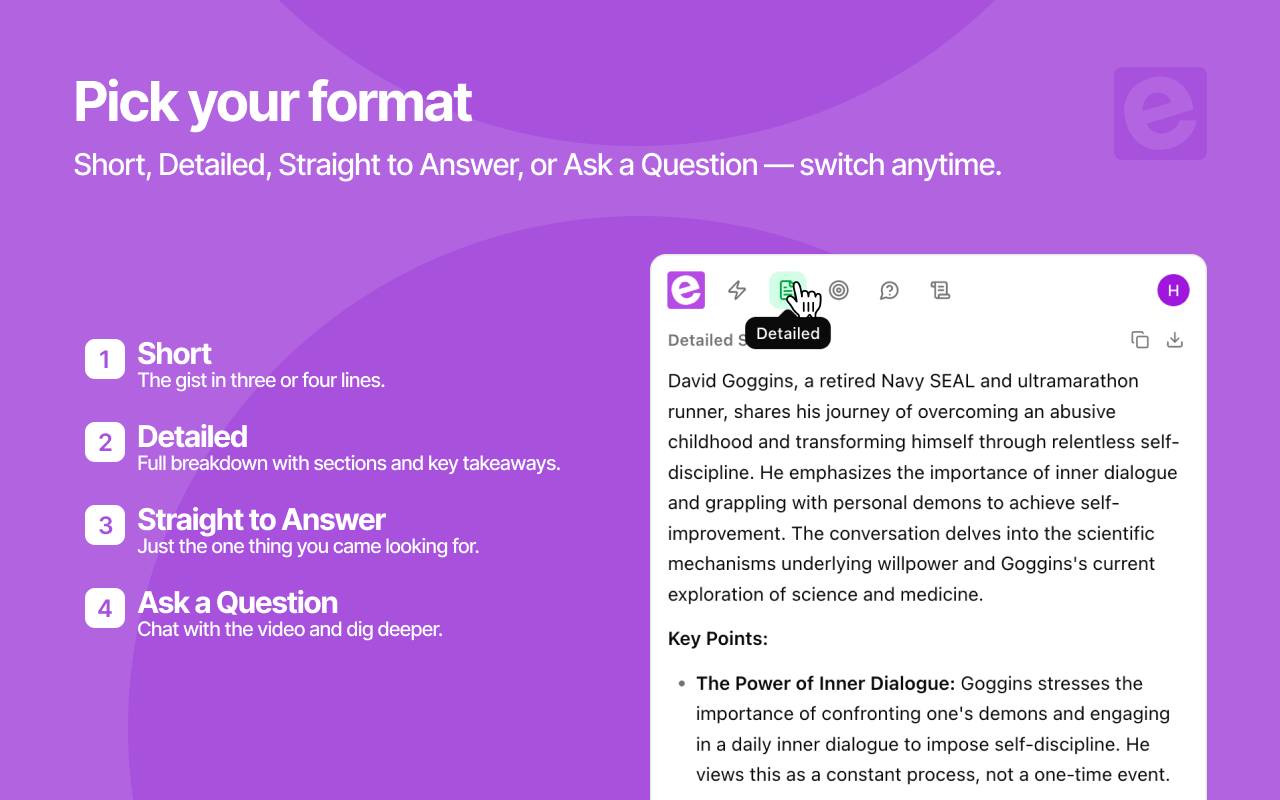
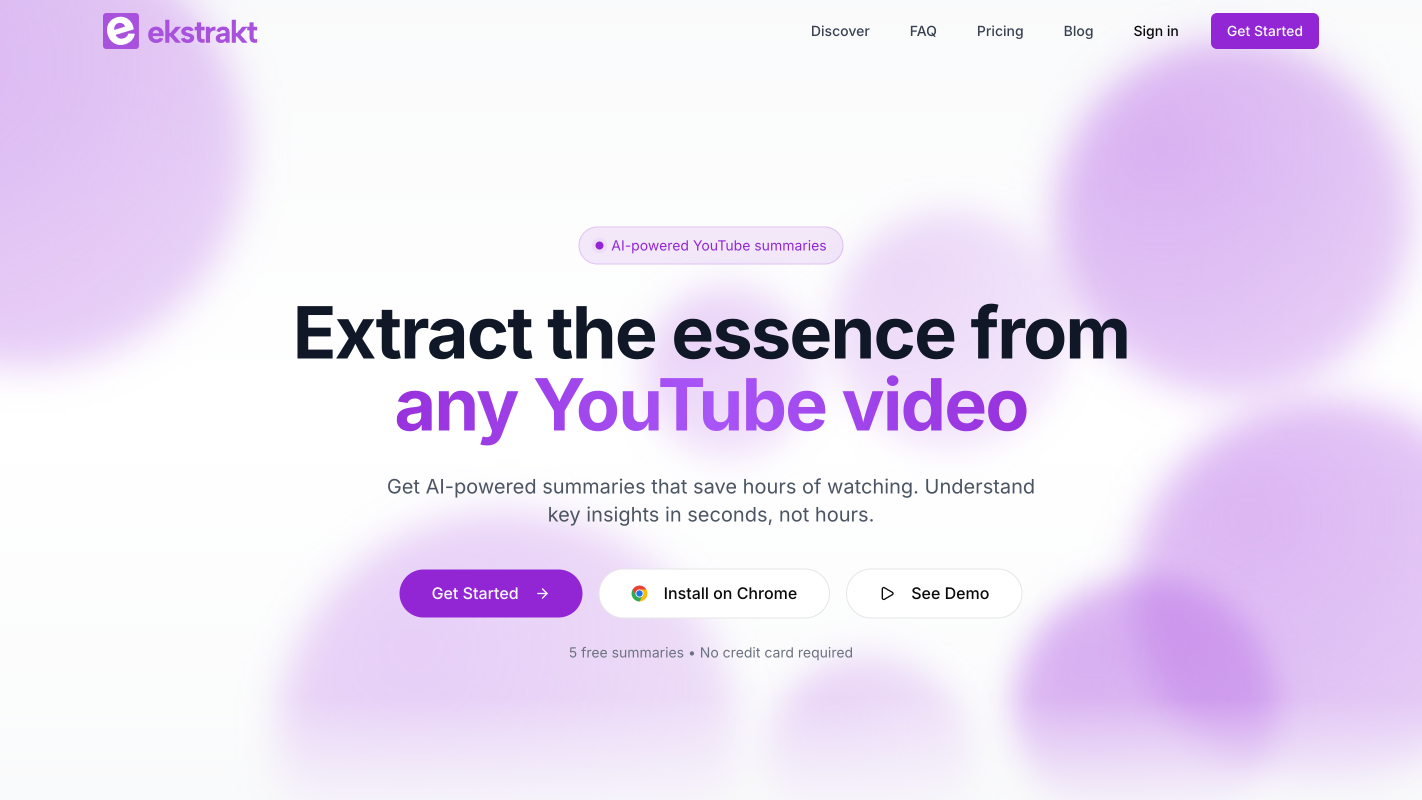
ekstrakt is a YouTube summarization tool available as a web app and Chrome extension. It generates AI-powered summaries in four formats — Short, Detailed, Straight-to-Answer, and Ask-a-Question — with clickable transcripts that jump to any moment in the video. Results stream in real time. It runs on any Chromium-based browser and works with Google, Apple, or email login.
Features
- Four summary styles: Choose Short, Detailed, Straight-to-Answer, or Ask-a-Question to match how you want to consume the content.
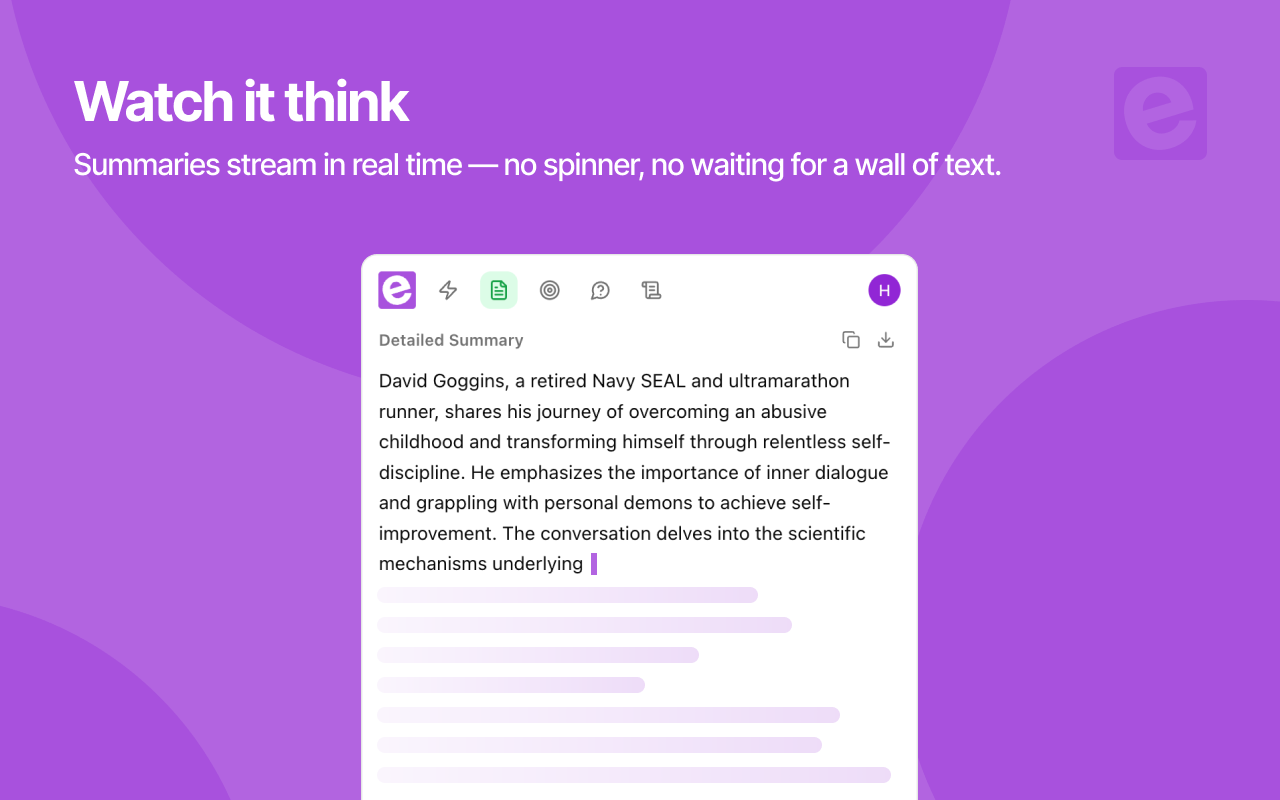
- Live streaming results: Summaries generate in real time — no waiting for a spinner to finish.
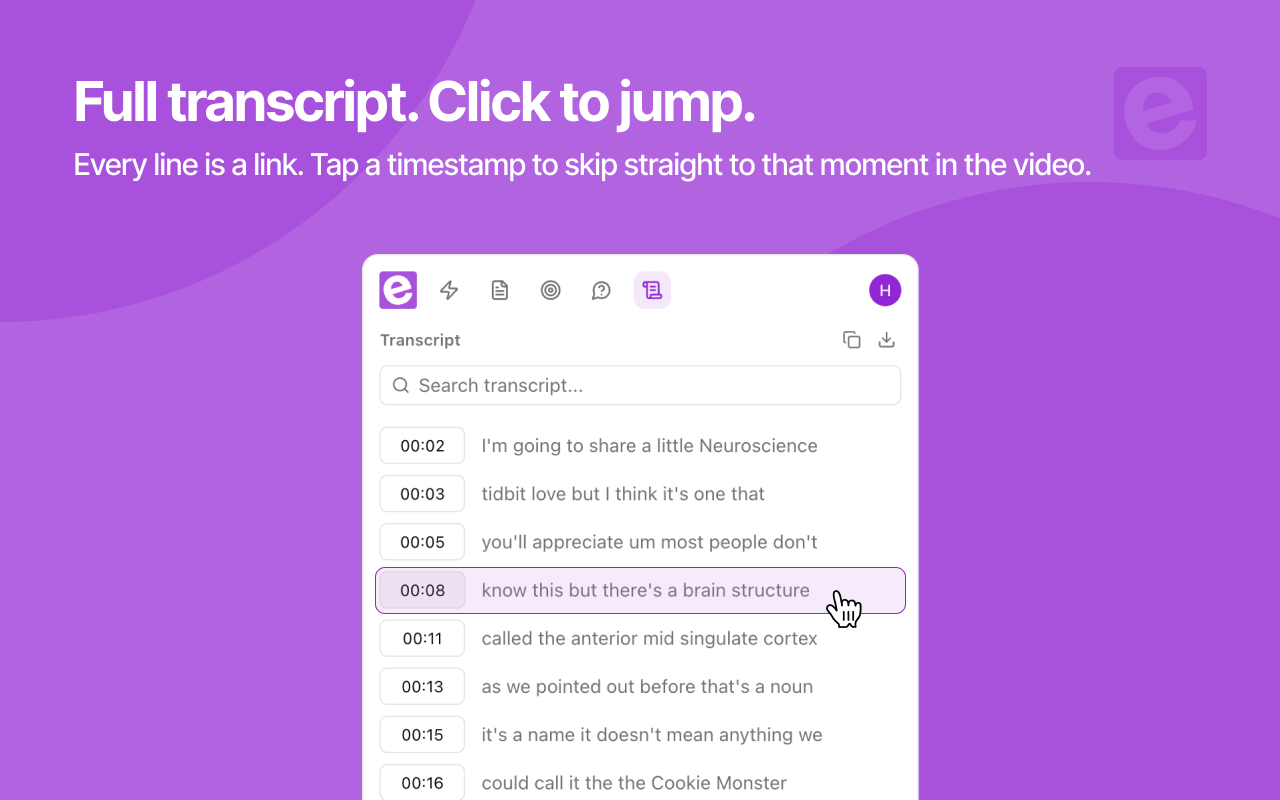
- Clickable transcript timestamps: Read the full transcript and click any line to jump the video to that exact moment.
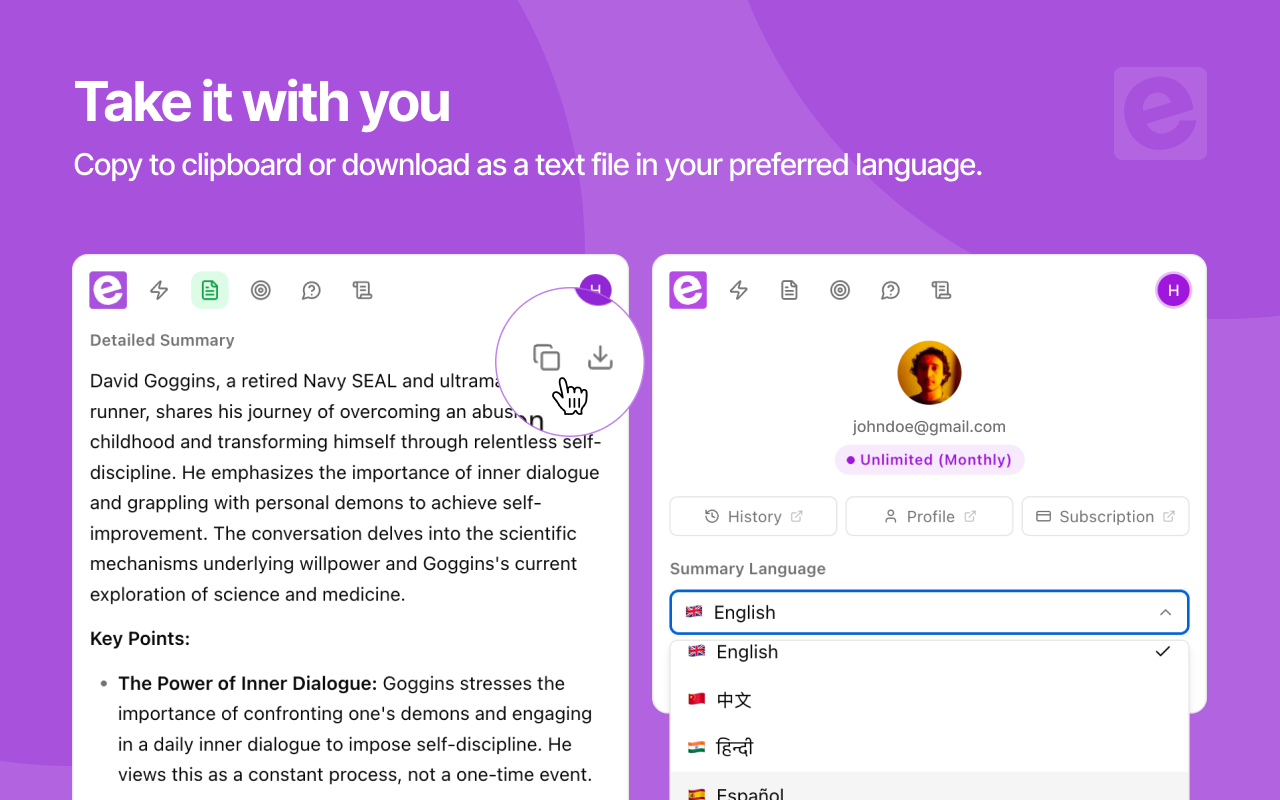
- Multi-language summaries: Get summary output in your preferred language regardless of the video's spoken language.
- One-click copy & download: Export summaries or transcripts to clipboard or as text files instantly.
- Summary history: Every summary is saved to your account — revisit past videos without re-generating.
- Theme-aware Chrome extension: The in-page panel automatically matches YouTube's light or dark mode.
Use Cases
- Study from lectures: Turn a 90-minute recorded lecture into structured notes with a Detailed summary, then click transcript timestamps to rewatch only the parts you need.
- Screen before you watch: Run a Short summary on a clickbait-titled video to see if it actually covers what the thumbnail promises.
- Get one specific answer: Use Straight-to-Answer on "how-to" and review videos to skip the intro, sponsor reads, and padding and jump straight to the conclusion.
- Interrogate long-form content: Ask-a-Question lets you query a 2-hour podcast or interview — "what did the guest say about pricing?" — and get an answer sourced from the actual transcript.
- Keep up with your industry: Summarize conference talks, keynotes, and news recaps in minutes, and revisit them later from your saved summary history.
- Work across languages: Watch a video in one language and get the summary in yours.

Comments


ekstrakt has great potential and offers some useful features, but I encountered a few issues that could be improved. Please contact me so I can share detailed feedback and suggest the changes I'd like to see. Email: [email protected]
Really like the four summary styles — Short vs Detailed vs Straight-to-Answer covers both quick scanning and deep study well. The clickable transcript timestamps are a nice touch; jumping straight to the exact moment beats scrubbing through a 40-minute video. Question: does the Ask-a-Question mode work well on technical content like code tutorials or research talks, or is it tuned more toward conversational videos?
Really like the four summary styles — Short vs Detailed vs Straight-to-Answer covers both quick scanning and deep study well. The clickable transcript timestamps are a nice touch; jumping straight to the exact moment beats scrubbing through a 40-minute video. Question: does the Ask-a-Question mode work well on technical content like code tutorials or research talks, or is it tuned more toward conversational videos?

The combination of multilingual summaries and clickable timestamps looks really useful, especially for people learning from videos in another language. I also like that users can choose between a quick summary, a detailed version, or ask a specific question instead of getting the same generic output every time. Are you planning to add a way to highlight and save key phrases directly from the transcript? Great work!



The 'jump straight to the conclusion' flow is genuinely useful — most summarizers just dump a TL;DR, but being able to skip the intro, sponsor reads, and padding in a how-to video is the part that actually saves time. Ask-a-Question sourcing answers from the transcript is also a strong differentiator for long podcasts and interviews. Two things I'd love to know: do summaries preserve timestamps so you can jump back to the exact moment in the original video, and how does cross-language mode handle videos that mix languages mid-sentence? Also, an export option (Markdown or notes) would make it easy to move insights into a second-brain tool. Great launch!

Hey! 👋 I'm Huseyin, maker of ekstrakt. YouTube is the world's biggest library of knowledge — but every book takes an hour to read. I was tired of scrubbing through 40-minute videos for one answer, so I built the fix. Paste a link (or click right on the YouTube page with our Chrome extension) and get an AI summary in seconds.



The video learning friction here is genuinely compelling. Most professionals and students struggle because they either need to watch entire videos to find one key insight, manually take notes while watching (splitting attention), or rewatch sections trying to remember which timestamp had the information they need. The traditional path means losing hours to videos that could be 10-minute reads, struggling to quote specific moments accurately, or giving up and not learning the material. ekstrakt removes that friction entirely by generating summaries on demand in four different formats and making transcripts clickable to jump to exact moments. Being able to decide upfront whether a video is worth watching through a Short summary, then deep-dive with a Detailed breakdown if needed, transforms what felt like a time investment gamble into a confident decision. For researchers, students, and teams managing professional development especially, that ability to extract knowledge from video without the time sink is what changes the game from dreading long-form content to actually utilizing it as a learning resource.



Premium Products


















































Awards
View all
Awards
View allMakers
Makers
Comments
ekstrakt has great potential and offers some useful features, but I encountered a few issues that could be improved. Please contact me so I can share detailed feedback and suggest the changes I'd like to see. Email: [email protected]
Really like the four summary styles — Short vs Detailed vs Straight-to-Answer covers both quick scanning and deep study well. The clickable transcript timestamps are a nice touch; jumping straight to the exact moment beats scrubbing through a 40-minute video. Question: does the Ask-a-Question mode work well on technical content like code tutorials or research talks, or is it tuned more toward conversational videos?
Really like the four summary styles — Short vs Detailed vs Straight-to-Answer covers both quick scanning and deep study well. The clickable transcript timestamps are a nice touch; jumping straight to the exact moment beats scrubbing through a 40-minute video. Question: does the Ask-a-Question mode work well on technical content like code tutorials or research talks, or is it tuned more toward conversational videos?
The combination of multilingual summaries and clickable timestamps looks really useful, especially for people learning from videos in another language. I also like that users can choose between a quick summary, a detailed version, or ask a specific question instead of getting the same generic output every time. Are you planning to add a way to highlight and save key phrases directly from the transcript? Great work!
The 'jump straight to the conclusion' flow is genuinely useful — most summarizers just dump a TL;DR, but being able to skip the intro, sponsor reads, and padding in a how-to video is the part that actually saves time. Ask-a-Question sourcing answers from the transcript is also a strong differentiator for long podcasts and interviews. Two things I'd love to know: do summaries preserve timestamps so you can jump back to the exact moment in the original video, and how does cross-language mode handle videos that mix languages mid-sentence? Also, an export option (Markdown or notes) would make it easy to move insights into a second-brain tool. Great launch!
Hey! 👋 I'm Huseyin, maker of ekstrakt. YouTube is the world's biggest library of knowledge — but every book takes an hour to read. I was tired of scrubbing through 40-minute videos for one answer, so I built the fix. Paste a link (or click right on the YouTube page with our Chrome extension) and get an AI summary in seconds.
The video learning friction here is genuinely compelling. Most professionals and students struggle because they either need to watch entire videos to find one key insight, manually take notes while watching (splitting attention), or rewatch sections trying to remember which timestamp had the information they need. The traditional path means losing hours to videos that could be 10-minute reads, struggling to quote specific moments accurately, or giving up and not learning the material. ekstrakt removes that friction entirely by generating summaries on demand in four different formats and making transcripts clickable to jump to exact moments. Being able to decide upfront whether a video is worth watching through a Short summary, then deep-dive with a Detailed breakdown if needed, transforms what felt like a time investment gamble into a confident decision. For researchers, students, and teams managing professional development especially, that ability to extract knowledge from video without the time sink is what changes the game from dreading long-form content to actually utilizing it as a learning resource.
Premium Products
New to Fazier?

Find your next favorite product or submit your own. Made by @FalakDigital.
Copyright ©2026. All Rights Reserved