Launch
Disk Prices Tools
Visit
Example Image

Disk Prices Tools

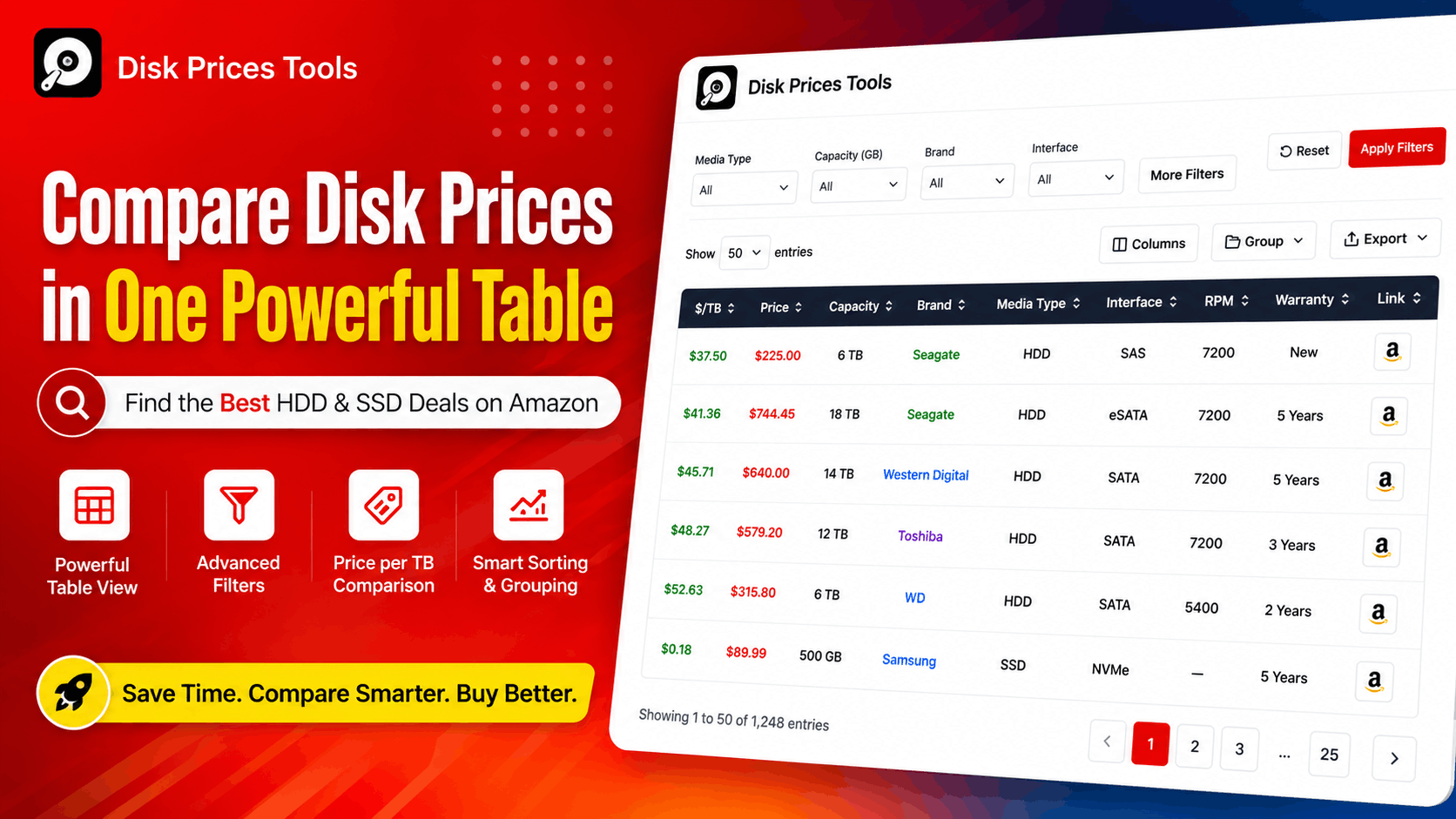
Compare HDD & SSD Prices and Specs in a full-spec table

Visit

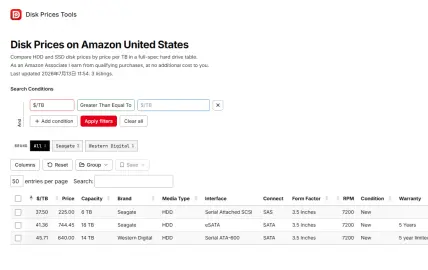
Disk Price Tool takes the headache out of storage shopping by pulling every HDD, SSD, and NVMe drive from Amazon into one sortable table that automatically calculates price per terabyte and per gigabyte so you can compare a 500GB boot drive against a 20TB archive disk on equal footing. Each row comes loaded with comprehensive specs — capacity, interface, form factor, RPM, CMR versus SMR recording type, sequential read and write speeds, random IOPS, TBW endurance, MTBF reliability ratings, and warranty length — with full control to toggle columns, apply multi-condition filters, search live as you type, and fix incorrect data through community editing with approved changes synced to all users. The platform tracks product condition across new, used, renewed, and refurbished listings alongside seller ratings, manually verifies critical fields like capacity and CMR/SMR to catch common Amazon listing errors, and serves everyone from NAS builders hunting for high-capacity CMR drives with strong warranties to gamers chasing NVMe speeds to homelab operators comparing endurance metrics to budget shoppers looking for the lowest cost per terabyte. Save and share your filtered results as groups with a single link, keep custom column layouts saved in your browser across visits, and contribute corrections that help every shopper who comes after you — all while community feedback actively shapes the roadmap, from price history tracking to email alerts and additional marketplace support.

Example Image
Example Image
Example Image
Example Image

Features

  • Everything in one place – No more flipping between product pages. Each listing shows full technical specs, so you're comparing drives, not tabs.
  • Focus on what matters – Toggle the columns you actually need. NAS users can track CMR/SMR and warranty. Gamers can prioritize IOPS and read speeds. IT buyers can monitor TBW and MTBF.
  • Search at the speed of typing – Enter a brand, model number, interface, or partial name — and watch the table filter instantly. No page reloads, no delays.
  • Filter with precision – Stack conditions like max $/TB, minimum capacity, media type, recording type, brand, or seller rating. Zero in on the right drives fast.
  • No more misleading prices – /TBand/TBand/GB are calculated for every listing automatically. Raw price tags finally tell the full story.
  • Save and share in seconds – Turn any filtered view or custom selection into a shareable group. One click to send it to anyone.
  • Made better by everyone – See an error? Edit any field directly. Approved corrections go live for all users, improving the database for everyone who shops next.

Use Cases

  • One view, zero clutter – Every drive appears in a single table with full specs. No more tab-hopping or copy-pasting.

  • Your specs, your way – Choose the columns that matter to you. NAS users turn on CMR/SMR and warranty. Gamers display IOPS and read speeds. IT pros pull up TBW and MTBF.

  • Instant search – Type a brand, model number, interface, or partial name. Results update as you type. No waiting. No reloading.

  • Powerful filtering – Stack conditions like max $/TB, minimum capacity, media type, recording method, brand, or seller rating. Cut through thousands of listings in seconds.

  • Honest value metrics – /TB and /TBand/GB are calculated automatically. Raw price tags no longer fool you into bad decisions.

  • Save and share – Turn any filtered view or hand-picked selection into a shareable group. Send it to a friend or post it in a forum with one click.

  • Community-powered accuracy – Spot a mistake? Edit any field directly. Once approved, your fix helps everyone who shops after you.

Comments

Premium Products

custom-img
An interesting website adminis...
Makers
custom-img
An interesting website adminis...

Comments

Premium Products