
CodeUtilityKit
100+ private developer tools that run in your browser
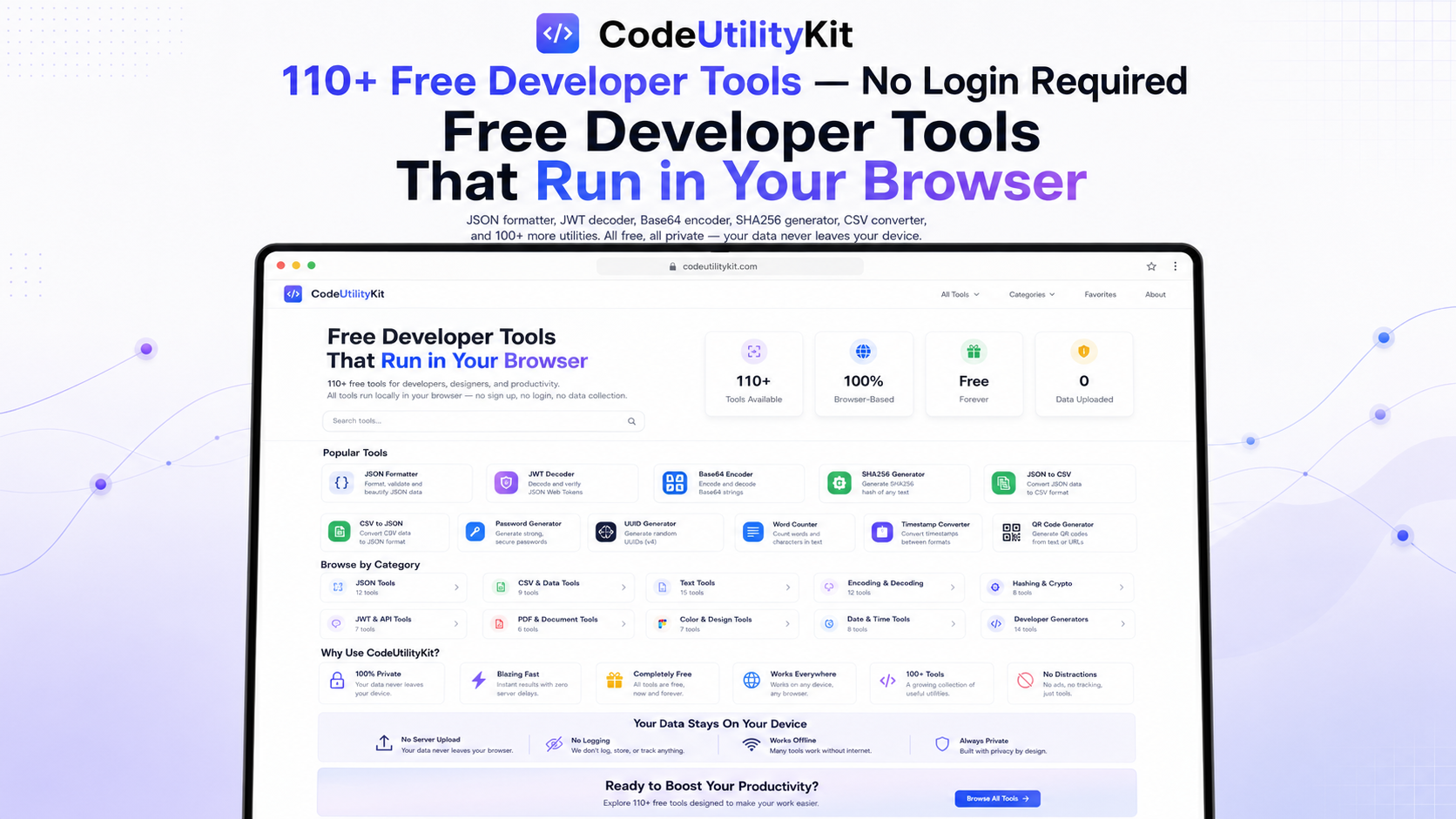
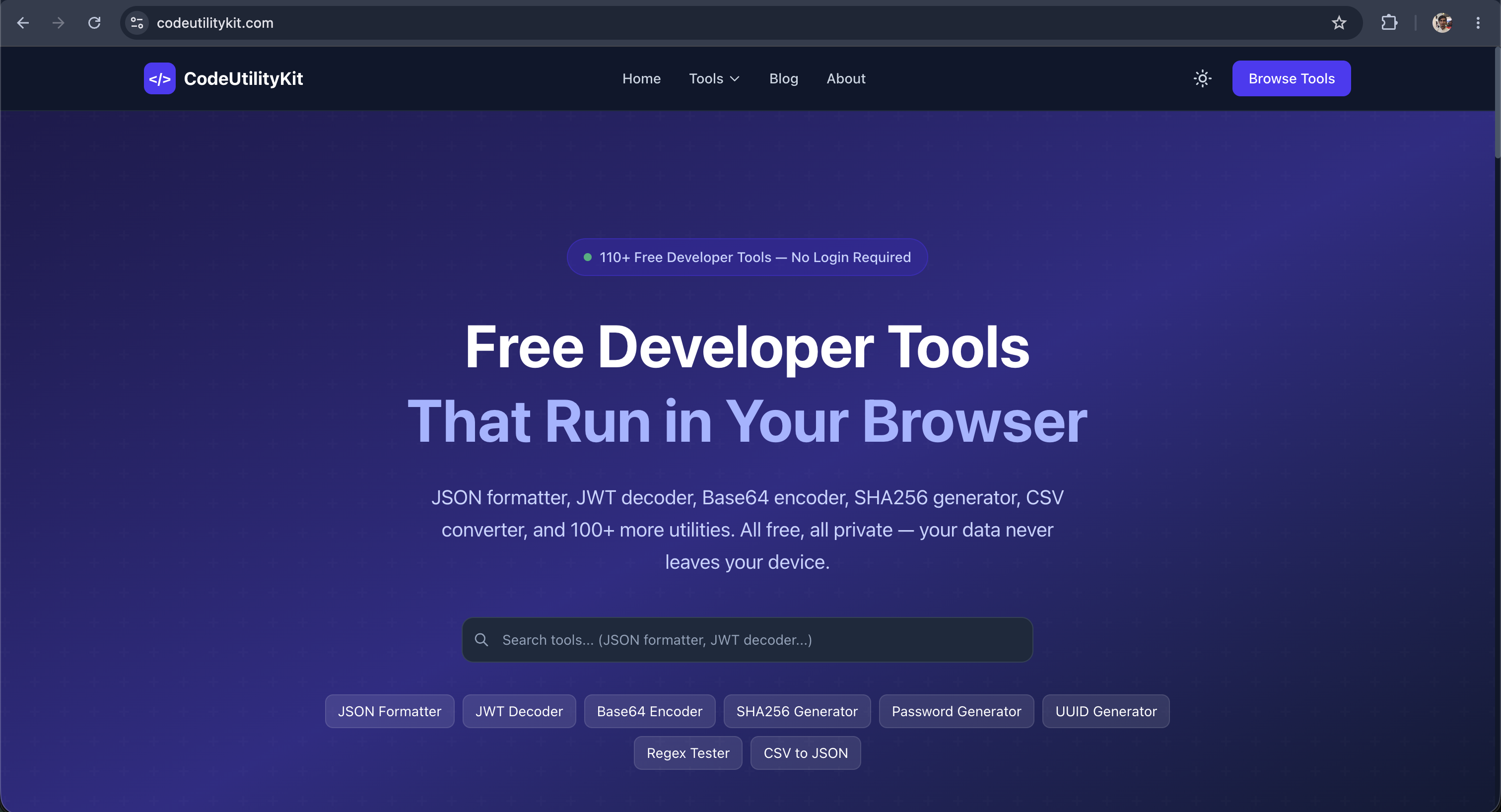
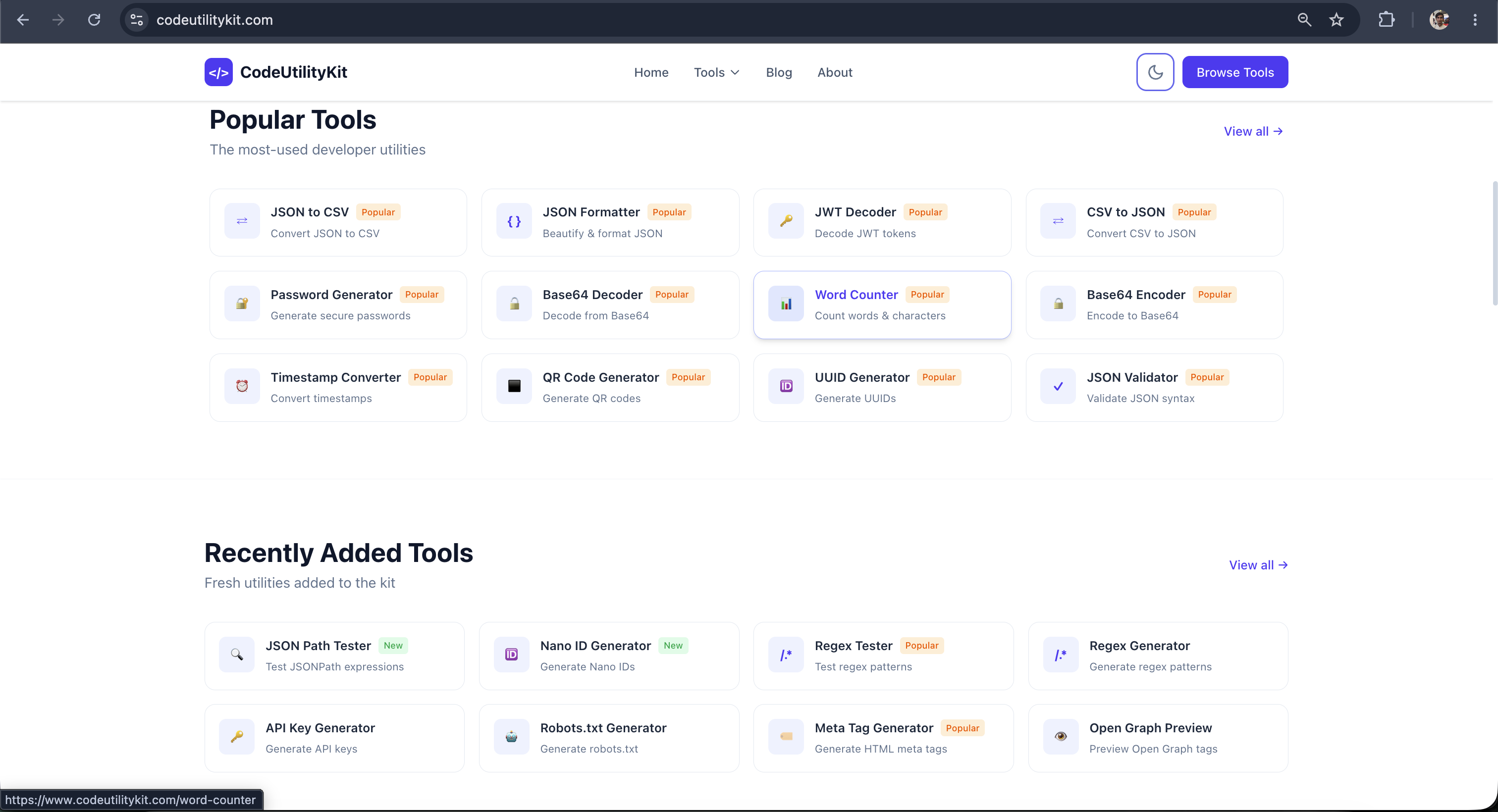
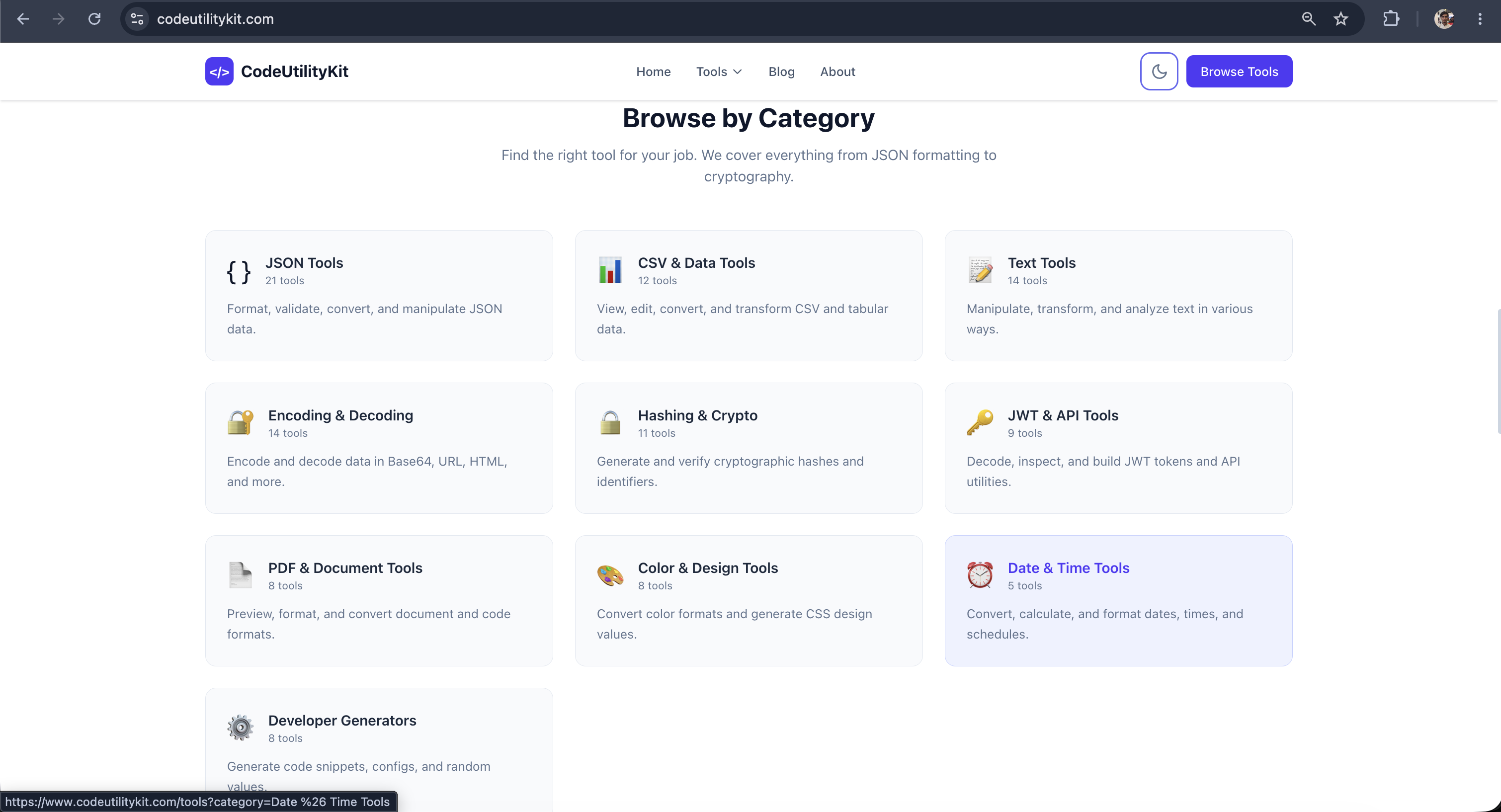
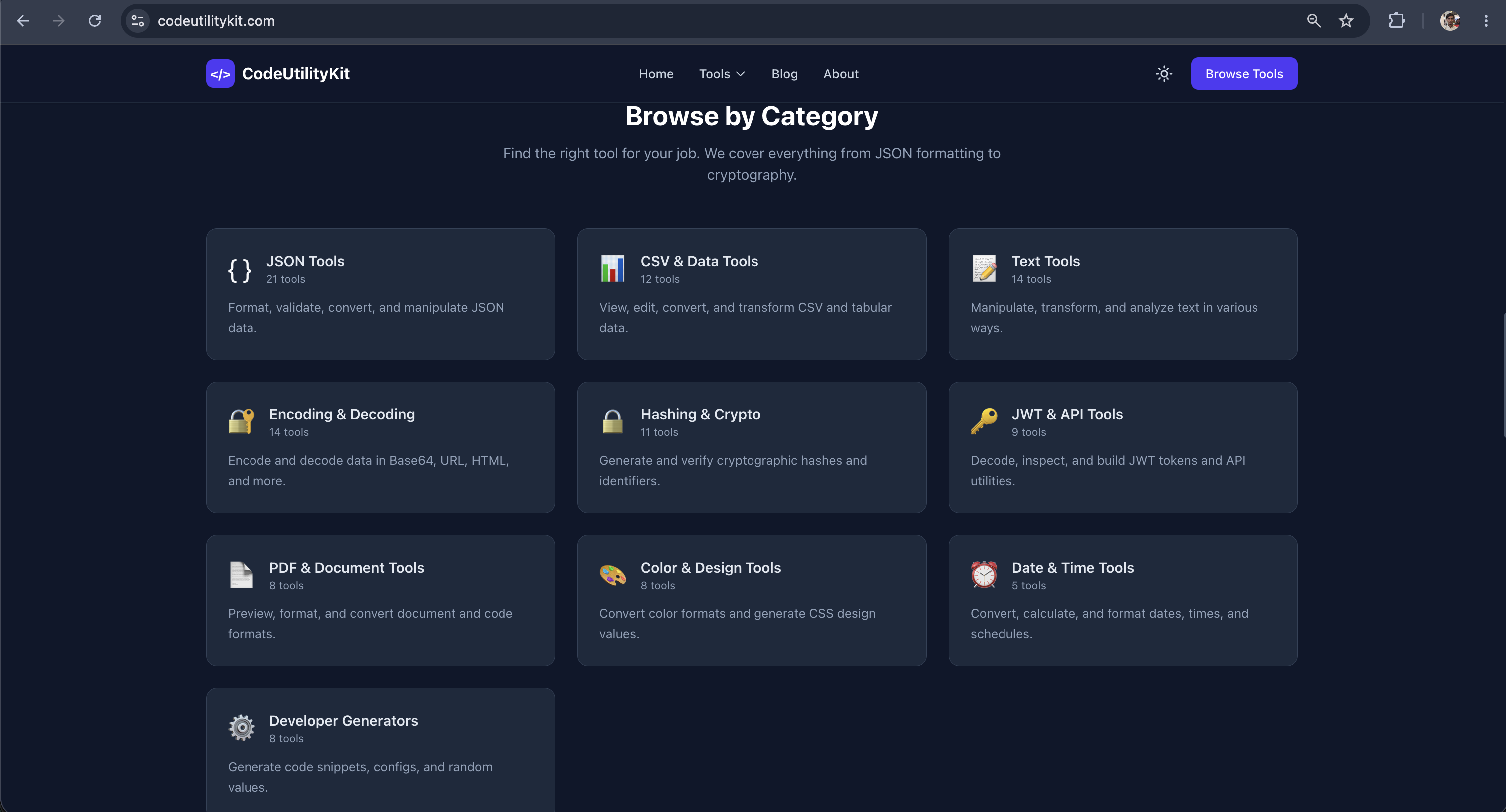
CodeUtilityKit is a free collection of browser-based developer tools for everyday coding, formatting, conversion, debugging, and productivity tasks. It includes tools like JSON Formatter, JWT Decoder, Base64 Encoder/Decoder, SHA256 Generator, CSV to JSON, JSON to CSV, Password Generator, UUID Generator, Regex Tester, QR Code Generator, Timestamp Converter, and many more. Everything runs locally in your browser, so your code, tokens, API keys, passwords, and files stay on your device.
Features
- Free Tools that runs inside browser
- Secure because everything works locally
- 100+ Converter tools used by developers
Use Cases
- Json Viewer with shareable links to share debugging jsons from logs with team.
- Json Fixing option - Fix broken json by pasting
- Json to CSV viewer

Comments

I’m excited to launch CodeUtilityKit — a free collection of 100+ developer tools that run directly in your browser. As developers, we often need quick utilities like JSON formatting, JWT decoding, Base64 encoding, CSV conversion, hash generation, UUID generation, regex testing, password generation, and timestamp conversion. The problem is that many tools are either cluttered, slow, require sign-up, or make you wonder where your data is going. CodeUtilityKit was built to solve that. The goal is simple: give developers a clean, fast, privacy-first toolbox for everyday tasks. All tools run locally in the browser, so your data never needs to be uploaded to a server. What you can do with it: Format, validate, and convert JSON Convert CSV to JSON and JSON to CSV Decode JWT tokens Encode/decode Base64, URL, and HTML Generate SHA hashes, UUIDs, passwords, QR codes, and API keys Test regex patterns Work with timestamps, colors, text, PDFs, and more It’s completely free, requires no login, and is built to stay lightweight and distraction-free. I’d love your feedback on which tools you find most useful and what I should add next. Thanks for checking it out 🙌


The dev tool friction is real. Most developers keep twenty browser tabs open juggling different sites for formatting, encoding, debugging utilities, and data conversion tasks - which kills focus and drains context switching energy. Many of these tools also want your data or require sign-up just to format JSON. CodeUtilityKit removes that entire problem by giving developers one privacy-first home for everyday utilities. The fact that everything runs locally in your browser means your code, tokens, and API keys never touch a server. For teams especially, this becomes a trust bridge between security-conscious engineers and the flexibility they need for rapid debugging. Consolidated tool access from one tab instead of twenty scattered bookmarks is a legitimate productivity multiplier.

With 100+ tools, discovery becomes the real UX problem - a cmd+K command palette that jumps straight to a tool, plus a "recently used" row on the landing page, would make this genuinely faster than the folder of bookmarks it's replacing. The JSON repair-by-paste option is the standout for me; broken JSON pulled out of logs is exactly where most formatters just throw a parse error and stop. Is each tool individually deep-linkable so I can bookmark the two or three I live in, and does the shareable JSON link keep the payload client-side to match the local-only promise?

A single browser toolbox for JSON repair, CSV conversion, JWT decoding, and regex testing would replace a surprising number of bookmarks. I’m especially curious about the shareable JSON links: are payloads stored server-side, encoded in the URL fragment, or encrypted so that the privacy-first promise remains clear?

The dev tools sprawl is brutal. Most developers bookmark 50+ websites for JSON formatting, base64 encoding, regex testing, UUID generation, and random conversion tasks. Every time you need to encode something or validate a format, you're tabbing out to a different site, dealing with ads and slow load times. CodeUtilityKit removes that entire fragmentation by putting 110+ tools in one lightweight browser tab. Being able to stay in one place for JSON viewer, CSV converter, password generator, and timestamp tools eliminates the context-switching overhead that kills productivity throughout the day. The local-execution angle is also huge - your API keys and sensitive data never leave your device, which is genuinely game-changing for security-conscious engineers. For solo developers especially, consolidating this toolkit saves hours monthly on context switching and tool hunting.


CodeUtilityKit has great potential! A few improvements could make it even better. I'd love to share my feedback and suggestions. Email: [email protected]

Premium Products













































Sponsors
Buy

Awards
View all
Awards
View allMakers
Makers
Comments
I’m excited to launch CodeUtilityKit — a free collection of 100+ developer tools that run directly in your browser. As developers, we often need quick utilities like JSON formatting, JWT decoding, Base64 encoding, CSV conversion, hash generation, UUID generation, regex testing, password generation, and timestamp conversion. The problem is that many tools are either cluttered, slow, require sign-up, or make you wonder where your data is going. CodeUtilityKit was built to solve that. The goal is simple: give developers a clean, fast, privacy-first toolbox for everyday tasks. All tools run locally in the browser, so your data never needs to be uploaded to a server. What you can do with it: Format, validate, and convert JSON Convert CSV to JSON and JSON to CSV Decode JWT tokens Encode/decode Base64, URL, and HTML Generate SHA hashes, UUIDs, passwords, QR codes, and API keys Test regex patterns Work with timestamps, colors, text, PDFs, and more It’s completely free, requires no login, and is built to stay lightweight and distraction-free. I’d love your feedback on which tools you find most useful and what I should add next. Thanks for checking it out 🙌
The dev tool friction is real. Most developers keep twenty browser tabs open juggling different sites for formatting, encoding, debugging utilities, and data conversion tasks - which kills focus and drains context switching energy. Many of these tools also want your data or require sign-up just to format JSON. CodeUtilityKit removes that entire problem by giving developers one privacy-first home for everyday utilities. The fact that everything runs locally in your browser means your code, tokens, and API keys never touch a server. For teams especially, this becomes a trust bridge between security-conscious engineers and the flexibility they need for rapid debugging. Consolidated tool access from one tab instead of twenty scattered bookmarks is a legitimate productivity multiplier.
With 100+ tools, discovery becomes the real UX problem - a cmd+K command palette that jumps straight to a tool, plus a "recently used" row on the landing page, would make this genuinely faster than the folder of bookmarks it's replacing. The JSON repair-by-paste option is the standout for me; broken JSON pulled out of logs is exactly where most formatters just throw a parse error and stop. Is each tool individually deep-linkable so I can bookmark the two or three I live in, and does the shareable JSON link keep the payload client-side to match the local-only promise?
A single browser toolbox for JSON repair, CSV conversion, JWT decoding, and regex testing would replace a surprising number of bookmarks. I’m especially curious about the shareable JSON links: are payloads stored server-side, encoded in the URL fragment, or encrypted so that the privacy-first promise remains clear?
The dev tools sprawl is brutal. Most developers bookmark 50+ websites for JSON formatting, base64 encoding, regex testing, UUID generation, and random conversion tasks. Every time you need to encode something or validate a format, you're tabbing out to a different site, dealing with ads and slow load times. CodeUtilityKit removes that entire fragmentation by putting 110+ tools in one lightweight browser tab. Being able to stay in one place for JSON viewer, CSV converter, password generator, and timestamp tools eliminates the context-switching overhead that kills productivity throughout the day. The local-execution angle is also huge - your API keys and sensitive data never leave your device, which is genuinely game-changing for security-conscious engineers. For solo developers especially, consolidating this toolkit saves hours monthly on context switching and tool hunting.
CodeUtilityKit has great potential! A few improvements could make it even better. I'd love to share my feedback and suggestions. Email: [email protected]
Premium Products
New to Fazier?

Find your next favorite product or submit your own. Made by @FalakDigital.
Copyright ©2026. All Rights Reserved