
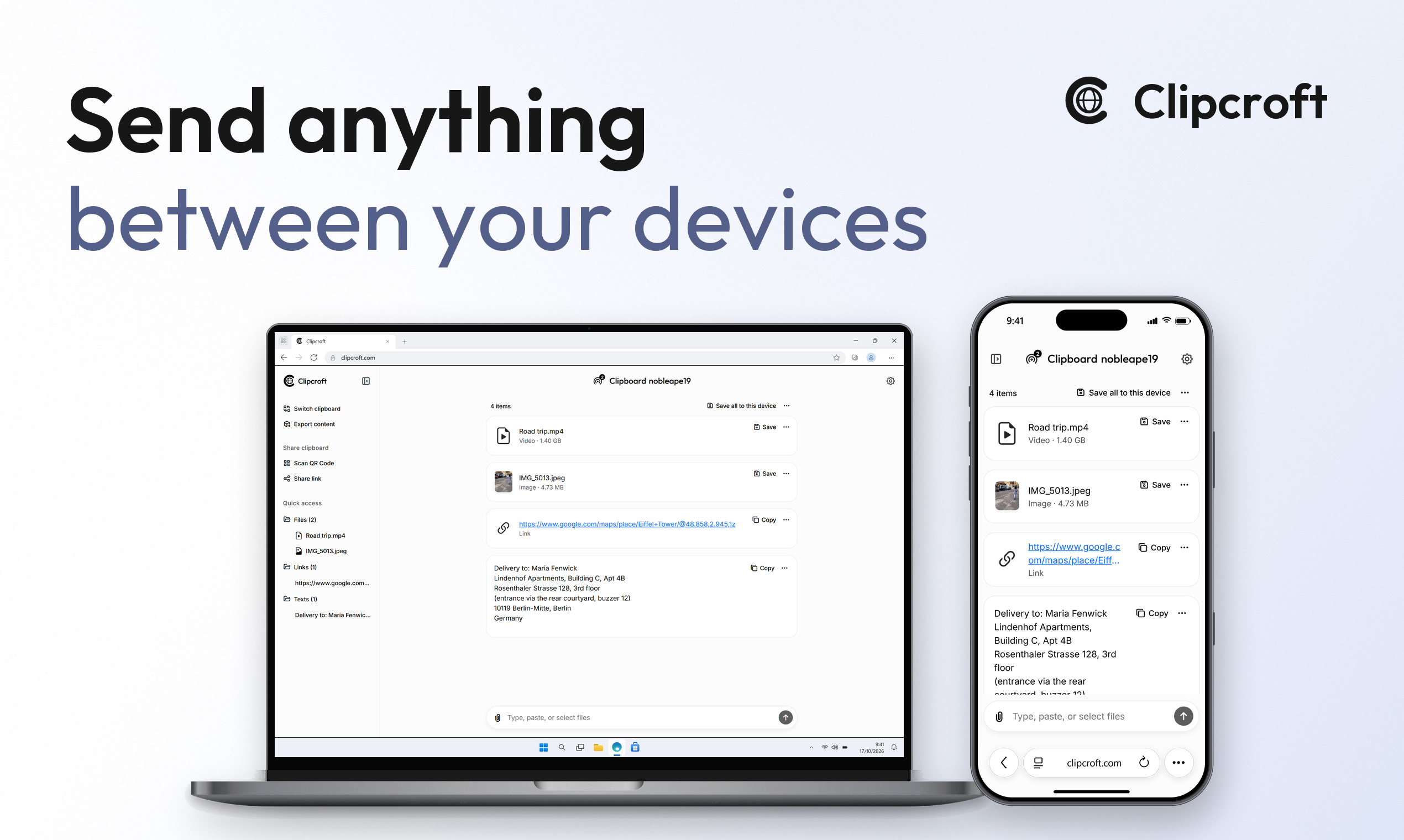
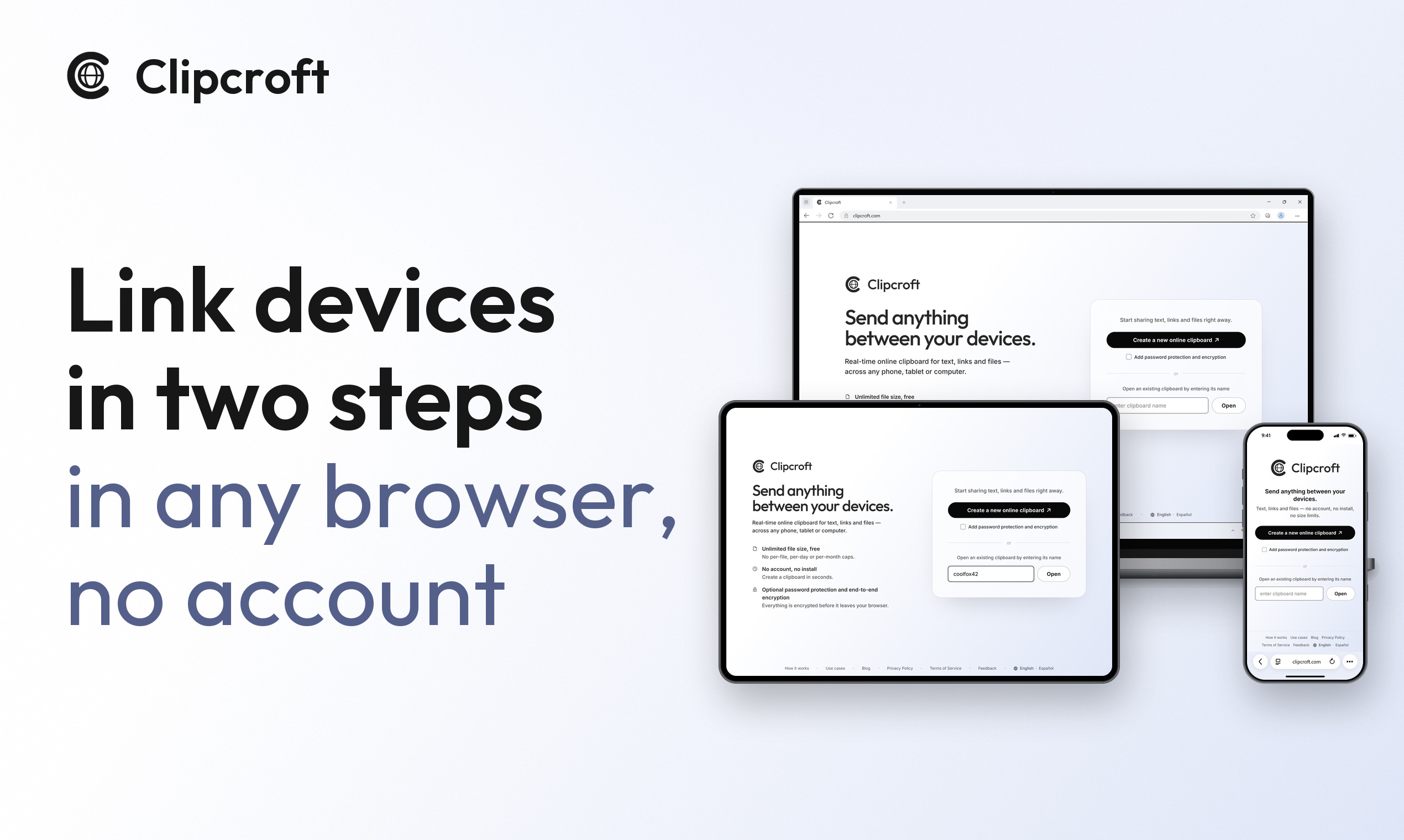
Link devices in two steps with this free online tool: create a clipboard on one, open it on the other. Send text, links, and files of any size with zero caps. No signup, nothing to install. Devices don't even need to be on the same Wi-Fi.
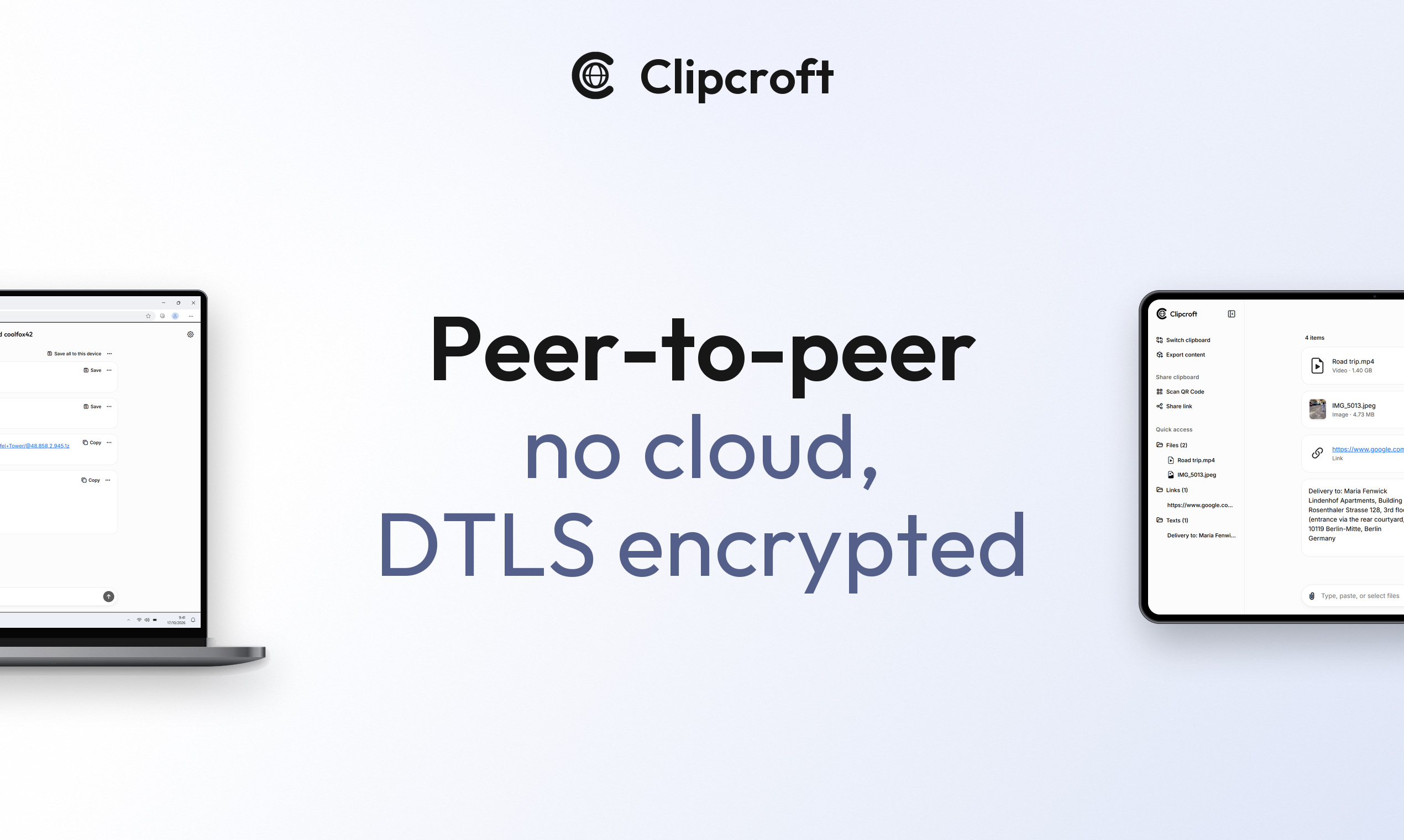
Files travel encrypted peer-to-peer (P2P) and are never uploaded to or stored on any server. Optional password protection adds end-to-end encryption.
Features
No signup, nothing to install: it runs in any browser
Text and links appear on the other device in real time
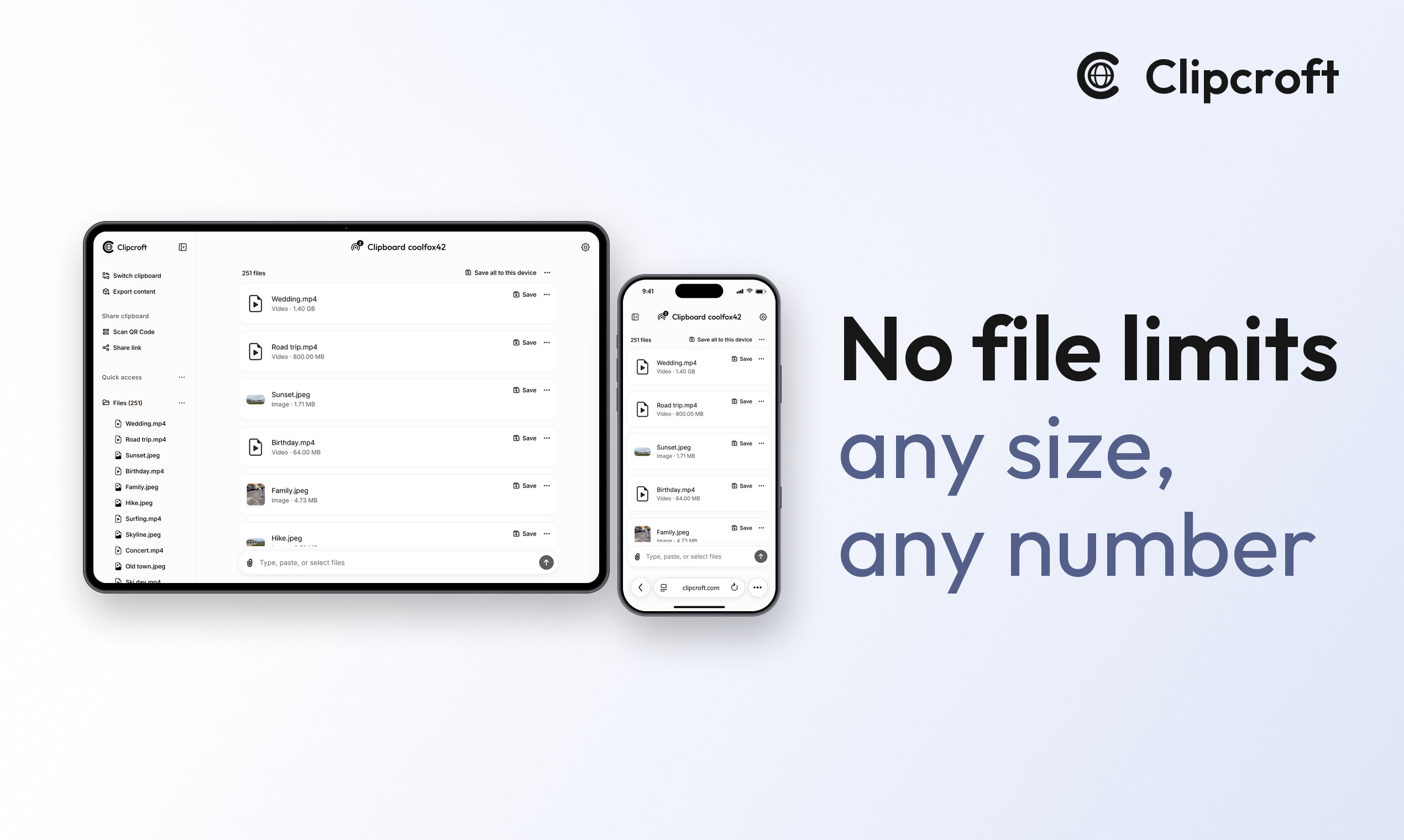
Files of any size, with no per-day or per-month caps
Works on any network: the devices don't need the same Wi-Fi
Files travel encrypted peer-to-peer and are never uploaded to or stored on any server
Optional password adds end-to-end encryption
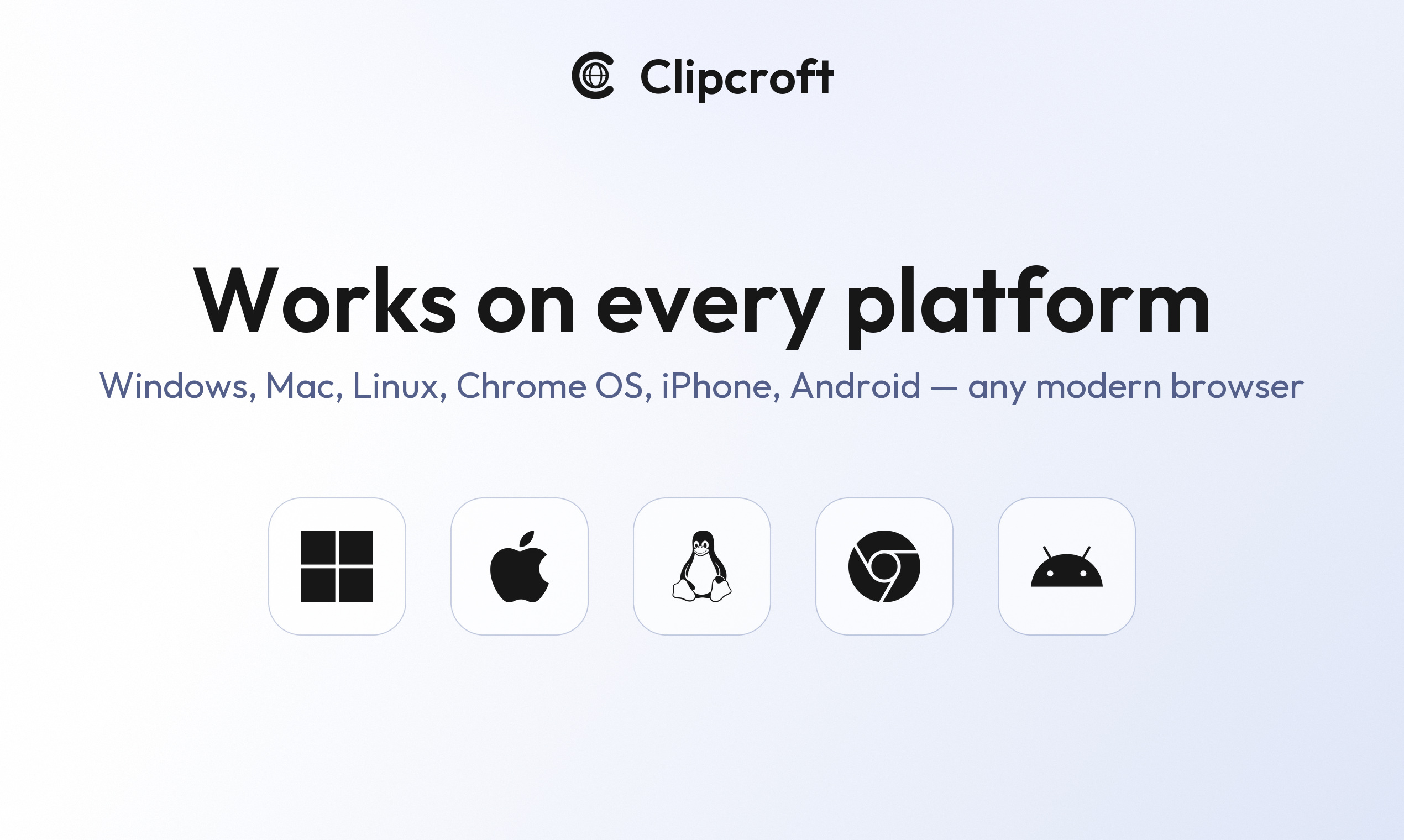
Any phone, tablet or computer: Windows, Mac, Linux, ChromeOS, iPhone, iPad and Android
Several devices can join the same clipboard
Use Cases
Send photos and videos from an iPhone to a Windows PC, with no cable and no iTunes
Move a link or a piece of text from your phone to your computer, or back
Get a file onto a computer that isn't yours without logging in to anything
Send large files to someone else's device without uploading them to the cloud
Move files between Android and Mac

Comments


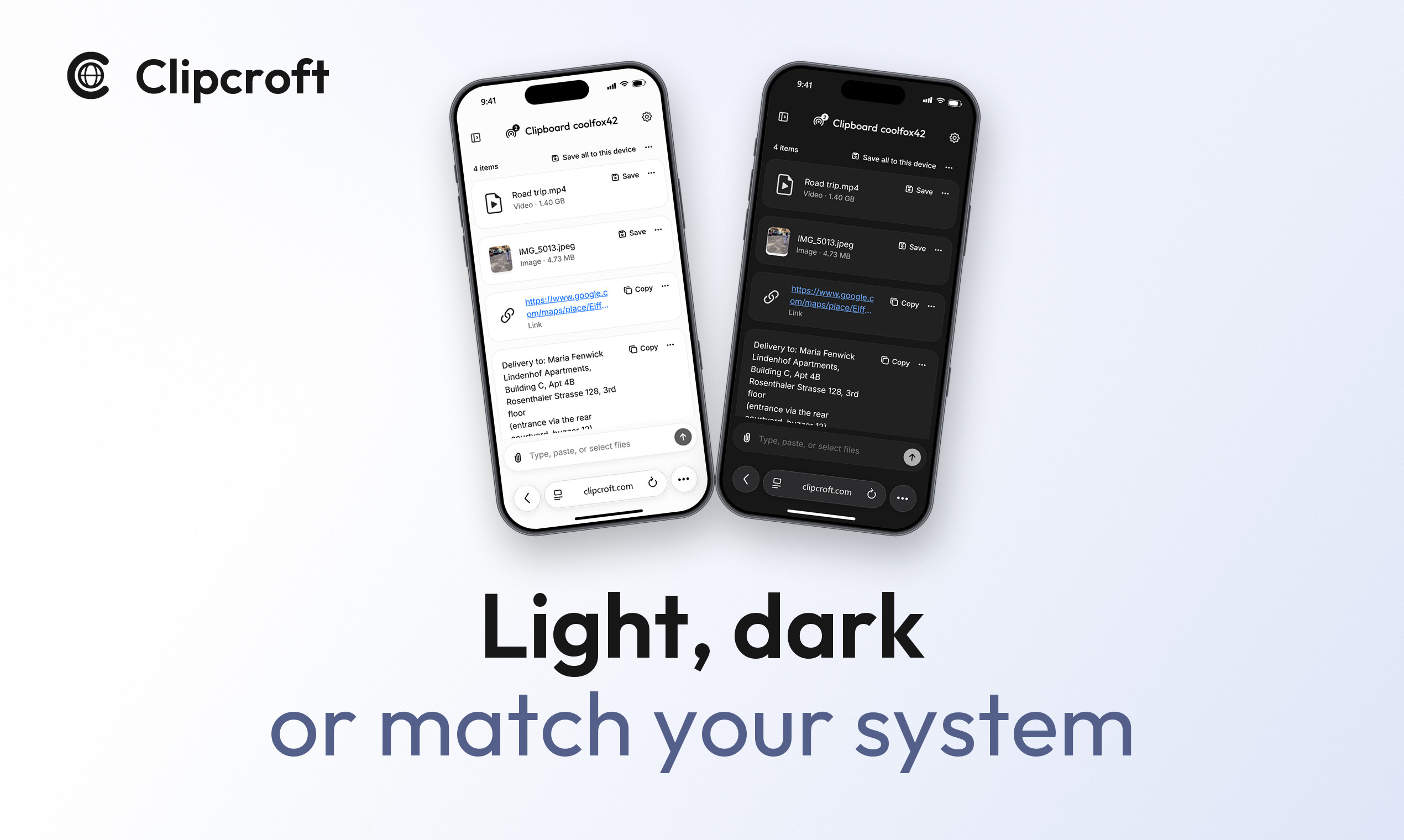
Hey Fazier 👋 I'm Víctor, Clipcroft's developer. I needed a real-time way to link two devices, and I wasn't happy with anything that existed. Every tool I tried wanted something first: an app on both devices, an account, the same Wi-Fi. And almost all of them had caps. Online clipboards limited how much text I could paste, and file senders limited the file size or how much I could send in a day. I wanted to open a page on each device and have whatever I put in one show up on the other, whatever its size. So I built Clipcroft, a real-time online clipboard: 1. Open clipcroft.com and create a clipboard. You get a short name, like coolfox42. 2. Open clipcroft.com on the other device and enter that name. 3. Type, paste, or pick files. Text and links appear in real time, and files start transferring right away. That's it. Linking the two devices takes two steps and it's done in seconds. What you get: • No signup, nothing to install. It runs in any browser. • Any network. The devices don't need the same Wi-Fi or the same brand. • No limits. No file size limit, and no per-day or per-month caps. • Peer-to-peer. Files travel directly between your devices and are never uploaded to or stored on any server. • Always encrypted. Files use DTLS and text uses TLS, and an optional password adds end-to-end encryption on top. It's free and supported by advertising. Which two devices do you move things between the most, and how do you do it today? Try that pair and tell me whether your first send worked. I read and reply to every comment.
Premium Products








































Sponsors
Buy

Makers
Makers
Comments
Hey Fazier 👋 I'm Víctor, Clipcroft's developer. I needed a real-time way to link two devices, and I wasn't happy with anything that existed. Every tool I tried wanted something first: an app on both devices, an account, the same Wi-Fi. And almost all of them had caps. Online clipboards limited how much text I could paste, and file senders limited the file size or how much I could send in a day. I wanted to open a page on each device and have whatever I put in one show up on the other, whatever its size. So I built Clipcroft, a real-time online clipboard: 1. Open clipcroft.com and create a clipboard. You get a short name, like coolfox42. 2. Open clipcroft.com on the other device and enter that name. 3. Type, paste, or pick files. Text and links appear in real time, and files start transferring right away. That's it. Linking the two devices takes two steps and it's done in seconds. What you get: • No signup, nothing to install. It runs in any browser. • Any network. The devices don't need the same Wi-Fi or the same brand. • No limits. No file size limit, and no per-day or per-month caps. • Peer-to-peer. Files travel directly between your devices and are never uploaded to or stored on any server. • Always encrypted. Files use DTLS and text uses TLS, and an optional password adds end-to-end encryption on top. It's free and supported by advertising. Which two devices do you move things between the most, and how do you do it today? Try that pair and tell me whether your first send worked. I read and reply to every comment.
Premium Products
New to Fazier?

Find your next favorite product or submit your own. Made by @FalakDigital.
Copyright ©2026. All Rights Reserved