
BrowserAct
Web browser automation for AI agents
BrowserAct is built for agents using the web. It gives agents a browser layer for real websites, so they can pass blocked pages, adapt to real scenarios, run multiple tasks safely, and return clean web data for reasoning. Use BrowserAct when an agent needs to browse, click, extract, fill forms, upload files, work inside logged-in sites, handle verification, or run repeatable browser workflows.
Features
Features
- Give agents a real browser
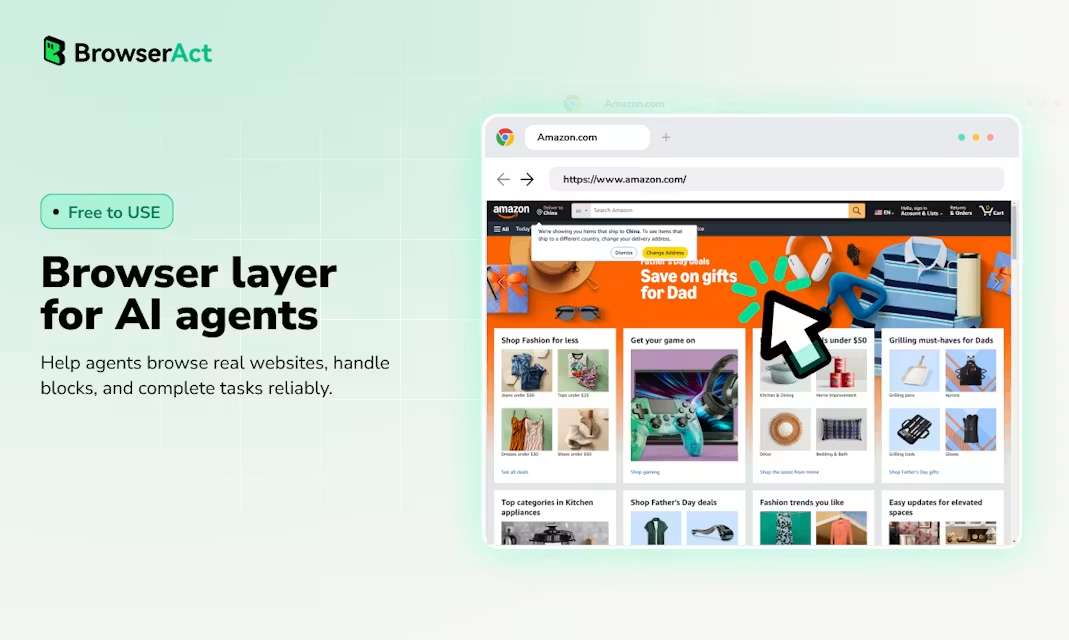
- Let Codex, Claude Code, Cursor, and other AI agents browse, click, type, and extract data from real websites.
- Get through blocked pages
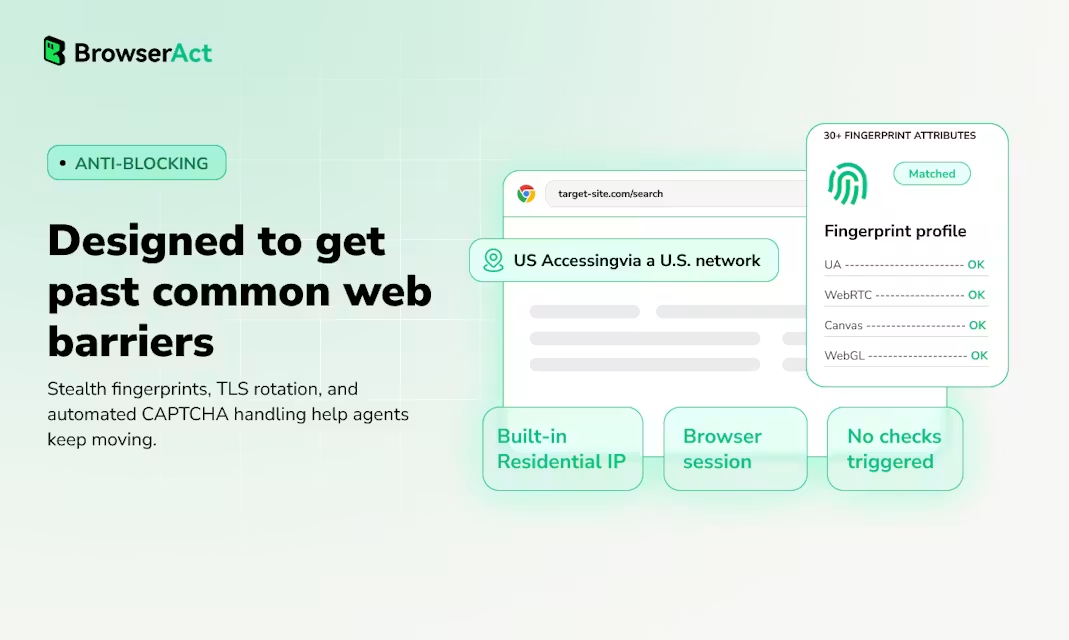
- Use stealth browser sessions, fingerprint protection, and CAPTCHA handling to reach websites that break basic automation.
- Work inside logged-in sites
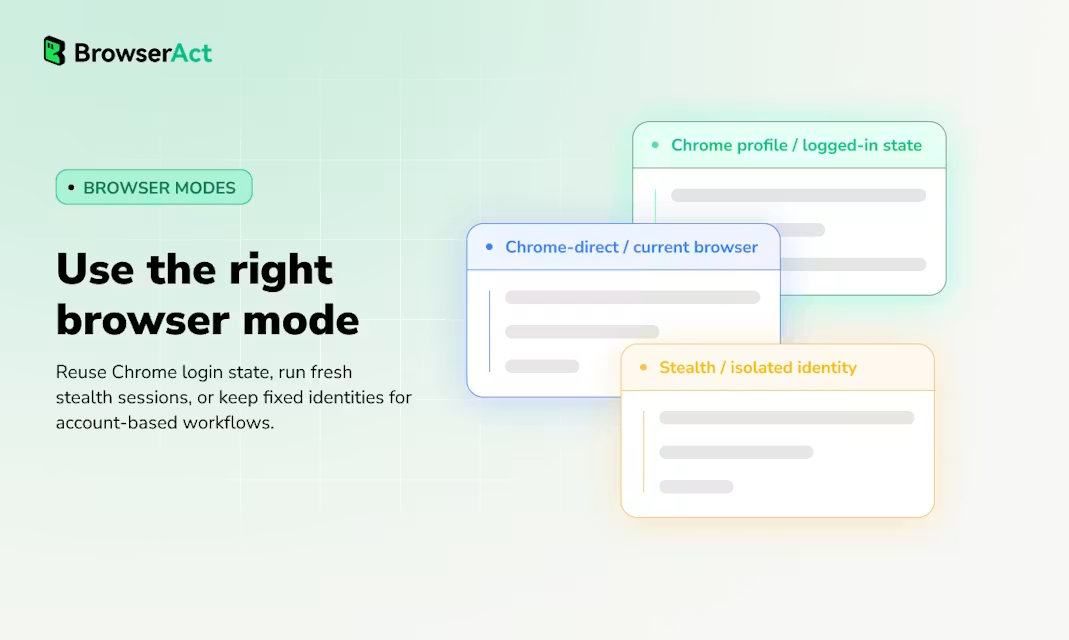
- Reuse local Chrome profiles, cookies, SSO, and extensions so agents can operate inside authenticated web apps.
- Handle CAPTCHA, 2FA, and human steps
- Let automation continue when possible, or hand off to a human remotely when a website needs verification or judgment.
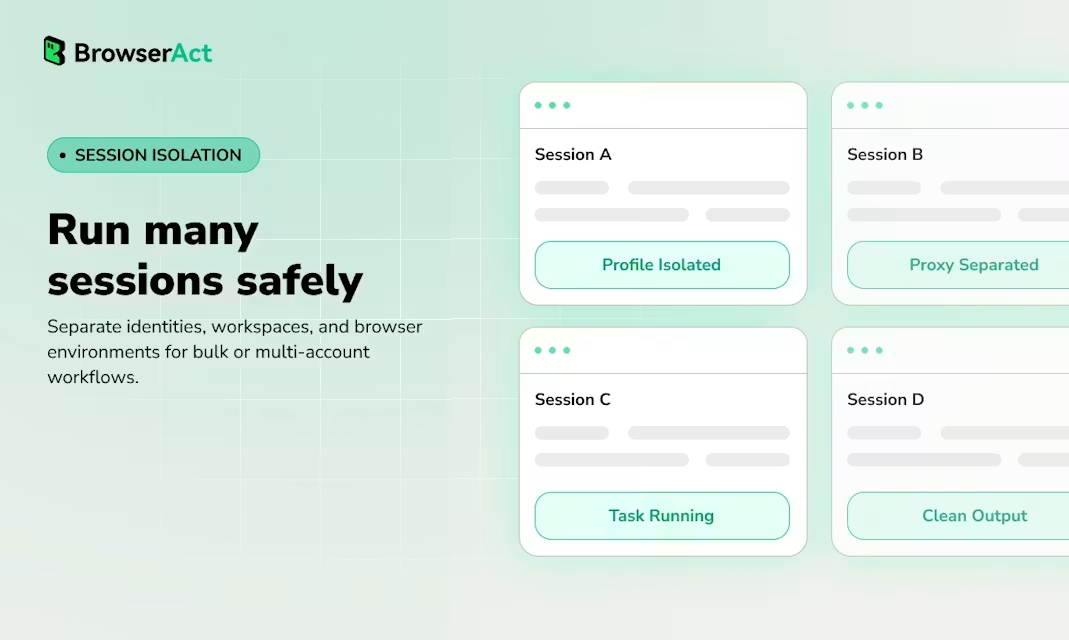
- Run many sessions safely
- Isolate browser identities, accounts, cookies, and workspaces so multiple agents or tasks can run in parallel without state leaks.
- Turn web workflows into reusable skills
- Explore a site once, then save the successful path as a reusable skill that agents can run again and again.
- Built for agent reasoning
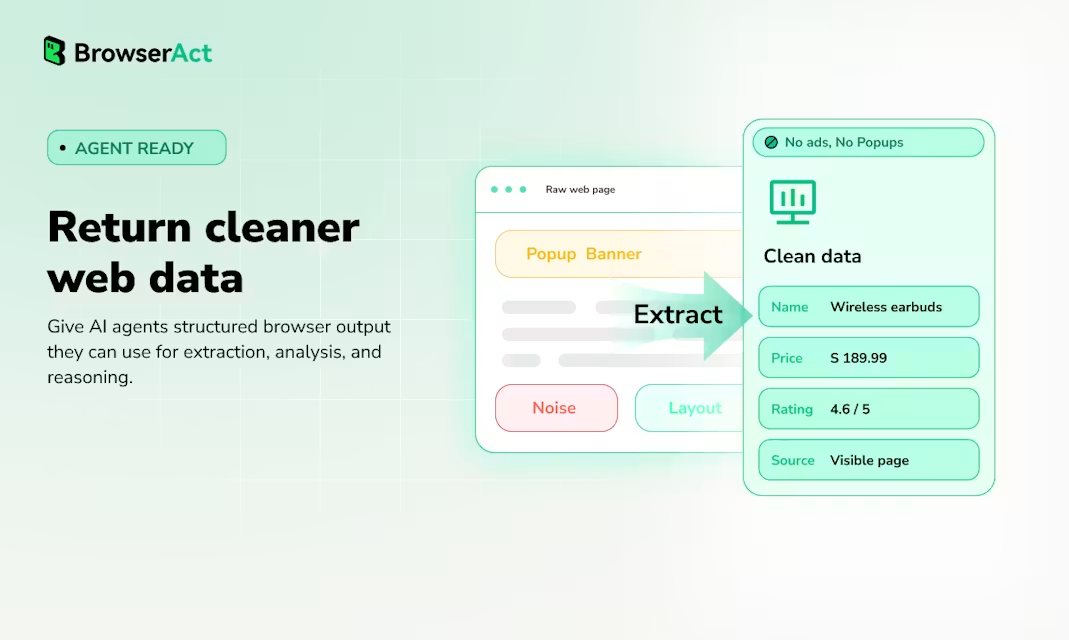
- Give agents clean page state, indexed actions, and structured outputs instead of noisy screenshots or brittle selectors.
- Run locally, then scale in the cloud
- Start from a local CLI workflow, then move repeatable browser automations into cloud workflows, API, or MCP integrations.
Use Cases
Use BrowserAct Skills when your AI agent needs to operate real websites instead of clean APIs. It helps agents scrape protected pages, work inside logged-in dashboards, collect competitor or market data, automate multi-step web tasks, manage parallel browser sessions, and recover from CAPTCHAs, 2FA, bot checks, or UI changes with remote human handoff. It is especially useful for AI coding agents, data extraction, browser automation, research workflows, QA, and repeatable operations across real websites.

Comments


The reusable skills concept is what sets this apart — most browser automation tools make you re-record everything. Being able to explore a site once and save that path for agents to reuse is genuinely useful. Curious how it handles sites that change their layout frequently. Does the skill degrade gracefully or does it need a full re-record?


The real bottleneck for AI agents right now is interacting with real websites that aren't built for API access. Most agents hit walls with JavaScript-heavy sites, CAPTCHA challenges, and auth flows. BrowserAct solves this by giving agents actual browser capabilities instead of just HTTP requests. Being able to pass fingerprint checks and handle browser state properly opens up a ton of automation possibilities that were basically off-limits before. Clean structured output instead of parsing raw HTML is huge for downstream reasoning too.

Starting from a local CLI and graduating the same workflow to cloud or MCP is a sensible adoption path — most tools force you to pick one environment up front. I'm curious how saved skills surface over MCP: does each skill become its own callable tool, or is there one generic act/extract tool that takes page state? And when several isolated sessions run in parallel, are skills shared across workspaces or scoped to each one?







This is exactly the paradigm shift agents needed. The hard problem in agent development isn't reasoning - it's handling the actual web. Most browser automation tools are brittle wrappers around Selenium or Playwright, but BrowserAct's approach of giving agents a full browser layer with clean structured output is fundamentally different. The ability to handle authentication, CAPTCHAs, fingerprint protection, and multi-session isolation without state leaks opens up workflows that were basically impossible before. Particularly impressed by the reusable skills approach - being able to explore a path once and save it as reusable logic for agents is smart design.





The "clean structured output instead of raw HTML" part is the piece most browser-automation tools skip. We deal with a similar problem on the chat side (parsing messy site content into something an AI can actually answer from), so I get how much design work goes into making that step reliable. Do you handle sites that change their DOM structure between runs, or does that require a fresh pass?


Premium Products














































Sponsors
Buy
Awards
View all
Awards
View allMakers

Makers
Comments
The reusable skills concept is what sets this apart — most browser automation tools make you re-record everything. Being able to explore a site once and save that path for agents to reuse is genuinely useful. Curious how it handles sites that change their layout frequently. Does the skill degrade gracefully or does it need a full re-record?
The real bottleneck for AI agents right now is interacting with real websites that aren't built for API access. Most agents hit walls with JavaScript-heavy sites, CAPTCHA challenges, and auth flows. BrowserAct solves this by giving agents actual browser capabilities instead of just HTTP requests. Being able to pass fingerprint checks and handle browser state properly opens up a ton of automation possibilities that were basically off-limits before. Clean structured output instead of parsing raw HTML is huge for downstream reasoning too.
Starting from a local CLI and graduating the same workflow to cloud or MCP is a sensible adoption path — most tools force you to pick one environment up front. I'm curious how saved skills surface over MCP: does each skill become its own callable tool, or is there one generic act/extract tool that takes page state? And when several isolated sessions run in parallel, are skills shared across workspaces or scoped to each one?
This is exactly the paradigm shift agents needed. The hard problem in agent development isn't reasoning - it's handling the actual web. Most browser automation tools are brittle wrappers around Selenium or Playwright, but BrowserAct's approach of giving agents a full browser layer with clean structured output is fundamentally different. The ability to handle authentication, CAPTCHAs, fingerprint protection, and multi-session isolation without state leaks opens up workflows that were basically impossible before. Particularly impressed by the reusable skills approach - being able to explore a path once and save it as reusable logic for agents is smart design.
The "clean structured output instead of raw HTML" part is the piece most browser-automation tools skip. We deal with a similar problem on the chat side (parsing messy site content into something an AI can actually answer from), so I get how much design work goes into making that step reliable. Do you handle sites that change their DOM structure between runs, or does that require a fresh pass?
Premium Products
New to Fazier?

Find your next favorite product or submit your own. Made by @FalakDigital.
Copyright ©2026. All Rights Reserved