Yaps
Private on-device AI for dictation, notes, and captions.
Hold a key and speak. Clean, self-corrected text lands in any app — mail, notes, code. Notes live in a plain Markdown vault with wiki-links and backlinks. Core features run on-device and work offline on Mac, Windows, Linux, Android, and iPhone. Free on Android; desktop has a 7-day trial.
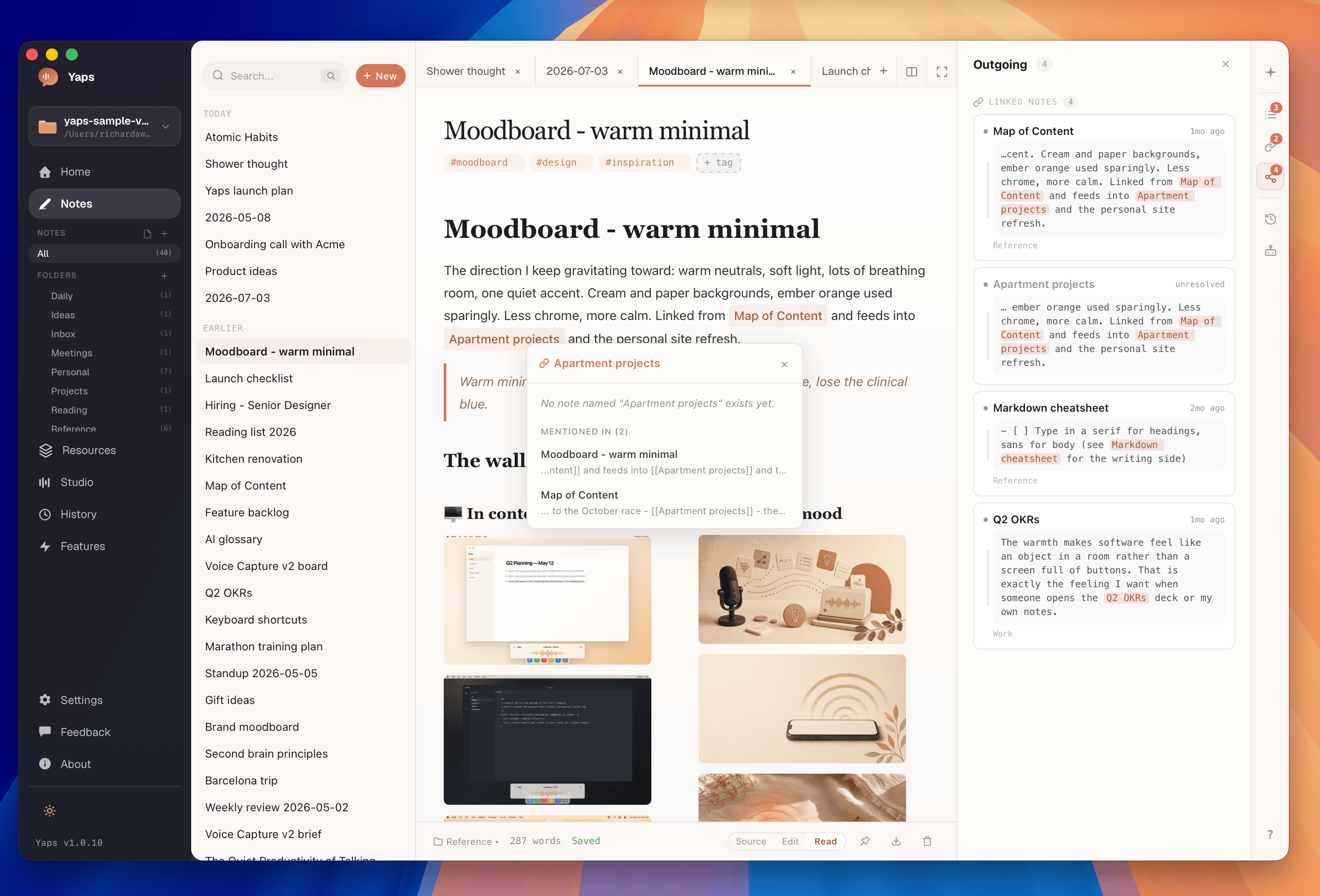
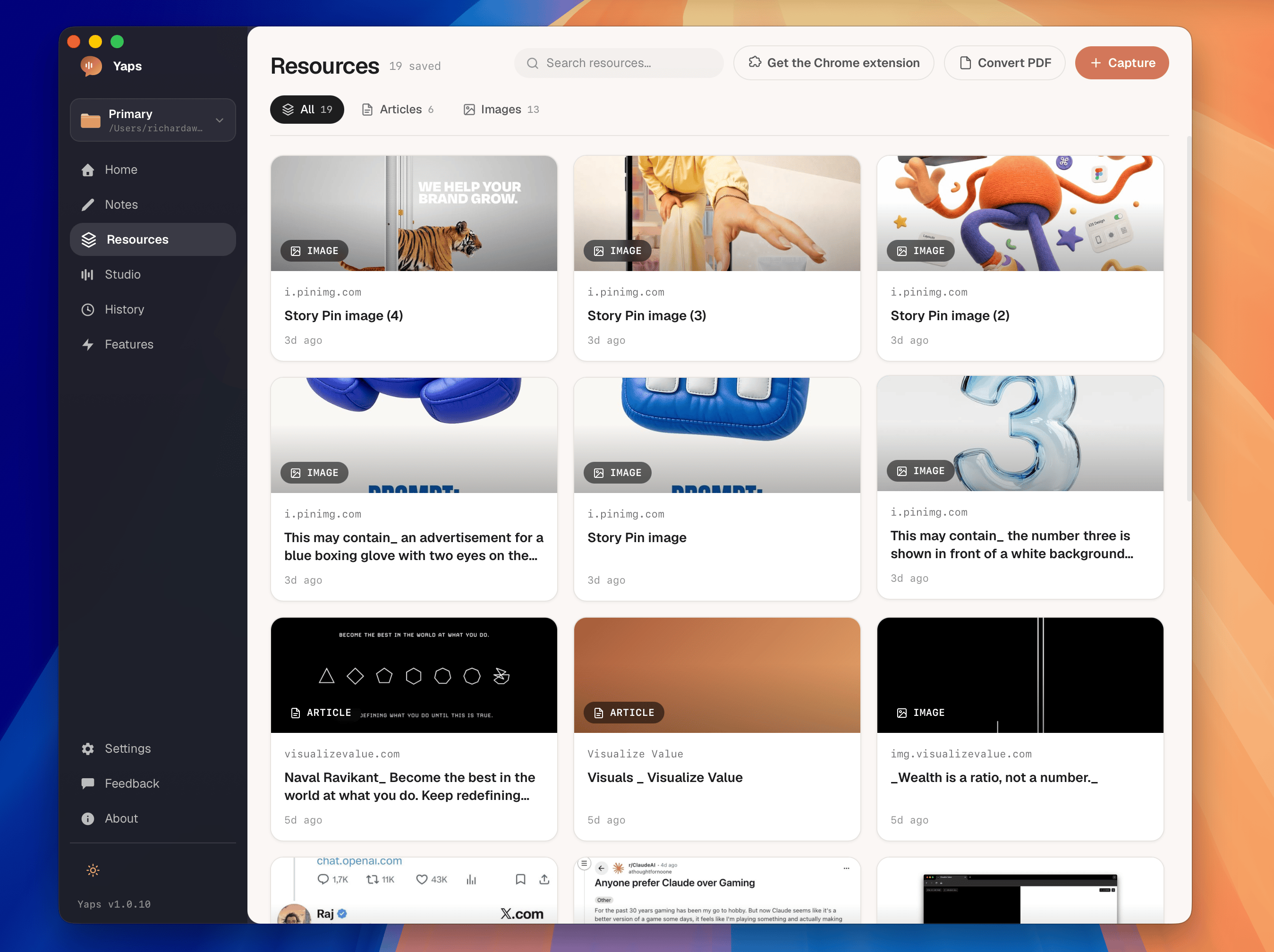
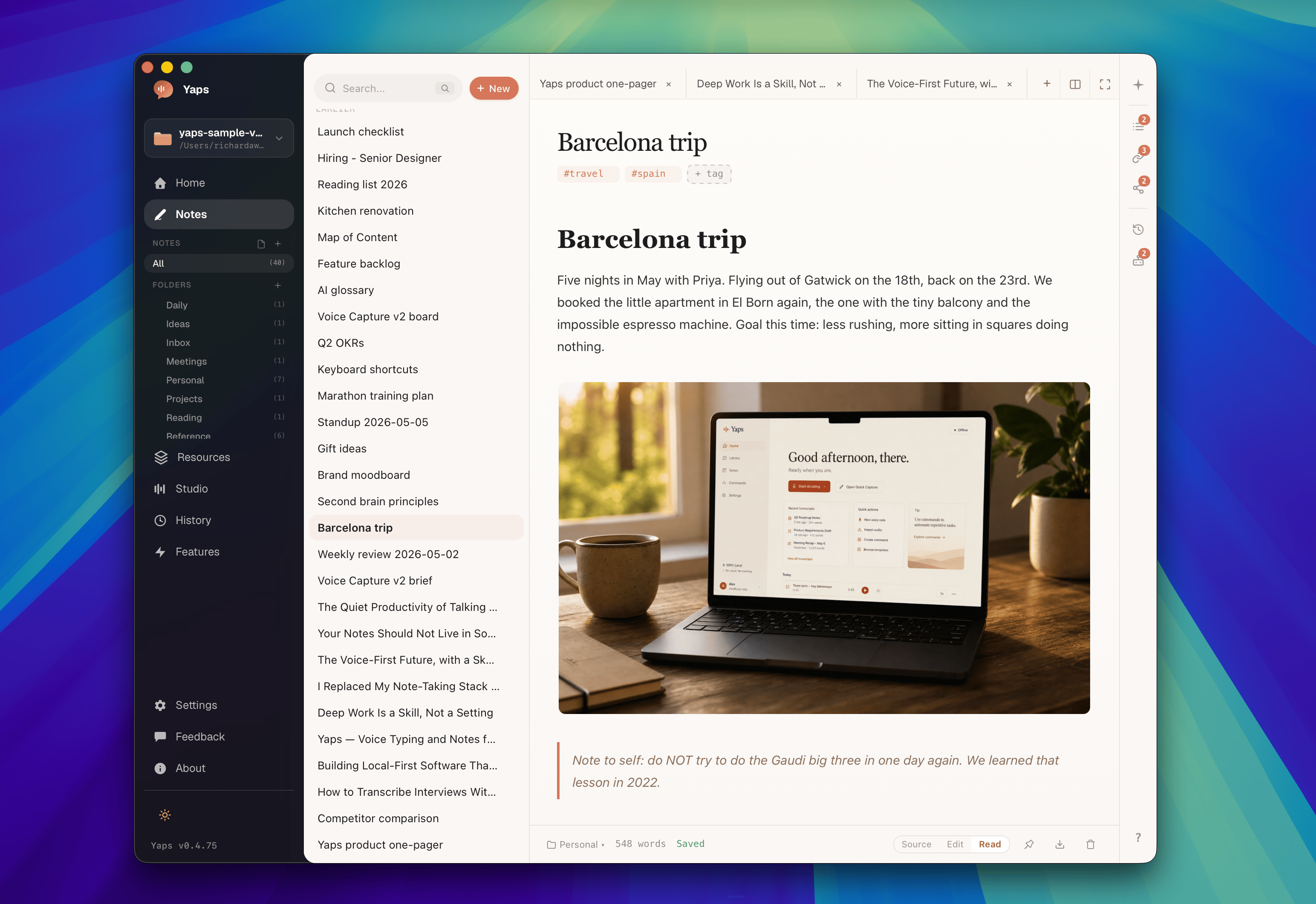
Features
Push-to-talk dictation into any app
Self-correcting transcription — say it again and the text fixes itself
Plain Markdown notes vault with wiki-links and backlinks
On-device processing, works offline
Mac, Windows, Linux, Android, iPhone
Free on Android; 7-day desktop trial
Use Cases
Dictate email and chat replies without touching the keyboard
Capture meeting notes straight into a Markdown vault
Write code comments and commit messages by voice
Draft notes offline on a plane or in a private setting
Caption and transcribe audio on-device when data can't leave the machine

Comments


On-device processing plus a plain Markdown vault is a strong privacy and portability combination. Dictating directly into code comments sounds especially useful; a quick correction history or per-language model choice could make that workflow even more reliable. How do you handle switching languages mid-note?

I'm most curious about the iPhone version. iOS has no system-wide push-to-talk, so I assume dictation into other apps goes through a custom keyboard, and keyboard extensions get a tight memory budget that a local speech model can easily exceed. Does the model run inside the keyboard, or does it hand off to the main app and paste the result back? I build an iPhone messaging app that transcribes voice notes, so I'd also like to know whether you use your own model on iOS or Apple's built-in speech recognition.

On-device dictation is exactly what I'd want for customer emails. Which languages does the local model handle? We write in German and English, and often mix them in one sentence (German with English tech terms like 'deploy' or 'pull request'). Does the self-correction cope with that? Also, is the vault's wiki-link format Obsidian-compatible, so it could point at an existing vault?
This is a compelling pitch for anyone who works with sensitive audio. I build a podcast app and live in transcripts all day, so two things stood out: self-correcting transcription ('say it again and the text fixes itself') solves the clunky delete-and-retype loop that makes most dictation feel slower than typing, and the plain-Markdown vault with wiki-links means my notes aren't locked in a proprietary format if I ever stop using the app. Real question: for the on-device models, what's the practical accuracy trade-off versus cloud models for accented or non-native speech? That's the metric I'd want to see before trusting it for customer-facing emails. Either way, on-device-first is the right call for dictation.

The plain Markdown vault and offline transcription are a useful combination for notes that need to stay portable. How large is the initial speech-model download on desktop and mobile, and can users choose where the model files are stored? That would help people decide whether Yaps fits devices with limited storage.

Hi Fazier! I built Yaps because I wanted dictation that never sends audio to a server. Hold a key, speak, and clean self-corrected text lands in whatever app you're in; notes go into a plain Markdown vault you own, with wiki-links and backlinks. It runs on-device and offline on Mac, Windows, Linux, Android and iPhone. Free on Android, 7-day trial on desktop. Would love feedback on the correction behaviour and which apps you'd want it in first.
On-device is the right call here, and it's rarer to pull off than it sounds — I build a macOS app locker and spent a lot of time fighting the permissions side of "local-only." Curious how Yaps handles it on Mac: does push-to-talk-into-any-app need Accessibility permission (to inject text into other apps) or Input Monitoring for the hotkey? Those two prompts are usually what kill trust for privacy-focused tools, since users have to grant broad system access to a background daemon just to get local functionality. If you've found a way to do the any-app injection without Accessibility, that'd be worth calling out on the landing page — it's the first thing security-conscious users check before installing.
Premium Products


















































Sponsors
Buy
Comments
On-device processing plus a plain Markdown vault is a strong privacy and portability combination. Dictating directly into code comments sounds especially useful; a quick correction history or per-language model choice could make that workflow even more reliable. How do you handle switching languages mid-note?
I'm most curious about the iPhone version. iOS has no system-wide push-to-talk, so I assume dictation into other apps goes through a custom keyboard, and keyboard extensions get a tight memory budget that a local speech model can easily exceed. Does the model run inside the keyboard, or does it hand off to the main app and paste the result back? I build an iPhone messaging app that transcribes voice notes, so I'd also like to know whether you use your own model on iOS or Apple's built-in speech recognition.
On-device dictation is exactly what I'd want for customer emails. Which languages does the local model handle? We write in German and English, and often mix them in one sentence (German with English tech terms like 'deploy' or 'pull request'). Does the self-correction cope with that? Also, is the vault's wiki-link format Obsidian-compatible, so it could point at an existing vault?
This is a compelling pitch for anyone who works with sensitive audio. I build a podcast app and live in transcripts all day, so two things stood out: self-correcting transcription ('say it again and the text fixes itself') solves the clunky delete-and-retype loop that makes most dictation feel slower than typing, and the plain-Markdown vault with wiki-links means my notes aren't locked in a proprietary format if I ever stop using the app. Real question: for the on-device models, what's the practical accuracy trade-off versus cloud models for accented or non-native speech? That's the metric I'd want to see before trusting it for customer-facing emails. Either way, on-device-first is the right call for dictation.
The plain Markdown vault and offline transcription are a useful combination for notes that need to stay portable. How large is the initial speech-model download on desktop and mobile, and can users choose where the model files are stored? That would help people decide whether Yaps fits devices with limited storage.
Hi Fazier! I built Yaps because I wanted dictation that never sends audio to a server. Hold a key, speak, and clean self-corrected text lands in whatever app you're in; notes go into a plain Markdown vault you own, with wiki-links and backlinks. It runs on-device and offline on Mac, Windows, Linux, Android and iPhone. Free on Android, 7-day trial on desktop. Would love feedback on the correction behaviour and which apps you'd want it in first.
On-device is the right call here, and it's rarer to pull off than it sounds — I build a macOS app locker and spent a lot of time fighting the permissions side of "local-only." Curious how Yaps handles it on Mac: does push-to-talk-into-any-app need Accessibility permission (to inject text into other apps) or Input Monitoring for the hotkey? Those two prompts are usually what kill trust for privacy-focused tools, since users have to grant broad system access to a background daemon just to get local functionality. If you've found a way to do the any-app injection without Accessibility, that'd be worth calling out on the landing page — it's the first thing security-conscious users check before installing.
Premium Products
New to Fazier?

Find your next favorite product or submit your own. Made by @FalakDigital.
Copyright ©2026. All Rights Reserved