
Yalqen
Keyboard-first Chromium browser for developers on macOS
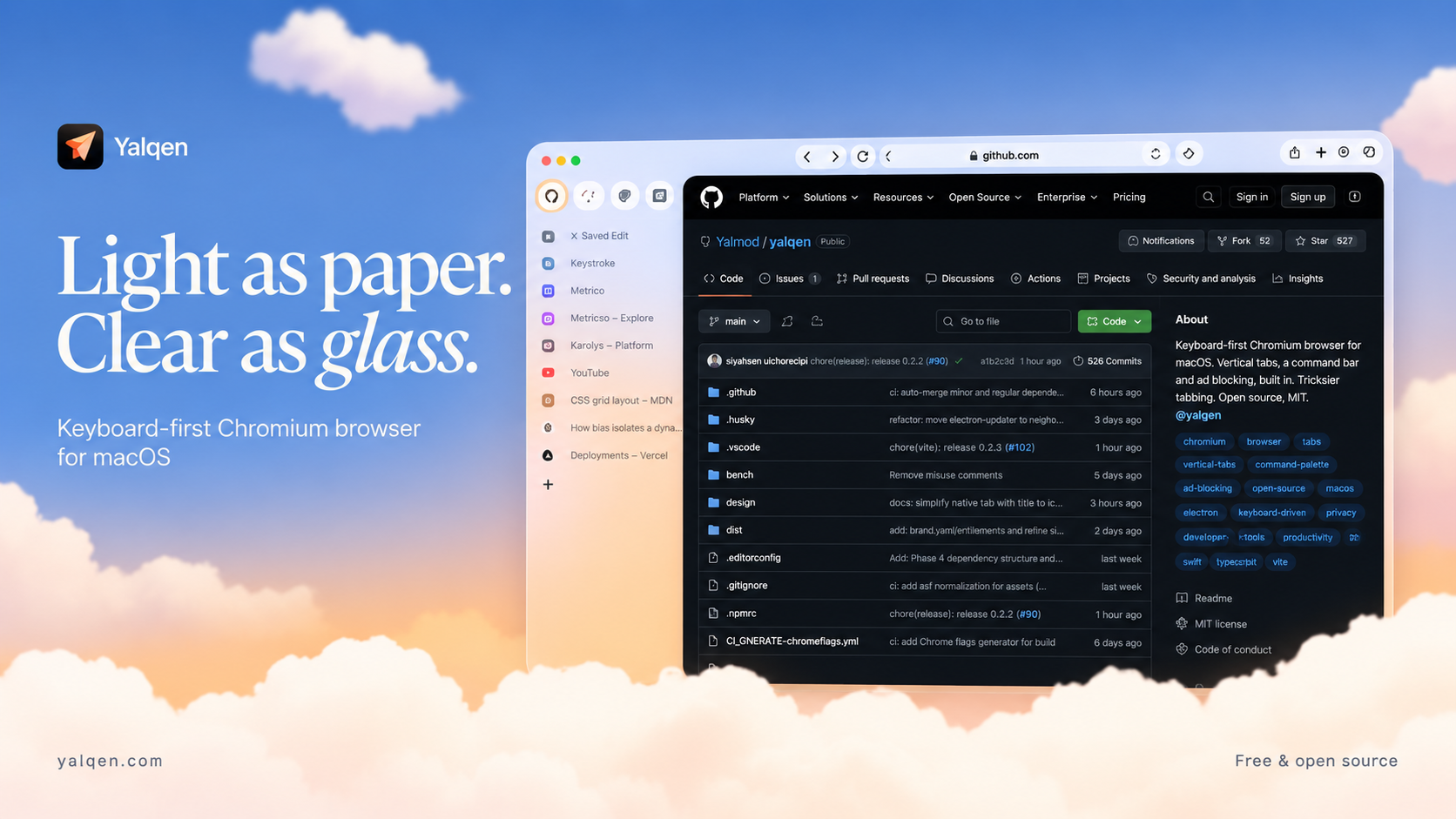
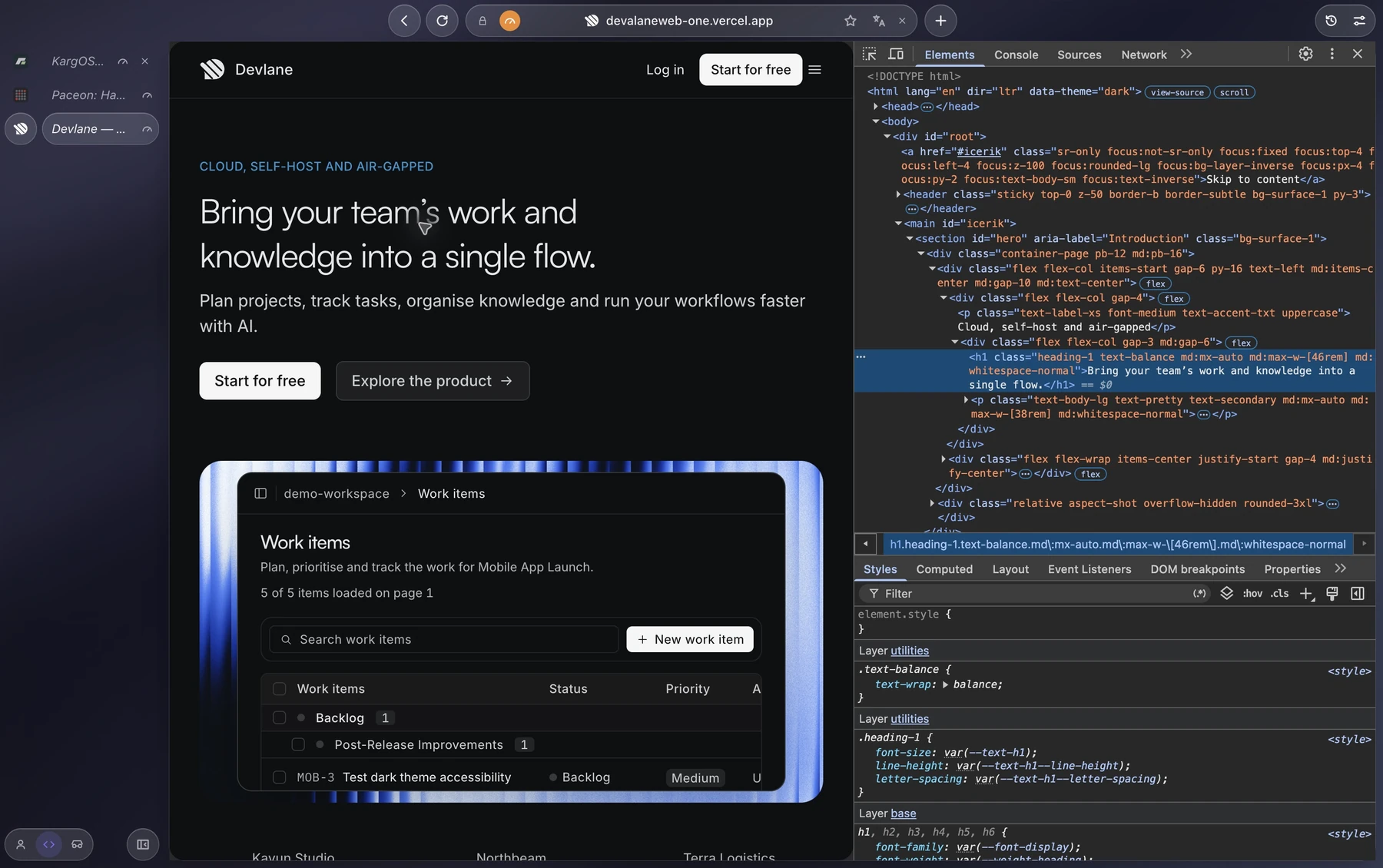
Yalqen is a free, open-source Chromium browser for developers on macOS. It combines vertical tabs, a keyboard-first command bar, built-in ad and tracker blocking, and Chromium DevTools. Keep Chromium compatibility while navigating tabs, history, and commands from the keyboard. MIT licensed. Requires macOS 13 or later on Apple Silicon. Available as a DMG or through Homebrew.
Features
Vertical tabs with pinned tabs and a collapsible sidebar
Keyboard-first command bar for tabs, history, and commands
Built-in ad and tracker blocking
Chromium DevTools, request rules, and network throttling
Phone view with device presets
Chrome Web Store and unpacked extension support
Use Cases
Browse and switch between project tabs with keyboard shortcuts
Debug web applications with Chromium DevTools and request rules
Check responsive layouts in phone view
Develop and test Chrome extensions on macOS

Comments


I built Yalqen as a free, open-source Chromium browser for developers on macOS. It brings vertical tabs, a keyboard-first command bar, built-in ad blocking, and Chromium DevTools together, with request rules and phone view for everyday web development. I would love feedback on the keyboard workflow and developer tools. Source code: https://github.com/YSamed/yalqen
Premium Products










































Sponsors
Buy

Makers
Makers
Comments
I built Yalqen as a free, open-source Chromium browser for developers on macOS. It brings vertical tabs, a keyboard-first command bar, built-in ad blocking, and Chromium DevTools together, with request rules and phone view for everyday web development. I would love feedback on the keyboard workflow and developer tools. Source code: https://github.com/YSamed/yalqen
Premium Products
New to Fazier?

Find your next favorite product or submit your own. Made by @FalakDigital.
Copyright ©2026. All Rights Reserved