Xsilent – Photo & File Vault
Private offline vault for photos, videos and PDFs
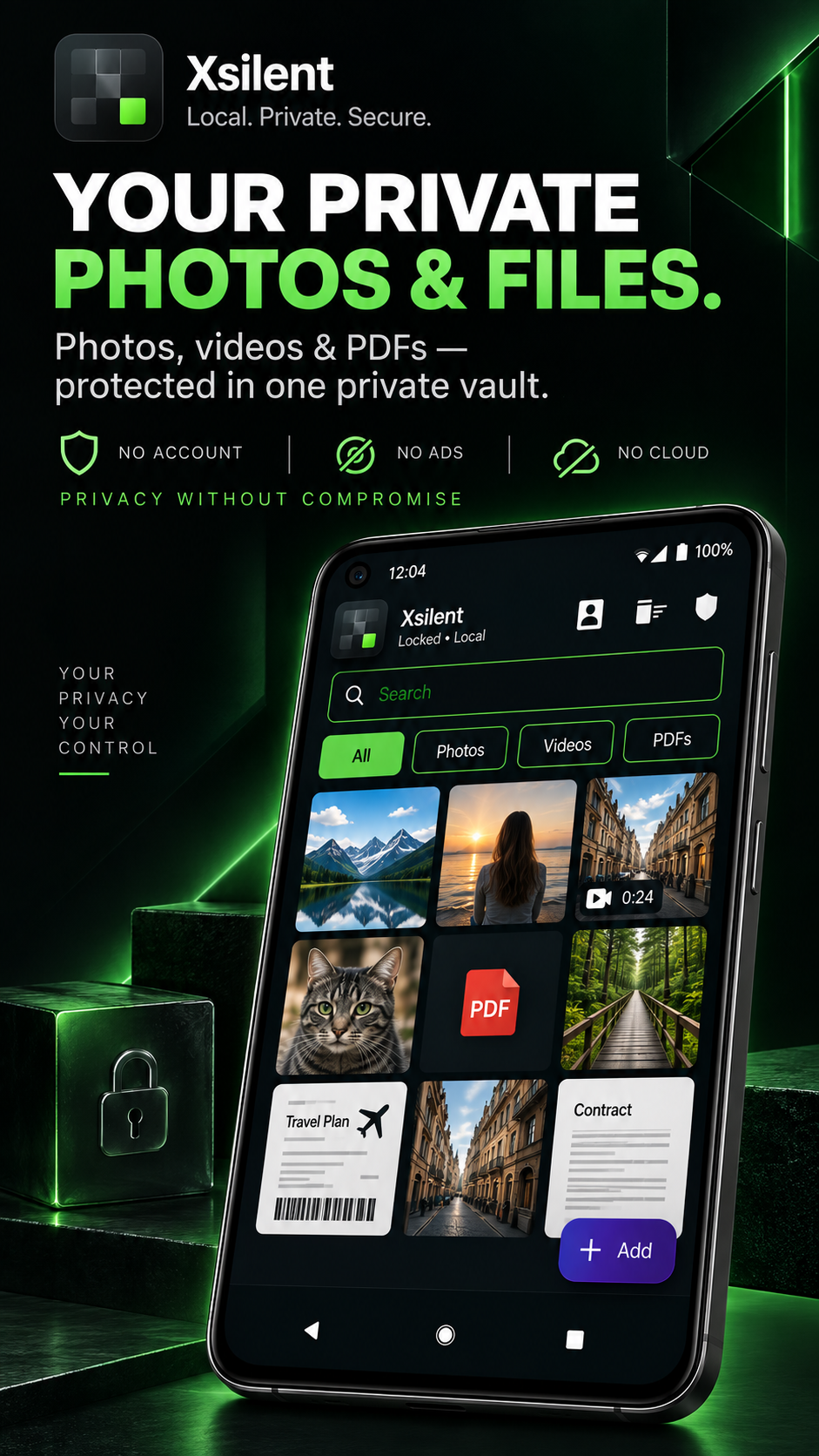
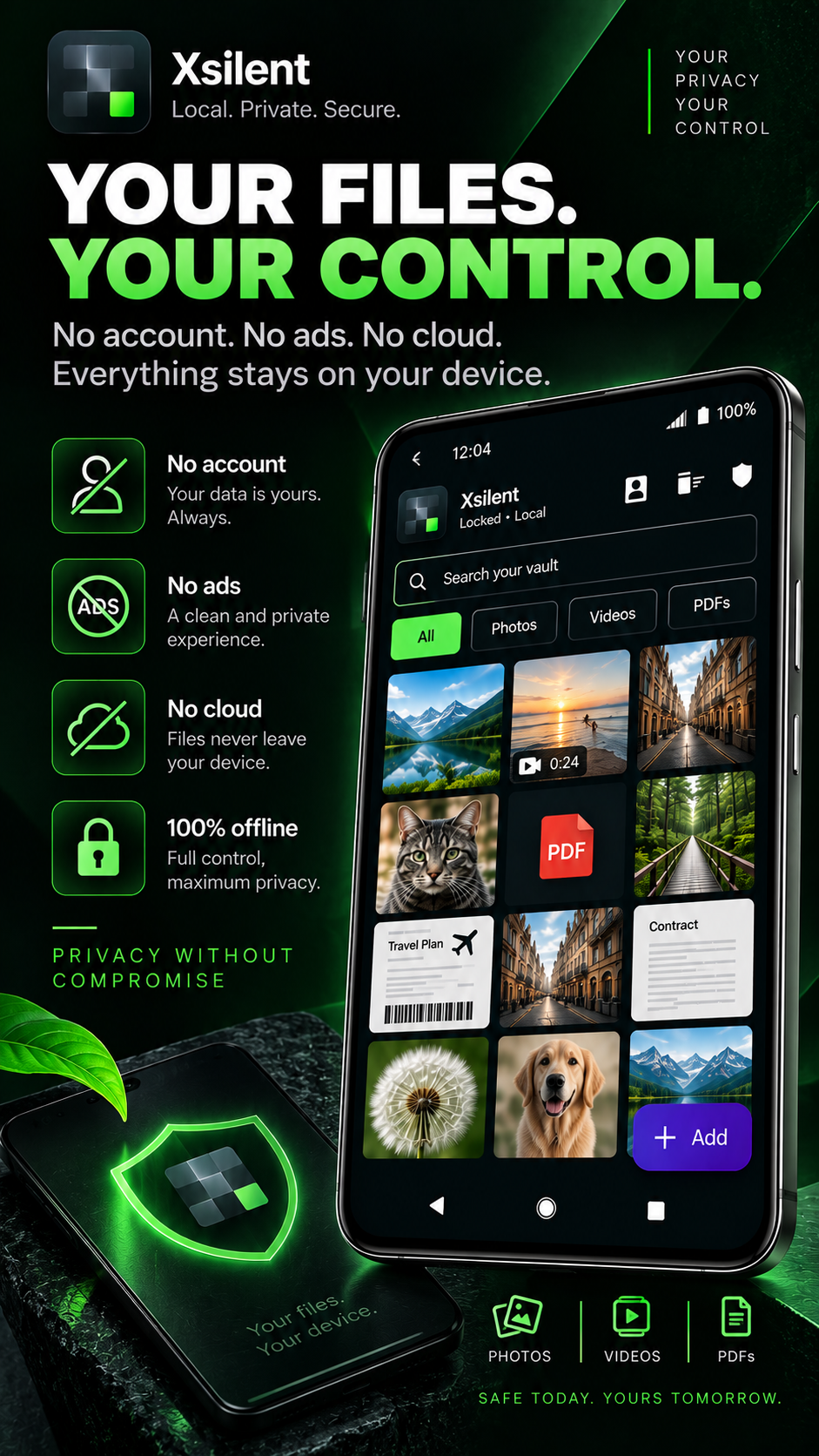
Xsilent is a private Android vault for photos, videos and PDFs. Your files stay encrypted locally on your device, with no account, no ads and no cloud storage. It includes Dynamic Decoy PIN, Clean Share for removing metadata and blurring sensitive content, encrypted Trash, biometric protection, encrypted backup and a private PDF viewer.
Features
Local AES-GCM encryption for photos, videos and PDFs
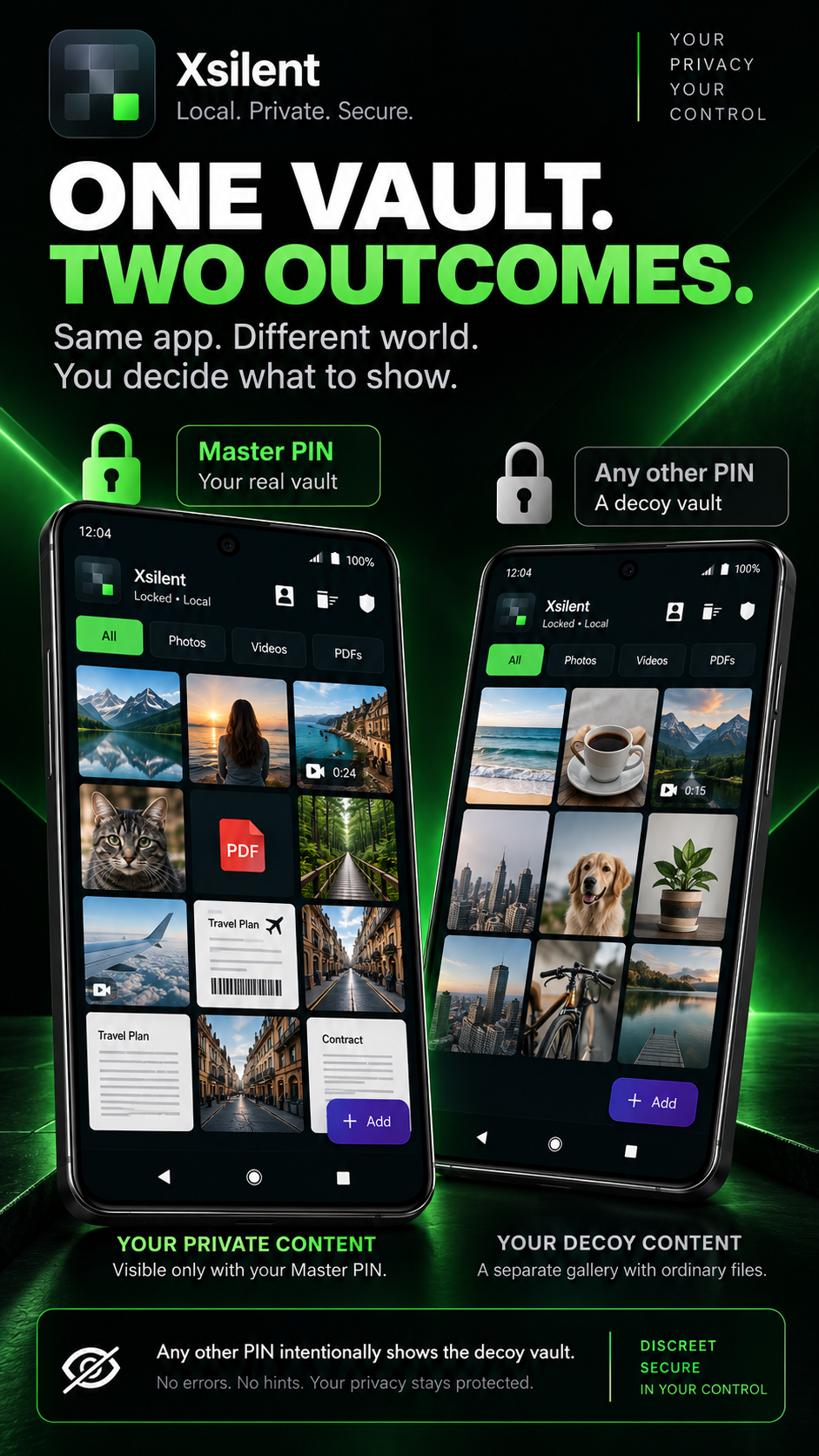
Dynamic Decoy PIN with a separate decoy vault
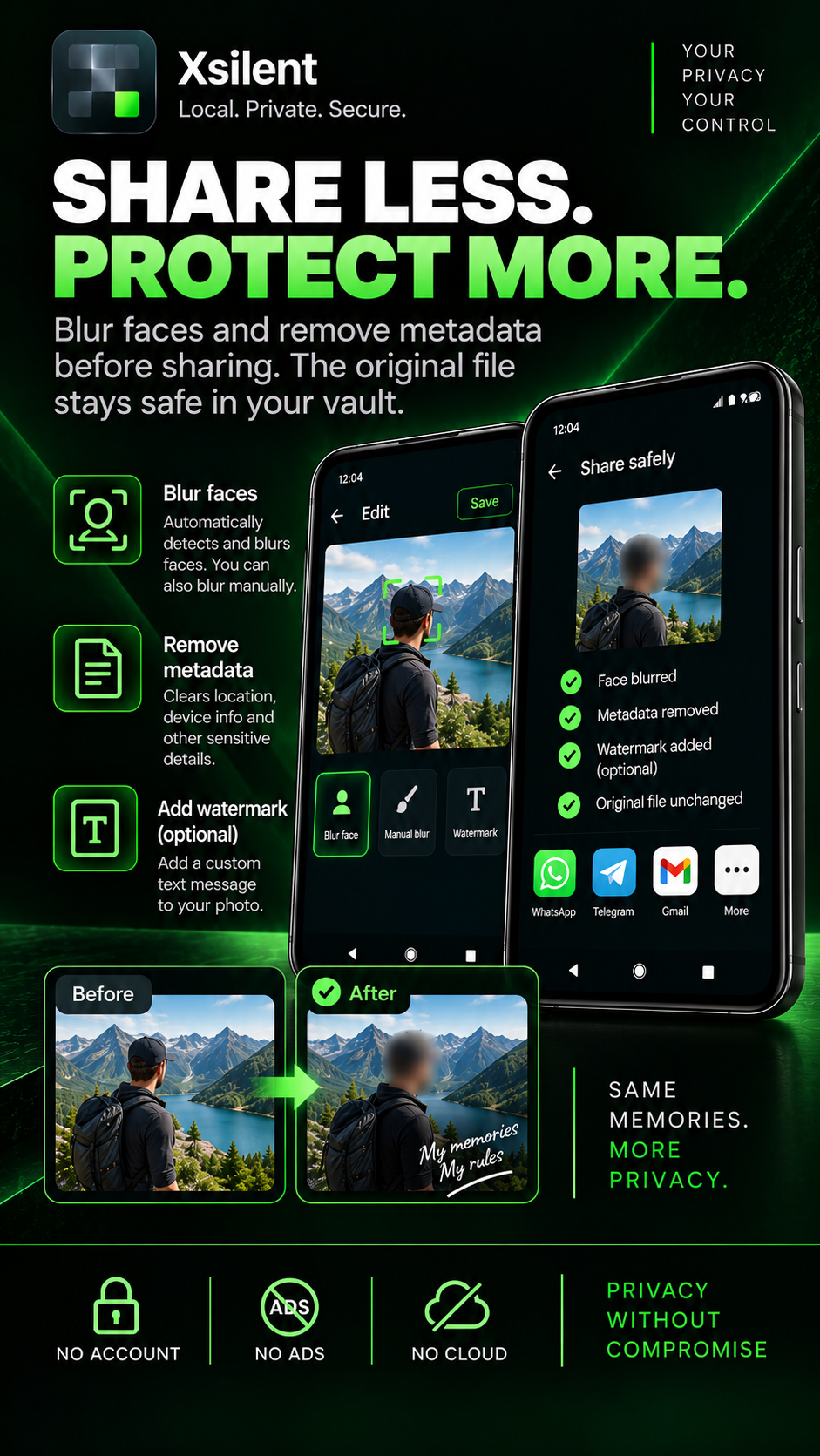
Clean Share with metadata removal and blur tools
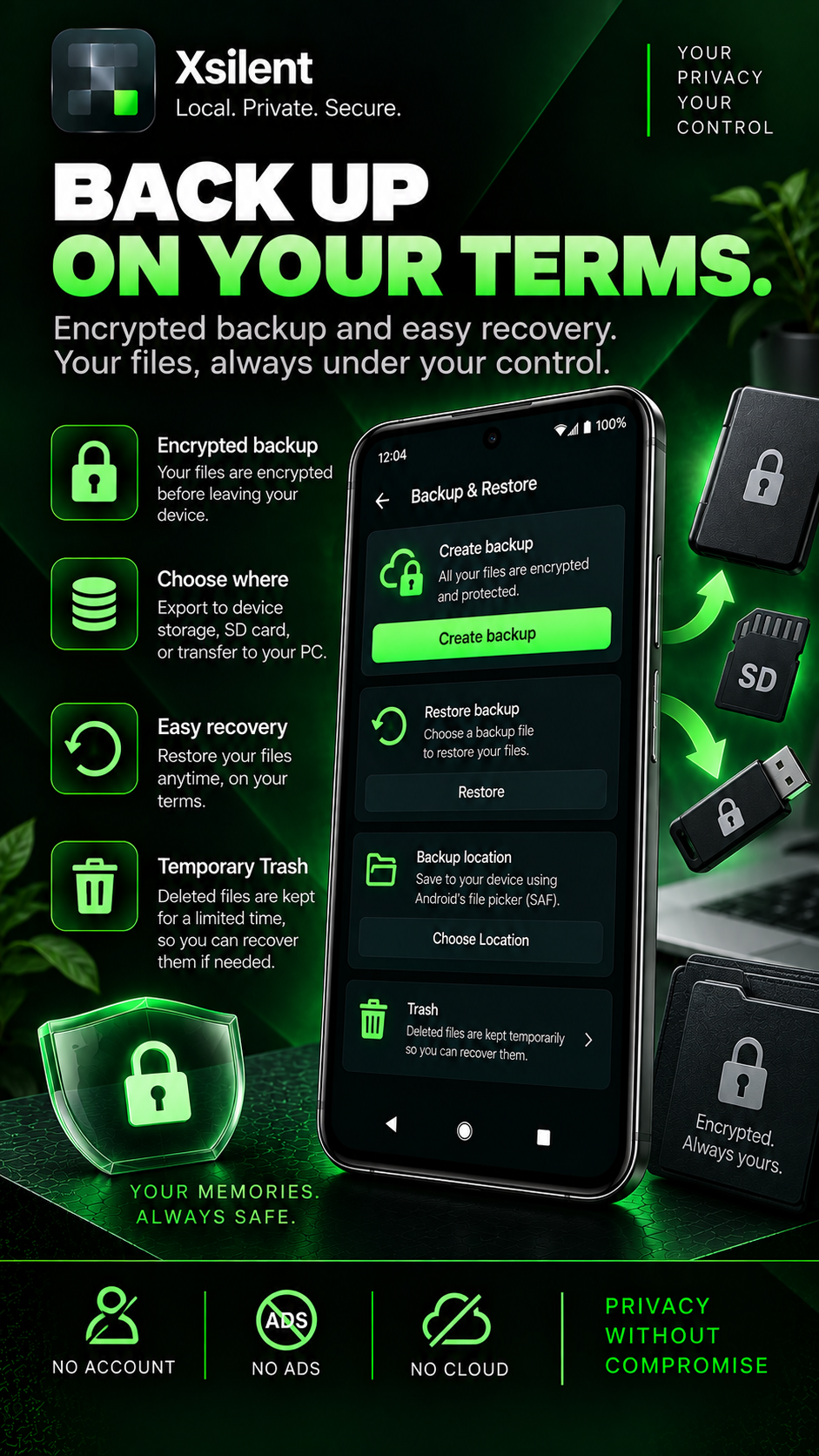
Encrypted Trash with configurable retention
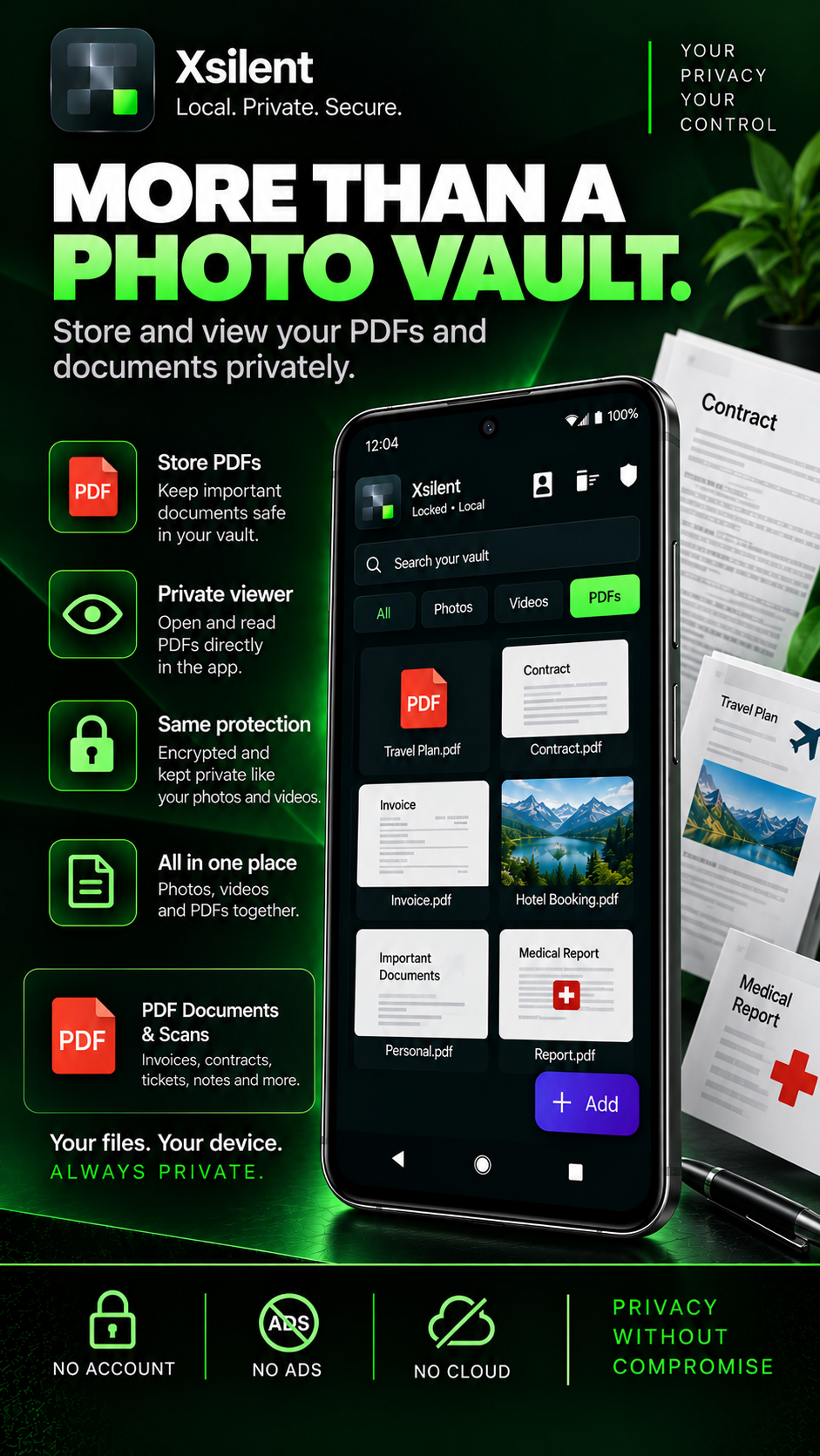
Private in-app PDF viewer
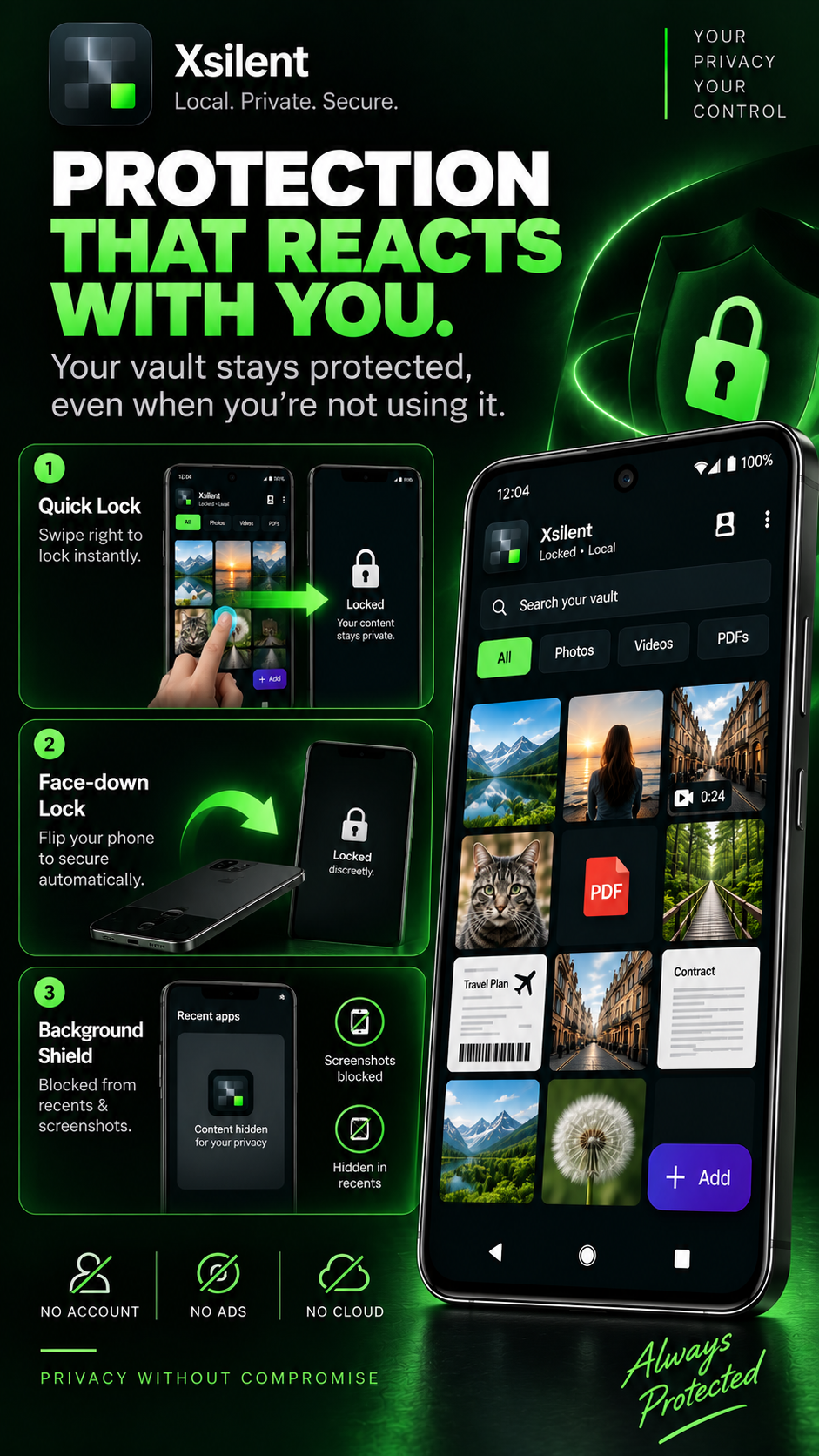
Biometric protection and automatic locking
Encrypted backup for secure portability
Security Center with privacy-focused controls
No account, no ads and no cloud storage
One-time Lifetime purchase, no recurring subscription
Use Cases
Keep private photos and videos protected on your Android device
Store sensitive PDFs locally without uploading them to cloud storage
Hand your phone to someone while keeping private files separated behind a Decoy PIN
Remove metadata and blur sensitive details before sharing photos
Protect personal documents with biometric access and automatic locking
Recover accidentally deleted private files through encrypted Trash
Move or restore your vault using an encrypted backup
Keep private media offline without creating an account or relying on a remote server

Comments


Xsilent started from a simple privacy problem: sometimes you want to keep personal photos, videos or documents private without uploading them to someone else’s cloud or creating another account. I built Xsilent around a local-first approach: encrypted storage on the device, Dynamic Decoy PIN, Clean Share, encrypted backup and privacy-focused controls, with no ads and no cloud storage. I’d love feedback from the Fazier community, especially on privacy, usability and what you expect from an offline Android vault.
Premium Products


















































Makers
Makers
Comments
Xsilent started from a simple privacy problem: sometimes you want to keep personal photos, videos or documents private without uploading them to someone else’s cloud or creating another account. I built Xsilent around a local-first approach: encrypted storage on the device, Dynamic Decoy PIN, Clean Share, encrypted backup and privacy-focused controls, with no ads and no cloud storage. I’d love feedback from the Fazier community, especially on privacy, usability and what you expect from an offline Android vault.
Premium Products
New to Fazier?

Find your next favorite product or submit your own. Made by @FalakDigital.
Copyright ©2026. All Rights Reserved