Xsilent
Private photo & file vault. Offline, secure, no cloud.
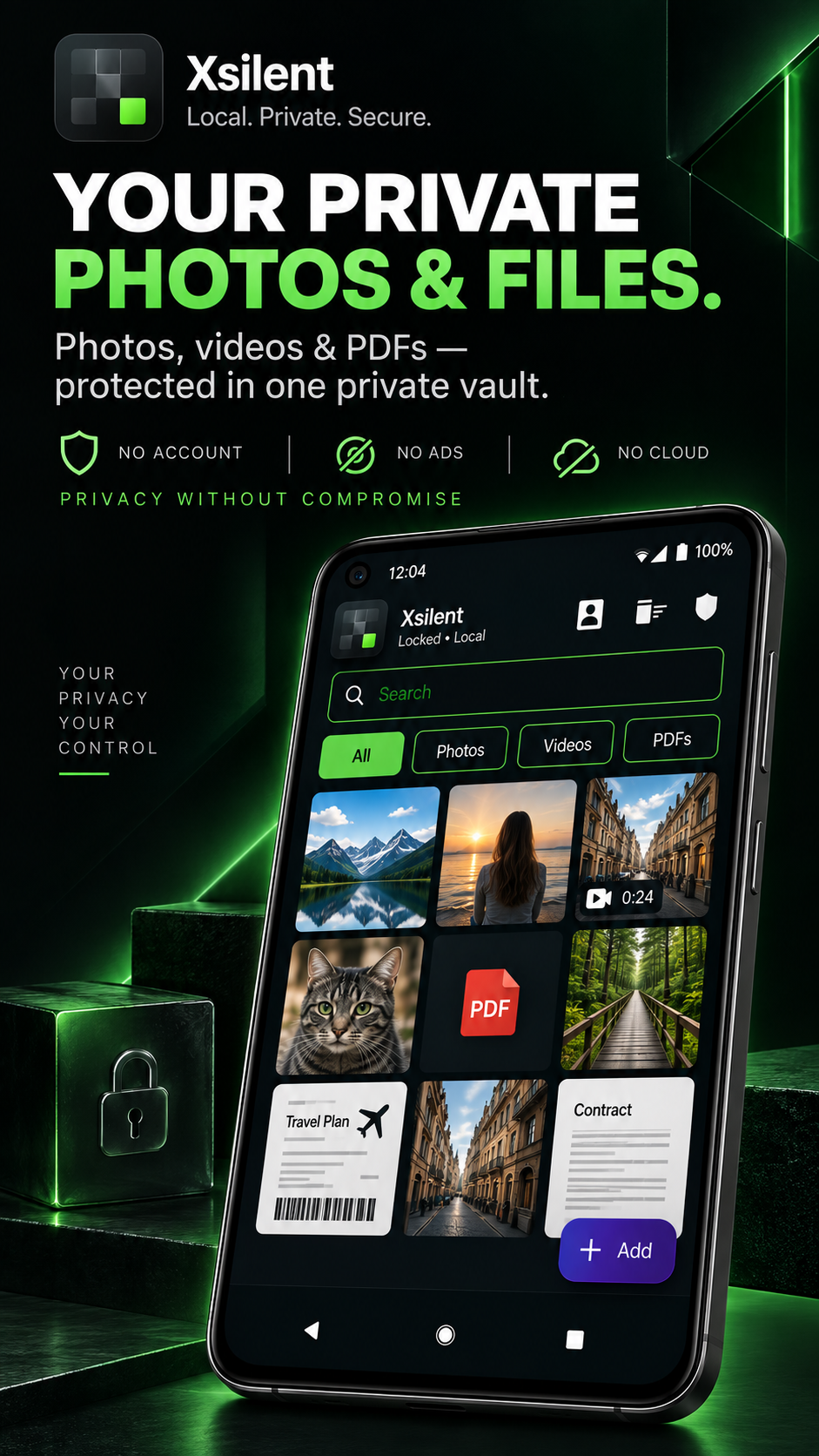
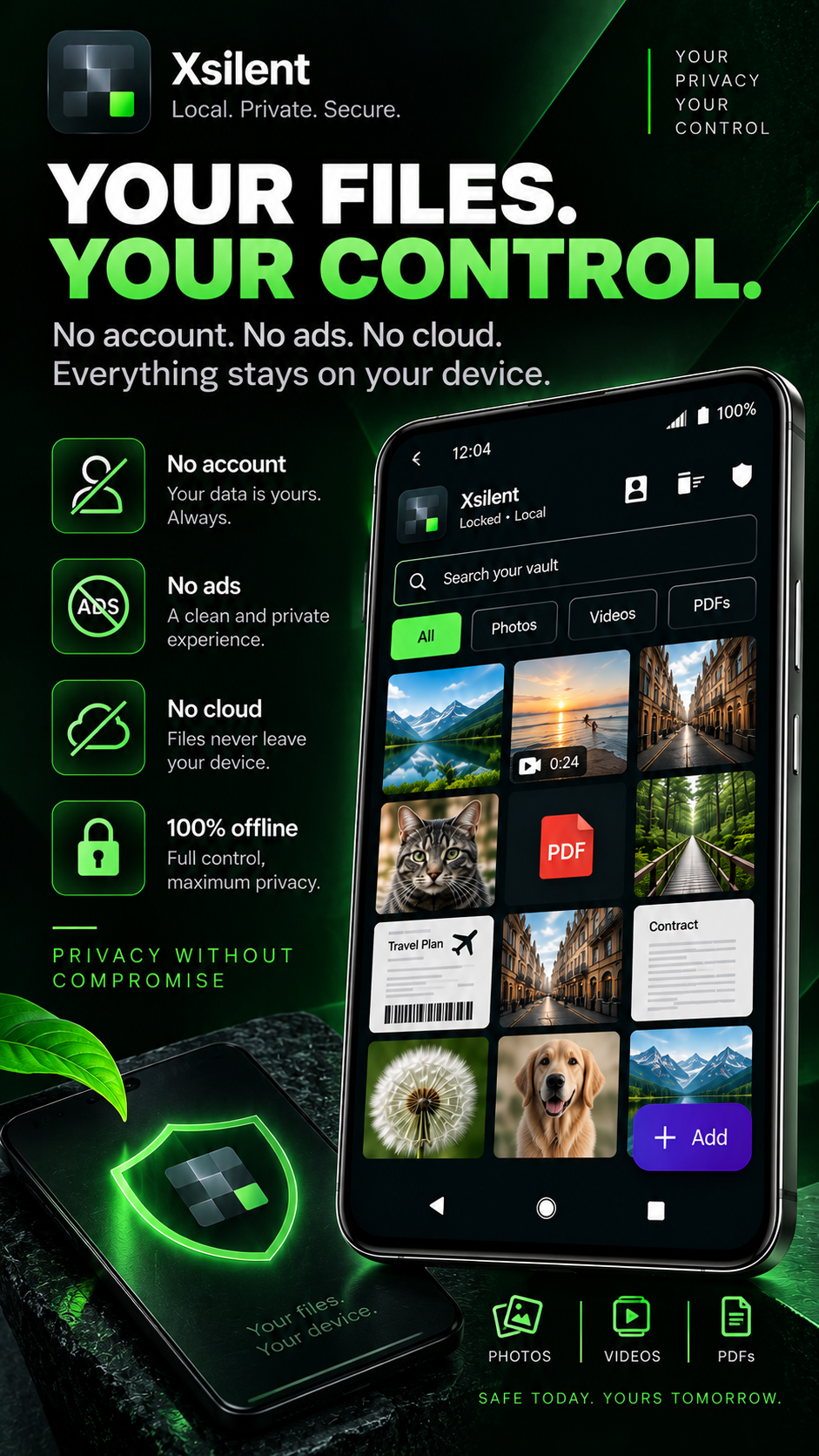
Xsilent is a privacy-first Android vault for protecting photos, videos, files and PDFs locally on the device. It combines encrypted storage with Master PIN and Decoy PIN protection, encrypted Trash, private PDF viewing, encrypted backup and Clean Share tools for preparing media before sharing.
Xsilent works without an account, ads or a proprietary cloud service. Files remain under the user’s control, while privacy-focused protections such as screenshot blocking, recent-apps protection, Quick Lock, optional biometrics and local encryption help protect sensitive content.
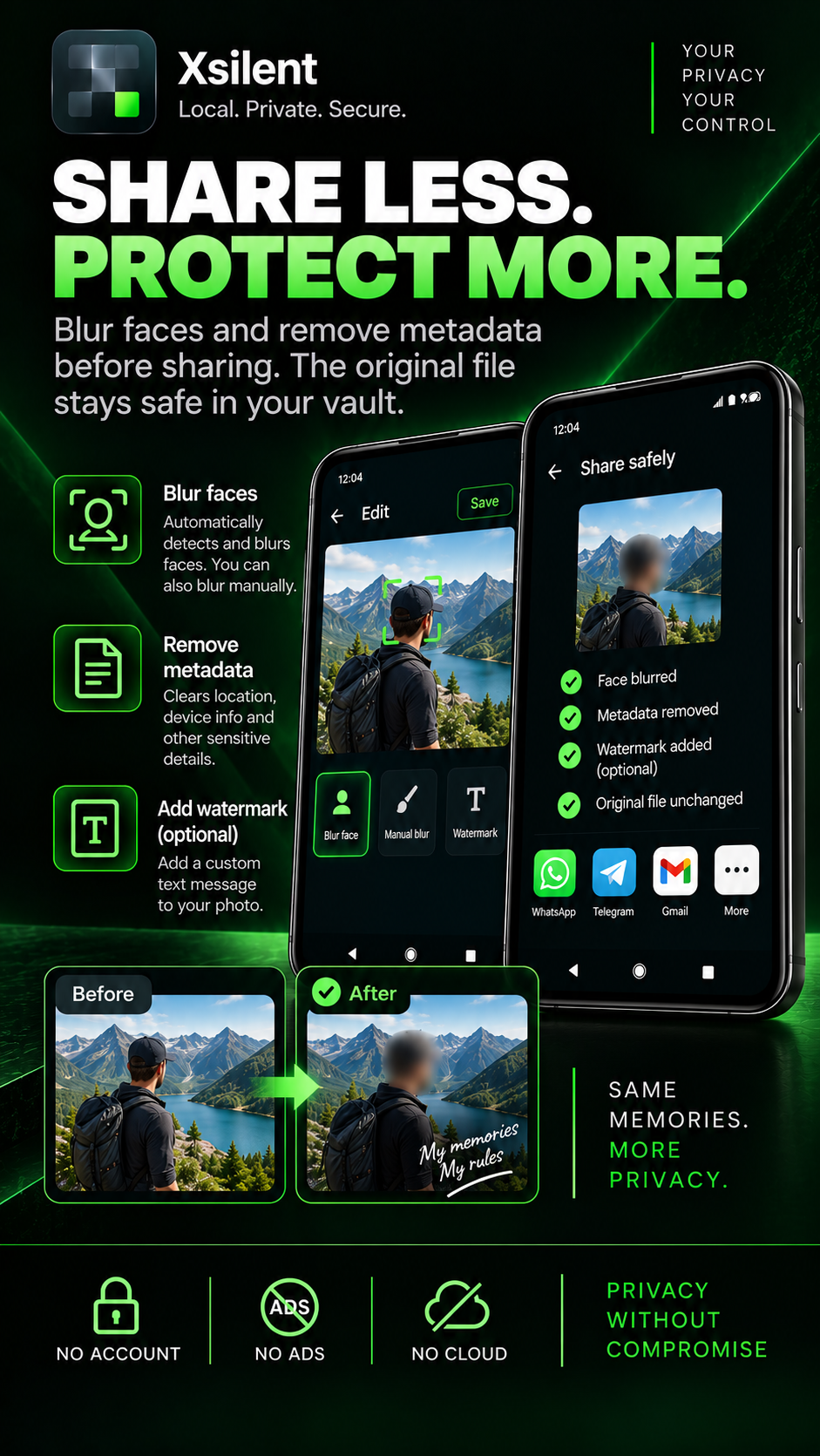
Clean Share can blur faces or selected areas, remove metadata and optionally add a watermark before a file is shared. Xsilent is designed for users who want a private, local-first vault without relying on another online account.
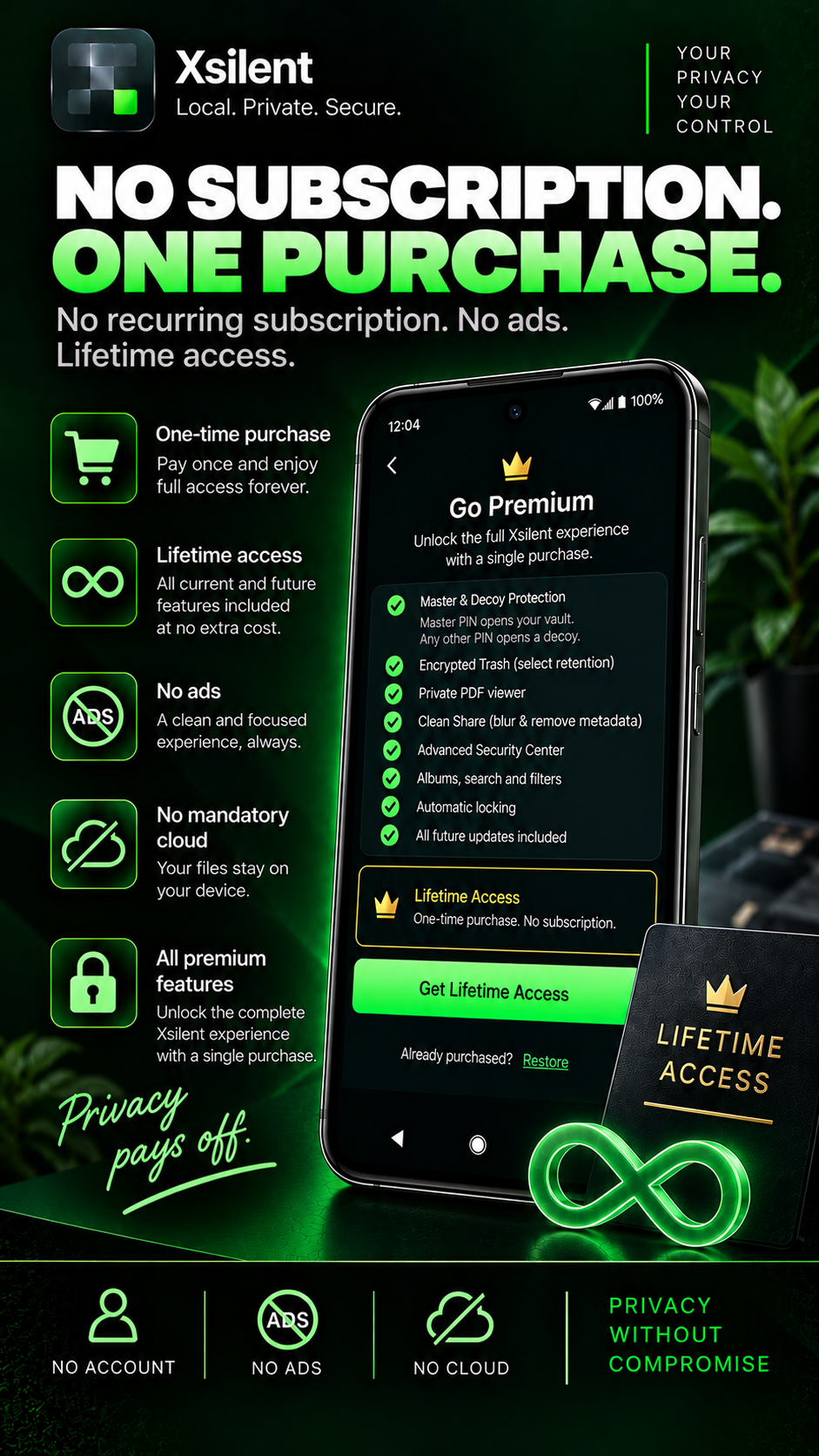
Features
- Encrypted private vault for photos, videos, files and PDFs
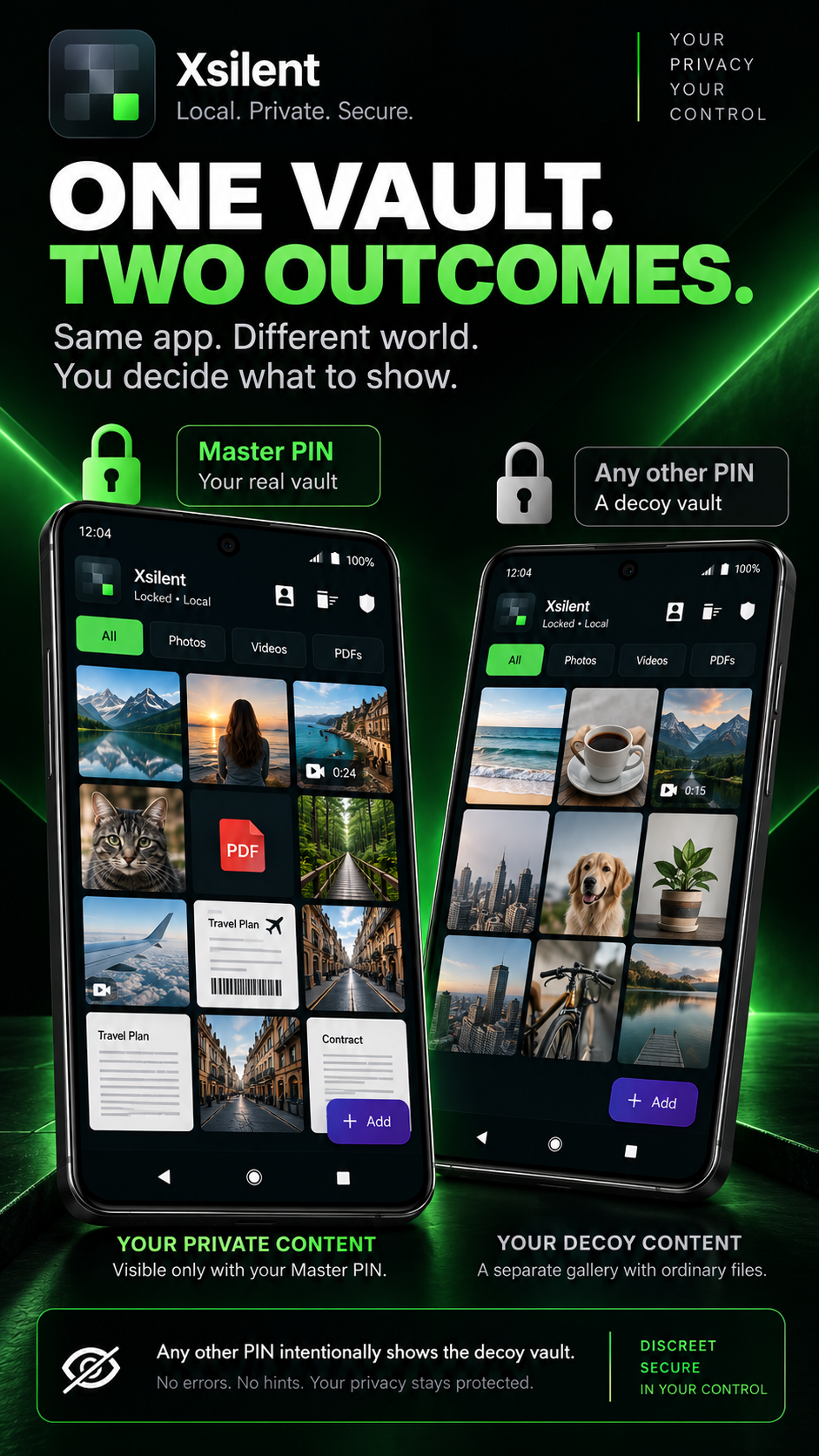
- Master PIN and Decoy PIN protection
- Dynamic Decoy support when importing shared files
- Local AES-GCM encryption
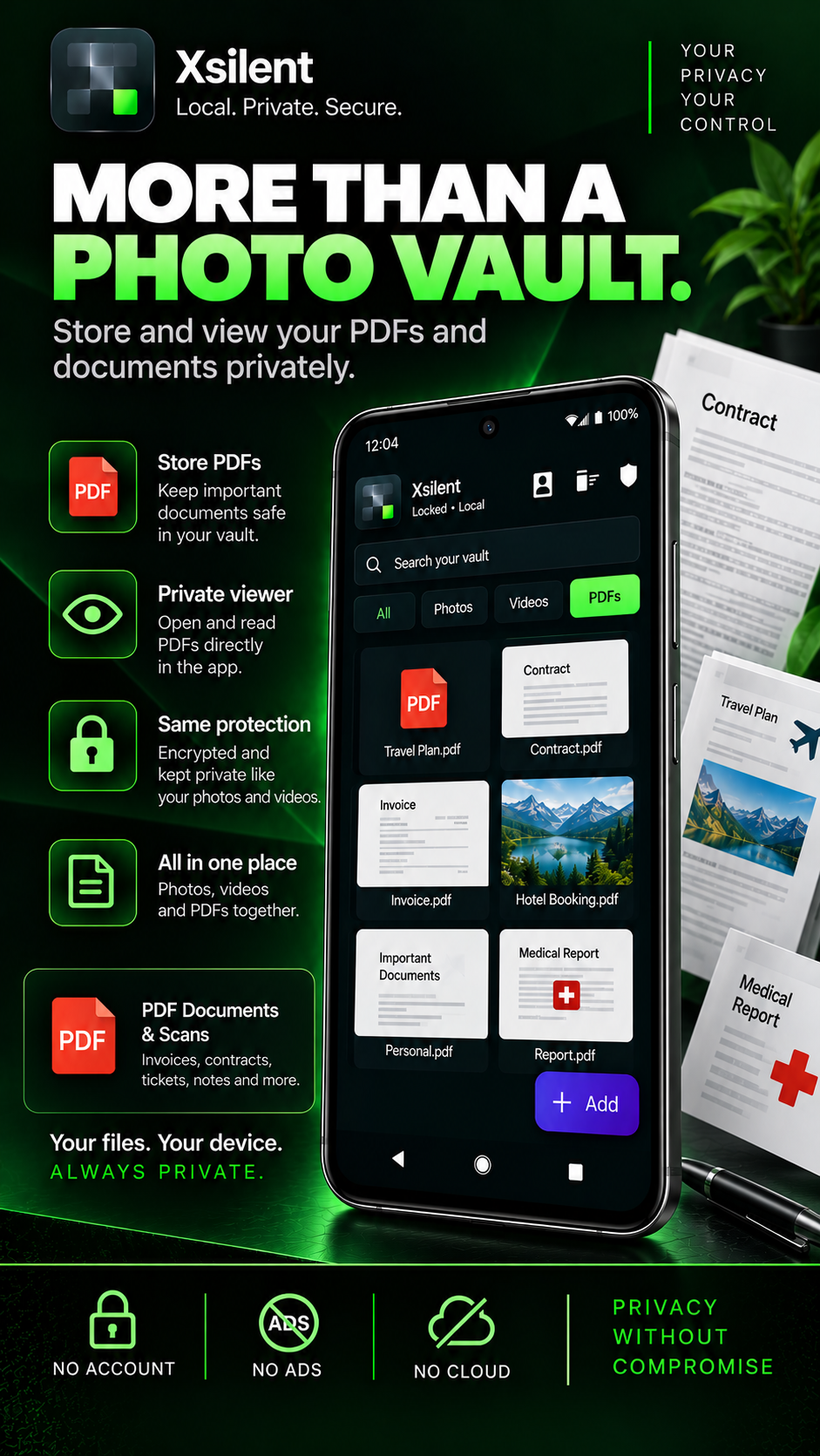
- Private PDF viewer without WebView
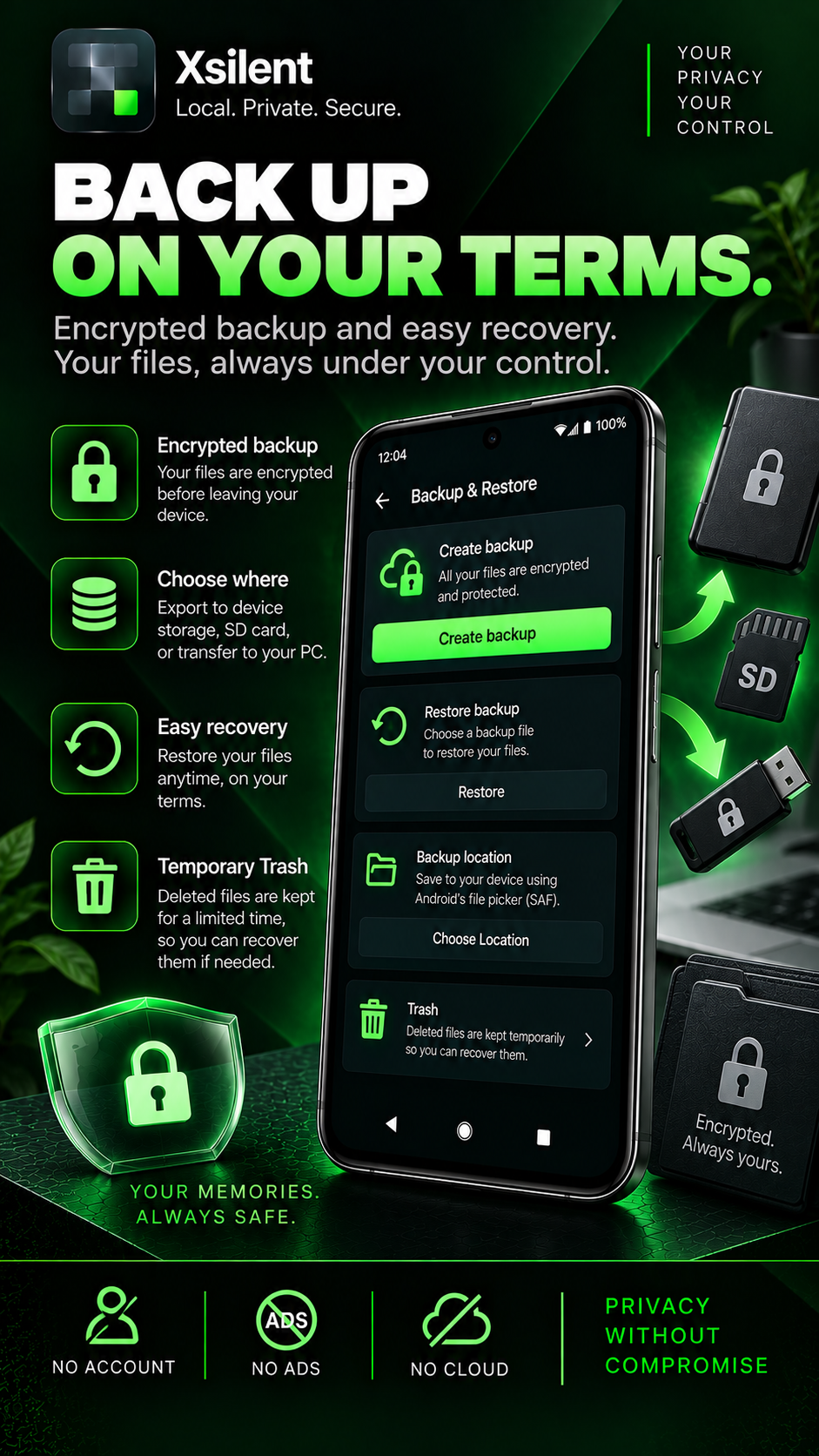
- Encrypted Trash with configurable retention
- Clean Share with face blur and manual blur
- Remove metadata before sharing
- Optional watermark for shared media
- Encrypted local backup and restore
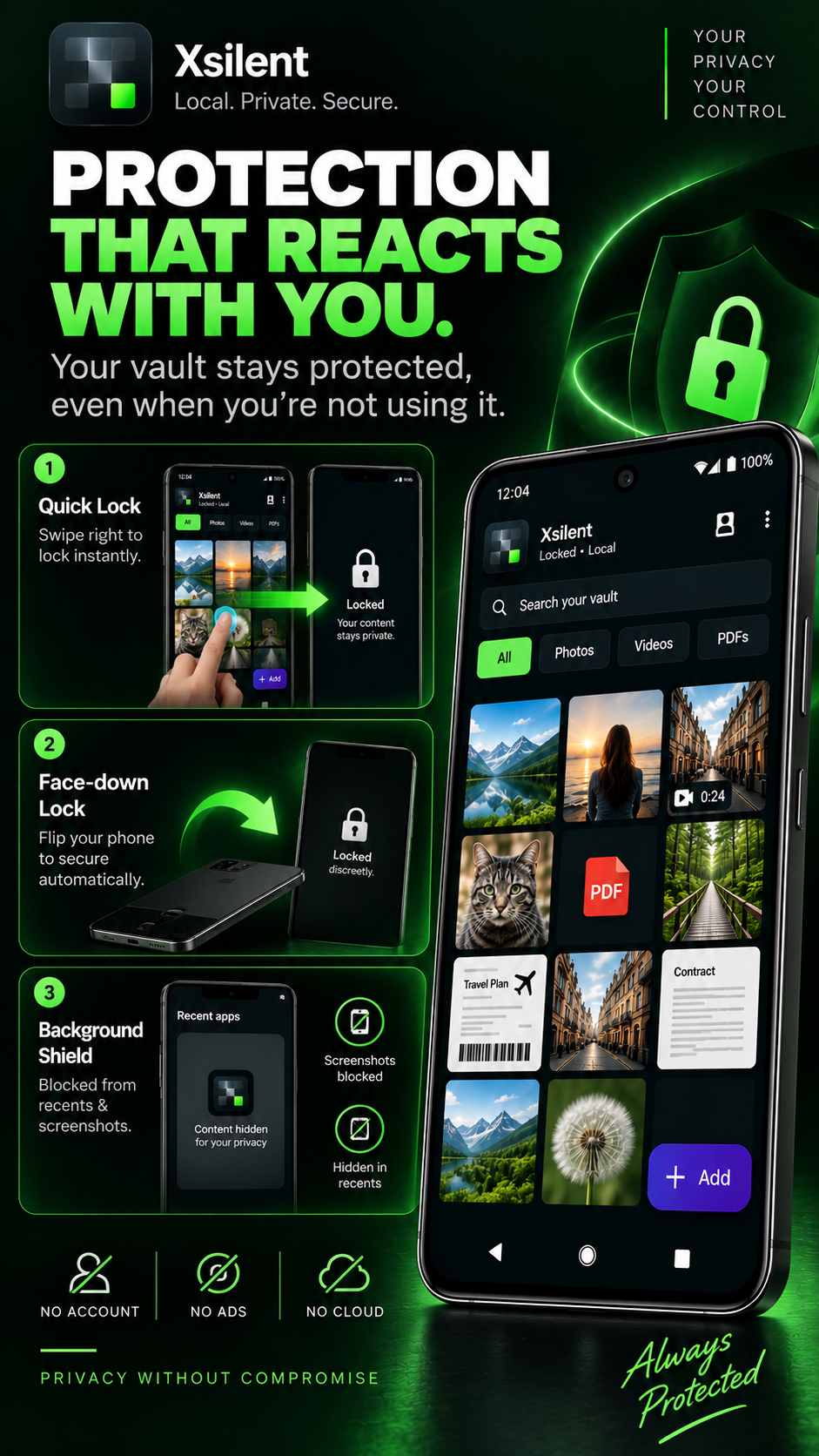
- Quick Lock and automatic locking
- Screenshot and screen-recording protection
- Hidden recent-apps preview
- Optional biometric unlock
- Security Center and privacy controls
- No account, no ads, no proprietary cloud
Use Cases
- Protect private photos, videos, documents and PDFs on Android
- Keep sensitive files separate from the normal gallery and file manager
- Use a Decoy PIN when someone asks to open the vault
- Blur faces or sensitive areas before sharing media
- Remove photo and video metadata before sending files
- Add an optional watermark before sharing
- Store and read private PDF documents locally
- Recover accidentally deleted items from encrypted Trash
- Create an encrypted backup of the vault
- Quickly lock sensitive content when privacy is needed
- Use the vault without creating an account or uploading files to a cloud service

Comments


I built Xsilent around a simple principle: private files should stay private without forcing users into another account or cloud service. Xsilent keeps photos, videos, files and PDFs encrypted locally on the device, while adding practical privacy tools such as Decoy PIN, encrypted Trash, private PDF viewing, encrypted backup and Clean Share for blurring sensitive content or removing metadata before sharing. The goal is a serious Android privacy vault that gives users control over their files instead of making privacy dependent on another online service.
Premium Products


















































Makers
Makers
Comments
I built Xsilent around a simple principle: private files should stay private without forcing users into another account or cloud service. Xsilent keeps photos, videos, files and PDFs encrypted locally on the device, while adding practical privacy tools such as Decoy PIN, encrypted Trash, private PDF viewing, encrypted backup and Clean Share for blurring sensitive content or removing metadata before sharing. The goal is a serious Android privacy vault that gives users control over their files instead of making privacy dependent on another online service.
Premium Products
New to Fazier?

Find your next favorite product or submit your own. Made by @FalakDigital.
Copyright ©2026. All Rights Reserved