
XNOV imgtool
Image Tools, Video Tools, AI Tools
XNOV imgtool is a privacy-first online media processing platform. Its defining feature is fully local processing: every image and video is processed entirely inside the user's browser — files never leave the device, making it ideal for sensitive material such as ID photos, scanned documents, and photos containing faces.
The platform covers 19 tools across images and video. Image tools include compression, resizing, cropping, rotation, format conversion (PNG/WEBP/JPG), AI photo enhancement with 2×/4× upscaling powered by Real-ESRGAN running on-device, one-click AI background removal, ID photo background color changer, text watermarks, face blurring/mosaics, meme maker, image splitting into grid tiles, image merging, and EXIF metadata removal. Video tools include compression with resolution and quality presets, frame-accurate trimming, and video-to-GIF conversion with a draggable timeline for frame preview.
The service is completely free — no watermarks, no registration, no usage limits — and supports batch processing with ZIP download. The interface is localized into 10 languages (English, Chinese, Japanese, Korean, German, Dutch, French, Russian, Polish) and works directly in mobile browsers, with no app installation required.
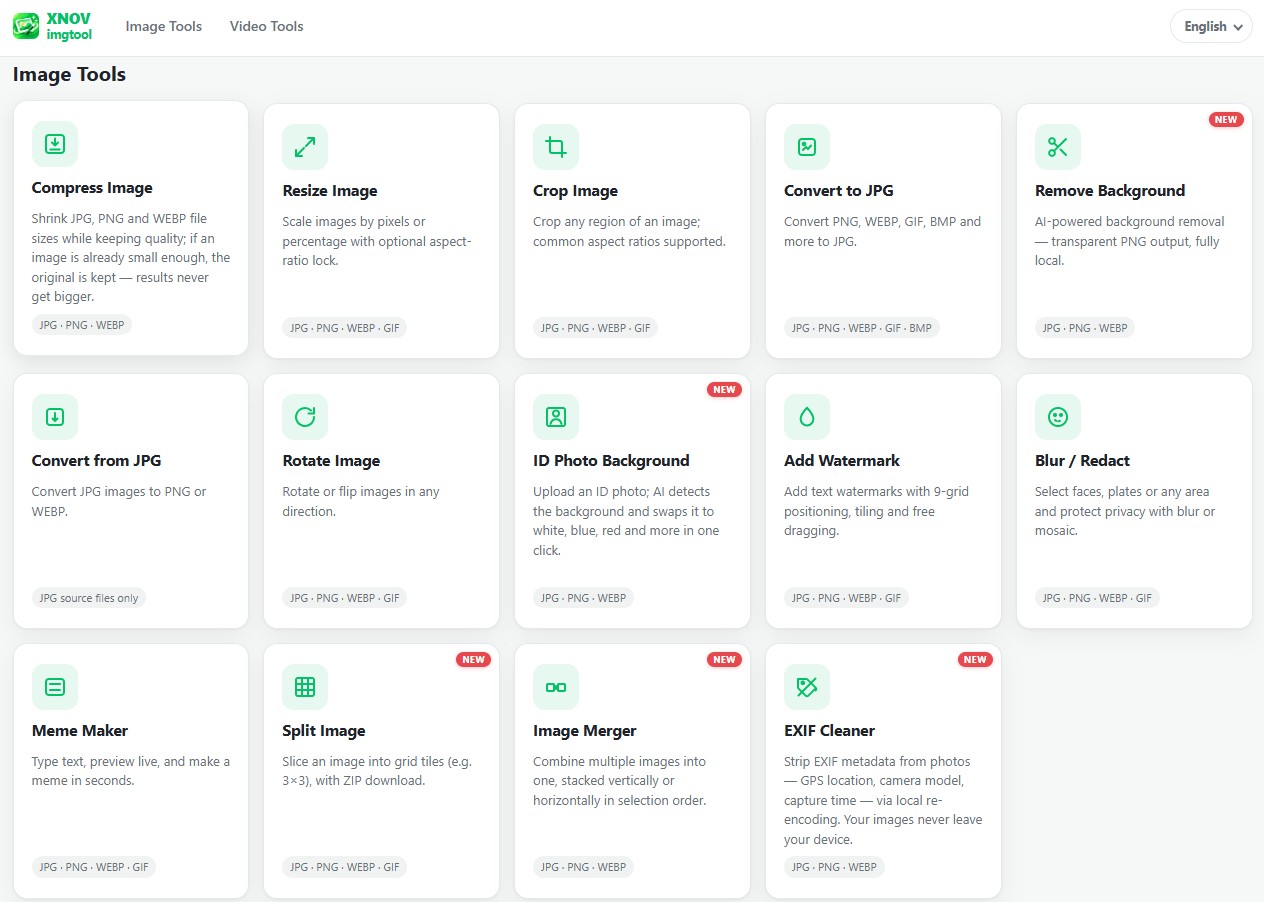
Features
- Compress: Shrink your image file size without turning it into a pixelated mess.
- Resize & Crop: Get your photo to the exact dimensions a portal or platform demands.
- Remove Background: Get a clean, transparent PNG instantly.
- ID Photo Backdrop: Swap the background of your passport/ID photo to white, blue, or red in seconds.
Use Cases
- You're applying for a visa or a job, and the portal rejects your photo because it's 3MB instead of 2MB.
- You need an ID photo with a blue background right now, but don't want to run to a photo studio or install an ad-filled app.
- You're listing something on a marketplace and need a clean product photo with the background removed.
- You just need to crop a screenshot for a quick presentation.

Comments

Premium Products





















































Find your next favorite product or submit your own. Made by @FalakDigital.
Copyright ©2026. All Rights Reserved