
WorkbookDiff
Compare two Excel files and see every supported change
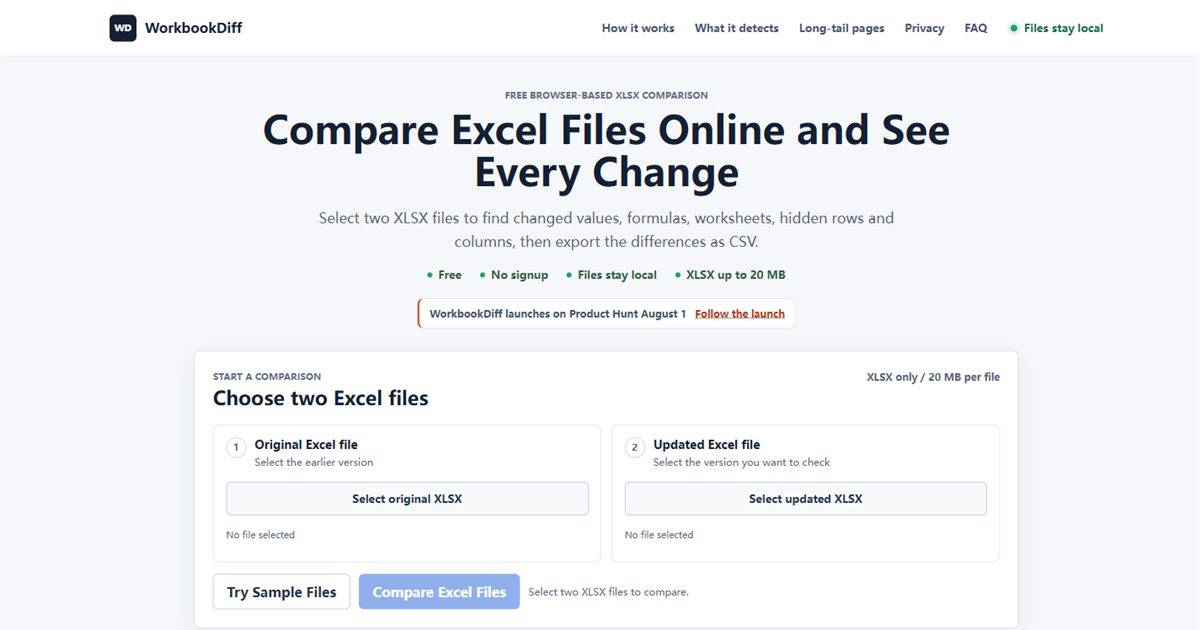
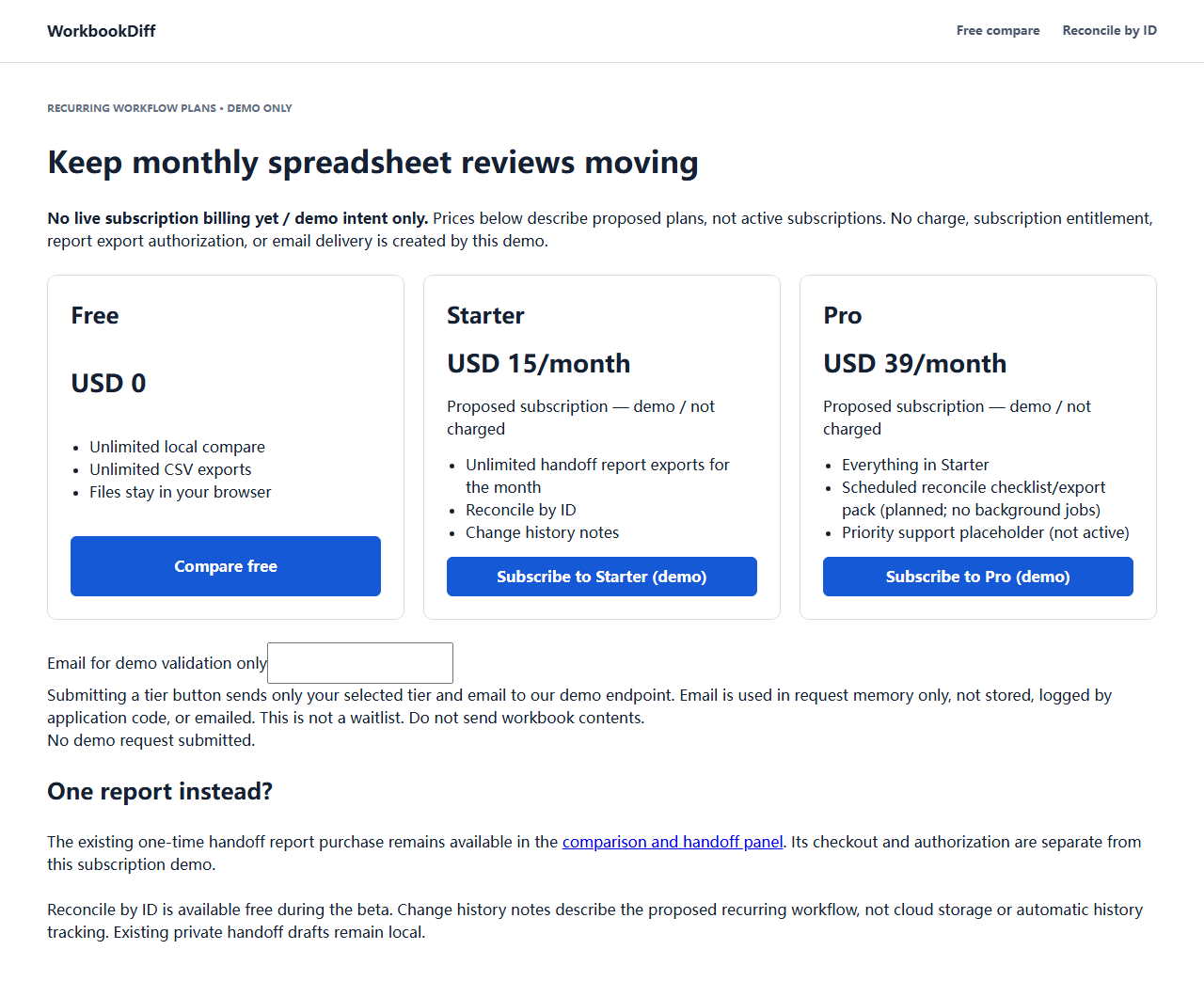
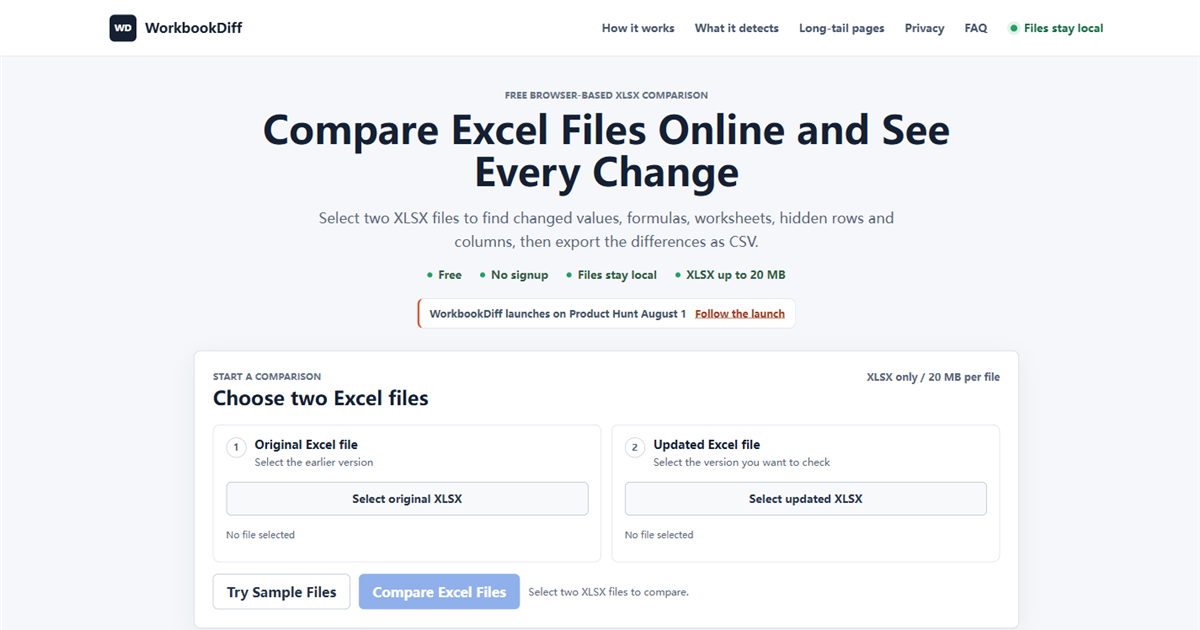
WorkbookDiff compares two aligned .xlsx workbook versions in the browser. It separates value changes from stored formula-expression changes, detects added/removed sheets, visibility, hidden rows/columns, and used-range updates, then exports a free CSV. No signup; files stay in browser memory. Not a full Spreadsheet Compare replacement and not for reordered-row key matching. Core compare is free; optional Pro ~$19.
Features
Separates value changes from stored formula-expression changes.
Detects added or removed sheets, visibility, hidden rows and columns, and used-range updates.
Exports a free CSV. No signup; files stay in browser memory.
Use Cases
Compare two aligned .xlsx versions before you send a revision.
See formula-expression changes apart from value changes.
Not a full Spreadsheet Compare replacement and not for reordered-row key matching.

Comments

WorkbookDiff compares two aligned .xlsx versions in the browser. It separates value changes from stored formula-expression changes, catches added or removed sheets, visibility, hidden rows and columns, and used-range updates, then exports a free CSV. No signup; files stay in browser memory. It is not a full Spreadsheet Compare replacement and not for reordered-row key matching. Core compare is free; optional Pro is about $19.
Premium Products




















































Sponsors
Buy

Comments
WorkbookDiff compares two aligned .xlsx versions in the browser. It separates value changes from stored formula-expression changes, catches added or removed sheets, visibility, hidden rows and columns, and used-range updates, then exports a free CSV. No signup; files stay in browser memory. It is not a full Spreadsheet Compare replacement and not for reordered-row key matching. Core compare is free; optional Pro is about $19.
Premium Products
New to Fazier?

Find your next favorite product or submit your own. Made by @FalakDigital.
Copyright ©2026. All Rights Reserved