
WiFiPass
Free WiFi QR code generator and guest cards
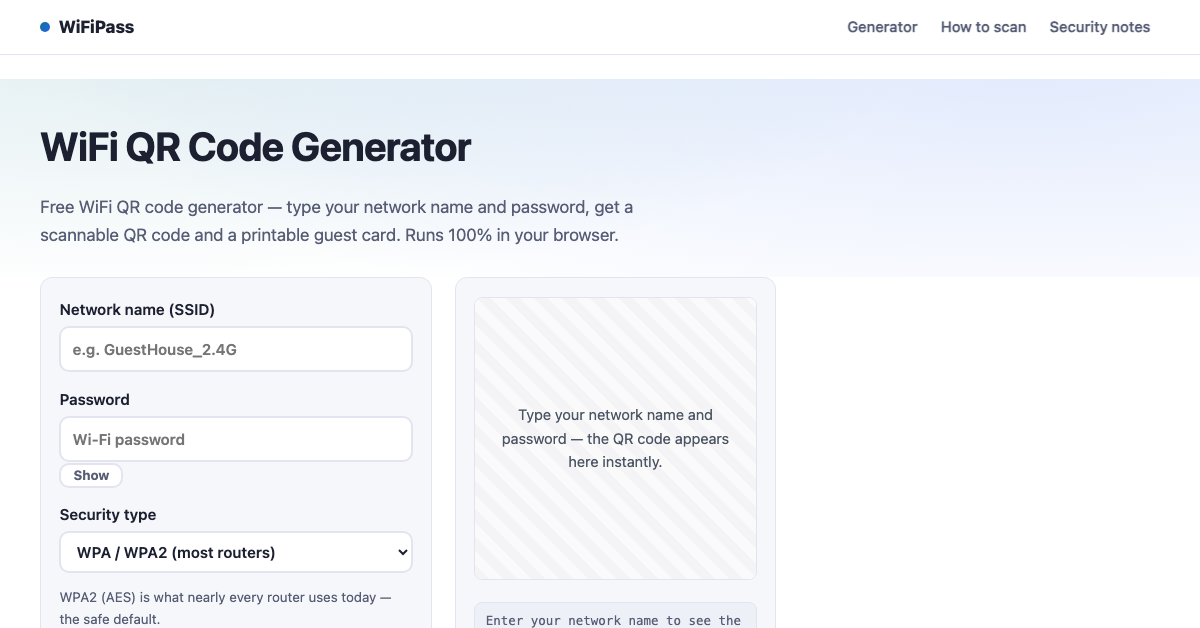
Free WiFi QR code generator. Type your network name and password, get a scannable QR code and a printable guest card. Runs 100% in your browser — your password never leaves your device.
Features
• Generates a scannable WiFi QR code instantly
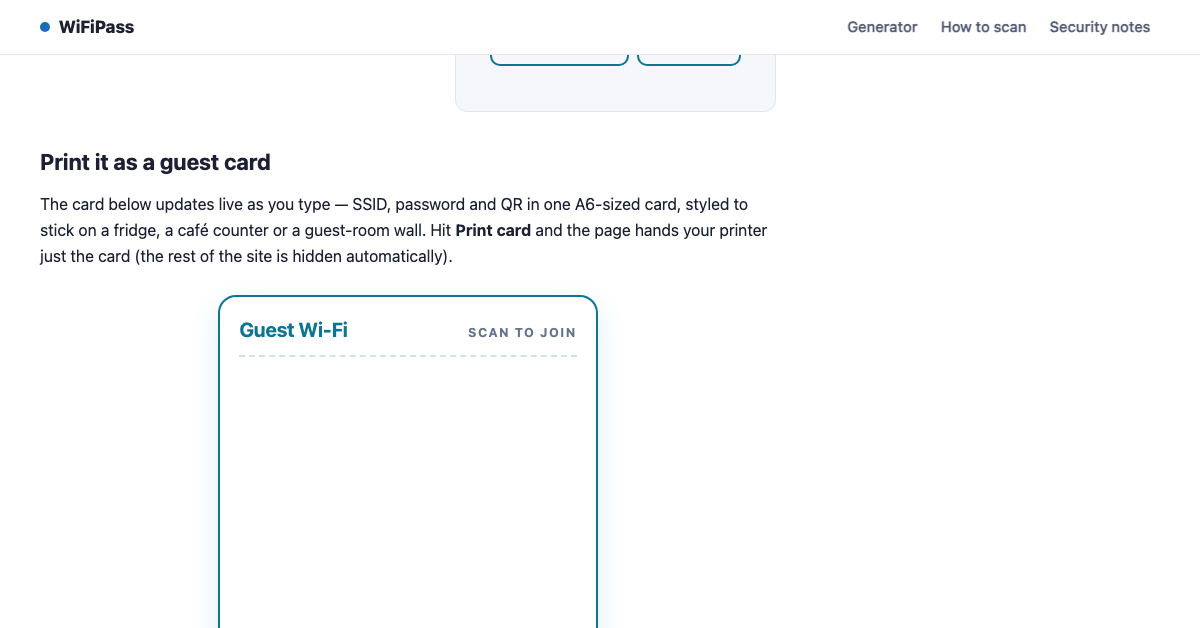
• Printable guest card with network name
• Supports WPA, WPA2, WPA3, WEP and open networks
• Handles hidden networks and special characters
• No signup, no upload — everything stays in the browser
Use Cases
• Share WiFi with guests at home or in a café
• Print a card for an Airbnb or office wall
• Help family join the network without typing long passwords

Comments


The printable guest card is exactly what I would want for a rental — guests get the network name in plain text instead of having to rely on scanning alone. For passwords with special characters, do you escape characters like semicolons and commas automatically in the QR payload? Those are the ones that have tripped me up when making these codes by hand.

Support for hidden networks and WPA3 makes this more useful than a basic WiFi QR generator. For a café or rental, could the printable card include a short manual-join fallback for guests whose phones cannot scan or auto-connect? A brief compatibility note for older devices would help hosts choose the right network setting and avoid repeated support questions.

Generating everything client-side is the right call for a tool that handles passwords. Many small venues run two guest networks (2.4 and 5 GHz, or one for staff and one for guests), so could a single printable card hold two QR codes side by side? A small "last updated" line would also help when the password gets changed.


Keeping the password in the browser is the right call for a tool like this. Suggestion for Airbnb and café hosts: let the printable card show its labels in more than one language (e.g. English plus Japanese or Spanish), with an optional line for the host's own note like "guest network" or check-out time. A lot of rental guests are international, and a bilingual card saves the host the same question every stay. Could you also add an option to hide the password text on the card and keep only the QR code, for places where the card is on public display?

Premium Products












































Sponsors
Buy

Makers
Makers
Comments
The printable guest card is exactly what I would want for a rental — guests get the network name in plain text instead of having to rely on scanning alone. For passwords with special characters, do you escape characters like semicolons and commas automatically in the QR payload? Those are the ones that have tripped me up when making these codes by hand.
Support for hidden networks and WPA3 makes this more useful than a basic WiFi QR generator. For a café or rental, could the printable card include a short manual-join fallback for guests whose phones cannot scan or auto-connect? A brief compatibility note for older devices would help hosts choose the right network setting and avoid repeated support questions.
Generating everything client-side is the right call for a tool that handles passwords. Many small venues run two guest networks (2.4 and 5 GHz, or one for staff and one for guests), so could a single printable card hold two QR codes side by side? A small "last updated" line would also help when the password gets changed.
Keeping the password in the browser is the right call for a tool like this. Suggestion for Airbnb and café hosts: let the printable card show its labels in more than one language (e.g. English plus Japanese or Spanish), with an optional line for the host's own note like "guest network" or check-out time. A lot of rental guests are international, and a bilingual card saves the host the same question every stay. Could you also add an option to hide the password text on the card and keep only the QR code, for places where the card is on public display?
Premium Products
New to Fazier?

Find your next favorite product or submit your own. Made by @FalakDigital.
Copyright ©2026. All Rights Reserved