
WhiteboardAnimation.ai
Turn any illustration into a whiteboard animation clip
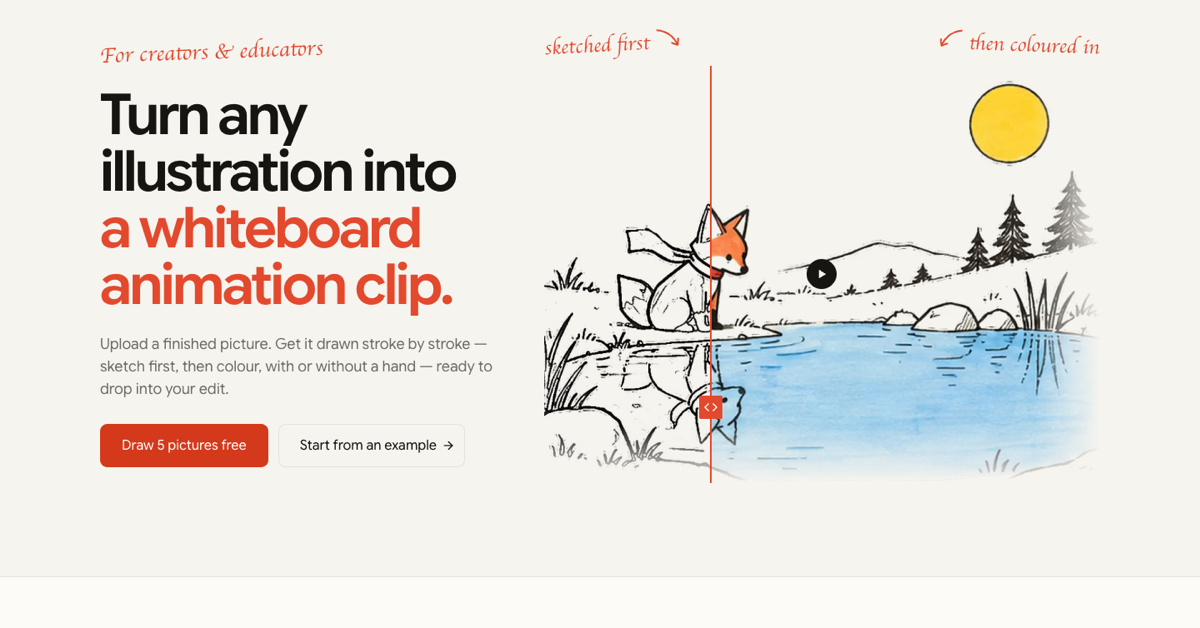
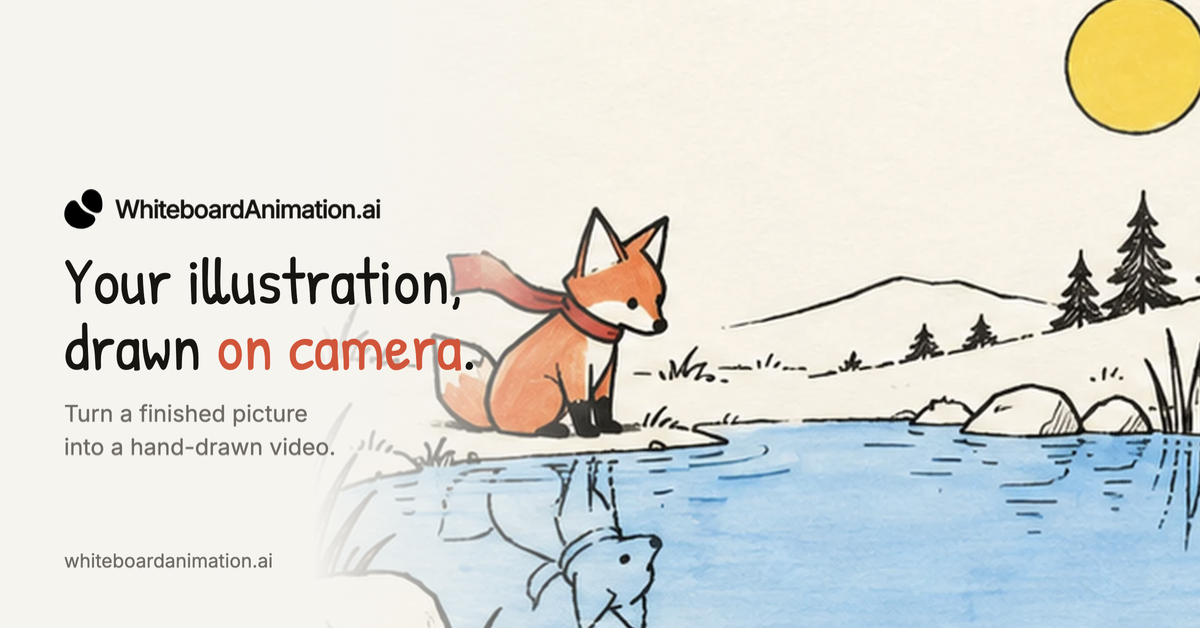
WhiteboardAnimation.ai turns a finished illustration into a hand-drawn whiteboard animation clip. Upload a picture and it is redrawn stroke by stroke, outline sketch first and then colour, so you get a short clip to drop into your own video edit, slides or social post. It is made for teachers, explainer-video makers, marketers and creators who already have artwork and want the drawing-reveal effect without animating it by hand. Start free with included credits; paid plans add more exports, and an API lets agents and apps generate clips programmatically.
Features
- Upload one finished picture (PNG, JPEG or WebP, up to 10 MB); no text prompt to write
- Redrawn stroke by stroke: outline sketch first, then colour
- Six drawing hands or none; choose how long it takes to draw and when the colour comes in
- Export MP4 or WebM in 16:9, 9:16 or 1:1, or a transparent / layered export for Premiere, Final Cut, DaVinci or CapCut
- API your coding agent can drive to turn a folder of pictures into clips
Use Cases
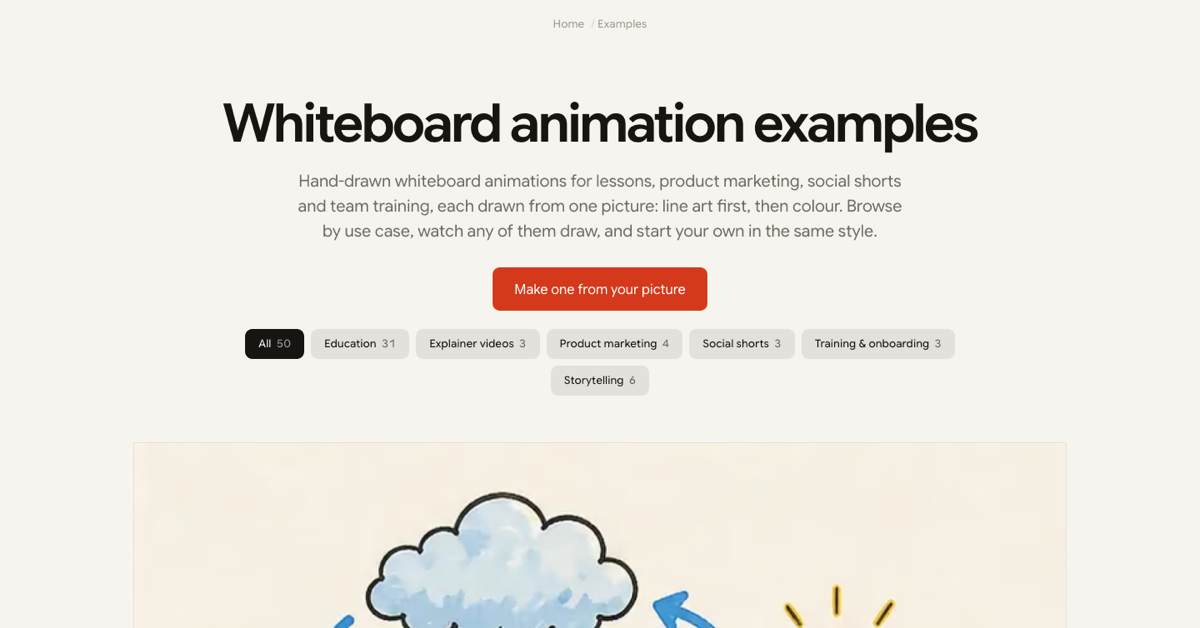
- Teachers turning lesson diagrams into drawing-reveal clips
- Explainer videos built from existing illustrations
- Product marketing and social shorts
- Training and onboarding videos
- Storytelling with your own artwork

Comments

Hi Fazier! Most whiteboard-video tools have you build the drawing from a library of stock doodles. WhiteboardAnimation.ai starts from the other end: you already have the picture (a lesson diagram, a product illustration, a storybook page) and you just want it drawn on screen, outline first and then colour, as a clip you can drop into your edit. Upload one picture, pick a hand (or none), how long it draws and when the colour comes in, then export MP4/WebM or a transparent layer for Premiere, Final Cut, DaVinci or CapCut. There's also an API, so a coding agent can turn a whole folder of scenes into clips. It's free to start. We'd love to hear which pictures you try it on and where it falls shor202611202612202610280830t.
Premium Products













































Sponsors
Buy

Comments
Hi Fazier! Most whiteboard-video tools have you build the drawing from a library of stock doodles. WhiteboardAnimation.ai starts from the other end: you already have the picture (a lesson diagram, a product illustration, a storybook page) and you just want it drawn on screen, outline first and then colour, as a clip you can drop into your edit. Upload one picture, pick a hand (or none), how long it draws and when the colour comes in, then export MP4/WebM or a transparent layer for Premiere, Final Cut, DaVinci or CapCut. There's also an API, so a coding agent can turn a whole folder of scenes into clips. It's free to start. We'd love to hear which pictures you try it on and where it falls shor202611202612202610280830t.
Premium Products
New to Fazier?

Find your next favorite product or submit your own. Made by @FalakDigital.
Copyright ©2026. All Rights Reserved