
White Screens
Full-screen colors and screen tests in your browser
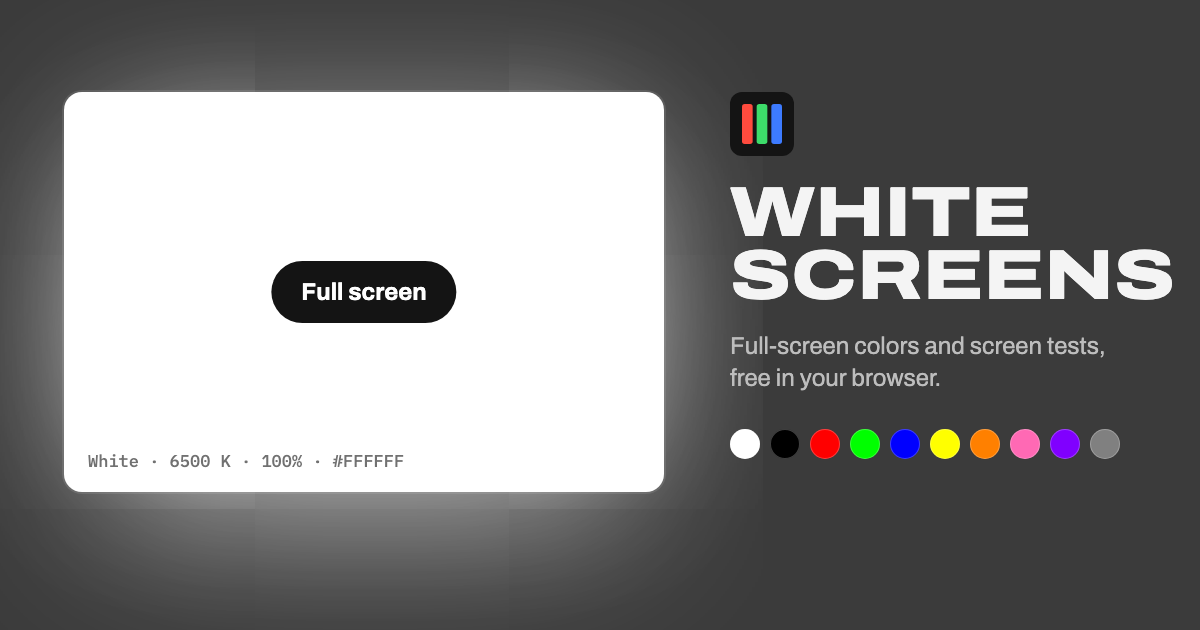
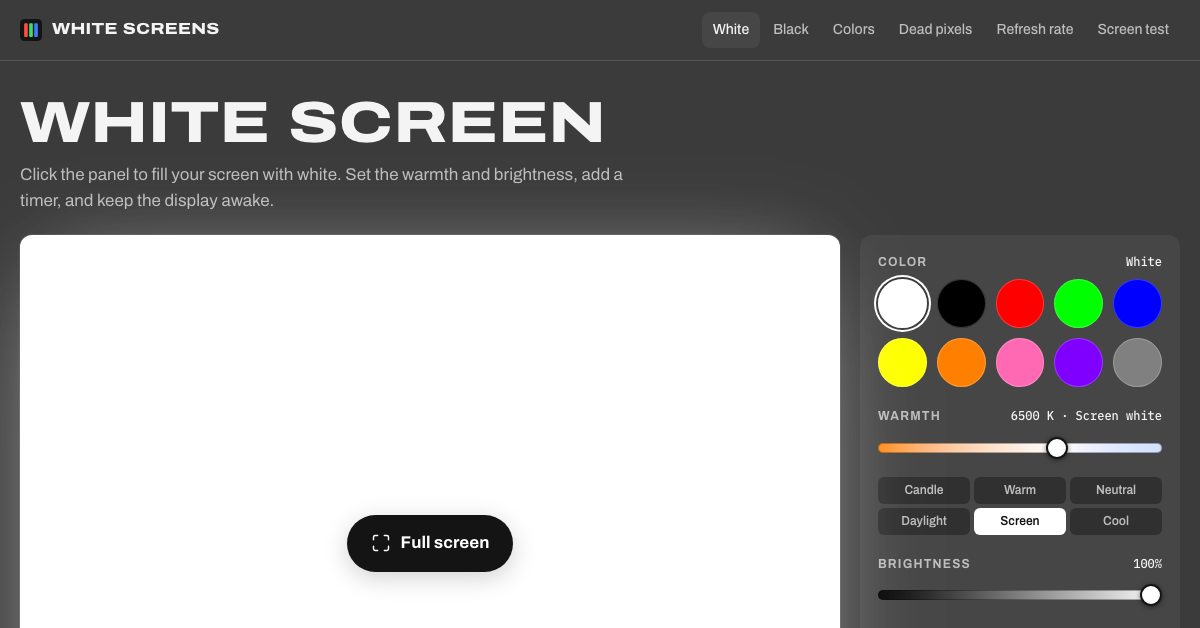
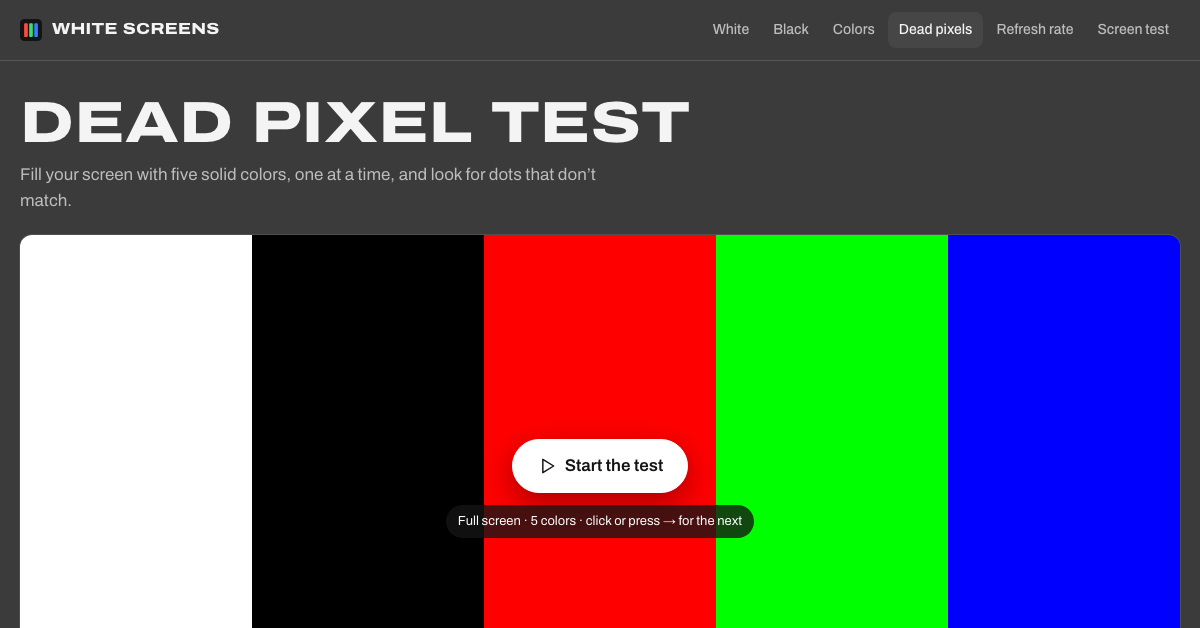
White Screens fills your display with pure white or any solid color, right in the browser. Adjust warmth from candlelight to daylight, set brightness, add an auto-off timer and keep the screen awake. It also bundles the screen checks people usually hunt for one by one: a dead pixel test and stuck pixel fixer, a refresh rate test, a burn-in test, test patterns, plus plain color background images. Free, no sign-up, nothing to install.
Features
- White, black and 10 solid color screens, one click to full screen
- Warmth (color temperature) and brightness controls, auto-off timer and keep-screen-on
- Dead pixel test, stuck pixel fixer, burn-in test and refresh rate test
- Test patterns and color bars at your native resolution
- Plain color PNG downloads for desktop, phone and 4K
Use Cases
- Turn a tablet or spare monitor into a soft light for video calls
- Check a new monitor or phone for dead pixels and OLED burn-in
- Spot smudges and dust when cleaning your screen
- Trace a drawing on a bright white screen
- Use a warm, dim screen as a night light

Comments


Hi Fazier! I built White Screens because I kept bouncing between separate sites for a plain white screen, a dead pixel test and a refresh rate check. So it's one place: solid color screens with warmth and brightness controls (a tablet makes a decent video call light this way), and next to them the checks you'd run on a new monitor or phone: dead pixels, stuck pixel fixer, burn-in, refresh rate and test patterns. Everything runs in the browser, no sign-up. I'd love to hear which screen test you'd want added next.
Premium Products





















































Sponsors
Buy

Makers
Makers
Comments
Hi Fazier! I built White Screens because I kept bouncing between separate sites for a plain white screen, a dead pixel test and a refresh rate check. So it's one place: solid color screens with warmth and brightness controls (a tablet makes a decent video call light this way), and next to them the checks you'd run on a new monitor or phone: dead pixels, stuck pixel fixer, burn-in, refresh rate and test patterns. Everything runs in the browser, no sign-up. I'd love to hear which screen test you'd want added next.
Premium Products
New to Fazier?

Find your next favorite product or submit your own. Made by @FalakDigital.
Copyright ©2026. All Rights Reserved