
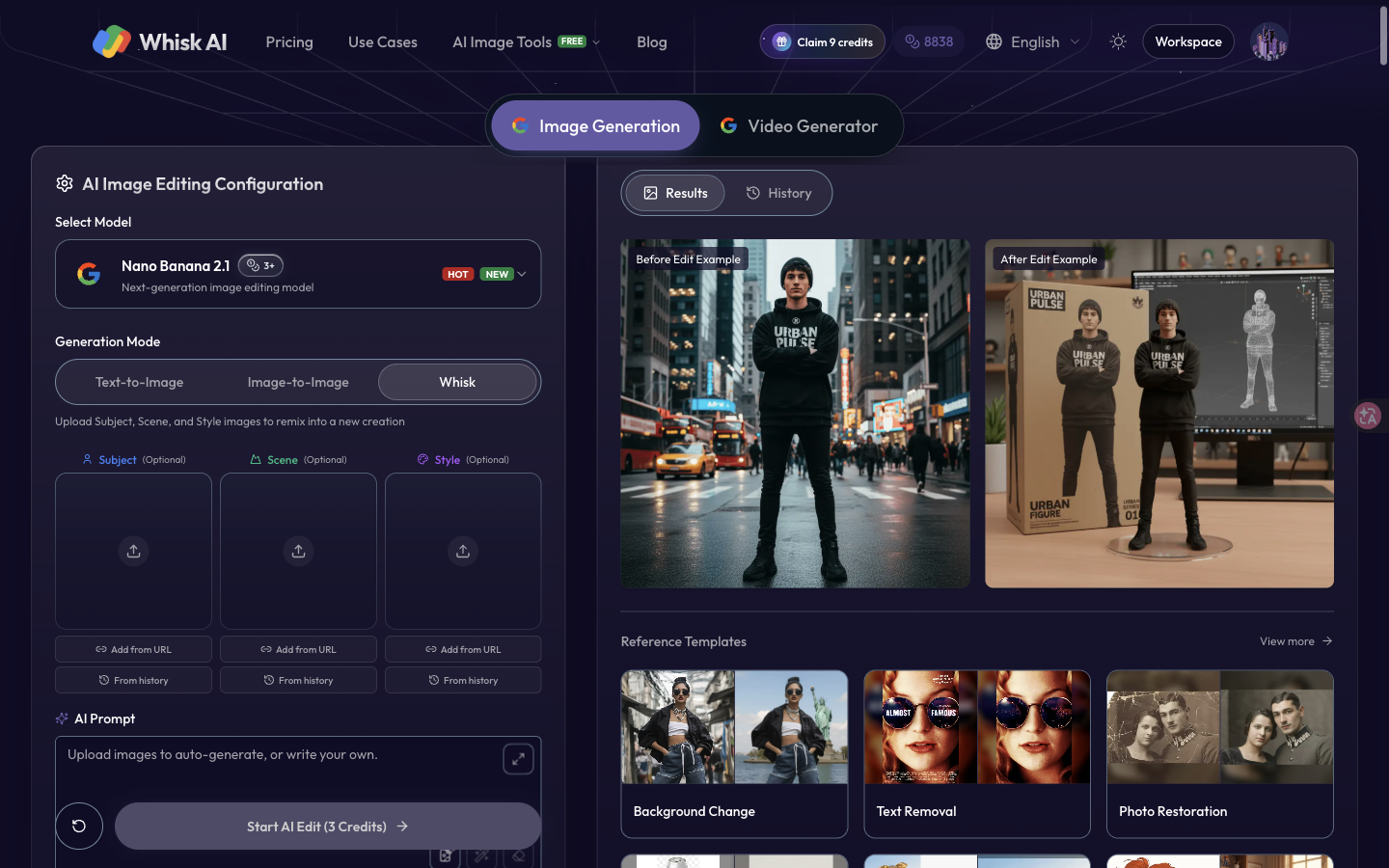
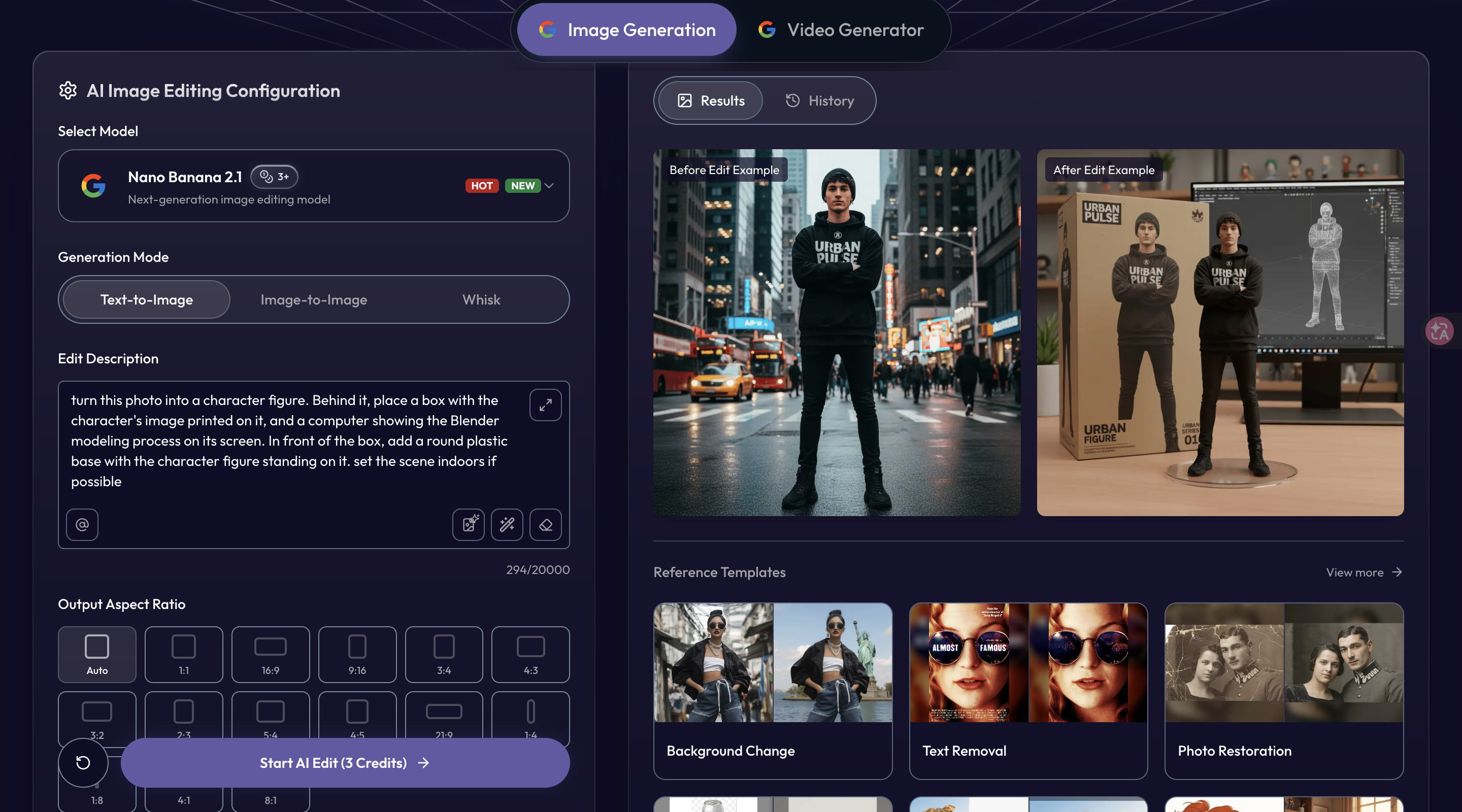
Whisk AI is a browser-based workspace for creating, editing and remixing images. Start with a text prompt, upload a photo to edit, or combine subject, scene and style reference images to explore a new visual direction.
Creators can adjust backgrounds, experiment with artistic styles and generate variations for social posts, product concepts and personal projects. The workspace includes aspect-ratio controls, reference templates and downloadable results, so you can move from an idea to an image in one place.
Features
• Text-to-image generation and image-to-image editing
• Reference-image remixing with subject, scene and style inputs
• Text-guided edits for backgrounds, objects and visual styles
• Multiple aspect ratios and batch image generation
• Reference templates for product packaging, photo restoration and more
• Downloadable results in a browser-based workspace
Use Cases
• Create visuals for social media posts and marketing campaigns
• Explore product packaging and merchandise concepts before production
• Test character designs across different styles and settings
• Change backgrounds and refine photos with text instructions
• Turn personal or pet photos into artwork and gift ideas
• Build visual concepts and compare variations during brainstorming

Comments


Premium Products





































Find your next favorite product or submit your own. Made by @FalakDigital.
Copyright ©2026. All Rights Reserved