
What Is My Tools
16 free browser diagnostic tools — no signup
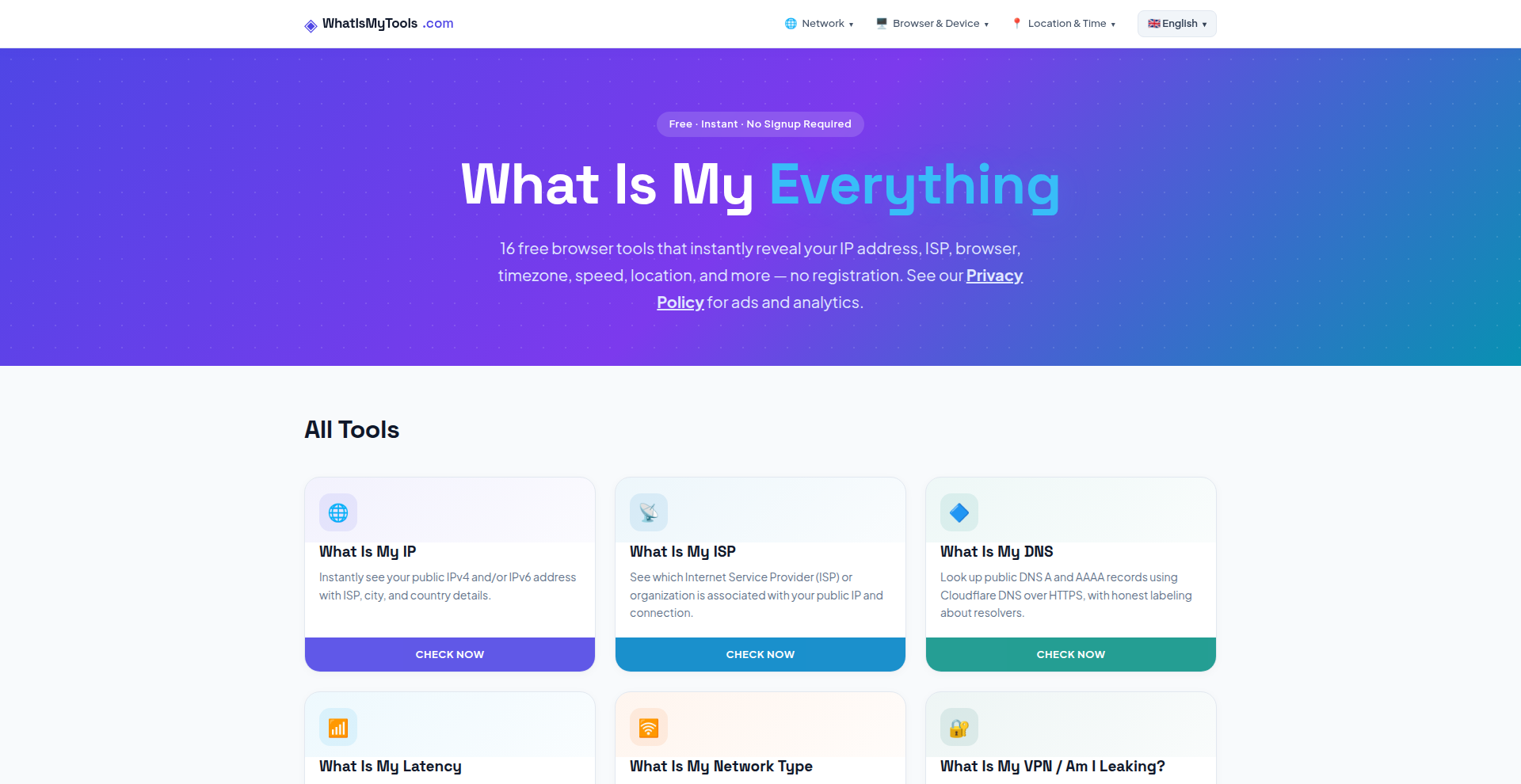
What Is My Tools bundles 16 privacy and network diagnostics into one fast, free
site. See your IP and ISP, run a speed test, detect leaks that expose your real
location behind a VPN, and inspect the fingerprint websites use to track you —
no accounts, no downloads, results in a click.
Features
Features 10: the 16-tool list, browser-based/instant, no signup, WebRTC leak detection, real speed+latency, fingerprint transparency, the open-source webrtc-leak-check npm package, 4 languages, mobile.
Use Cases
Use cases - 6, each a real reason someone lands on the site: verify a VPN isn't leaking, see what a site learns about you, diagnose slow internet, confirm a proxy/DNS change took effect, grab exact specs for a bug report, check open ports.

Comments


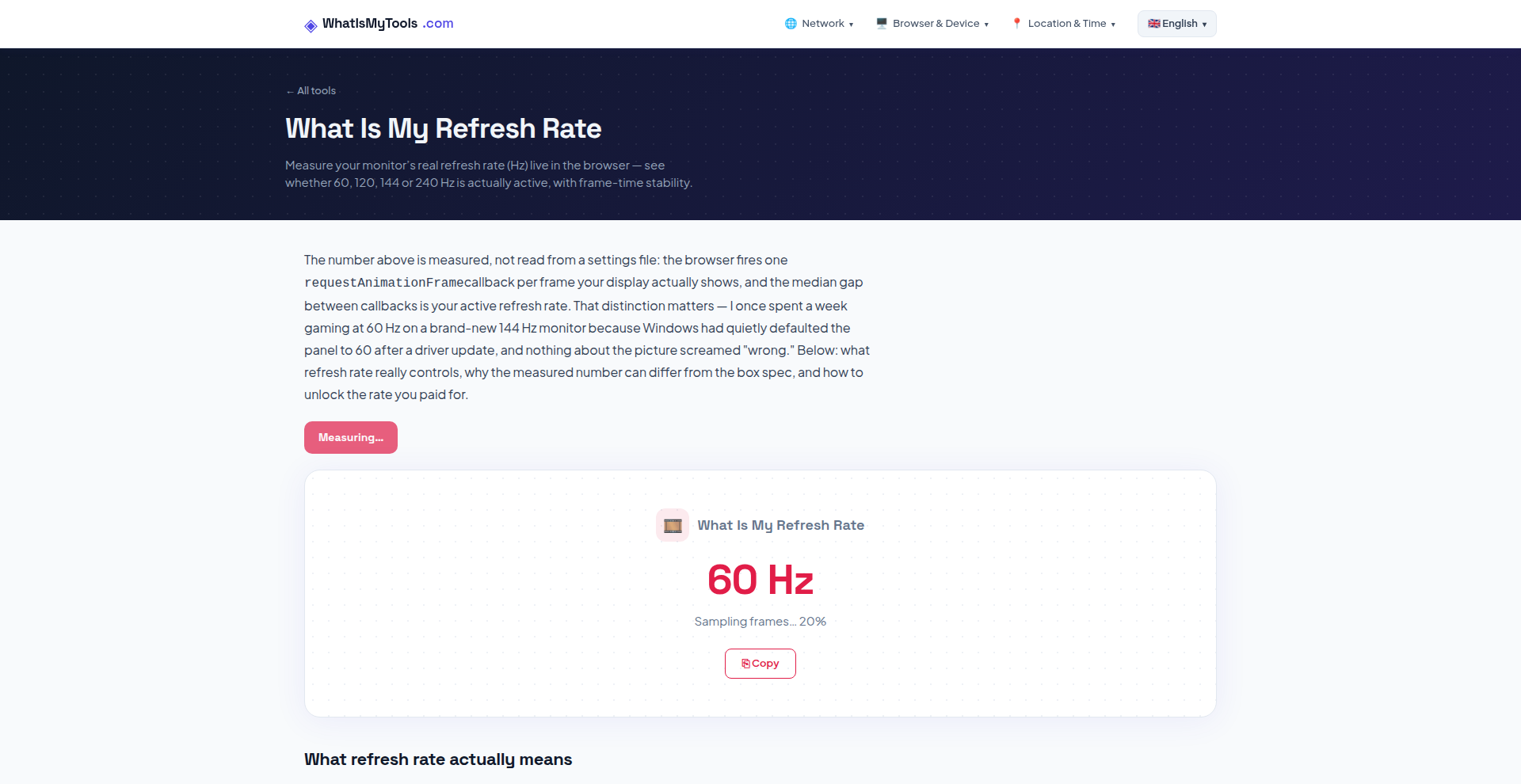
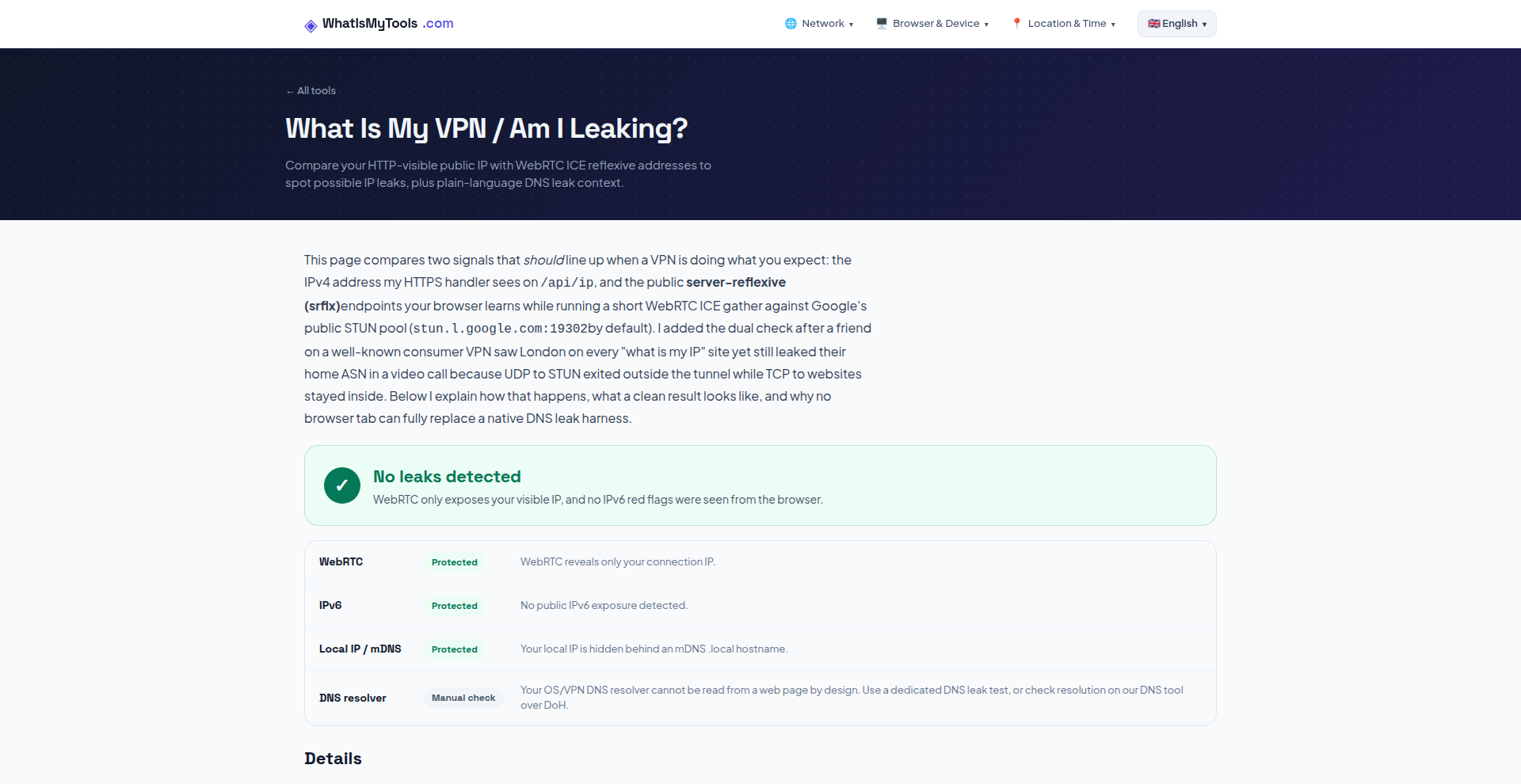
Hey Fazier 👋 I built What Is My Tools because I got tired of the ritual: one site for my IP, another for a speed test, a third to check whether my VPN was leaking, a fourth for my user agent — every one of them buried under ads and half of them asking me to install something. So I put the 16 checks I actually use on one page. IP and ISP, DNS, latency, network type, speed test, VPN/WebRTC leak detection, open ports, browser, user agent, cookie/tracking status, screen, WebGL/GPU, refresh rate, location and timezone. Everything runs in your browser, results land in a click, and there's no account to make. The part I care most about is the VPN leak check. Most people switch on a VPN and just assume it works — but WebRTC can hand out your real IP behind the tunnel and you'd never know. I pulled that detection out into an open-source npm package (webrtc-leak-check, MIT) so anyone can audit how it works rather than take my word for it. It's in English, Spanish, French and German, and it's free — ads keep the lights on, nothing is gated. Would love to know which tool you end up using most, and what's missing. If there's a check you keep opening another tab for, tell me and I'll build it.

What Is My Tools Your product has strong potential, but I found a few key improvements that could make it even better. I'd love to share my feedback and suggestions—please contact me at [email protected]
Premium Products























































Sponsors
Buy

Makers
Makers
Comments
Hey Fazier 👋 I built What Is My Tools because I got tired of the ritual: one site for my IP, another for a speed test, a third to check whether my VPN was leaking, a fourth for my user agent — every one of them buried under ads and half of them asking me to install something. So I put the 16 checks I actually use on one page. IP and ISP, DNS, latency, network type, speed test, VPN/WebRTC leak detection, open ports, browser, user agent, cookie/tracking status, screen, WebGL/GPU, refresh rate, location and timezone. Everything runs in your browser, results land in a click, and there's no account to make. The part I care most about is the VPN leak check. Most people switch on a VPN and just assume it works — but WebRTC can hand out your real IP behind the tunnel and you'd never know. I pulled that detection out into an open-source npm package (webrtc-leak-check, MIT) so anyone can audit how it works rather than take my word for it. It's in English, Spanish, French and German, and it's free — ads keep the lights on, nothing is gated. Would love to know which tool you end up using most, and what's missing. If there's a check you keep opening another tab for, tell me and I'll build it.
What Is My Tools Your product has strong potential, but I found a few key improvements that could make it even better. I'd love to share my feedback and suggestions—please contact me at [email protected]
Premium Products
New to Fazier?

Find your next favorite product or submit your own. Made by @FalakDigital.
Copyright ©2026. All Rights Reserved