Voxia Transcribe Audio
Turn audio recordings into structured transcripts with chapt
Most transcription apps give you a wall of unformatted text. You record a 45-minute interview or lecture, hit transcribe, and get 15 pages of raw text with no structure. Finding anything in that mess means re-listening to the whole recording.
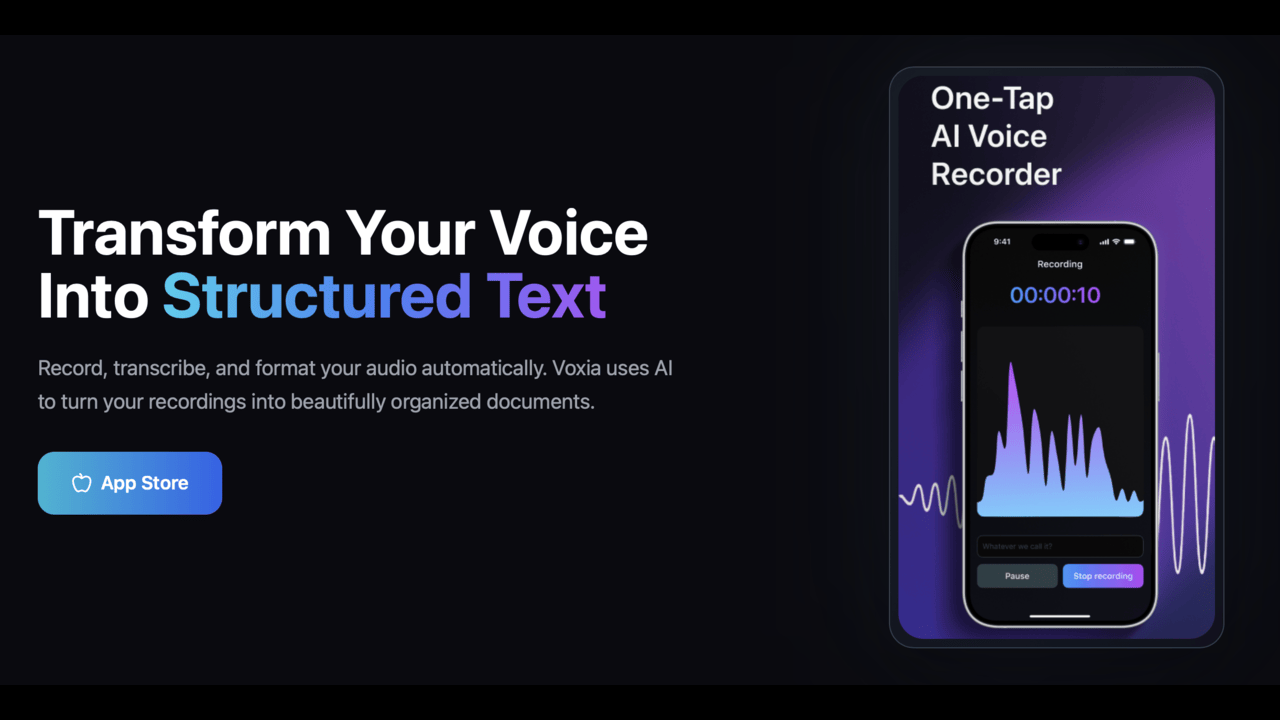
Voxia does it differently. Instead of dumping raw text, it automatically organizes your transcript into chapters with an outline and an AI-generated summary. You get something you can actually read and navigate - not a text dump you'll never open again.
Record first, transcribe after. The app identifies different speakers, so interview and meeting transcripts show who said what. Export to Word, PDF, or Markdown when you're done.
Features
Record and transcribe - capture audio, then transcribe with one tap
Speaker identification - AI labels who said what automatically
Auto-generated chapters & outline - structured, navigable transcripts
AI summary - get the key points without reading the full transcript
100+ languages - auto-detection included
Export to Word, PDF, or Markdown - works with any workflow
Use Cases
Podcasters - generate show notes and episode summaries automatically
Students - transcribe lectures into structured, searchable notes
Journalists - transcribe interviews with speaker labels intact
Freelancers - document client calls without manual note-taking
Anyone who thinks better out loud - capture ideas by voice, get organized text back

Comments

Premium Products















Makers

Makers
Comments
Premium Products
New to Fazier?

Find your next favorite product or submit your own. Made by @FalakDigital.
Copyright ©2025. All Rights Reserved