VisionDir
Free AI Image to Video Generator — All-in-One AI Video
Features
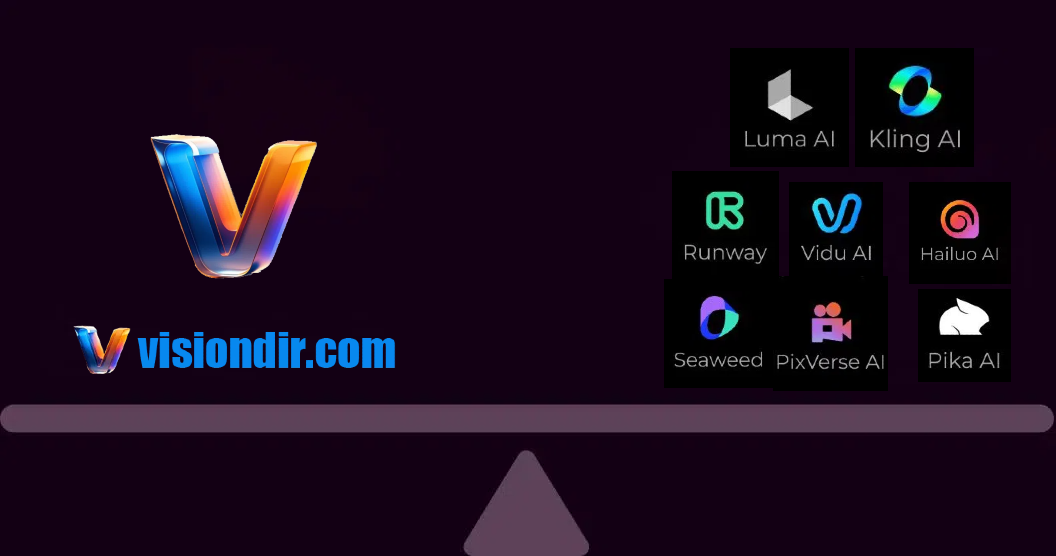
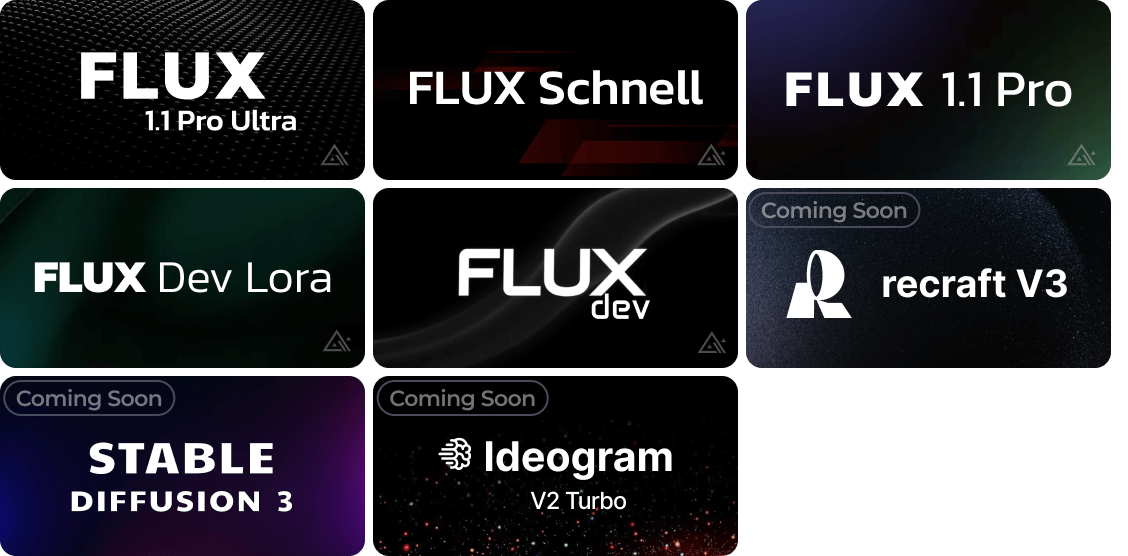
Generate AI videos and images with leading models.
60+ templates and effects.
Use Cases
Create social media videos.
Turn images into videos.
Explore AI creative workflows.

Comments


I like the idea of having multiple leading AI image and video models available in one platform instead of having to move between different tools. The 60+ templates and effects could make it especially useful for creators who need social media content quickly. The image-to-video feature also seems like a practical way to get more use from existing visual content.

Putting Veo 3, Sora 2, Kling, Flux and Midjourney behind one interface is the part I would actually pay for: I run a small image product and keeping up with model releases eats more of my week than the generation itself. The 60+ templates are what will make or break this, because a template that locks the right model, aspect ratio and prompt structure for one job is worth more than another model slot. One thing I could not find on the page: which model a given template routes to, and whether I can see that before spending a credit. Showing the model and the credit cost on each template would let people plan a batch instead of guessing.

Putting multiple image and video models behind one workflow becomes most useful when comparison is easy. Could VisionDir let a user run the same prompt and reference across Veo, Kling, and Sora side by side while preserving aspect ratio and reference strength, with the credit cost shown before each run? A compact comparison grid with per-model settings and export metadata would make the all-in-one promise much more actionable.
Premium Products













































Sponsors
Buy

Awards
View all
Awards
View allMakers

Makers
Comments
I like the idea of having multiple leading AI image and video models available in one platform instead of having to move between different tools. The 60+ templates and effects could make it especially useful for creators who need social media content quickly. The image-to-video feature also seems like a practical way to get more use from existing visual content.
Putting Veo 3, Sora 2, Kling, Flux and Midjourney behind one interface is the part I would actually pay for: I run a small image product and keeping up with model releases eats more of my week than the generation itself. The 60+ templates are what will make or break this, because a template that locks the right model, aspect ratio and prompt structure for one job is worth more than another model slot. One thing I could not find on the page: which model a given template routes to, and whether I can see that before spending a credit. Showing the model and the credit cost on each template would let people plan a batch instead of guessing.
Putting multiple image and video models behind one workflow becomes most useful when comparison is easy. Could VisionDir let a user run the same prompt and reference across Veo, Kling, and Sora side by side while preserving aspect ratio and reference strength, with the credit cost shown before each run? A compact comparison grid with per-model settings and export metadata would make the all-in-one promise much more actionable.
Premium Products
New to Fazier?

Find your next favorite product or submit your own. Made by @FalakDigital.
Copyright ©2026. All Rights Reserved