
ViralClip
Clone trending videos into your own AI clips
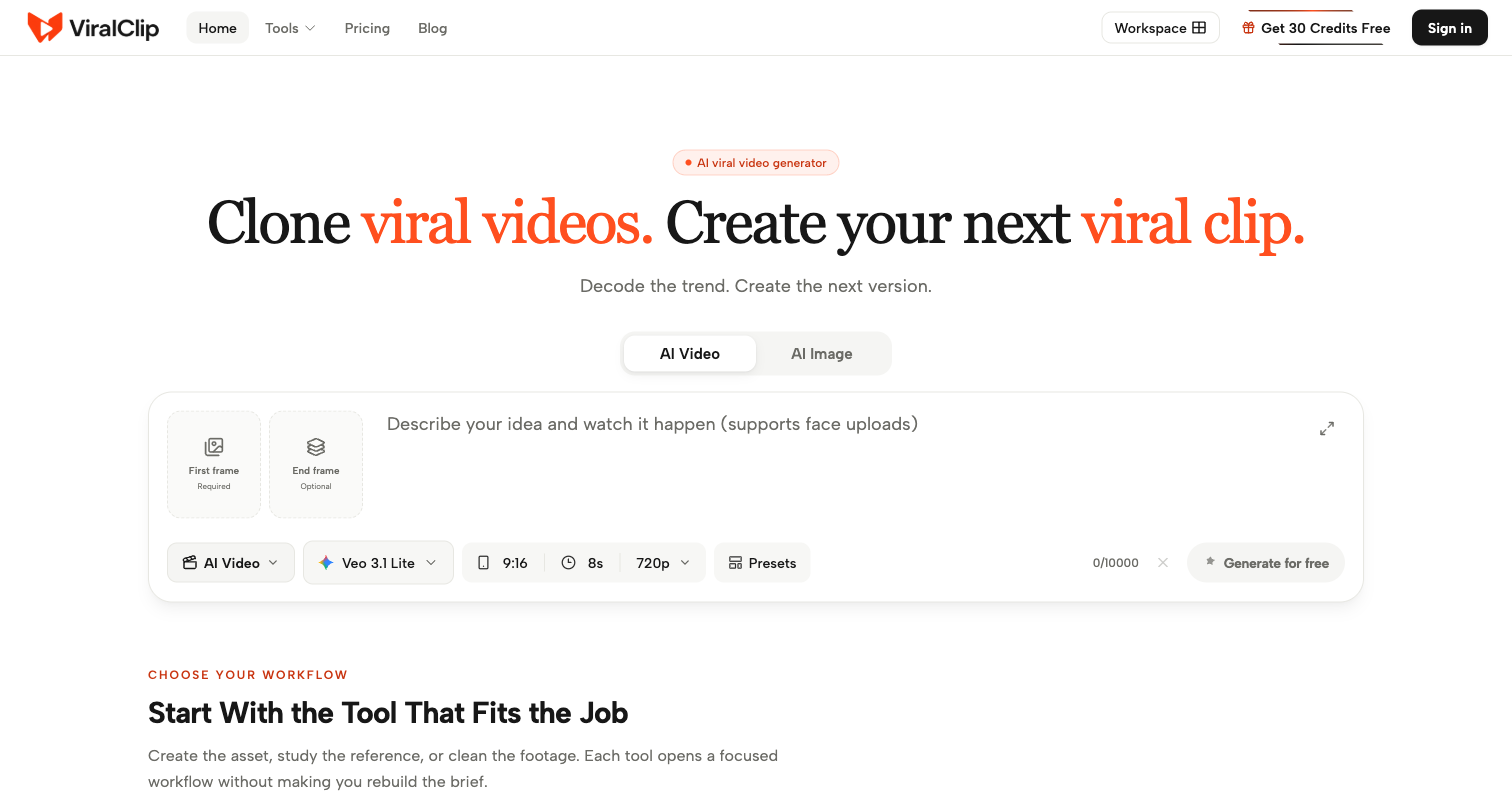
ViralClip is an AI Viral Video Generator that turns a clip which already worked into your next one.
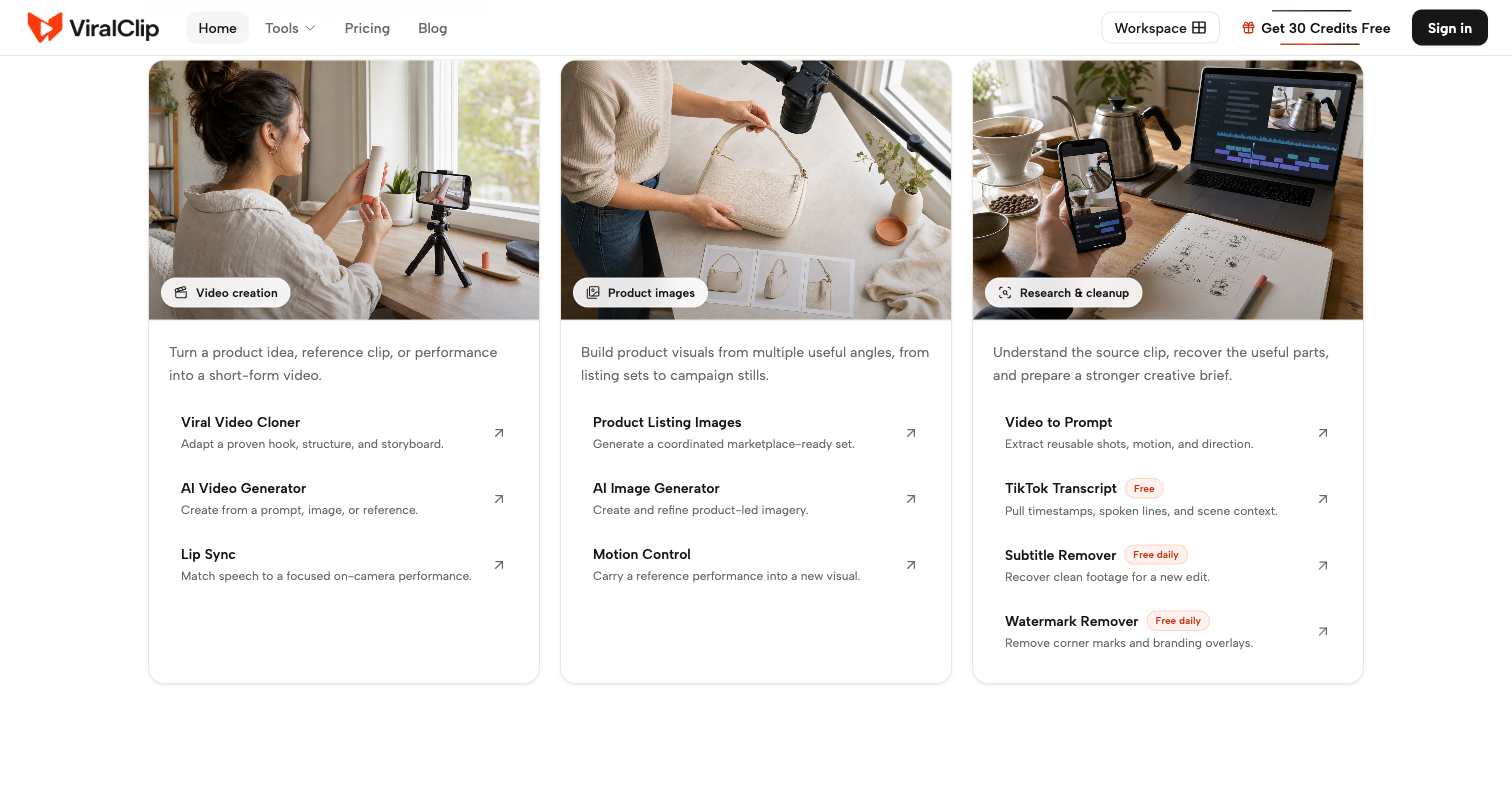
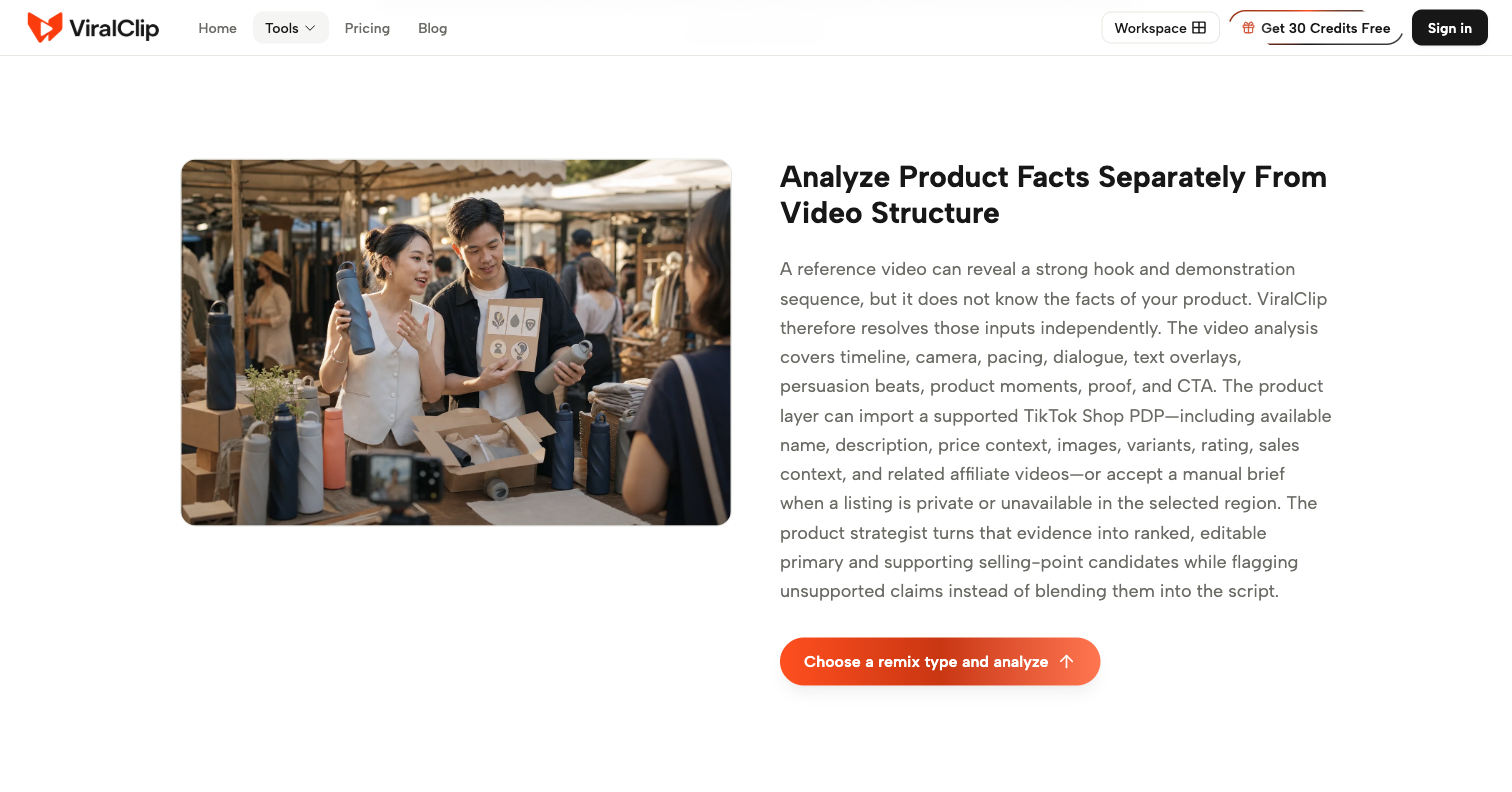
Drop in a link and the Viral Video Cloner reads it the way an editor would - where the hook lands, how fast the cuts move, what the captions say - then rebuilds it with your product in frame. The Video to Prompt Generator does the reverse, turning any clip into an editable prompt.
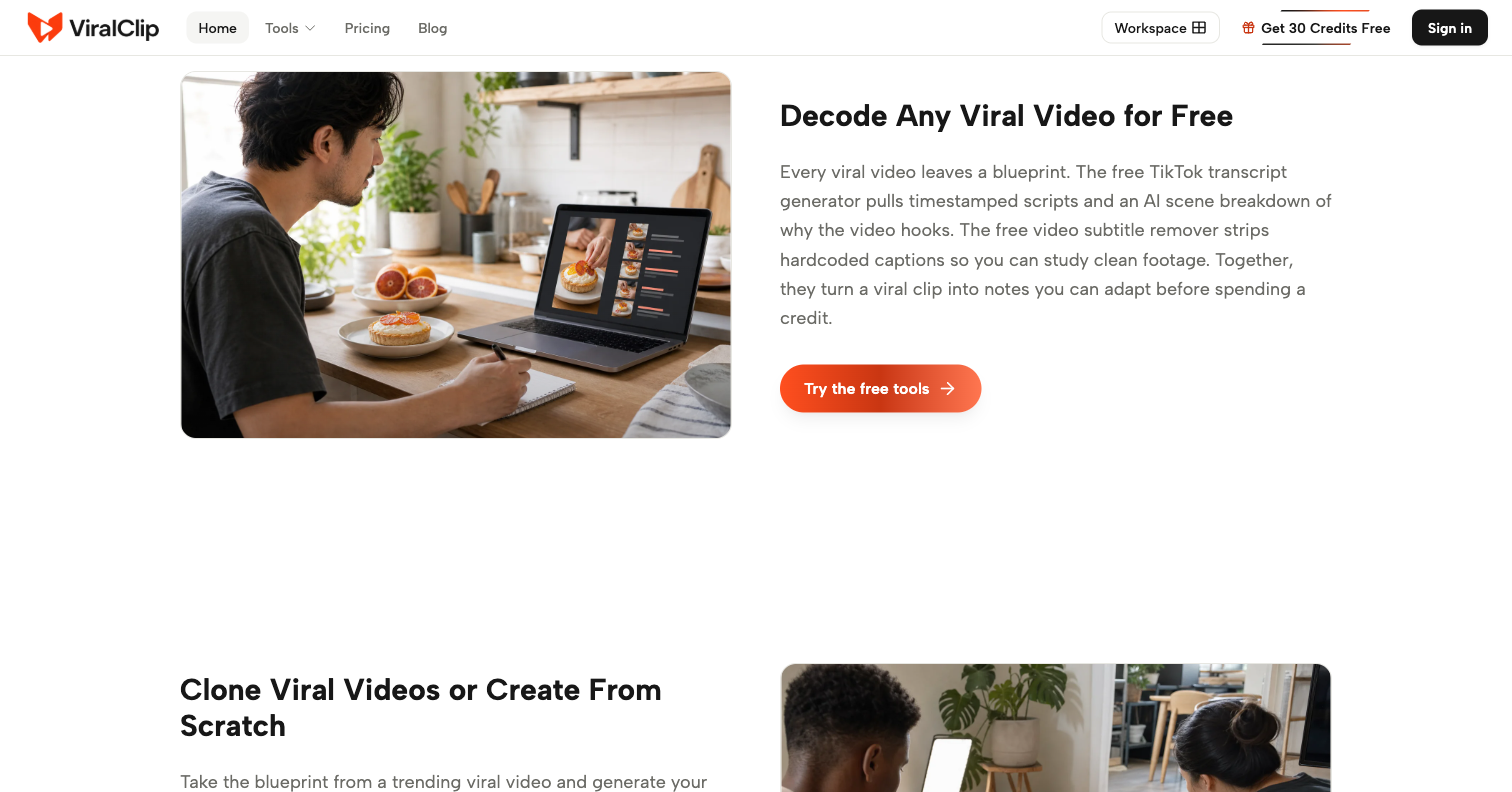
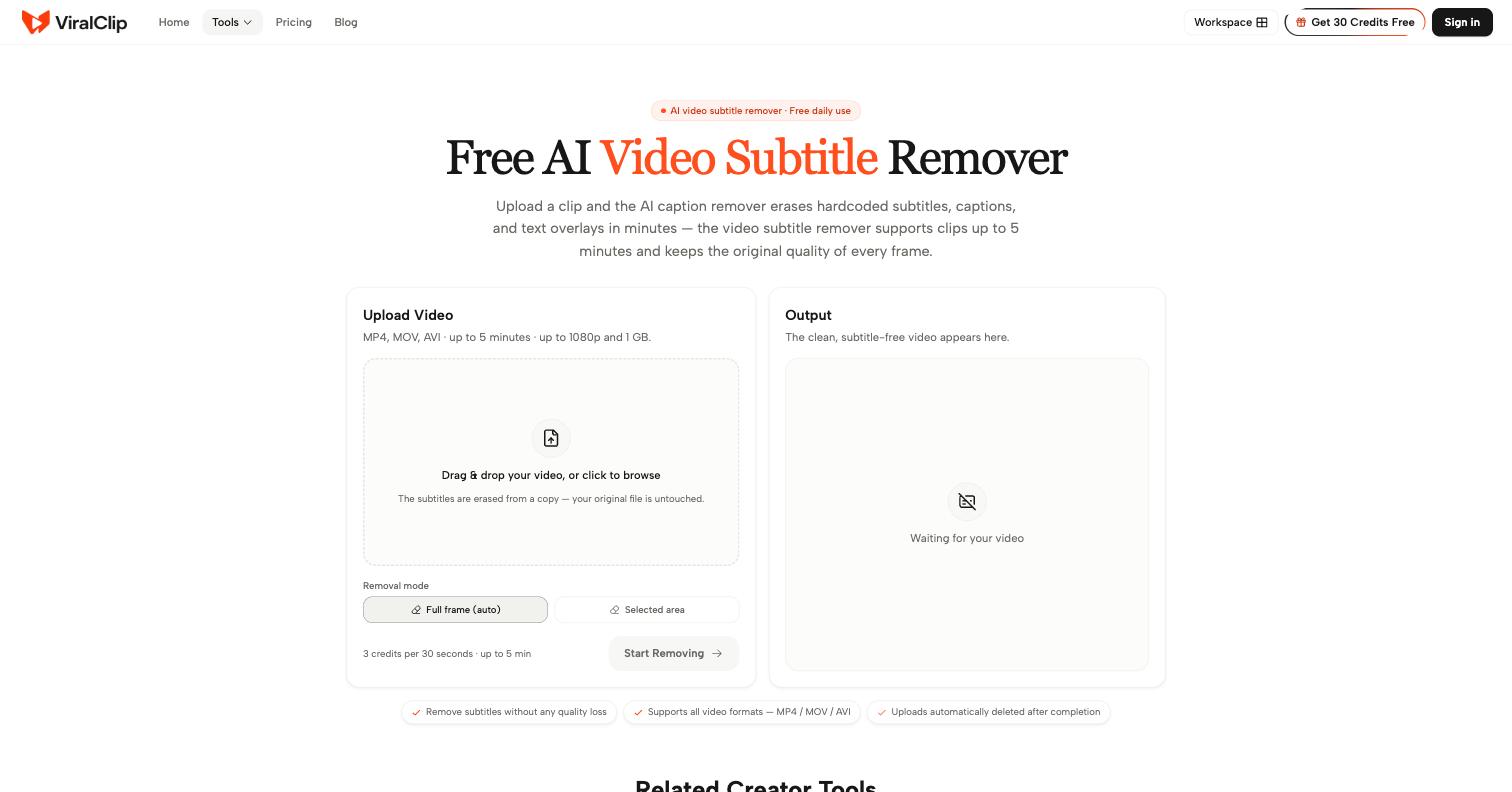
Free, no account needed: the Free TikTok Transcript Generator returns a timestamped script and scene breakdown; the Free AI Video Subtitle Remover erases hardcoded subs; the Free AI Video Watermark Remover clears logos and marks.
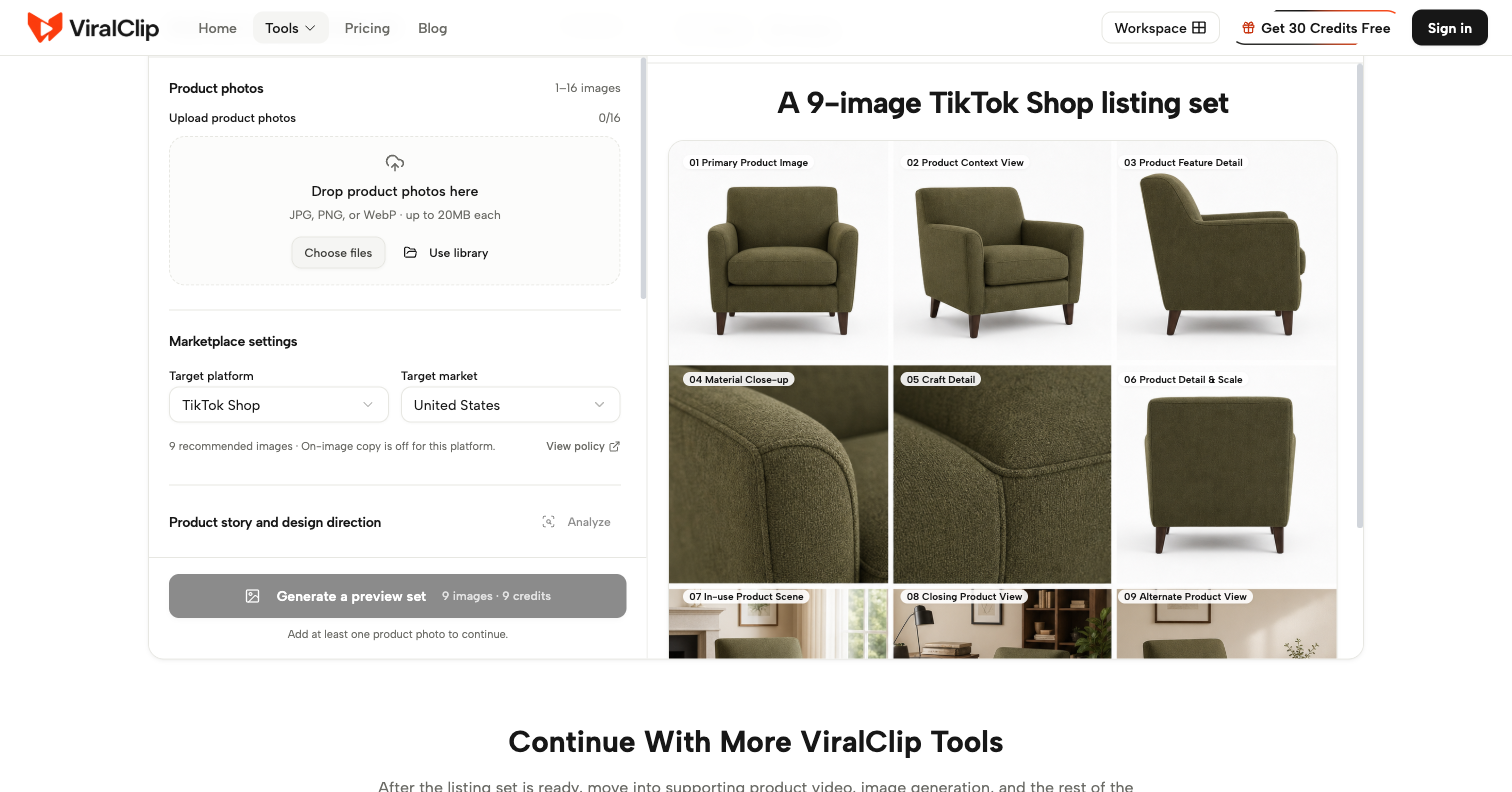
For production: AI Lip Sync Video Generator, AI Motion Control Video Generator, AI Text to Speech Generator with 100+ voices in 12+ languages, and AI Product Photo Generator for TikTok Shop and Amazon listings.
Credit cost per render is shown before you spend it - see AI video generation pricing and plans, and the ViralClip blog breaks down formats working right now.
Features
Viral Video Cloner - paste a TikTok, Reels or Shorts link and rebuild its structure with your product in frame
Compare nine plan variations and edit the storyboard shot by shot before anything renders
Video to Prompt Generator - turn any clip into an editable prompt
Free TikTok Transcript Generator with timestamps and AI scene breakdown
Free AI Video Subtitle Remover and Free AI Video Watermark Remover
AI Lip Sync Video Generator and AI Motion Control Video Generator
AI Text to Speech Generator with 100+ voices in 12+ languages
AI Product Photo Generator for TikTok Shop and Amazon listings
Credit cost per render is shown before you spend it
Use Cases
TikTok Shop sellers turning a proven ad into a version with their own product
Small brands shipping daily short-form content without a production team
Creators reverse-engineering why a clip worked before reshooting it
Ecommerce teams building listing image sets from a single product photo
Marketers producing voiceover and talking-head variants at volume
Anyone who needs a timestamped transcript or a clean, caption-free reference clip

Comments









The hard part of short-form was never the render. It was sitting in front of a blank prompt box knowing you have to post today. So ViralClip starts from a clip that already worked. Paste a TikTok, Reels or Shorts link and it reads the video the way an editor would - where the hook lands, how fast the cuts move, what the captions say - then rebuilds that structure with your own product in frame. You compare nine plans, edit the storyboard shot by shot, and see the credit cost before anything renders. The research tools are free and need no account: timestamped TikTok transcripts, subtitle removal, watermark removal. I would genuinely like feedback on one thing: how far the adaptation distance should go before a clone stops feeling like your own video. That slider was the hardest call in the whole product.

ViralClip Your product has strong potential, but I found a few key improvements that could make it even better. I'd love to share my feedback and suggestions—please contact me at [email protected]



The **shot-by-shot storyboard editing** is a great touch. Being able to deconstruct what worked in a proven short-form video before recreating it for your own product feels much more useful than simply generating another AI video. The upfront credit cost visibility is also a nice detail for anyone producing content at scale.

The video-to-prompt concept is interesting because it approaches AI video creation from the opposite direction. Instead of trying to describe a successful video from memory, you can start with something that already worked and analyze its hook, pacing, captions, and structure. That could be especially useful for marketers trying to understand why a particular short-form video performed well and then adapt the format for another product or campaign. I also like that the credit cost is shown before generating. With AI tools where you may iterate several times before getting the result you want, knowing the cost of each attempt upfront makes experimentation a lot easier to manage.

The maker's comment about the "adaptation distance" slider is the real product decision here, more than the render itself. On the source-material side: since the cloner has to read someone else's video structurally (hook timing, cut pace, captions) before rebuilding it, does that analysis happen against the original creator's video hosted on their platform, or does a copy get pulled and stored on your end during processing? For anyone cloning a competitor's or another brand's ad structure, that's the part I'd want clarity on before pasting a link.

Premium Products























































Sponsors
Buy



Makers
Makers
Comments
The hard part of short-form was never the render. It was sitting in front of a blank prompt box knowing you have to post today. So ViralClip starts from a clip that already worked. Paste a TikTok, Reels or Shorts link and it reads the video the way an editor would - where the hook lands, how fast the cuts move, what the captions say - then rebuilds that structure with your own product in frame. You compare nine plans, edit the storyboard shot by shot, and see the credit cost before anything renders. The research tools are free and need no account: timestamped TikTok transcripts, subtitle removal, watermark removal. I would genuinely like feedback on one thing: how far the adaptation distance should go before a clone stops feeling like your own video. That slider was the hardest call in the whole product.
ViralClip Your product has strong potential, but I found a few key improvements that could make it even better. I'd love to share my feedback and suggestions—please contact me at [email protected]
The **shot-by-shot storyboard editing** is a great touch. Being able to deconstruct what worked in a proven short-form video before recreating it for your own product feels much more useful than simply generating another AI video. The upfront credit cost visibility is also a nice detail for anyone producing content at scale.
The video-to-prompt concept is interesting because it approaches AI video creation from the opposite direction. Instead of trying to describe a successful video from memory, you can start with something that already worked and analyze its hook, pacing, captions, and structure. That could be especially useful for marketers trying to understand why a particular short-form video performed well and then adapt the format for another product or campaign. I also like that the credit cost is shown before generating. With AI tools where you may iterate several times before getting the result you want, knowing the cost of each attempt upfront makes experimentation a lot easier to manage.
The maker's comment about the "adaptation distance" slider is the real product decision here, more than the render itself. On the source-material side: since the cloner has to read someone else's video structurally (hook timing, cut pace, captions) before rebuilding it, does that analysis happen against the original creator's video hosted on their platform, or does a copy get pulled and stored on your end during processing? For anyone cloning a competitor's or another brand's ad structure, that's the part I'd want clarity on before pasting a link.
Premium Products
New to Fazier?

Find your next favorite product or submit your own. Made by @FalakDigital.
Copyright ©2026. All Rights Reserved