
VidScope
Extract every tool mentioned in a tech video, in 30 seconds
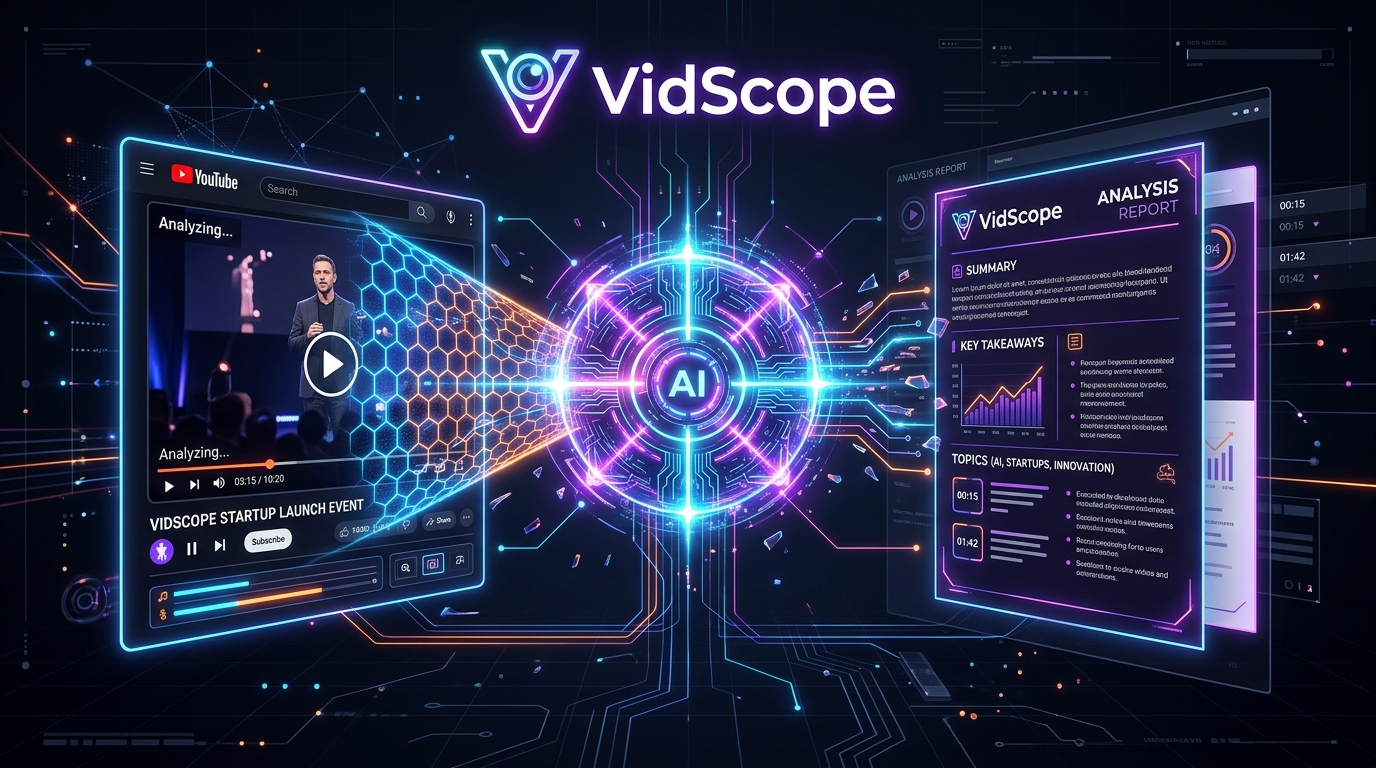
VidScope watches long technical YouTube videos (conference talks, tutorials, keynotes) so you don't have to. Paste a link and it extracts every tool, framework, and library mentioned, with official links, straight from the transcript - strictly grounded, no guessing. Get a PDF or Markdown report in seconds instead of scrubbing through a 45-minute video. 2 free analyses to try, no card required.




Comments






Hi, maker here. I built VidScope after spending way too many evenings pausing and rewinding conference talks just to catch the name of a tool someone mentioned once. Most summarizers give you a vague recap; VidScope is built specifically to extract concrete technical references (tools, frameworks, libraries) with their official links, strictly from what's actually said in the transcript. Happy to answer questions about the 0% hallucination claim and how it's enforced.

Grounding strictly in the transcript is the right call for the hallucination problem, but it makes me wonder about the opposite failure: the tools that never get said out loud. In conference talks the library name is very often only on the slide or in the code sample, while the speaker says "this one" or "the usual suspects". And the names that are spoken tend to be the ones ASR mangles - Nuxt and Next, Pinia, Vite, anything that is not a dictionary word. Do you OCR the frames as well, or fuzzy-match spoken candidates against a known package index before you trust them? That is the gap I would check first on a 45-minute talk.

Grounding strictly in the transcript is the right instinct. When a talk only has YouTube's auto-generated captions, do you re-transcribe the audio or work from those? In my experience auto-captions are exactly where tool names get garbled. And are the official links checked, for example that the domain resolves and matches the package registry entry, or matched from a curated index?

This solves a very specific pain point well — speakers in conference talks rattle off their stack in passing, and rewinding to catch a tool name mentioned once is exactly the kind of friction that's hard to justify spending time on. One genuine question: when a speaker mentions a tool by name only, with no link in the video description, how does VidScope resolve it to the right project when names are ambiguous (e.g. similarly named libraries or internal codenames)? Curious how far the transcript grounding goes there.
This nails a very specific pain point — speakers in conference talks rattle through their stack assuming everyone caught it, and rewinding at 2x to catch a tool name is miserable. Grounding strictly in the transcript is the right call for accuracy. One thought: talks where the speaker says "that tool from X company" without naming it would presumably get missed, so a follow-up that flags vague mentions for review could be valuable. Linking each extracted tool to its docs page would make this a killer research companion.

This looks handy for those “10 tools you should know” videos where it’s easy to lose track of the names. Having official links and a Markdown export would make it much easier to save the ones worth exploring. Does VidScope also include timestamps so you can jump back to where each tool is discussed?

Grounding strictly in the transcript is the right call — tool extraction is exactly where a hallucinated package name would burn trust. Smart wedge too: conference talks are dense with stack mentions that nobody writes down. Do you handle cases where the speaker names a tool but the auto-captions mangle it? Curious how it resolves near-misses without inventing names.


For long conference talks, the same tool can be mentioned many times under slightly different names. Grouping repeated mentions by their official project URL, while keeping the surrounding context for each mention, would make the Markdown export easier to turn into a practical research checklist. A separate section for unresolved names would also preserve the transcript-grounded approach.
🙏 #1 Product of the Day, thank you all! Huge thanks to everyone who upvoted, tested it and left feedback. Your comments (strict transcript grounding, evidence per tool, grouping repeated mentions, unresolved names) are going straight into our roadmap. VidScope turns any YouTube video into a clear list of the tools mentioned, with official links. More to come!


Extracting only what is actually said in the transcript is the right trade-off against hallucination. Two things I would be curious about: how are the official links chosen and checked, since a report that points at a dead or look-alike domain loses trust quickly, and does it cope with non-English talks, for example Arabic tutorials where tool names are spoken in English mid-sentence?
Premium Products




















































Sponsors
Buy

Awards
View all
Awards
View allMakers
Makers
Comments
Hi, maker here. I built VidScope after spending way too many evenings pausing and rewinding conference talks just to catch the name of a tool someone mentioned once. Most summarizers give you a vague recap; VidScope is built specifically to extract concrete technical references (tools, frameworks, libraries) with their official links, strictly from what's actually said in the transcript. Happy to answer questions about the 0% hallucination claim and how it's enforced.
Grounding strictly in the transcript is the right call for the hallucination problem, but it makes me wonder about the opposite failure: the tools that never get said out loud. In conference talks the library name is very often only on the slide or in the code sample, while the speaker says "this one" or "the usual suspects". And the names that are spoken tend to be the ones ASR mangles - Nuxt and Next, Pinia, Vite, anything that is not a dictionary word. Do you OCR the frames as well, or fuzzy-match spoken candidates against a known package index before you trust them? That is the gap I would check first on a 45-minute talk.
Grounding strictly in the transcript is the right instinct. When a talk only has YouTube's auto-generated captions, do you re-transcribe the audio or work from those? In my experience auto-captions are exactly where tool names get garbled. And are the official links checked, for example that the domain resolves and matches the package registry entry, or matched from a curated index?
This solves a very specific pain point well — speakers in conference talks rattle off their stack in passing, and rewinding to catch a tool name mentioned once is exactly the kind of friction that's hard to justify spending time on. One genuine question: when a speaker mentions a tool by name only, with no link in the video description, how does VidScope resolve it to the right project when names are ambiguous (e.g. similarly named libraries or internal codenames)? Curious how far the transcript grounding goes there.
This nails a very specific pain point — speakers in conference talks rattle through their stack assuming everyone caught it, and rewinding at 2x to catch a tool name is miserable. Grounding strictly in the transcript is the right call for accuracy. One thought: talks where the speaker says "that tool from X company" without naming it would presumably get missed, so a follow-up that flags vague mentions for review could be valuable. Linking each extracted tool to its docs page would make this a killer research companion.
This looks handy for those “10 tools you should know” videos where it’s easy to lose track of the names. Having official links and a Markdown export would make it much easier to save the ones worth exploring. Does VidScope also include timestamps so you can jump back to where each tool is discussed?
Grounding strictly in the transcript is the right call — tool extraction is exactly where a hallucinated package name would burn trust. Smart wedge too: conference talks are dense with stack mentions that nobody writes down. Do you handle cases where the speaker names a tool but the auto-captions mangle it? Curious how it resolves near-misses without inventing names.
For long conference talks, the same tool can be mentioned many times under slightly different names. Grouping repeated mentions by their official project URL, while keeping the surrounding context for each mention, would make the Markdown export easier to turn into a practical research checklist. A separate section for unresolved names would also preserve the transcript-grounded approach.
🙏 #1 Product of the Day, thank you all! Huge thanks to everyone who upvoted, tested it and left feedback. Your comments (strict transcript grounding, evidence per tool, grouping repeated mentions, unresolved names) are going straight into our roadmap. VidScope turns any YouTube video into a clear list of the tools mentioned, with official links. More to come!
Extracting only what is actually said in the transcript is the right trade-off against hallucination. Two things I would be curious about: how are the official links chosen and checked, since a report that points at a dead or look-alike domain loses trust quickly, and does it cope with non-English talks, for example Arabic tutorials where tool names are spoken in English mid-sentence?
Premium Products
New to Fazier?

Find your next favorite product or submit your own. Made by @FalakDigital.
Copyright ©2026. All Rights Reserved