
Video to Text
Turn any video or audio into clean text in minutes.
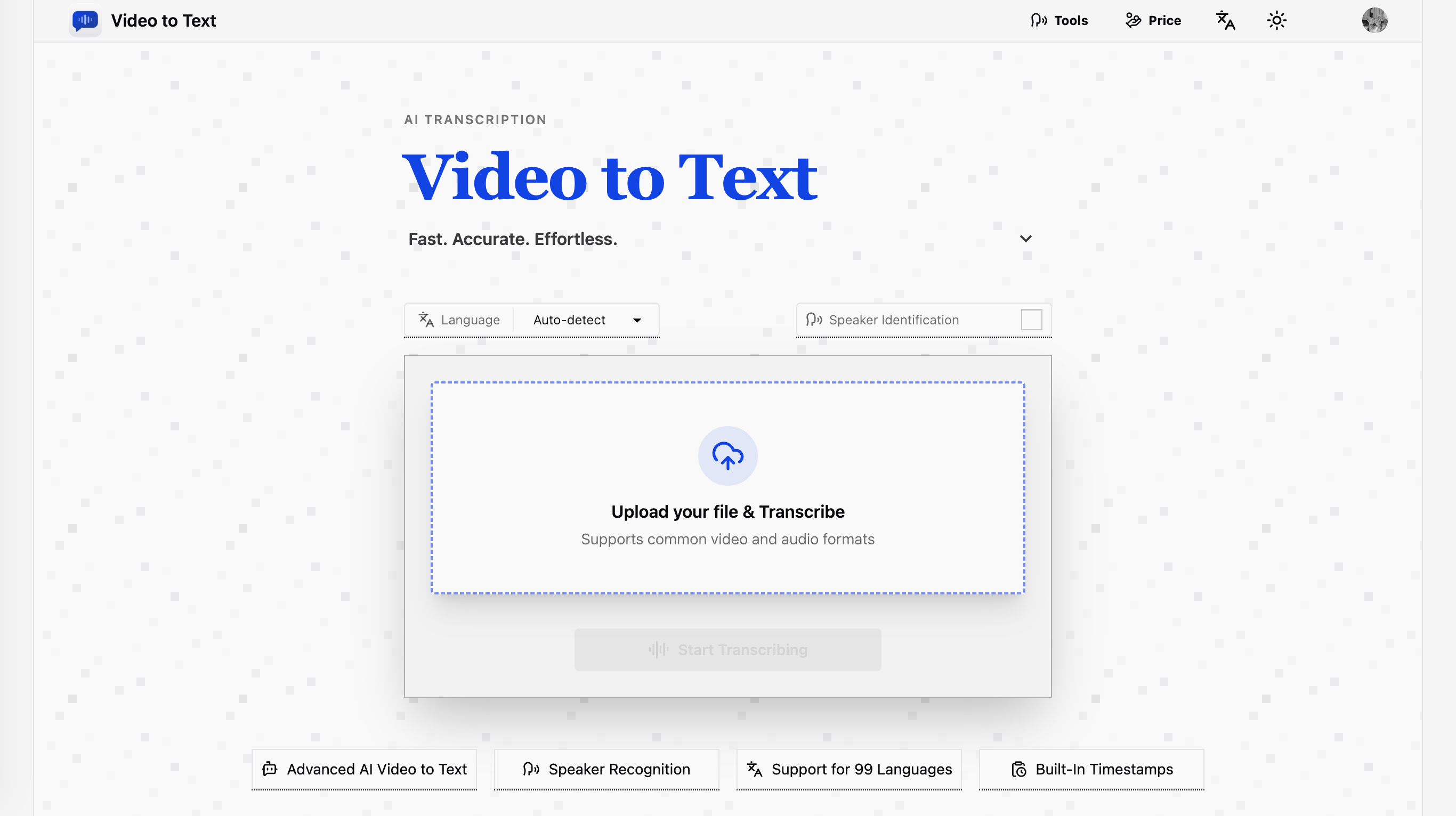
video to text is an ai-powered transcription service that converts video and audio files into clean, exportable text. the product is designed for creators, teams, and individuals who need fast, accurate speech-to-text conversion without setting up their own transcription pipeline.
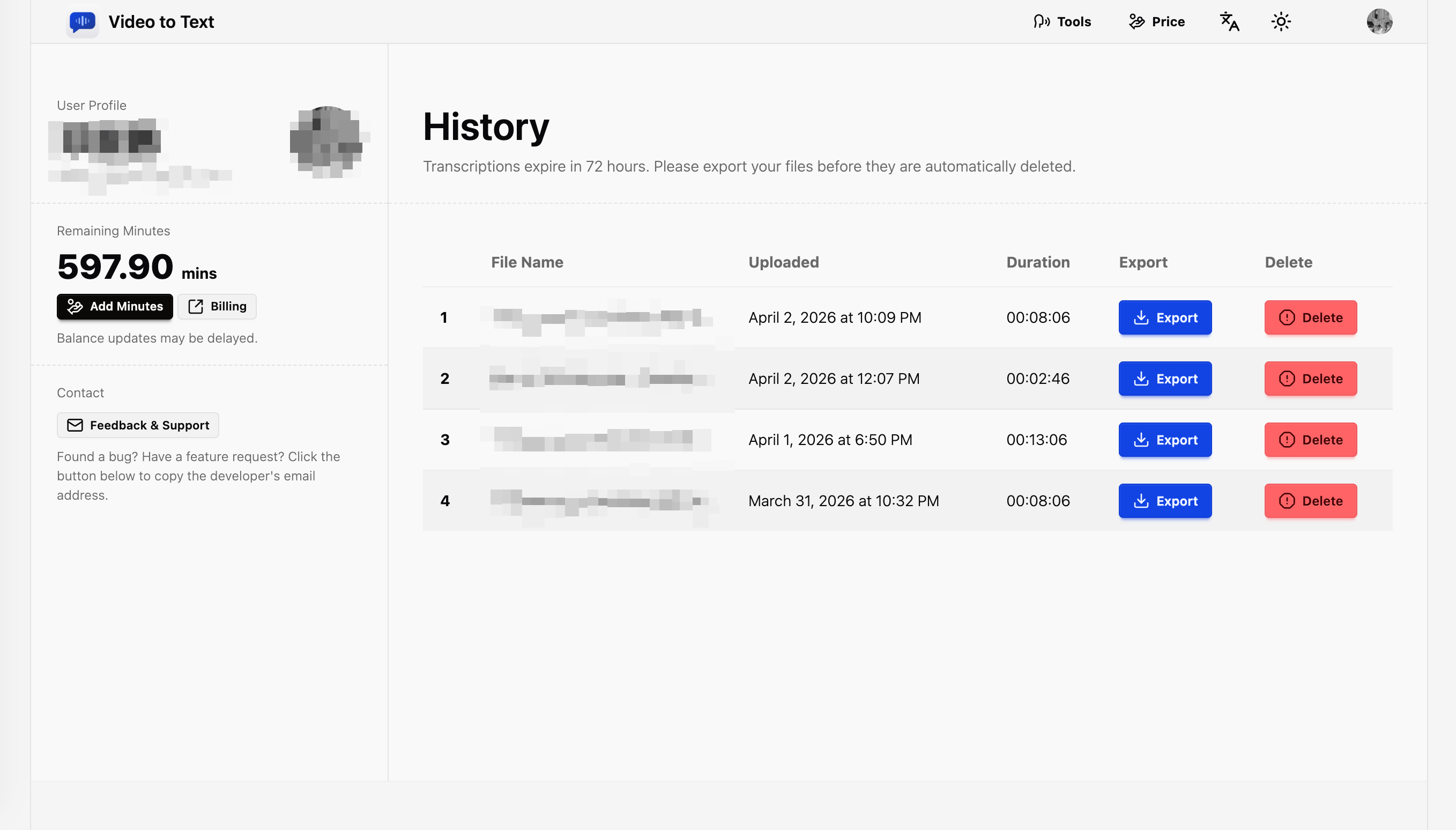
the app combines a simple upload flow with automated processing, speaker-aware transcription, and flexible export options. users can upload media, wait for the transcription to finish, and then download the result in the format that best fits their workflow.
Features
### High-quality transcription
Video to Text uses AssemblyAI’s transcription API to provide high-accuracy speech recognition. The service is suitable for long-form content and practical transcription use cases such as interviews, meetings, lectures, webinars, and recorded videos.
### Multi-language support
The product supports 99 languages, including English, Spanish, Portuguese, French, German, Italian, Chinese, and Japanese. It also supports automatic language detection, which reduces setup friction for users who work with mixed or unknown-language media.
### Multi-language content handling
If a single media file contains multiple languages, the transcription pipeline is designed to recognize them more effectively than a single-language workflow. This is useful for international interviews, multilingual conferences, and creator content with code-switching.
### Speaker diarization
Speaker diarization is supported, allowing the transcript to distinguish between different speakers and label them accordingly. This is especially valuable for meetings, panel discussions, podcasts, and interviews where speaker attribution matters.
### Timestamped output
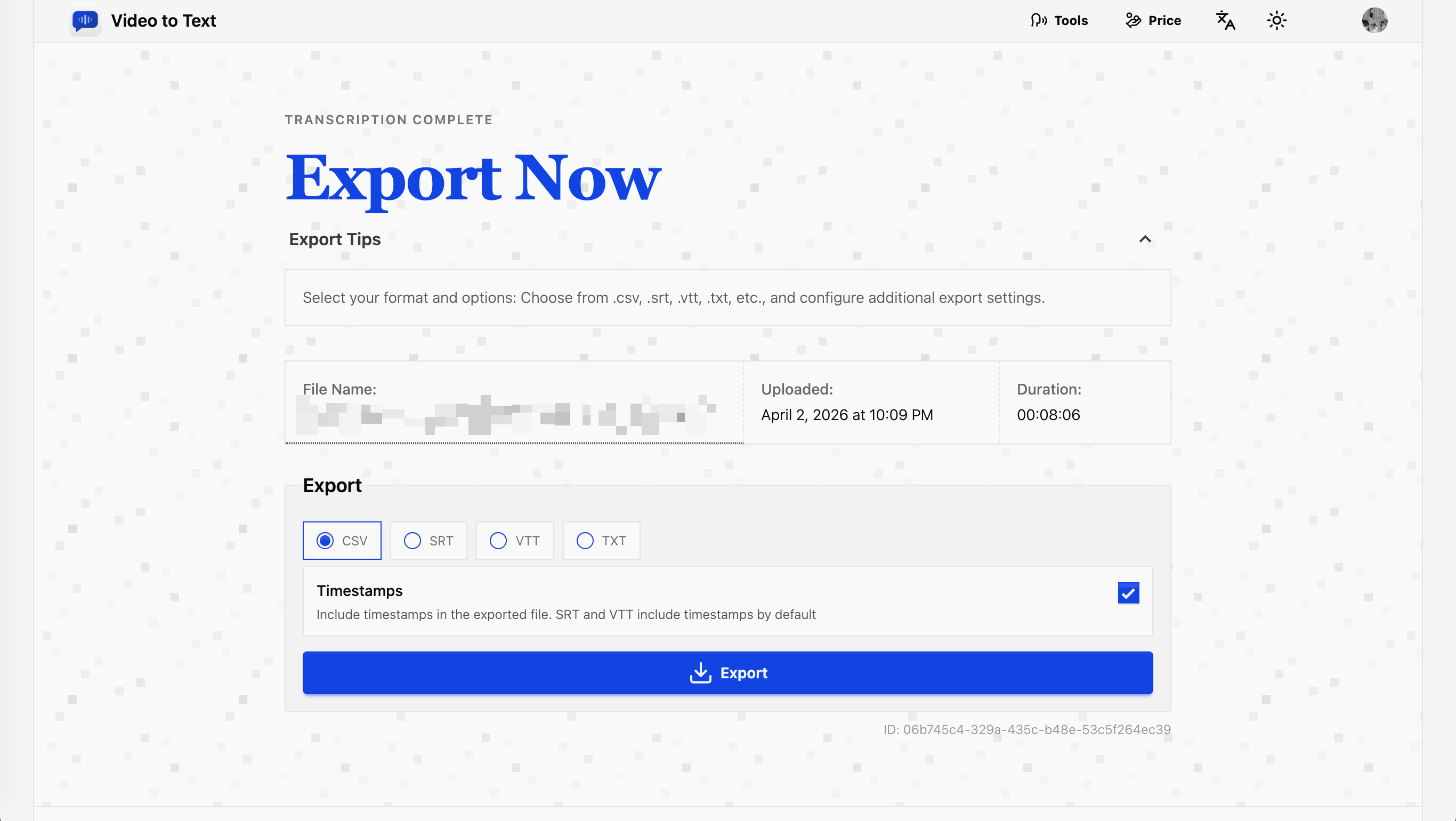
The transcript can include timestamps, which is important for subtitle generation, editing, and search-driven workflows. Timestamped exports make it easier to align text with the original audio or video.
### Flexible import and export
The product supports multiple media formats on input and multiple text-based formats on output. This gives users a simple path from raw media to caption files, plain text, or spreadsheet-friendly records.
Use Cases
Video to Text is useful for:
1. Content creators who need subtitles for videos
2. Knowledge workers who want meeting notes
3. Journalists transcribing interview recordings
4. Students turning lectures into study notes
5. Teachers transcribing educational videos
6. Language learners practicing listening and speaking



Premium Products














Find your next favorite product or submit your own. Made by @FalakDigital.
Copyright ©2025. All Rights Reserved