
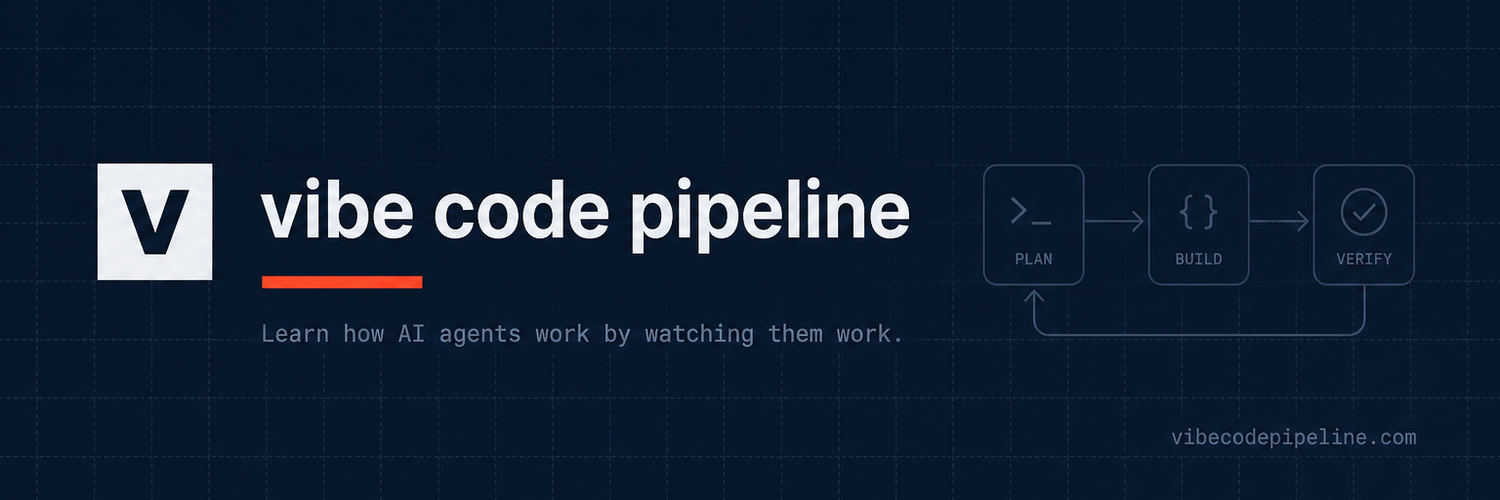
Vibe Code Pipeline
Learn how AI agents work by watching them work.
Vibe Code Pipeline is an interactive encyclopedia for AI agents, prompts, and vibe coding pipelines. Watch how agents loop, learn the patterns behind them, and build your own with confidence. Explore the catalog of 1006 agents and 1032 prompt templates, all designed to help you understand and create AI agents effectively.
Features
AI coding, research, debugging, UI generation, content creation, automation, testing, documentation, data analysis, product ideation, customer support, workflow automation
Use Cases
Software development, SaaS development, AI automation, content creation, research, workflow automation, customer support, marketing, data analysis, prototyping, testing, product development

Comments

Watching an agent loop visually beats another explainer post - the loop is the part people consistently misunderstand. How do you render it: recorded traces replayed, or a live simulation? A section with real failure traces (stuck loops, tool-call retry storms) would be especially valuable, since those are the patterns people hit in production but rarely see documented anywhere.

Most agent tutorials talk about the loop but never show it. Watching the actual cycle of plan → act → observe → retry makes the patterns click much faster than another text explainer. The catalog of agents and prompt templates is a strong starting point for anyone trying to move from “prompt engineering” to real multi-step workflows.




The scale of the catalog is impressive, but a guided path could make it more useful for people who do not yet know what to search for. I would love filters by goal, autonomy level, tool access, and failure risk, followed by a small progression from a single-tool agent to a multi-step workflow. Exporting an example as a runnable starter would connect the visual explanation to practice.
Premium Products


































Sponsors
Buy

Makers

Makers
Comments
Watching an agent loop visually beats another explainer post - the loop is the part people consistently misunderstand. How do you render it: recorded traces replayed, or a live simulation? A section with real failure traces (stuck loops, tool-call retry storms) would be especially valuable, since those are the patterns people hit in production but rarely see documented anywhere.
Most agent tutorials talk about the loop but never show it. Watching the actual cycle of plan → act → observe → retry makes the patterns click much faster than another text explainer. The catalog of agents and prompt templates is a strong starting point for anyone trying to move from “prompt engineering” to real multi-step workflows.
The scale of the catalog is impressive, but a guided path could make it more useful for people who do not yet know what to search for. I would love filters by goal, autonomy level, tool access, and failure risk, followed by a small progression from a single-tool agent to a multi-step workflow. Exporting an example as a runnable starter would connect the visual explanation to practice.
Premium Products
New to Fazier?

Find your next favorite product or submit your own. Made by @FalakDigital.
Copyright ©2026. All Rights Reserved