
VectoFix
Paint over broken vectorization results, fix them by hand
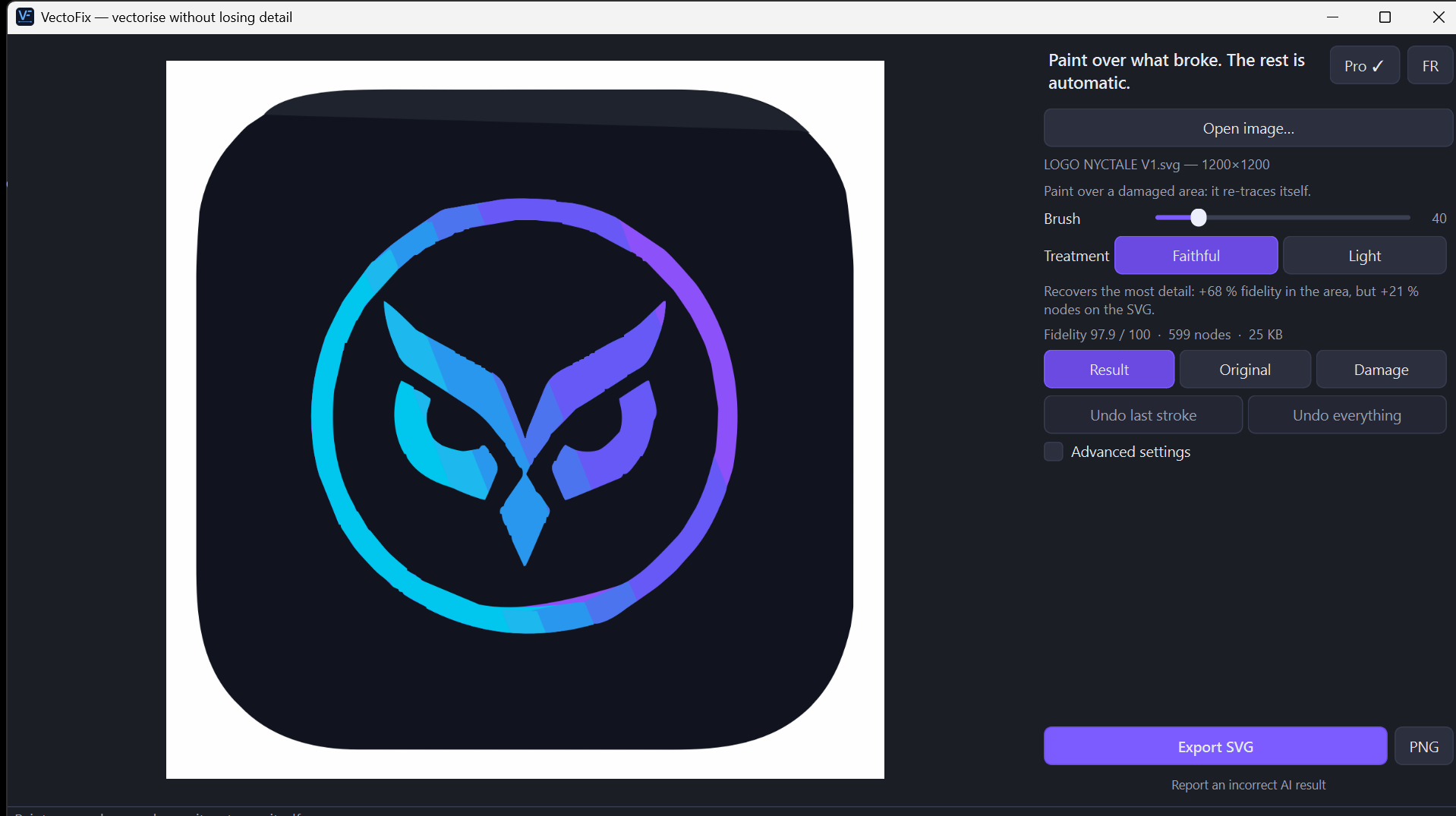
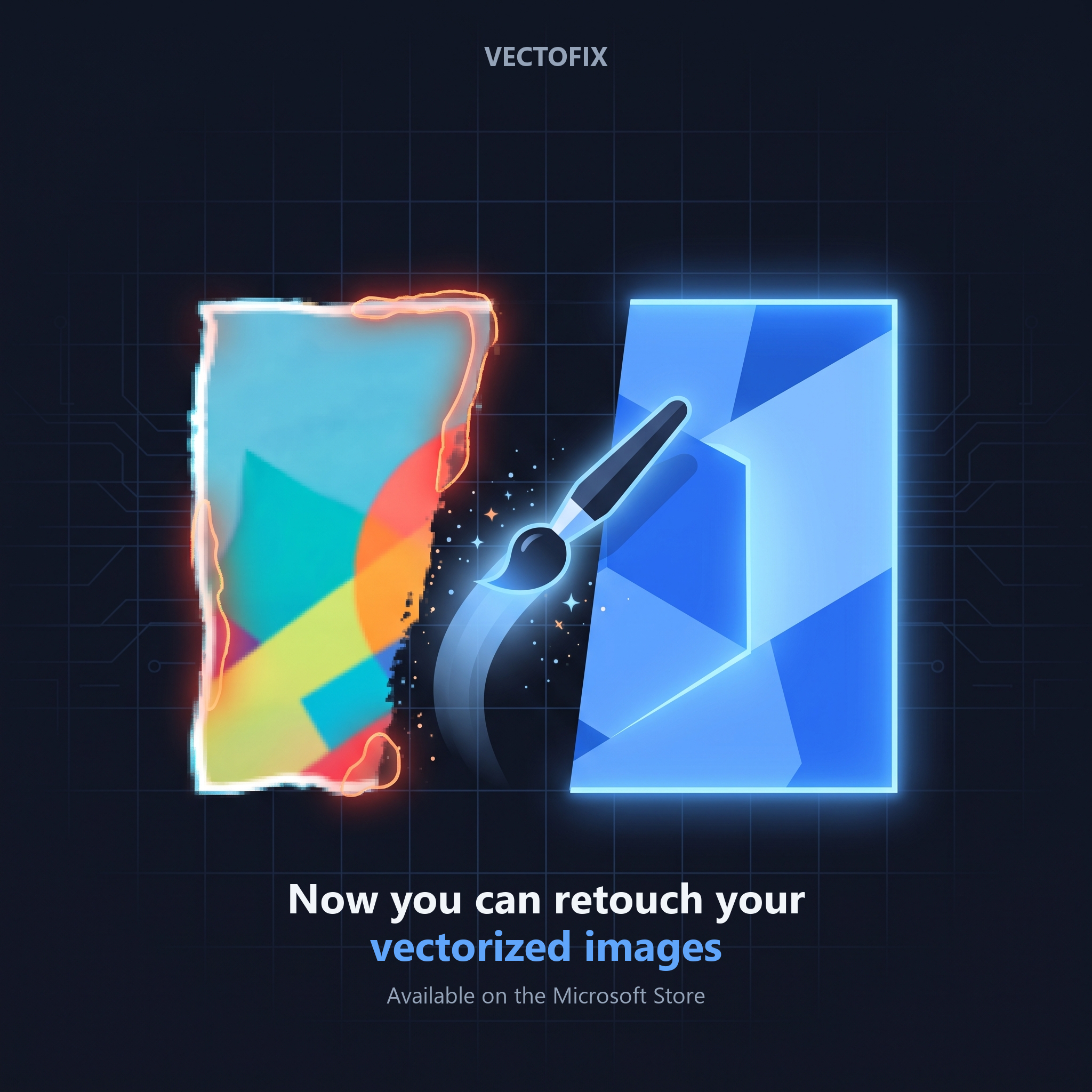
VectoFix is the local repair tool for vector traces that come out wrong. Instead of re-vectorizing the whole image and hoping for a better result, you paint directly over the broken area and VectoFix redraws just that zone — lost gradients, blown-out edges, or a logo that merged into the background. Runs entirely on your device, no upload, one-time €39 license, free trial included.


Comments


Hi, maker here. I built VectoFix after getting frustrated with every vectorizer's usual answer to a bad trace: tweak the global settings and re-run the whole image, hoping it doesn't break something else. VectoFix instead lets you paint over just the broken area and redraws that zone locally, keeping everything else untouched. Happy to answer questions about how the local repair works.
Hi Fazier 👋 I'm William, solo dev behind VectoFix. I built it after vectorizing the same illustration for the 10th time and having no idea where the trace had gone wrong until I zoomed in on everything by hand. The idea: a vectorizer should measure itself. VectoFix compares its SVG against your source, shows a damage map, and lets you re-trace just the bad zone with a brush. The rest of the file stays untouched. What I'd love feedback on: Is the damage map clear at first glance? Which kind of image gives you the worst results today? (logos, photos, scans, pixel art?) Everything runs locally. The trial has no time limit and no feature lock: only the final export is full precision once you buy. https://www.vectorpop.fr/vectofix

Repainting only the broken zone instead of re-running the whole trace is a smart fix. For scanned logos I usually hit the worst results where thin strokes merge into blobs. Does the local redraw keep the anchor points at the zone boundary aligned with the untouched paths, so there are no seams or gaps when it's printed or cut on a vinyl plotter?

Repairing just the broken zone instead of re-running the whole trace is a smart angle: global settings always fix one thing and break another. How do you keep the redrawn area consistent with the paths around it, so you don't get visible seams at the edge of the painted region? A short before/after GIF on the page would sell this instantly.

Premium Products




















































Sponsors
Buy

Makers
Makers
Comments
Hi, maker here. I built VectoFix after getting frustrated with every vectorizer's usual answer to a bad trace: tweak the global settings and re-run the whole image, hoping it doesn't break something else. VectoFix instead lets you paint over just the broken area and redraws that zone locally, keeping everything else untouched. Happy to answer questions about how the local repair works.
Hi Fazier 👋 I'm William, solo dev behind VectoFix. I built it after vectorizing the same illustration for the 10th time and having no idea where the trace had gone wrong until I zoomed in on everything by hand. The idea: a vectorizer should measure itself. VectoFix compares its SVG against your source, shows a damage map, and lets you re-trace just the bad zone with a brush. The rest of the file stays untouched. What I'd love feedback on: Is the damage map clear at first glance? Which kind of image gives you the worst results today? (logos, photos, scans, pixel art?) Everything runs locally. The trial has no time limit and no feature lock: only the final export is full precision once you buy. https://www.vectorpop.fr/vectofix
Repainting only the broken zone instead of re-running the whole trace is a smart fix. For scanned logos I usually hit the worst results where thin strokes merge into blobs. Does the local redraw keep the anchor points at the zone boundary aligned with the untouched paths, so there are no seams or gaps when it's printed or cut on a vinyl plotter?
Repairing just the broken zone instead of re-running the whole trace is a smart angle: global settings always fix one thing and break another. How do you keep the redrawn area consistent with the paths around it, so you don't get visible seams at the edge of the painted region? A short before/after GIF on the page would sell this instantly.
Premium Products
New to Fazier?

Find your next favorite product or submit your own. Made by @FalakDigital.
Copyright ©2026. All Rights Reserved