
VantorKit
32 private, in-browser utilities with zero cloud uploads
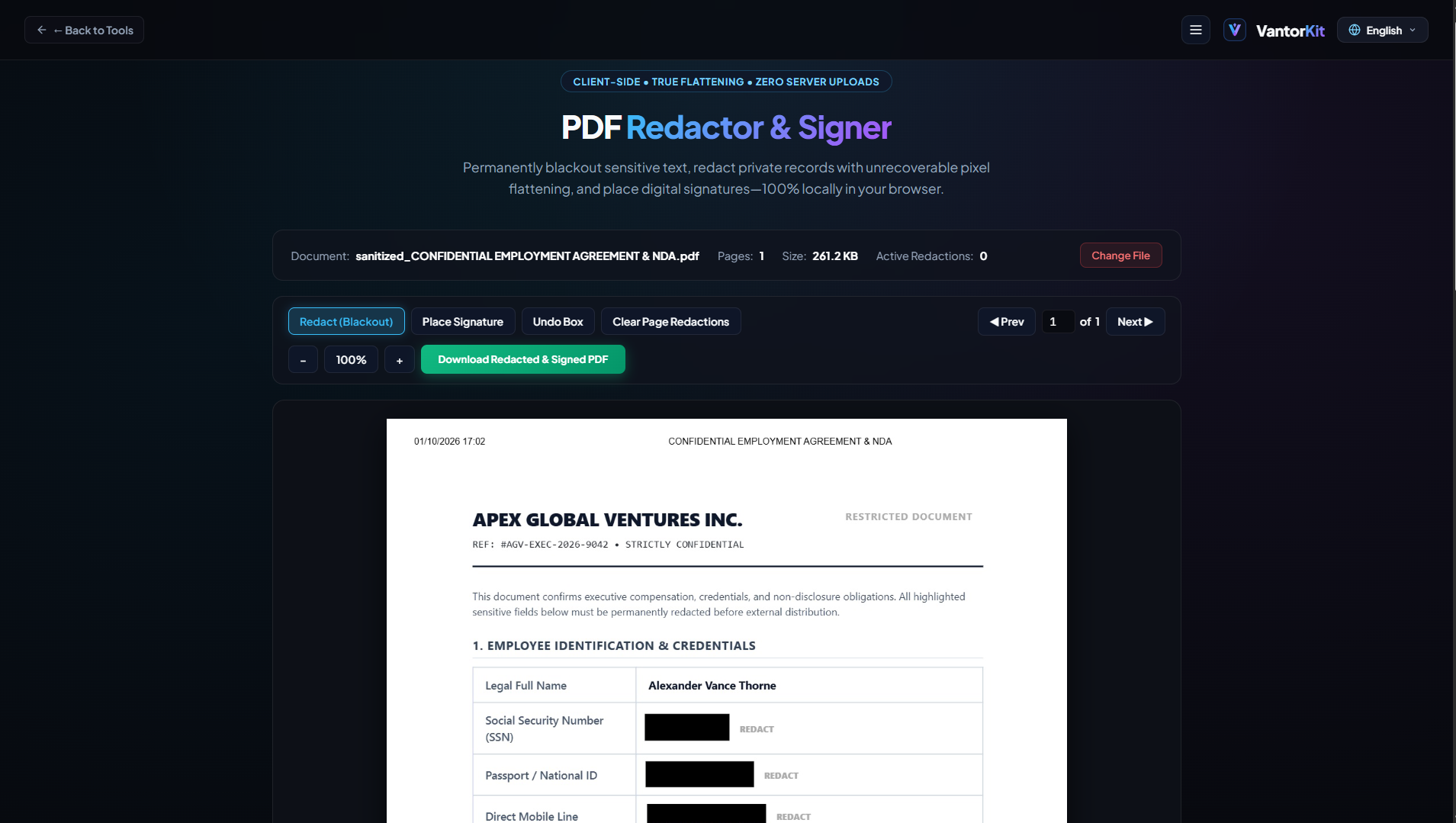
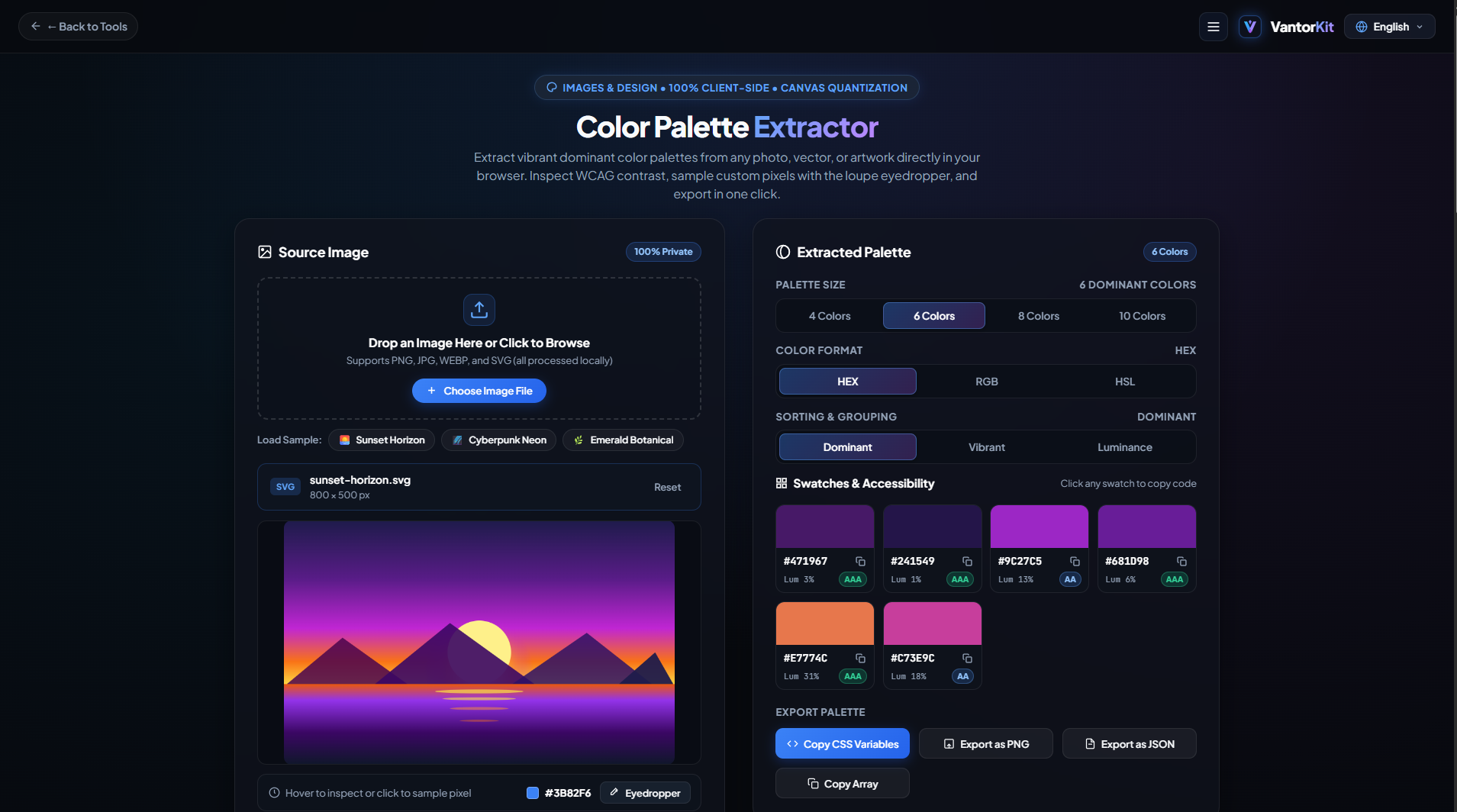
VantorKit is an open, privacy-first web utility suite featuring 32 in-browser tools built around a strict zero-backend architecture. Instead of uploading sensitive user files to remote servers, all media processing, document redactions, cryptographic calculations, and data conversions execute 100% locally inside the browser's RAM using WebAssembly, Web Workers, and native Web APIs.



Features
• 100% Client-Side Processing: Zero server uploads, zero remote logs, verifiable via the browser Network tab.
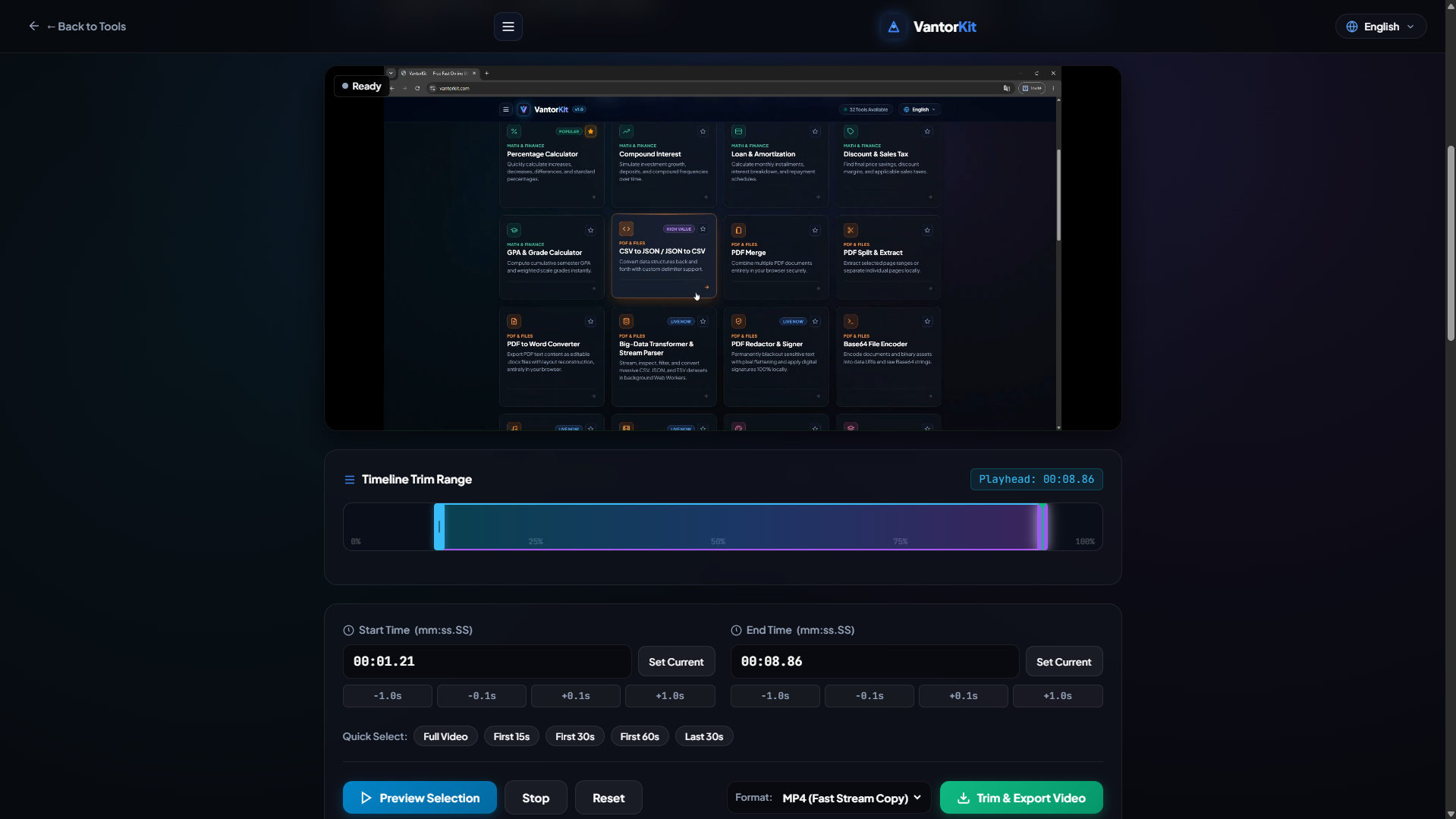
• 32 Built-in Utilities: In-memory PDF Redactor & Signer, Video/Audio Trimmers, JWT Inspector, Big-Data Stream Parser, and Metadata Strippers.
• Zero Latency: Instant local computations without file upload or download bottlenecks.
• Multilingual: Native support for English, Arabic (full RTL), French, and Italian.
• Free & Frictionless: Dark SaaS interface with zero subscriptions, paywalls, or account requirements.
Use Cases
• Redacting sensitive contracts, legal documents, and financial statements without cloud leakage.
• Trimming private video and audio clips directly in memory without consuming bandwidth.
• Decoding and inspecting sensitive JWT authentication tokens locally without leaking secrets.
• Sanitizing photos and documents by stripping GPS coordinates and EXIF metadata before sharing.
• Parsing and transforming multi-megabyte CSV and JSON datasets securely offline.

Comments



Hey Fazier community! 👋 I'm Mohamed, the solo maker behind VantorKit (https://vantorkit.com). Like many developers and privacy-conscious users, I got tired of online utility sites forcing us to upload private documents, contracts, media files, and authentication tokens to unknown remote servers. I built VantorKit around a strict zero-backend philosophy: • 100% Client-Side Computing: All 32 utilities process data strictly inside browser RAM using WebAssembly, Web Workers, HTML5 Canvas, and Web Crypto API. • Zero Data Exfiltration: Inspect the DevTools Network tab anytime—0 KB leaves your device. • Core Tools: In-memory PDF Redactor & Signer, Video/Audio Trimmers, JWT Decoder & HMAC Signer, and Offline Big-Data Transformer. • Completely Free: No accounts, no subscriptions, and native 4-language support (EN, AR RTL, FR, IT). I would genuinely love your feedback on UI speed, memory handling, and any specific utilities you would love to see next! 🚀
The zero-backend approach is what stands out most — especially the in-memory PDF redactor and EXIF stripping for photos, which are exactly the tasks people hesitate to upload anywhere. For large files, do the video/audio trimmers hold up in RAM without slowing the browser down, or is there a practical size limit you'd recommend? Great to see Arabic RTL support too — that's rarely done well in utility suites.



太棒了,不错的!https://www.zyz88.com/

The zero-upload approach really stands out — I went local-first with my own app for the same reason, so I appreciate redaction and EXIF stripping happening in RAM rather than on a server. The in-memory PDF redactor is the tool I would reach for first for contracts. How do you handle large files in the browser — is there a practical size limit before memory becomes a bottleneck, and do you plan a way to chain tools together, for example strip EXIF and then compress, in one flow?
Premium Products

















































Sponsors
Buy

Awards
View all
Awards
View allMakers
Makers
Comments
Hey Fazier community! 👋 I'm Mohamed, the solo maker behind VantorKit (https://vantorkit.com). Like many developers and privacy-conscious users, I got tired of online utility sites forcing us to upload private documents, contracts, media files, and authentication tokens to unknown remote servers. I built VantorKit around a strict zero-backend philosophy: • 100% Client-Side Computing: All 32 utilities process data strictly inside browser RAM using WebAssembly, Web Workers, HTML5 Canvas, and Web Crypto API. • Zero Data Exfiltration: Inspect the DevTools Network tab anytime—0 KB leaves your device. • Core Tools: In-memory PDF Redactor & Signer, Video/Audio Trimmers, JWT Decoder & HMAC Signer, and Offline Big-Data Transformer. • Completely Free: No accounts, no subscriptions, and native 4-language support (EN, AR RTL, FR, IT). I would genuinely love your feedback on UI speed, memory handling, and any specific utilities you would love to see next! 🚀
The zero-backend approach is what stands out most — especially the in-memory PDF redactor and EXIF stripping for photos, which are exactly the tasks people hesitate to upload anywhere. For large files, do the video/audio trimmers hold up in RAM without slowing the browser down, or is there a practical size limit you'd recommend? Great to see Arabic RTL support too — that's rarely done well in utility suites.
太棒了,不错的!https://www.zyz88.com/
The zero-upload approach really stands out — I went local-first with my own app for the same reason, so I appreciate redaction and EXIF stripping happening in RAM rather than on a server. The in-memory PDF redactor is the tool I would reach for first for contracts. How do you handle large files in the browser — is there a practical size limit before memory becomes a bottleneck, and do you plan a way to chain tools together, for example strip EXIF and then compress, in one flow?
Premium Products
New to Fazier?

Find your next favorite product or submit your own. Made by @FalakDigital.
Copyright ©2026. All Rights Reserved