
ValueTheWebsite
Free website audit + uptime monitoring from $4.99/mo
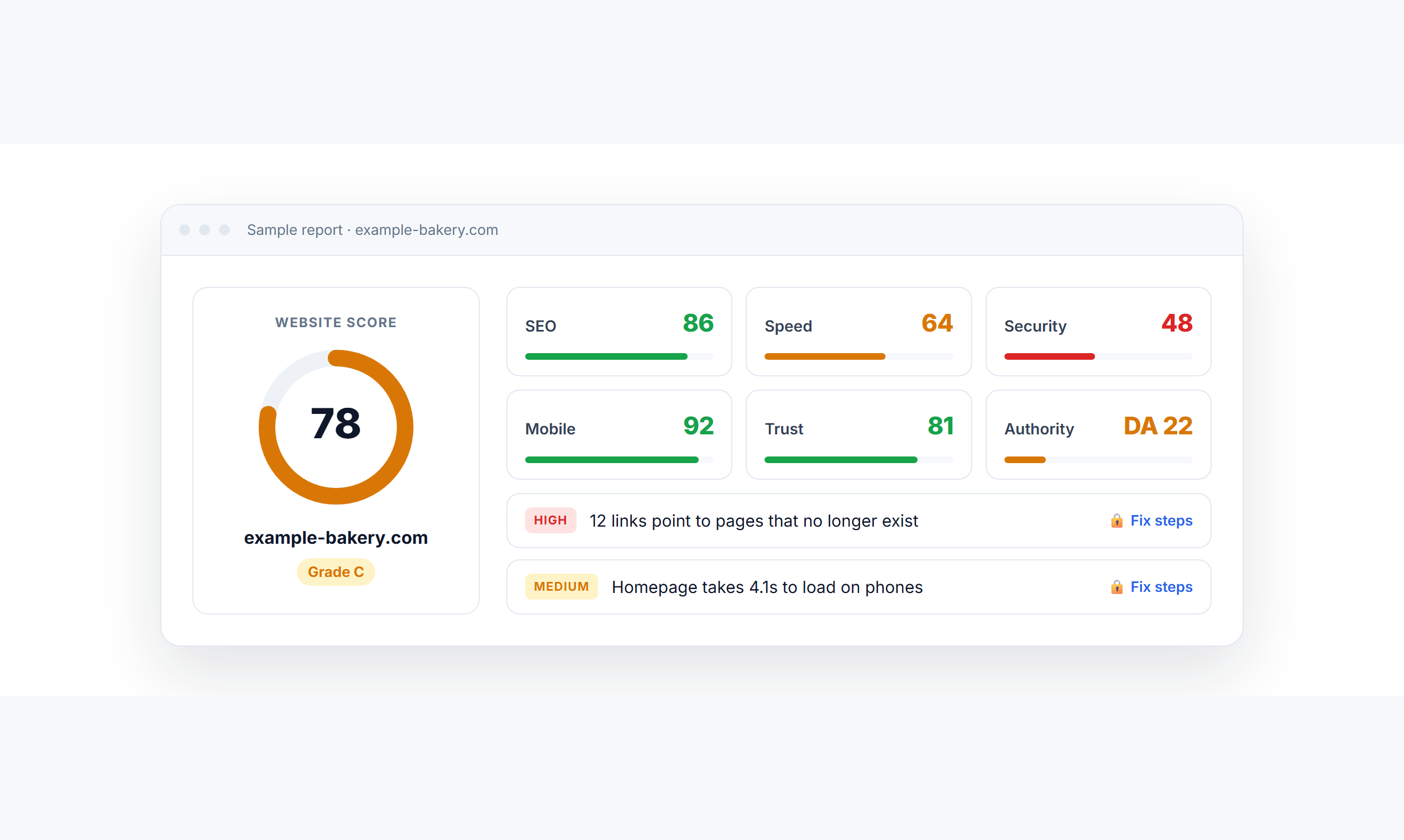
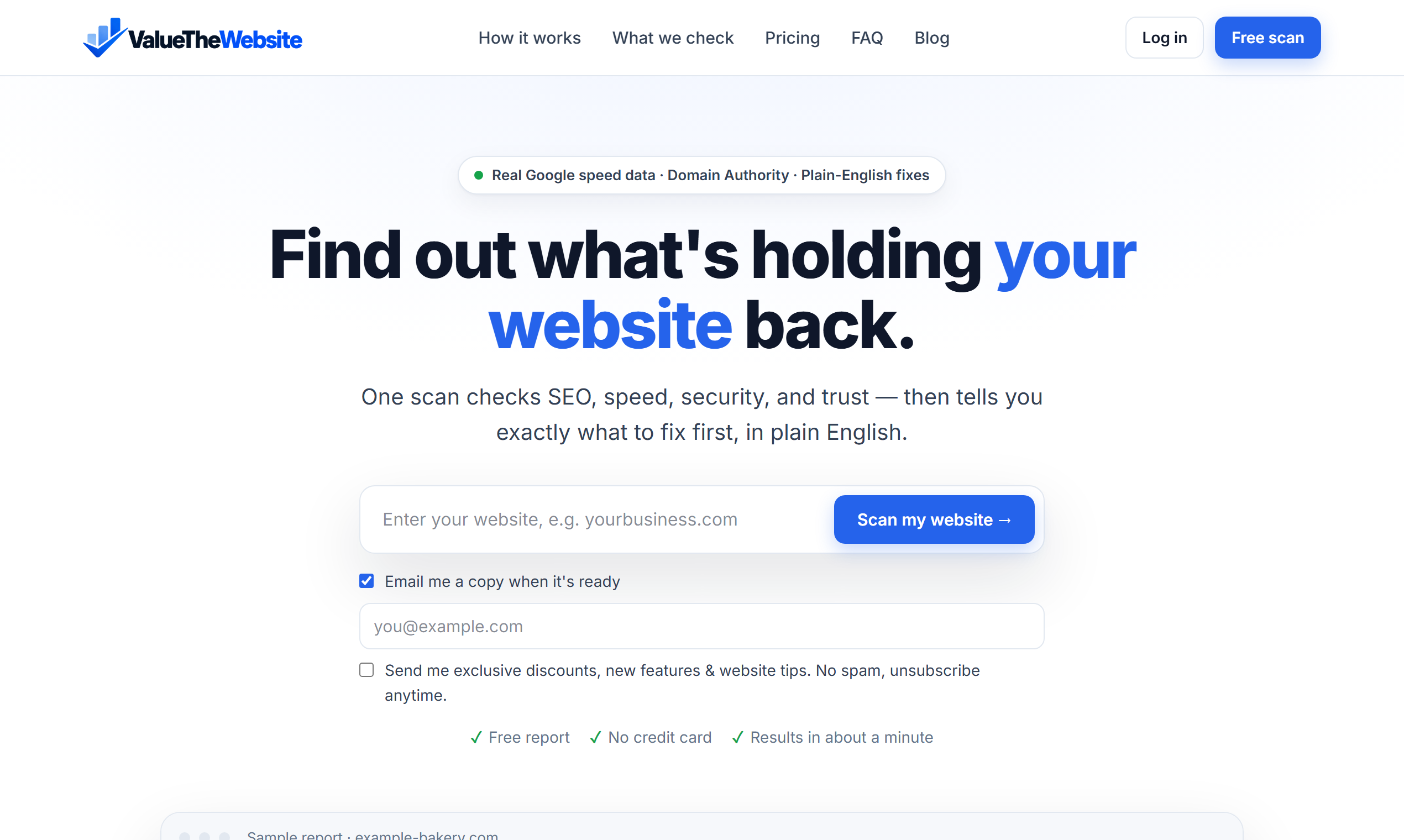
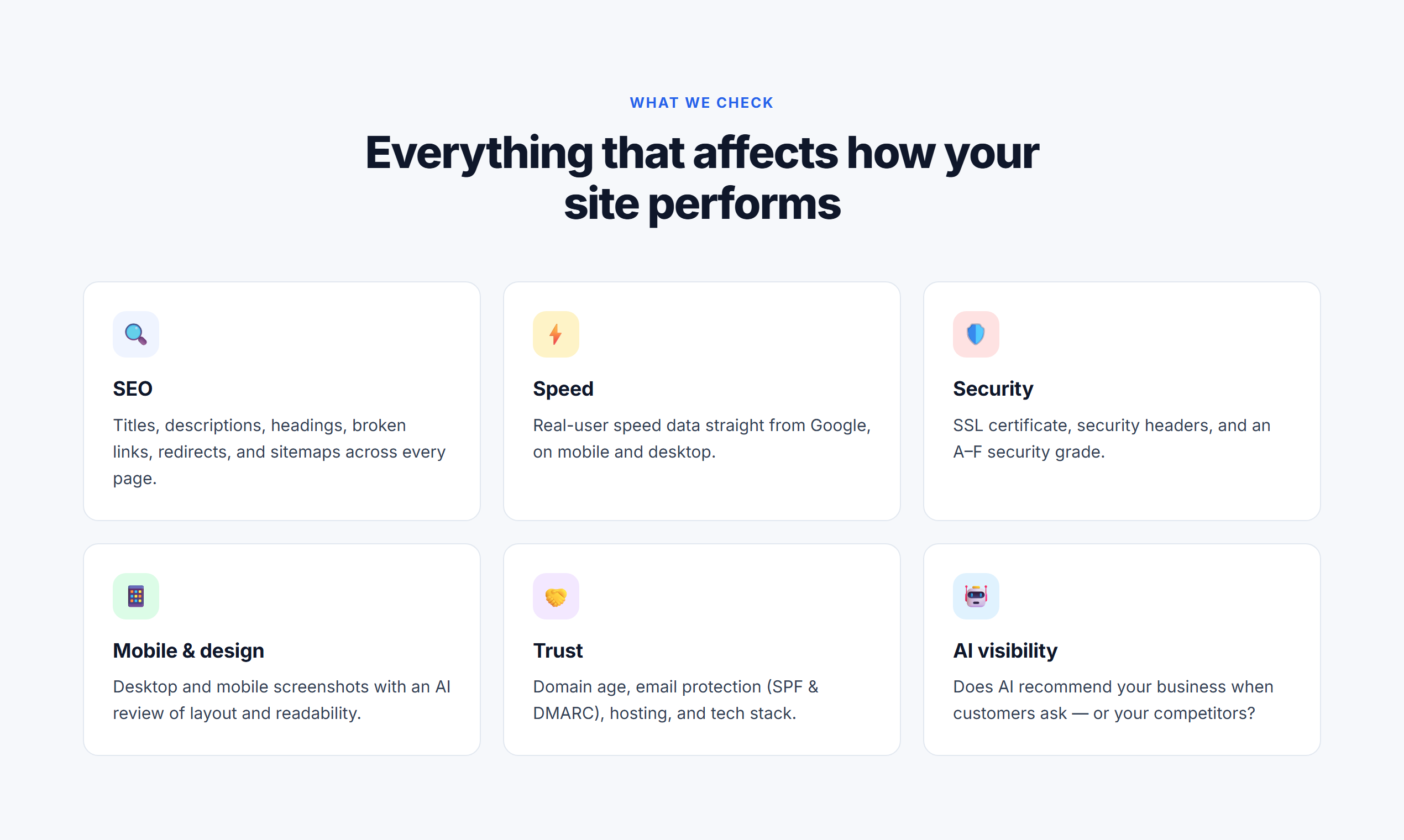
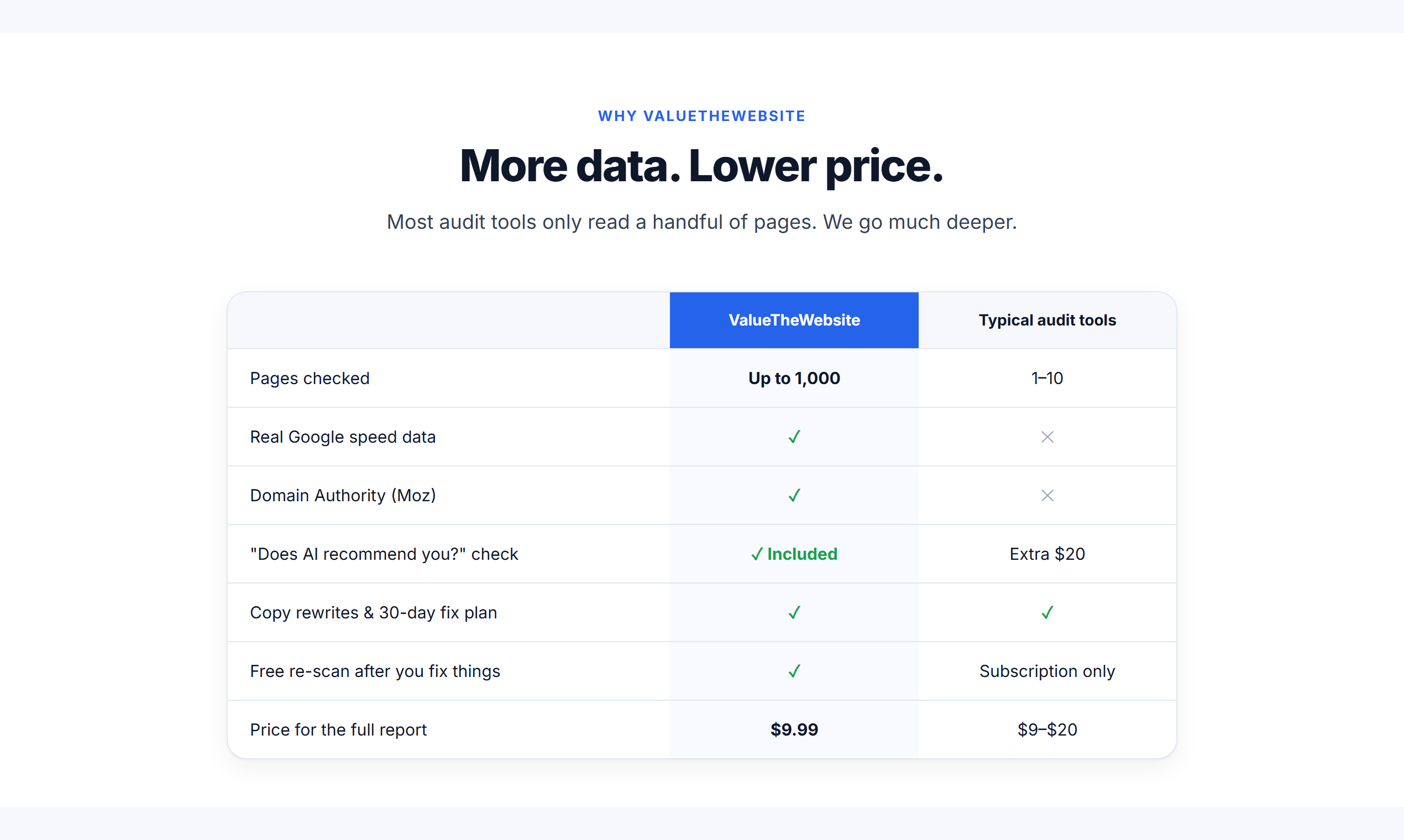
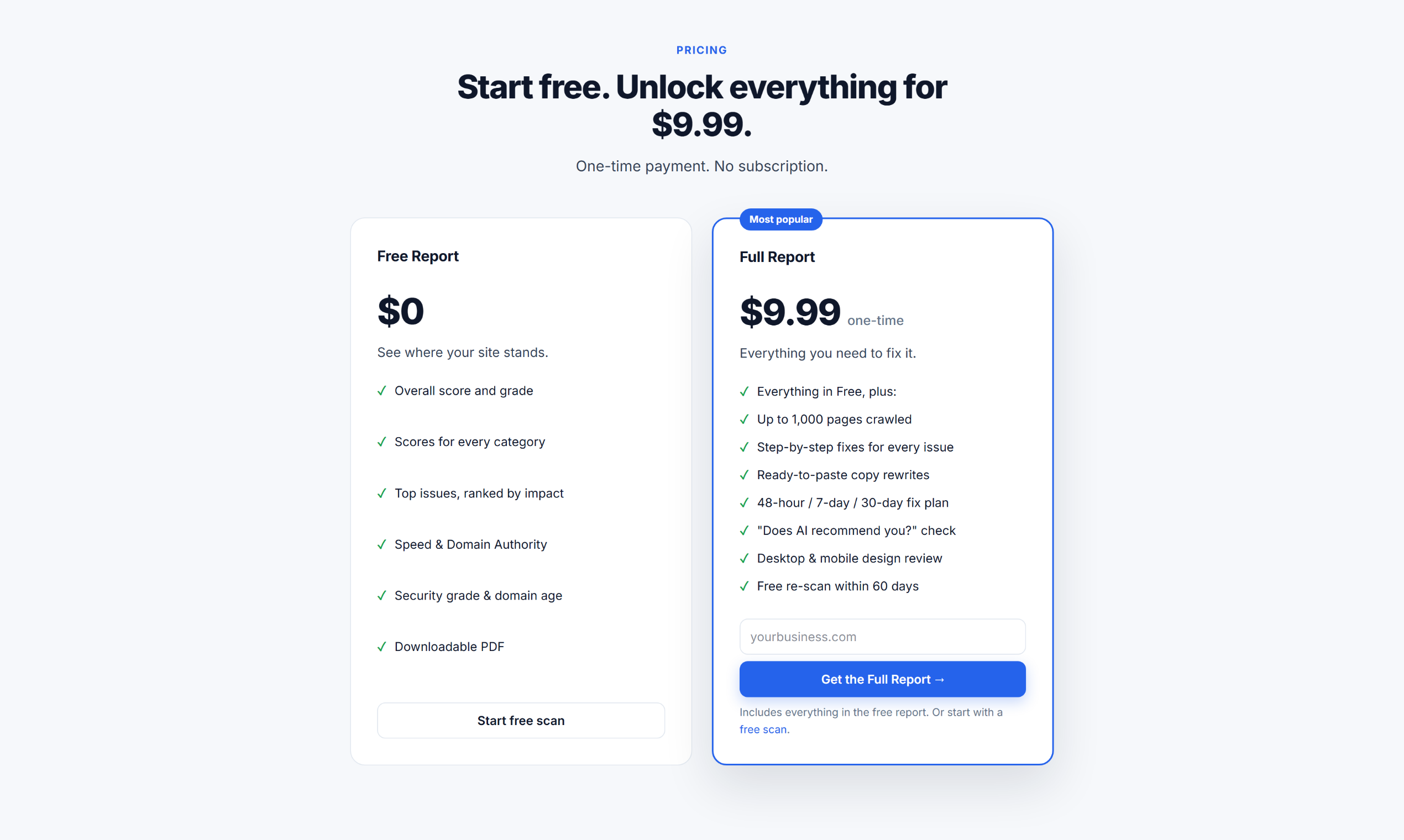
ValueTheWebsite scans your website and gives you a clear score for SEO, speed, security, mobile, and trust, then tells you exactly what to fix first, in plain English. The free report covers up to 100 pages with real Google speed data, Moz Domain Authority, an A–F security grade, and domain age. The $9.99 Full Report crawls up to 1,000 pages and adds step-by-step fixes, copy rewrites, a design review, and an AI visibility check. Uptime monitoring starts at $4.99/month.
Features
Free website audit: SEO, speed, security, mobile, and trust scores
Every issue ranked by impact and explained in plain English
Real Google speed data and Moz Domain Authority
Full Report: up to 1,000 pages, step-by-step fixes, and copy rewrites
AI visibility check: does ChatGPT recommend your business?
Uptime monitoring every minute from 3 locations, from $4.99/mo
SSL and domain expiry alerts, plus a free public status page
Use Cases
Small business owners checking why their website isn't bringing in customers
Freelancers and web designers auditing client sites before a redesign
Agencies sending clients clear, plain-English website reports
Anyone who wants an alert the minute their website goes down
Fazier Deal

Comments



Hey Fazier! 👋 I built ValueTheWebsite because every website audit tool I tried either buried small business owners in technical jargon or wanted $100+ a month. So I made one that scans your whole site and tells you, in plain English, exactly what to fix first. The basic report is free with no signup. I also just added uptime monitoring from $4.99/month: checks every minute from 3 locations, and an email the moment your site goes down. Fazier deal: use code FAZIER for 50% off the Full Report or your first month of monitoring. I'd love your feedback, especially on what you'd want the report to check next!

The split between the free audit and the 1,000-page Full Report is what I'd want spelled out before sending a client a link. If the free pass already ranks SEO, speed, security, mobile, and trust issues by impact in plain English, what does the paid report add besides page count and copy rewrites? Also, the AI visibility check says it looks at whether ChatGPT recommends the business: is that a live query, and do you show the exact prompt so the result can be reproduced?
A free report covering up to 100 pages with real Google speed data is generous for a first scan. A question about the AI visibility check in the $9.99 Full Report: does it test whether AI crawlers such as GPTBot or PerplexityBot are allowed in robots.txt, or does it also ask assistants about the business and see whether it is named? Those are two different problems, blocked versus simply not chosen, and the fix is different for each, so it would help to know which one the report covers.


Ranking issues by impact in plain English is the right call — most owners stop reading at the first wall of jargon. Two questions from someone who audits client sites: for small sites that don't have enough Chrome UX Report traffic, what does the speed section show — do you fall back to a lab test, or mark it as no data? And for the "Does AI recommend you?" check in the Full Report, do you query the assistants live each time, or is it based on signals like crawler access and structured data? Also, a small thing I hit while testing: my site returned "Too many requests" to your scanner, though it serves normal visitors and Googlebot fine. Do you throttle the crawl per site, and could the report suggest retrying with a slower crawl instead of stopping?
Premium Products

















































Fazier Deal
Sponsors
Buy

Makers
Makers
Comments
Hey Fazier! 👋 I built ValueTheWebsite because every website audit tool I tried either buried small business owners in technical jargon or wanted $100+ a month. So I made one that scans your whole site and tells you, in plain English, exactly what to fix first. The basic report is free with no signup. I also just added uptime monitoring from $4.99/month: checks every minute from 3 locations, and an email the moment your site goes down. Fazier deal: use code FAZIER for 50% off the Full Report or your first month of monitoring. I'd love your feedback, especially on what you'd want the report to check next!
The split between the free audit and the 1,000-page Full Report is what I'd want spelled out before sending a client a link. If the free pass already ranks SEO, speed, security, mobile, and trust issues by impact in plain English, what does the paid report add besides page count and copy rewrites? Also, the AI visibility check says it looks at whether ChatGPT recommends the business: is that a live query, and do you show the exact prompt so the result can be reproduced?
A free report covering up to 100 pages with real Google speed data is generous for a first scan. A question about the AI visibility check in the $9.99 Full Report: does it test whether AI crawlers such as GPTBot or PerplexityBot are allowed in robots.txt, or does it also ask assistants about the business and see whether it is named? Those are two different problems, blocked versus simply not chosen, and the fix is different for each, so it would help to know which one the report covers.
Ranking issues by impact in plain English is the right call — most owners stop reading at the first wall of jargon. Two questions from someone who audits client sites: for small sites that don't have enough Chrome UX Report traffic, what does the speed section show — do you fall back to a lab test, or mark it as no data? And for the "Does AI recommend you?" check in the Full Report, do you query the assistants live each time, or is it based on signals like crawler access and structured data? Also, a small thing I hit while testing: my site returned "Too many requests" to your scanner, though it serves normal visitors and Googlebot fine. Do you throttle the crawl per site, and could the report suggest retrying with a slower crawl instead of stopping?
Premium Products
New to Fazier?

Find your next favorite product or submit your own. Made by @FalakDigital.
Copyright ©2026. All Rights Reserved