
UtilPick
Free browser tools for PDFs, images and text. No signup.
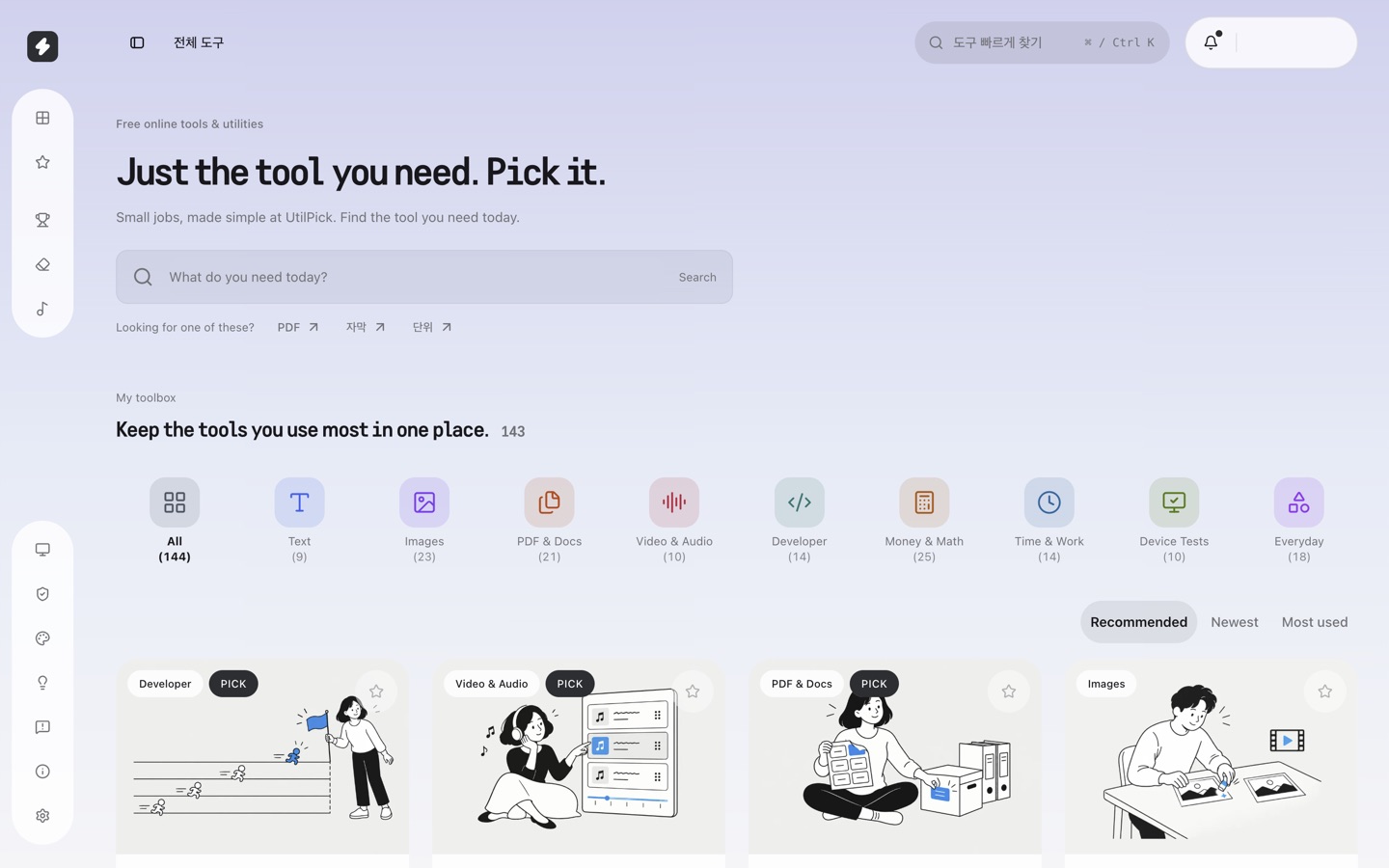
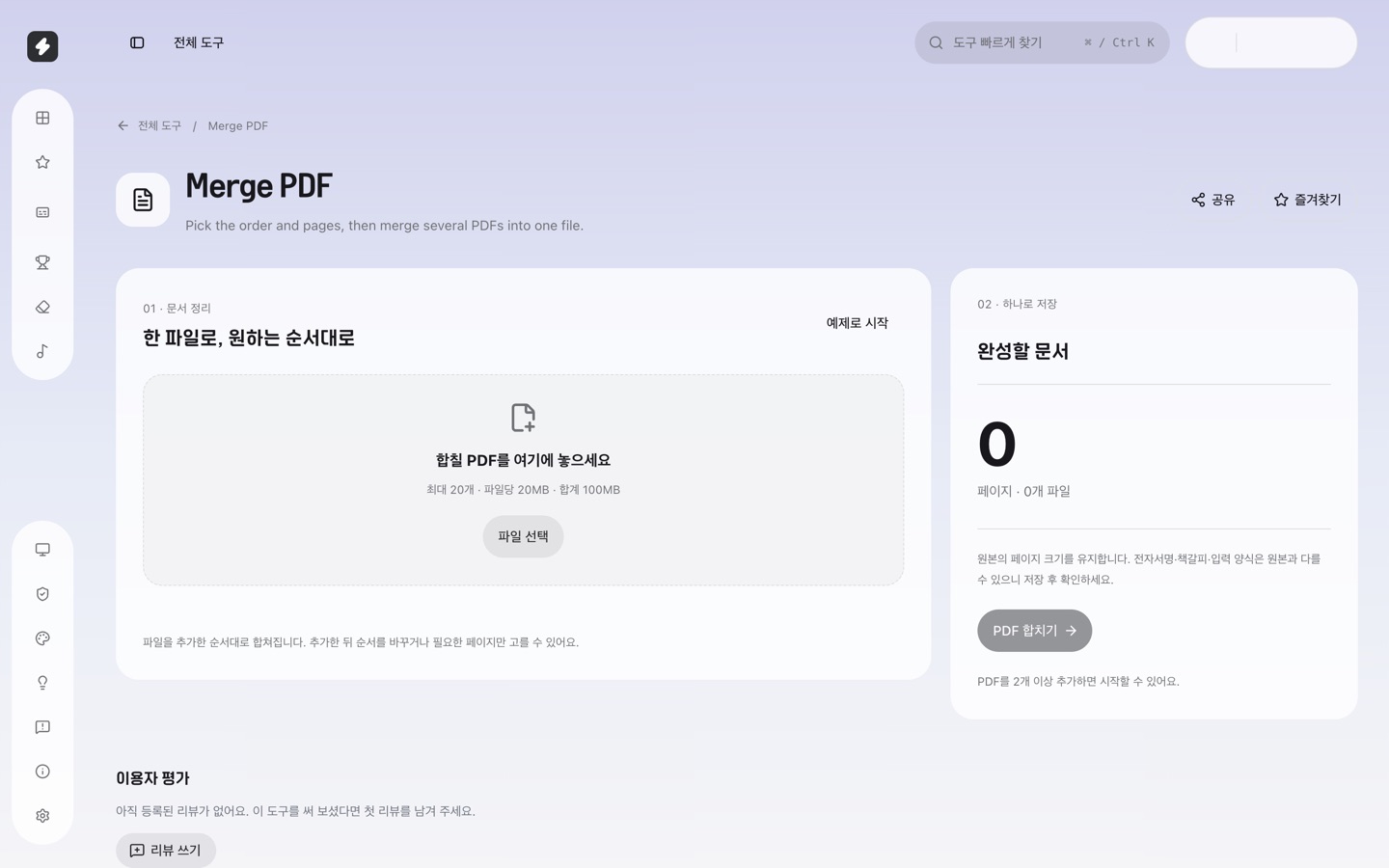
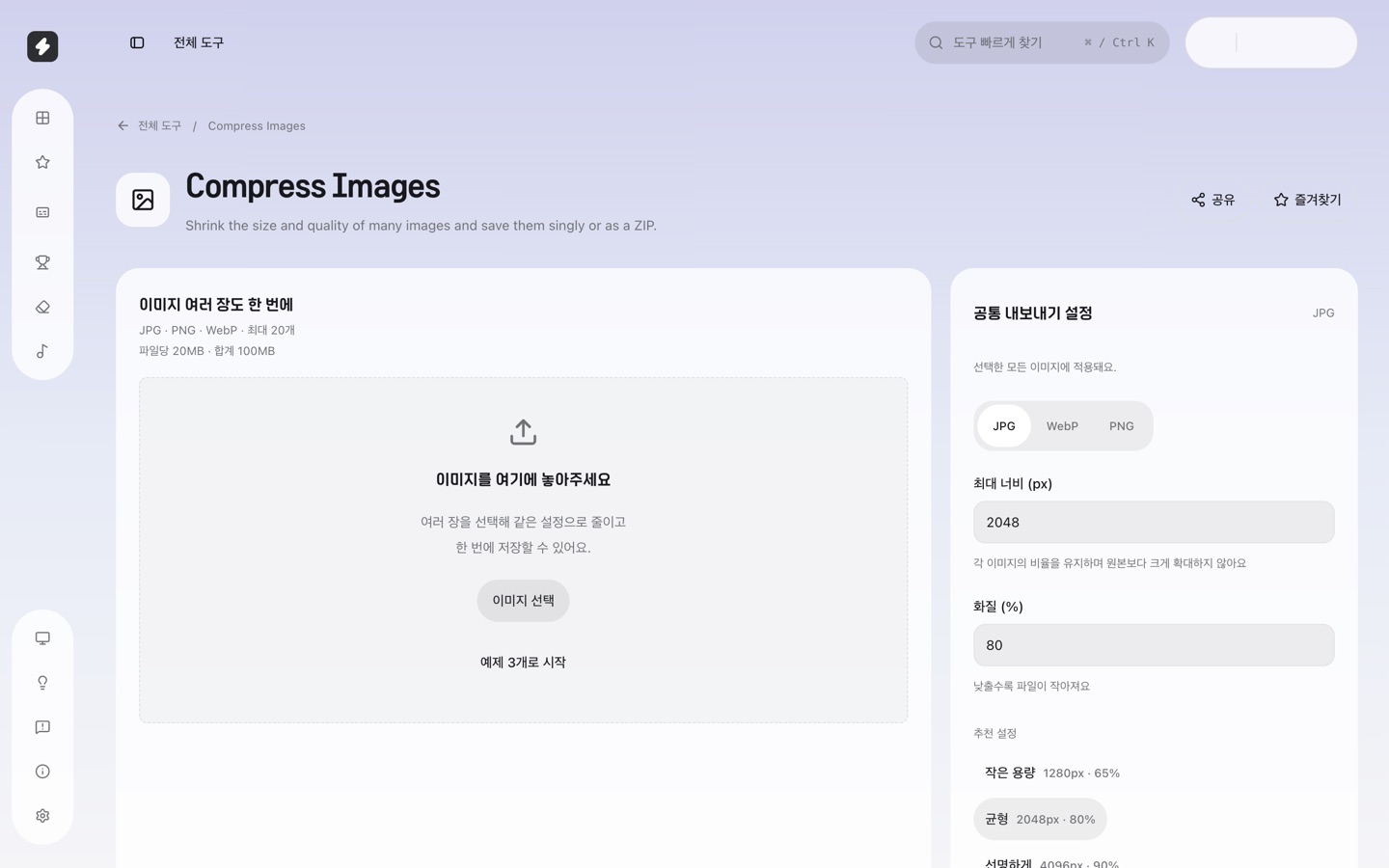
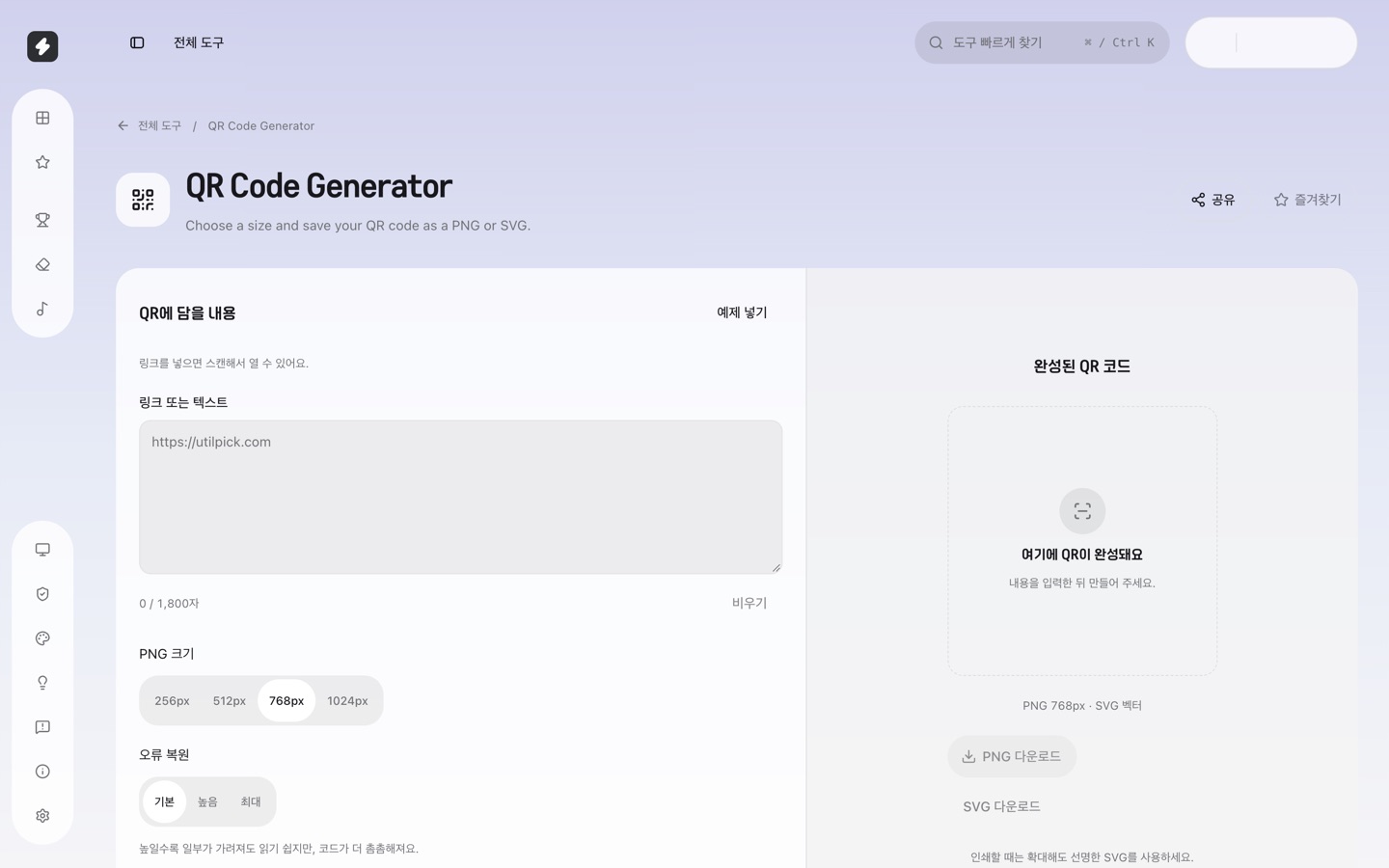
UtilPick is a free collection of 170+ small web tools for everyday jobs: merge, split and compress PDFs, compress and convert images (PNG, JPG, WebP, iPhone HEIC), make QR codes, count characters, compare text, format JSON, and test your keyboard, webcam, microphone and speakers.
File tools run in your browser, so documents and photos are processed on your device instead of being uploaded to a server. There is no signup or installation, and you can pin the tools you use most to a personal toolbox.
UtilPick is Korean-first with English and Japanese pages. Calculators built on Korean rules, such as payroll or property tax, are labeled as Korea-specific.
Features
- 170+ free tools for PDFs, images, text, developers and everyday math
- File tools run in the browser, so files are not uploaded to a server
- No signup or installation
- Pin favorite tools to a personal toolbox
- Korean, English and Japanese pages
Use Cases
- Merge or compress a PDF before emailing it
- Convert iPhone HEIC photos to JPG without uploading them
- Make a QR code or count characters for a form
- Test a keyboard, webcam or microphone before a call

Comments


The local-processing angle is the strongest selling point here: for PDFs and photos, not having to upload anything removes a real trust barrier. I also like the personal toolbox idea, since a 170-tool catalogue is only useful if you can find your few favourites quickly. One suggestion: make the Korea-specific calculators clearly separated in search results, so international visitors do not open a tool only to find it does not apply to them.

Hi, I'm the solo maker of UtilPick. I kept landing on ad-heavy sites that wanted me to upload a PDF or a photo just to do one small job, so I started building the tools I needed myself. The file tools (PDF merge/split/compress, image compress/convert, HEIC to JPG) run in the browser, so the file stays on your device. It started Korean-first, and the English and Japanese pages are newer. I'd really like to hear where the English reads oddly or which tool you expected and didn't find.
The browser-only processing is the most useful part for me — compressing a PDF or converting HEIC photos without uploading personal documents is a real privacy win. One question: for the Korea-specific calculators, are the rules and results shown in English as well, or do those tools stay Korean-only? A clear language label per tool would help international users find the ones they can use confidently.
The sheer breadth is impressive — 170+ tools covering PDFs, images, dev utilities and even device checks like keyboard/webcam tests is the kind of grab-bag that saves real time. Processing everything locally in the browser is the right call for trust with personal documents. The Korean-first angle with English and Japanese pages is a nice touch too — a personal toolbox with pinned favorites makes it stickier than the usual ad-heavy utility sites.

The distinction between local file tools and Korea-specific calculators is worth keeping very visible in the English navigation. For PDF compression, I would also show whether the result preserves selectable text or rasterizes pages, plus the file size before and after. That would help someone choose a smaller file without accidentally losing searchability or accessibility. Do you currently expose that distinction?
Premium Products




















































Sponsors
Buy

Makers
Makers
Comments
The local-processing angle is the strongest selling point here: for PDFs and photos, not having to upload anything removes a real trust barrier. I also like the personal toolbox idea, since a 170-tool catalogue is only useful if you can find your few favourites quickly. One suggestion: make the Korea-specific calculators clearly separated in search results, so international visitors do not open a tool only to find it does not apply to them.
Hi, I'm the solo maker of UtilPick. I kept landing on ad-heavy sites that wanted me to upload a PDF or a photo just to do one small job, so I started building the tools I needed myself. The file tools (PDF merge/split/compress, image compress/convert, HEIC to JPG) run in the browser, so the file stays on your device. It started Korean-first, and the English and Japanese pages are newer. I'd really like to hear where the English reads oddly or which tool you expected and didn't find.
The browser-only processing is the most useful part for me — compressing a PDF or converting HEIC photos without uploading personal documents is a real privacy win. One question: for the Korea-specific calculators, are the rules and results shown in English as well, or do those tools stay Korean-only? A clear language label per tool would help international users find the ones they can use confidently.
The sheer breadth is impressive — 170+ tools covering PDFs, images, dev utilities and even device checks like keyboard/webcam tests is the kind of grab-bag that saves real time. Processing everything locally in the browser is the right call for trust with personal documents. The Korean-first angle with English and Japanese pages is a nice touch too — a personal toolbox with pinned favorites makes it stickier than the usual ad-heavy utility sites.
The distinction between local file tools and Korea-specific calculators is worth keeping very visible in the English navigation. For PDF compression, I would also show whether the result preserves selectable text or rasterizes pages, plus the file size before and after. That would help someone choose a smaller file without accidentally losing searchability or accessibility. Do you currently expose that distinction?
Premium Products
New to Fazier?

Find your next favorite product or submit your own. Made by @FalakDigital.
Copyright ©2026. All Rights Reserved