
TryBadgey
Your launch badges, managed from one dashboard
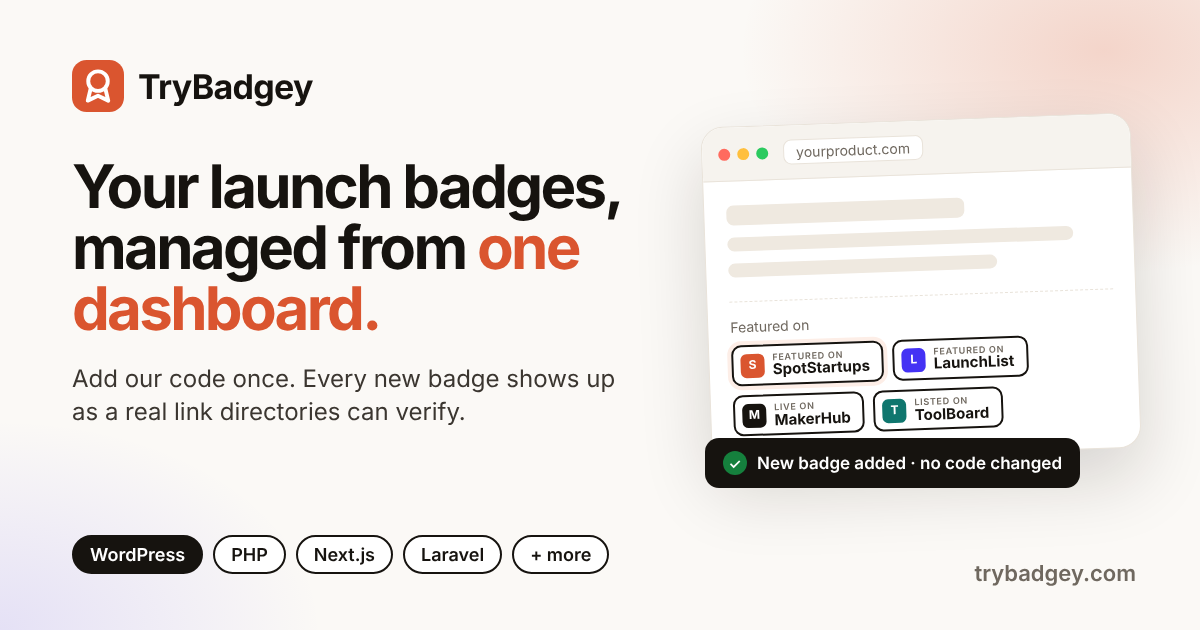
TryBadgey is a badge manager for makers who launch on directories. Instead of pasting a new snippet into your footer every time you get listed somewhere, you add TryBadgey’s code to your site once. From then on, you pick the directories you’re listed on, reorder them, and add new ones from your dashboard. Your site updates within about 2 minutes, with no code edits or redeploys.
Each badge appears in your page as a real, unwrapped link, so directory “verify badge” checks and search engines can find it. TryBadgey also resizes heavy badge images to keep your pages fast, checks every badge weekly for broken images or dead links, and tells you if your badge wall disappears from your site. It supports light and dark themes and works with WordPress, PHP, Laravel, Next.js, Nuxt, Astro, Node.js, Django, Flask and Rails.
The free plan covers 1 site and up to 10 badges. Pro ($49/year) adds up to 30 sites, unlimited badges, click stats, custom text and no credit line.
Features
- Directory-verifiable backlinks: each badge is a real HTML link in your page, exactly as the directory provides it, so directory verification checks and Google can find it.
- No link redirects: TryBadgey never wraps, shortens or redirects your badge links.
- Badge health checks: every badge is checked weekly; broken images or dead links are flagged.
- Faster pages: oversized badge images are served as lighter copies.
- Install status: know when your badge wall is live, and get warned if it disappears.
- Click stats (Pro): see which launch directories your visitors click, per website.
- Custom text (Pro): replace "Featured on" with your own words and hide the credit.
Use Cases
- Indie makers launching on many directories: keep every “Featured on” badge in one tidy wall without pasting a new snippet after each launch.
- Founders running a launch campaign: add each new directory badge from the dashboard as the listings go live, with no developer or redeploy needed.
- Verifying a badge for a directory: show the badge as a real, unwrapped link so a directory’s “verify badge” check passes and the backlink counts.
- SEO and backlink building: keep directory links live and crawlable on your site, and pick directories by Domain Rating.

Comments

Premium Products





















































Find your next favorite product or submit your own. Made by @FalakDigital.
Copyright ©2026. All Rights Reserved