Transpic
Transpic is an AI image translator
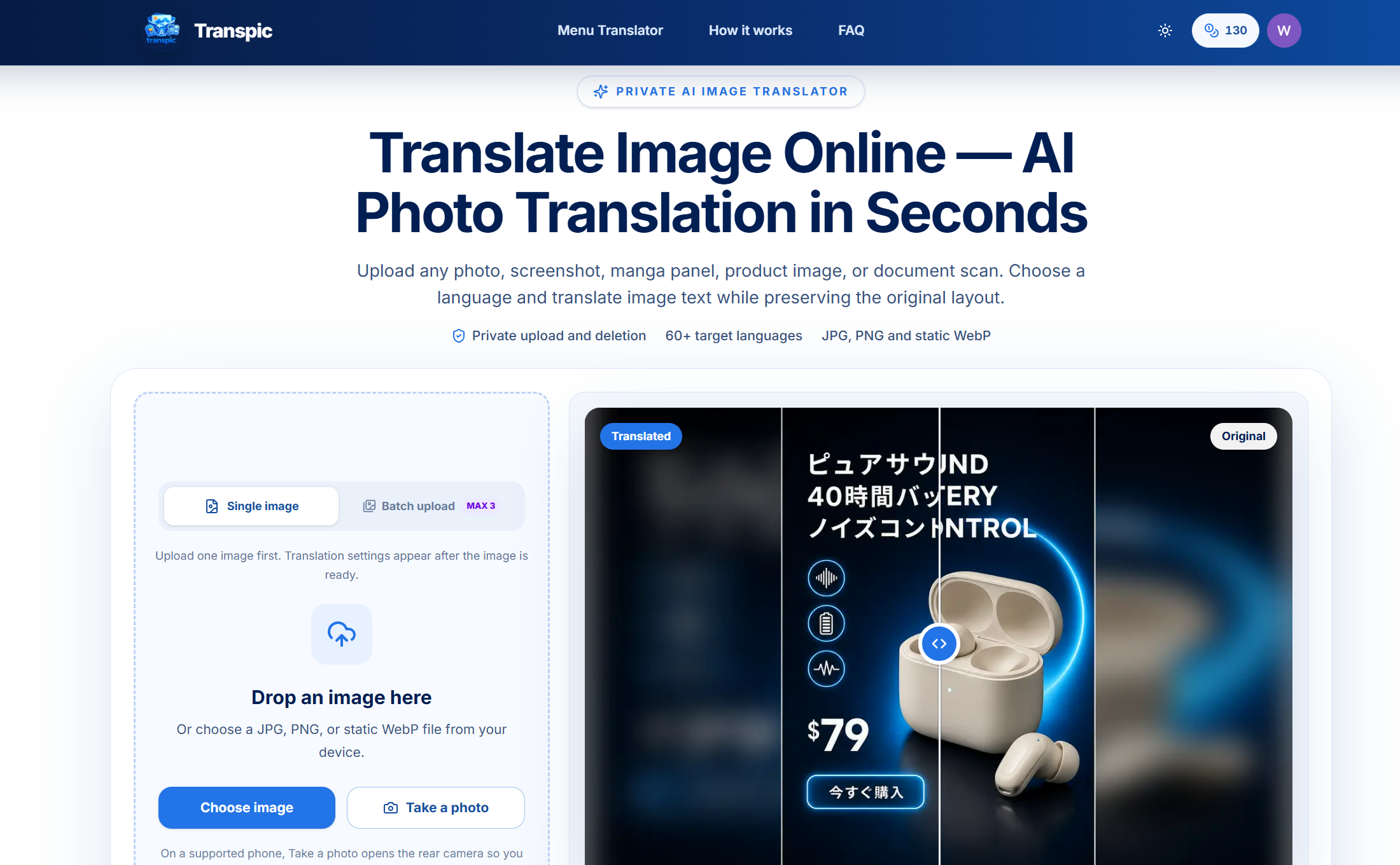
Transpic is an AI image translator that helps users translate text inside photos, screenshots, product images, manga, posters, and document scans while preserving the original layout, visual context, and text position.
Features
- Translate text inside images with AI
- Preserve the original image layout and visual context
- Detect text regions and approximate text positions
- Support more than 60 target languages
- Translate photos, screenshots, posters, menus, and signs
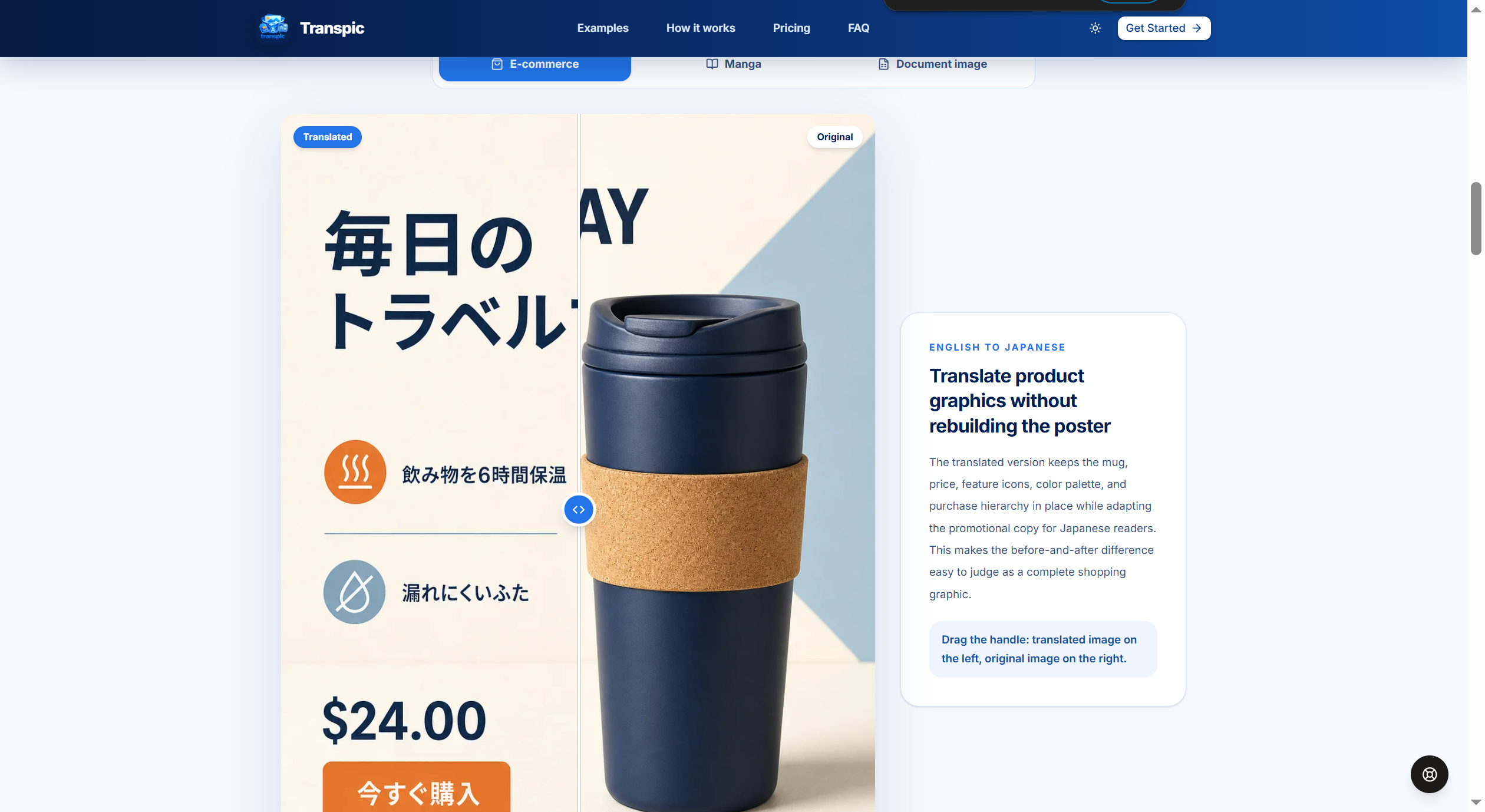
- Translate e-commerce product images and promotional graphics
- Translate manga pages and speech bubbles
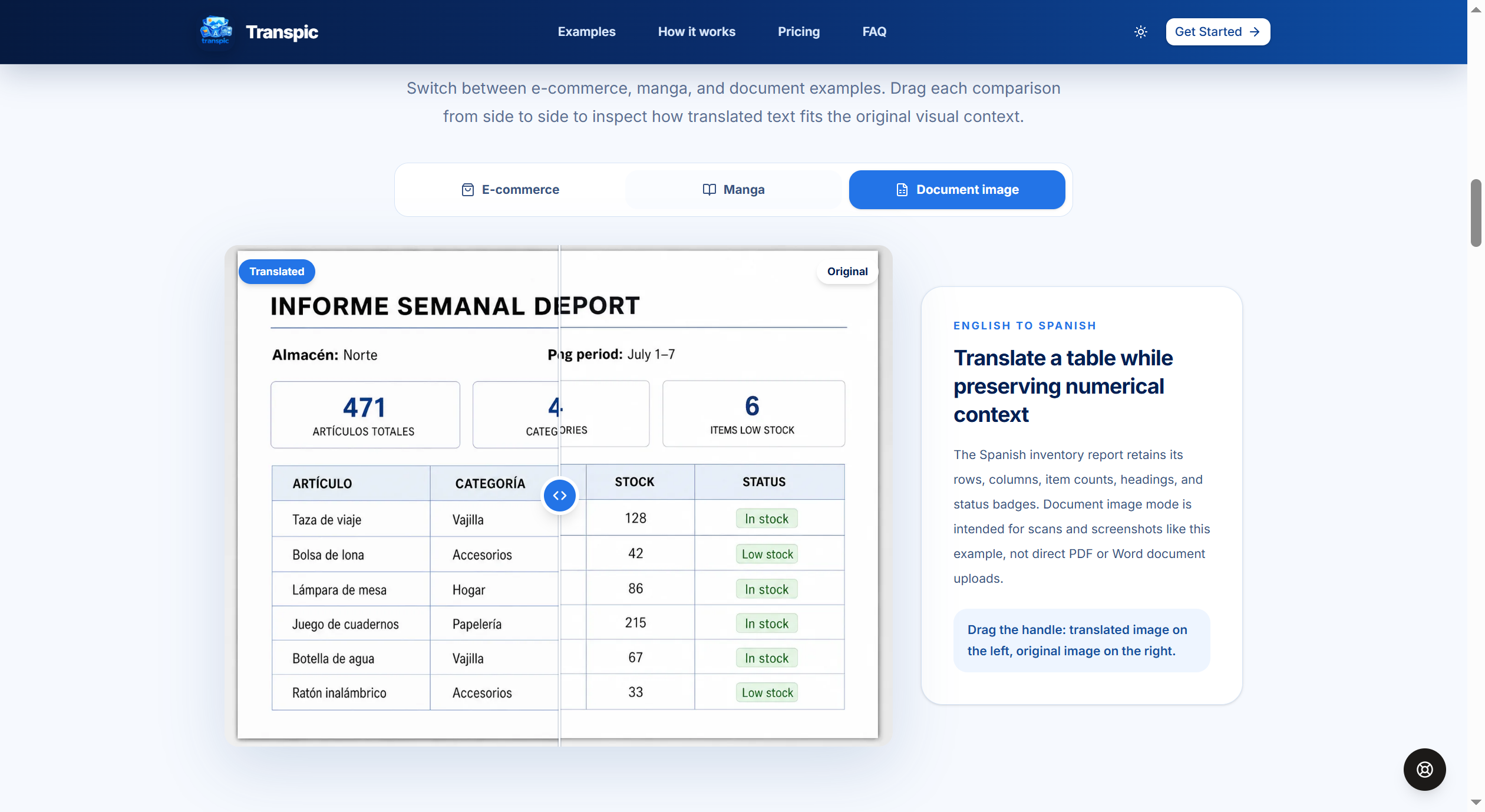
- Translate tables, forms, reports, and scanned document images
- Use specialized General, E-commerce, Manga, Document Image, and Custom modes
- Upload and translate multiple images in batches
- Translate one image into multiple target languages
- Track translation progress for each result
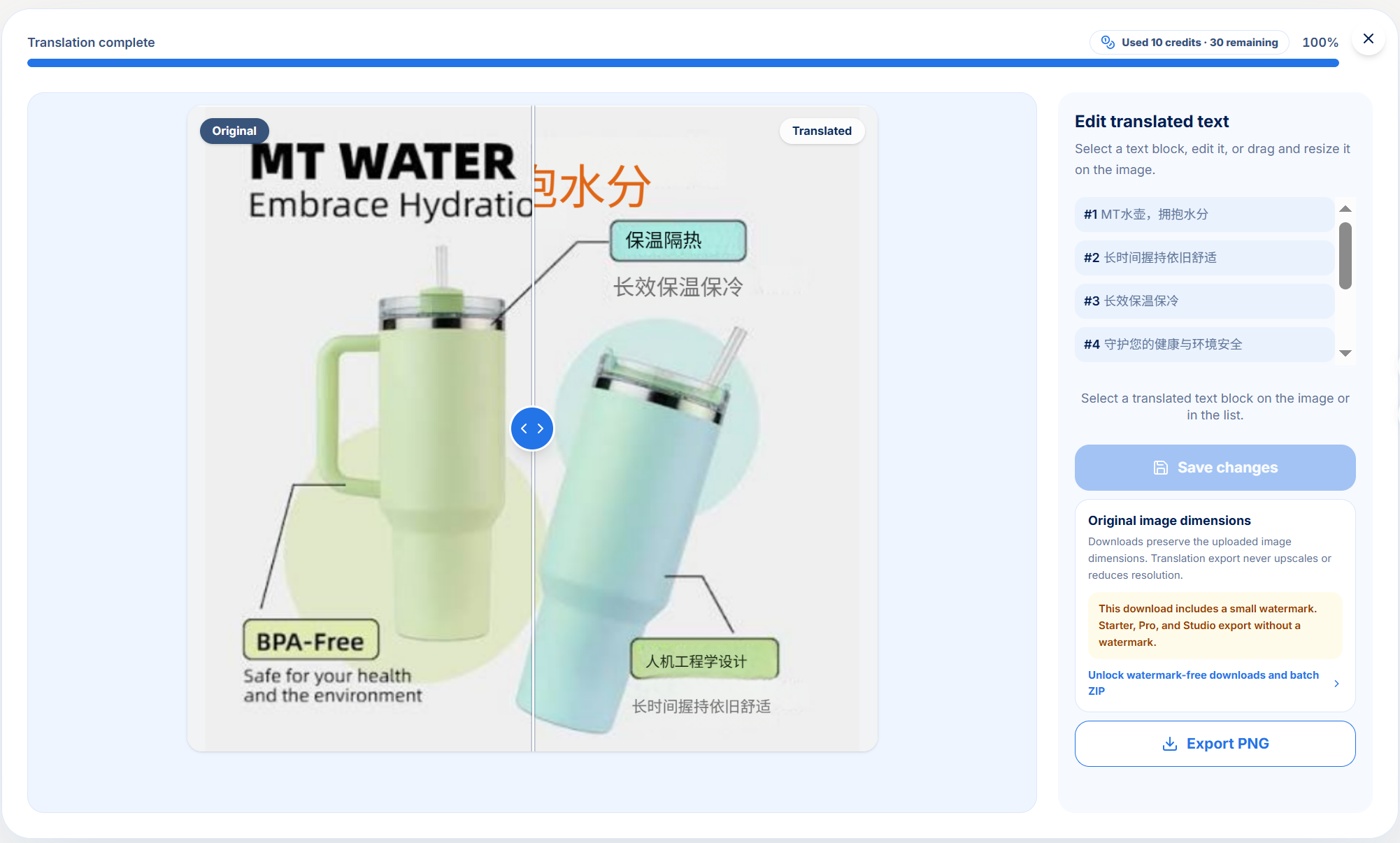
- Compare original and translated images with an interactive slider
- Review translated text before downloading
Use Cases
- Translating e-commerce product images for international marketplaces
- Localizing product headlines, feature labels, promotional text, and purchase calls to action
- Creating multilingual advertising graphics without rebuilding every design manually
- Translating Amazon, Shopify, Etsy, and independent store product creatives
- Converting app screenshots into localized marketing and store listing images
- Translating manga panels while keeping dialogue near the correct characters and speech bubbles
- Translating menus, signs, posters, flyers, brochures, and travel photos
- Understanding screenshots received from international customers, suppliers, or team members
- Translating document scans, forms, tables, reports, and presentation screenshots
- Preparing multilingual social media graphics for global audiences
- Localizing educational images, worksheets, diagrams, and learning materials

Comments


Keeping the original layout while swapping the text is the hard part of image translation, and the separate modes (e-commerce, manga, document) make sense since each needs different handling of fonts and speech bubbles. How do you handle languages that run noticeably longer or shorter than the source text, for example English to German on a tight product label?

For batches of manga pages or product images, can a glossary keep character names, product names and technical terms consistent across every image? It would also help if correcting a term during the review step could apply that correction to the remaining batch, rather than requiring each image to be edited separately.
Premium Products












































Sponsors
Buy

Comments
Keeping the original layout while swapping the text is the hard part of image translation, and the separate modes (e-commerce, manga, document) make sense since each needs different handling of fonts and speech bubbles. How do you handle languages that run noticeably longer or shorter than the source text, for example English to German on a tight product label?
For batches of manga pages or product images, can a glossary keep character names, product names and technical terms consistent across every image? It would also help if correcting a term during the review step could apply that correction to the remaining batch, rather than requiring each image to be edited separately.
Premium Products
New to Fazier?

Find your next favorite product or submit your own. Made by @FalakDigital.
Copyright ©2026. All Rights Reserved