
Transcrisper
Free, 100% private, unlimited audio and video transcription
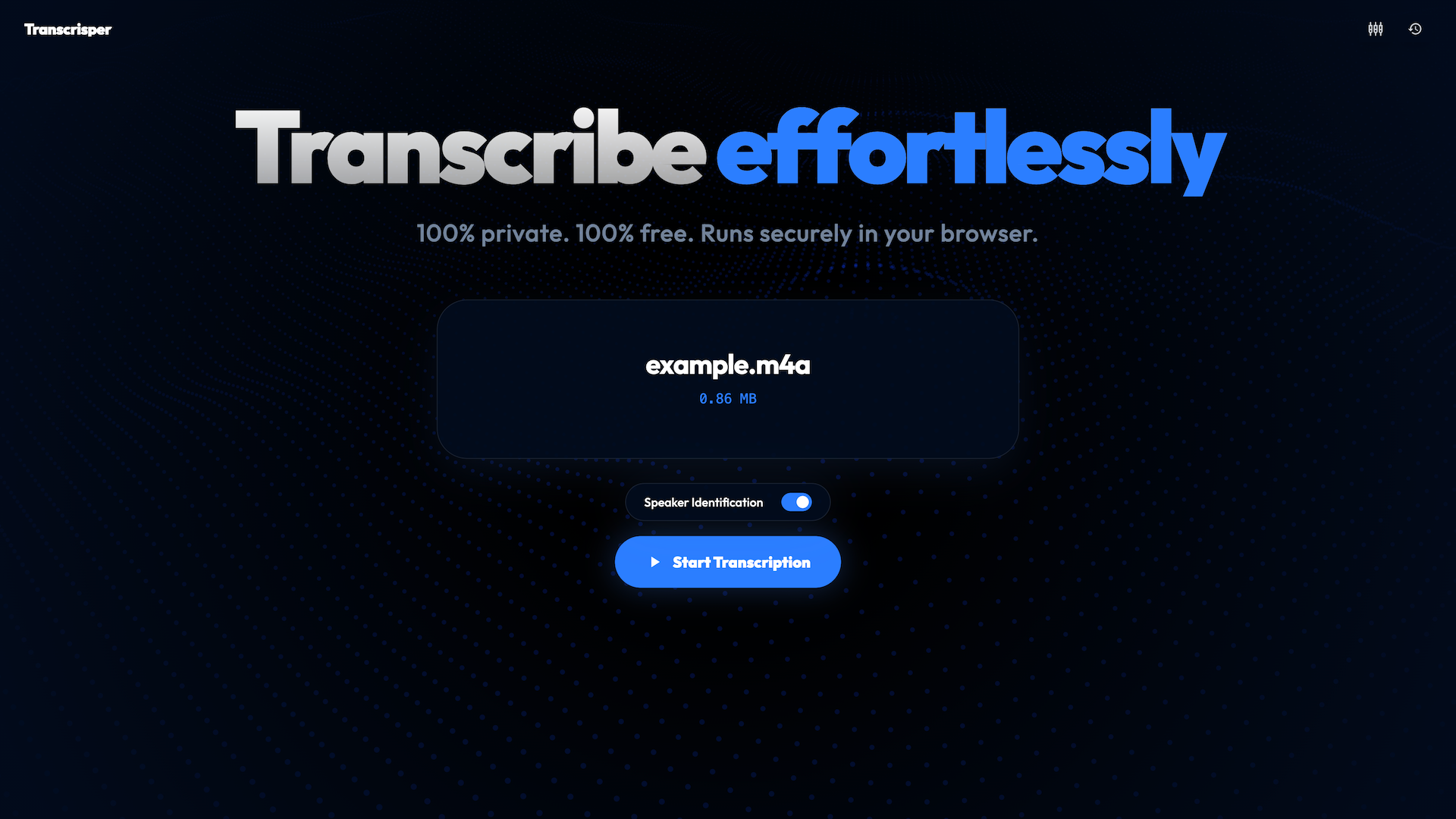
Transcrisper is a free, privacy-focused transcription application designed to run entirely within your web browser. Unlike traditional services that require you to upload audio or video files to third-party cloud servers, Transcrisper processes all files locally on your computer’s hardware using browser-based AI acceleration. This setup keeps sensitive interviews, business meetings, and personal memos private, as no audio data is transmitted to the cloud.
Features
- Local, Browser-Based Processing: Transcrisper processes media directly inside your web browser using your computer's CPU or GPU. After an initial one-time model download, the tool can be used entirely offline.
- Privacy-First Design: There are no user sign-ups, tracking scripts, or remote data storage. Because files are processed locally, your data remains strictly on your device.
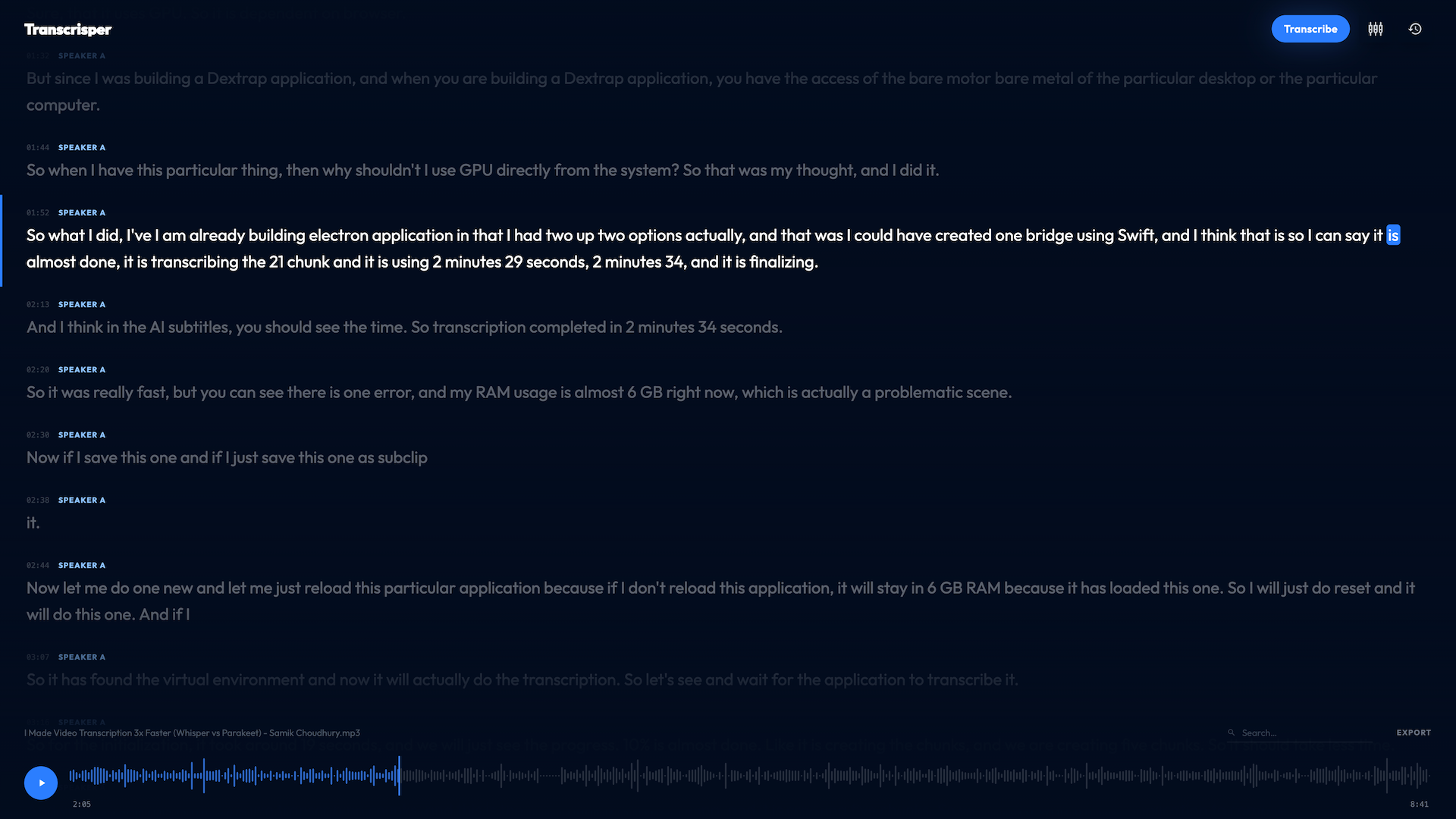
- Speaker Diarization: The system can identify multiple speakers, timestamping and marking who is talking throughout the recording.
- Silence and Noise Filtering: It detects and automatically skips extended silent gaps and background noise to help keep transcripts concise.
- Long-Form File Management: The application is optimized to handle lengthy recordings—such as multi-hour lectures or podcasts—without causing browser stability issues.
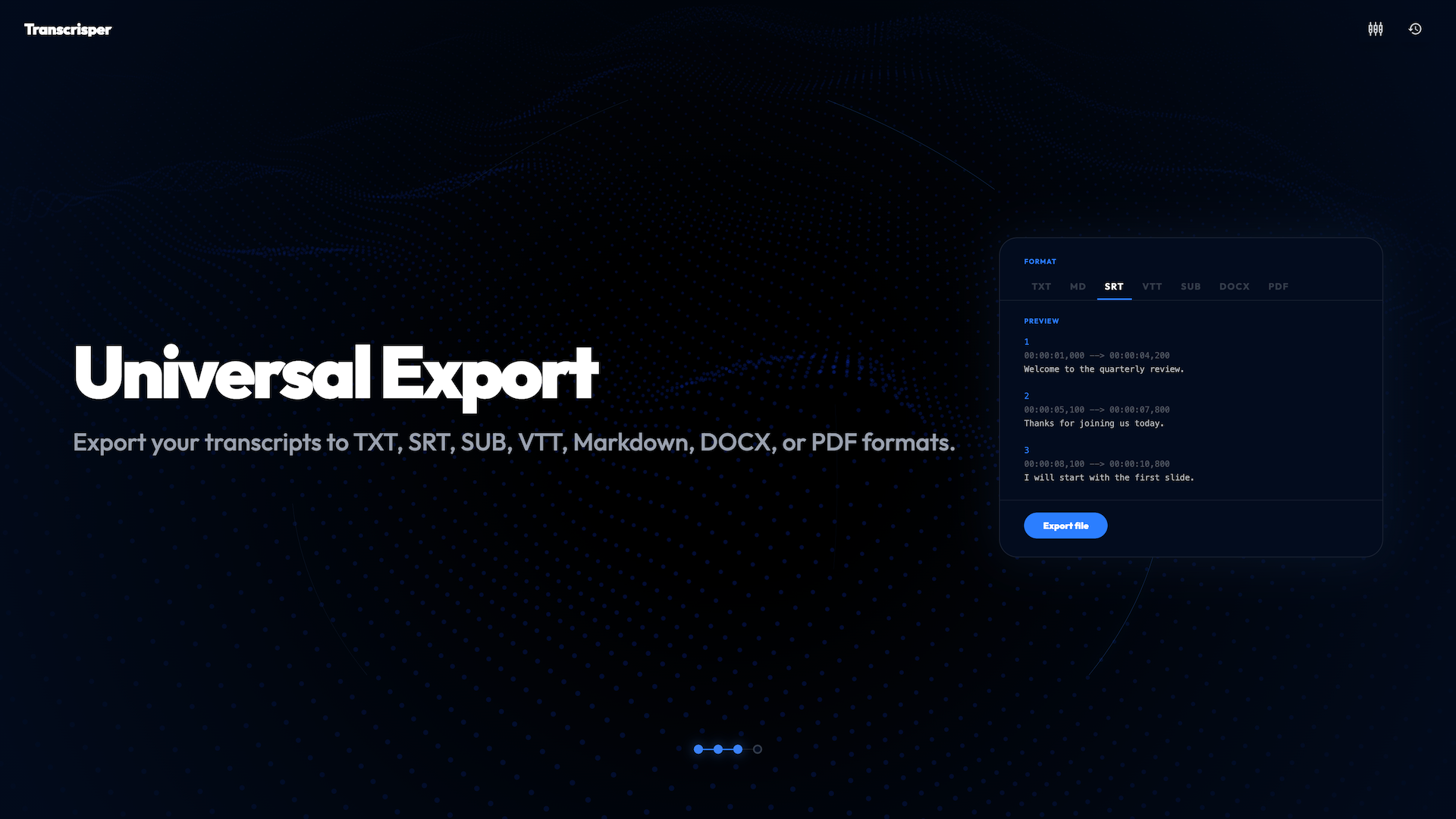
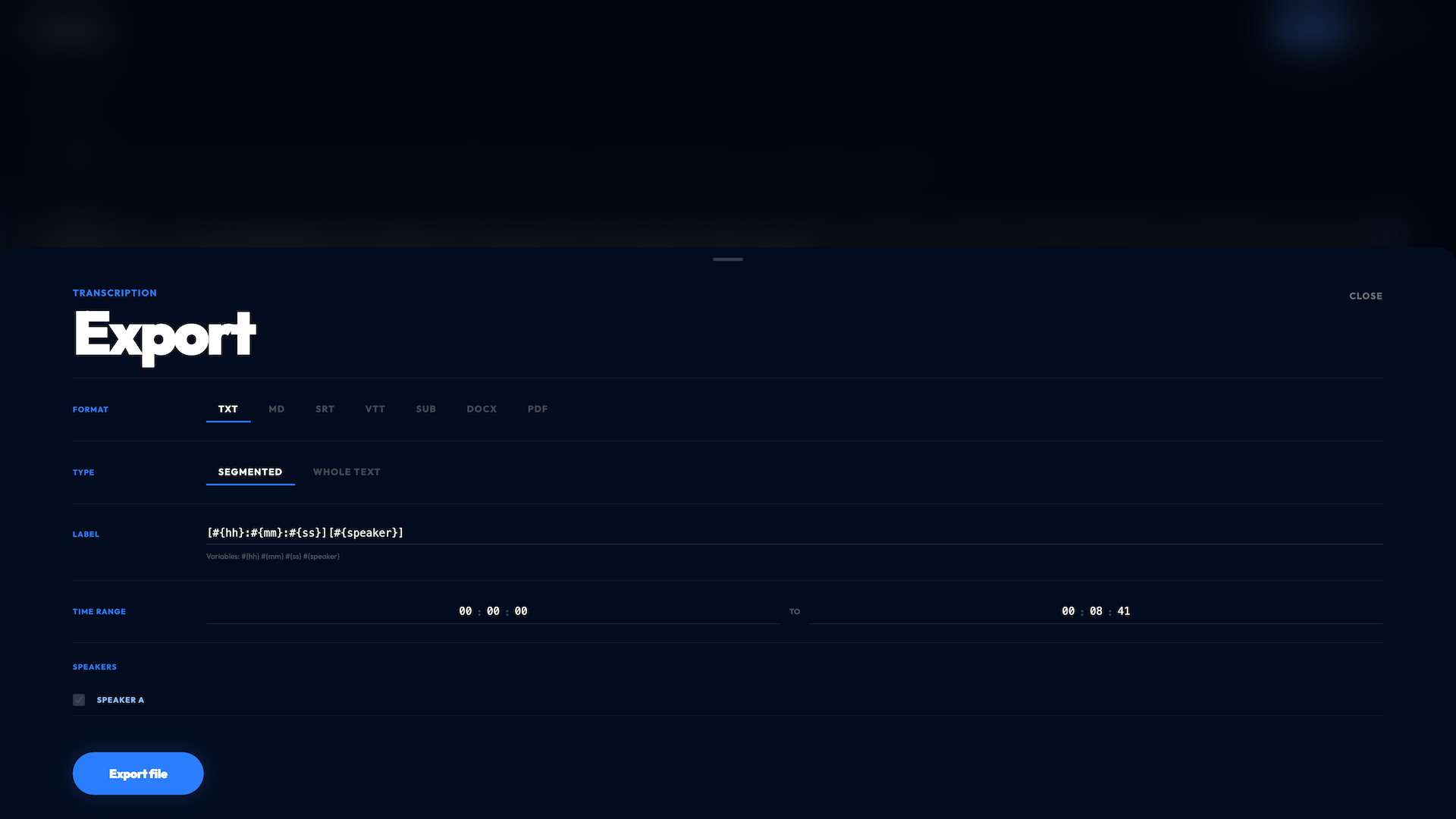
- Built-In Editor and Exporting: Users can search through the transcribed text, rename speakers, and export their finished work to text documents, PDFs, or standard subtitle files (like SRT).
Use Cases
- Journalism and Investigative Reporting
- Reporters often handle highly sensitive, off-the-record interviews with confidential sources. Because the application processes audio completely on-device, journalists can transcribe recordings without the risk of exposing source data to third-party cloud servers.
- Academic and Qualitative Research
- Researchers conducting interviews or focus groups must frequently adhere to strict data privacy guidelines regarding human subjects. Local transcription ensures that research files remain on the investigator's hardware while keeping transcription costs within academic budget limits.
- Corporate Meetings and Business Strategy
- During internal meetings, financial reviews, or product development discussions, sensitive intellectual property and corporate secrets are shared. Using local browser-based processing prevents proprietary data or strategic plans from being uploaded to external platforms.
- Content Creation and Podcasting
- Creators looking to generate subtitles or readable transcripts can process their media files locally. The automatic speaker diarization separates host and guest dialogue, and the built-in editor allows quick formatting before exporting directly to subtitle files (like SRT).
- Legal and Consulting Services
- Attorneys, legal aids, and consultants often deal with highly sensitive client disclosures. Transcribing client briefings, deposition recordings, or case notes locally helps maintain strict data custody and client confidentiality.
- Students and Education
- Students can transcribe recorded lectures, study groups, or seminars. Because the tool can operate completely offline once the initial setup is complete, it is highly functional in library study zones, on commutes, or in areas with limited internet access.

Comments


The landing page makes the local-processing workflow clear and names the Parakeet and Sortformer models. Could you show the initial model download size and minimum browser/RAM requirements beside the file picker? For someone bringing a long interview or podcast, that would help them judge whether their device is suitable before loading a large file.


Premium Products


















































Sponsors
Buy
Makers

Makers
Comments
The landing page makes the local-processing workflow clear and names the Parakeet and Sortformer models. Could you show the initial model download size and minimum browser/RAM requirements beside the file picker? For someone bringing a long interview or podcast, that would help them judge whether their device is suitable before loading a large file.
Premium Products
New to Fazier?

Find your next favorite product or submit your own. Made by @FalakDigital.
Copyright ©2026. All Rights Reserved