
Transcribe Video to Text
Get the text of any video without leaving the tab
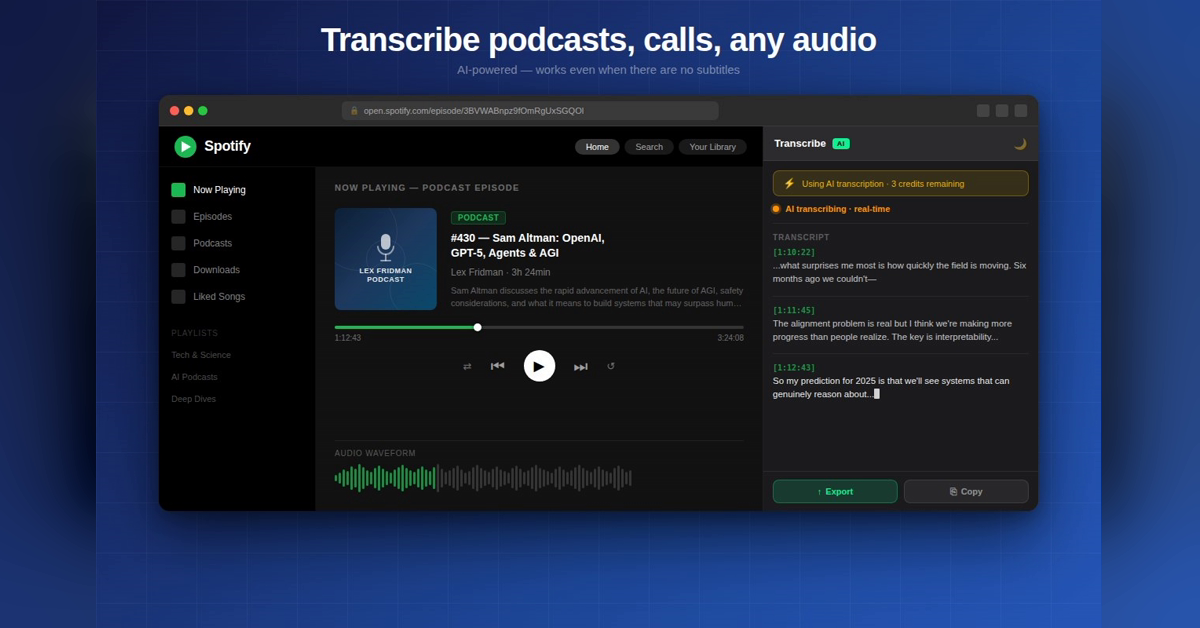
A free Chrome extension that turns YouTube, Vimeo, Loom and most web videos into readable text with timestamps. Export to Word, TXT or SRT. YouTube captions are free and unlimited; AI transcription for other videos works in 50+ languages with a free monthly allowance.
Features
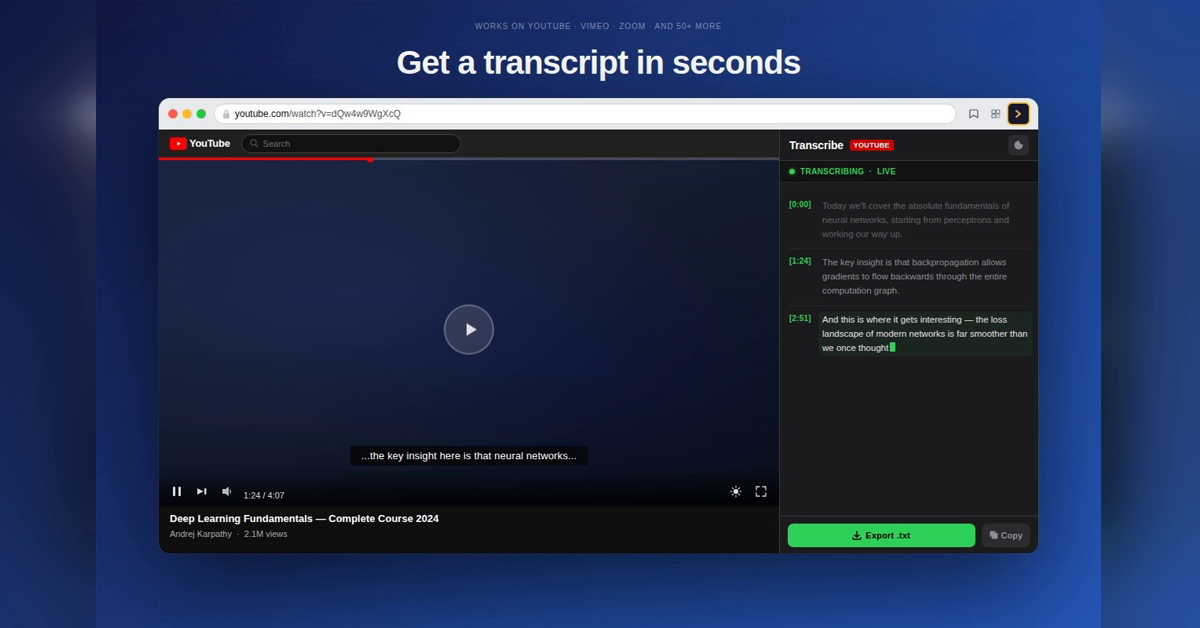
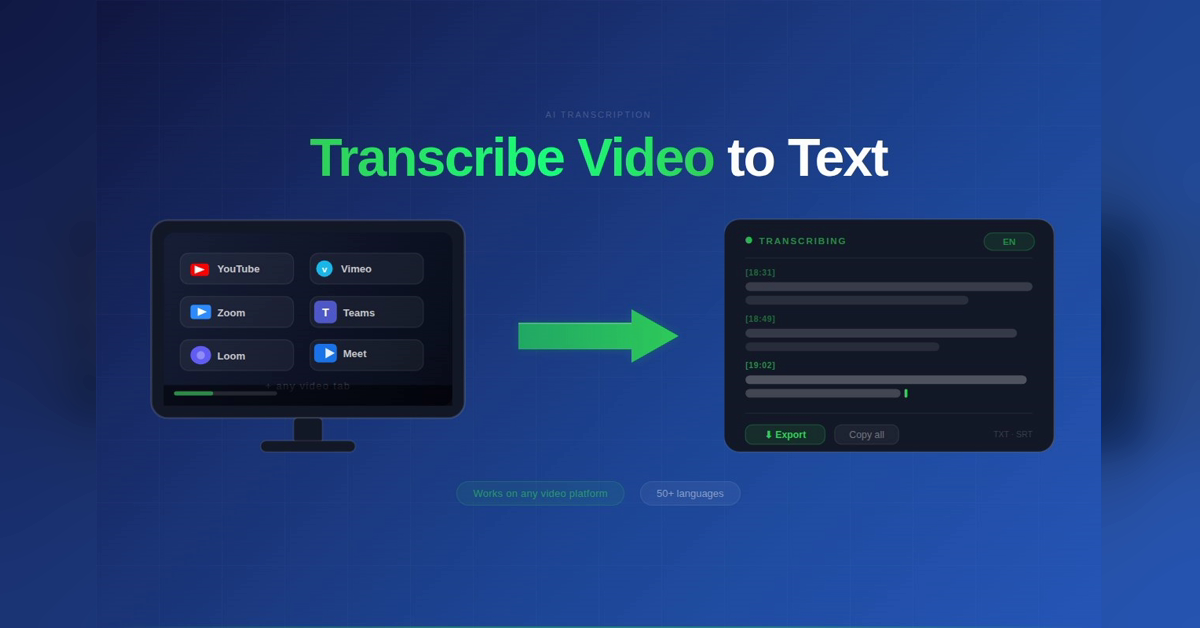
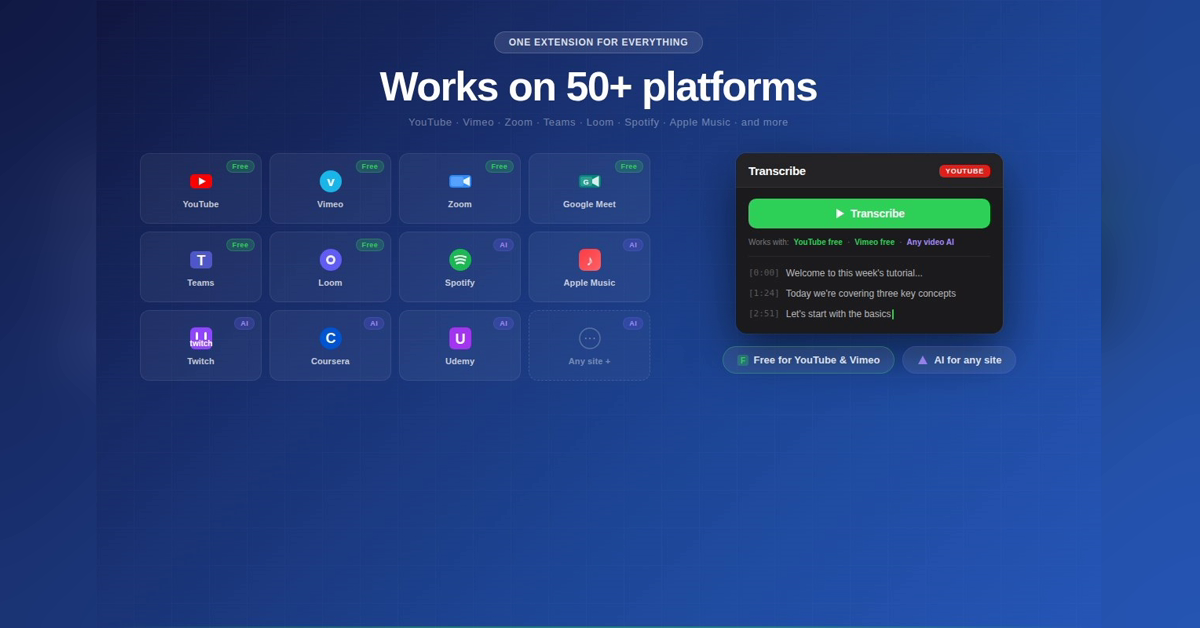
ranscript of YouTube, TikTok, Vimeo, Loom, Coursera and most web videos
Text laid out by speaker with timestamps
Export to Word, TXT or SRT subtitles
50+ languages
YouTube transcripts free and unlimited
Works in the side panel, no need to leave the tab
Use Cases
Students turning lectures and courses into notes
Creators pulling quotes or subtitles from their own videos
Researchers and journalists transcribing interviews and podcasts
Anyone who wants to read a long video instead of watching it

Comments


Hi Fazier! I built this because copying a transcript out of YouTube by hand is painful, and most tools stop at one plain block of text. This one gives you a readable script split by speaker with timestamps, and exports straight to Word or SRT. YouTube captions are free and unlimited. For videos without captions it runs AI speech recognition, with a free monthly allowance. Would love to hear which sites you want it to support next.

Splitting the transcript by speaker with timestamps is what makes it quotable; one plain block is where most tools stop. For videos without captions, is there a length cap on the AI transcription? A 60-minute Loom or a recorded webinar is a common case. On sites to add next: course platforms like Udemy and Teachable would help students taking notes.

SRT export is the part I'd use most: pulling captions from my own videos to re-cut them as Shorts. Two questions from that angle: how are the SRT lines split, by sentence or by a max length? Long lines are hard to read on a vertical video, so an option for 2-3 words per cue would be great. And for TikTok links, does it use the creator's captions or always run the AI transcription?

Premium Products




















































Sponsors
Buy

Makers
Makers
Comments
Hi Fazier! I built this because copying a transcript out of YouTube by hand is painful, and most tools stop at one plain block of text. This one gives you a readable script split by speaker with timestamps, and exports straight to Word or SRT. YouTube captions are free and unlimited. For videos without captions it runs AI speech recognition, with a free monthly allowance. Would love to hear which sites you want it to support next.
Splitting the transcript by speaker with timestamps is what makes it quotable; one plain block is where most tools stop. For videos without captions, is there a length cap on the AI transcription? A 60-minute Loom or a recorded webinar is a common case. On sites to add next: course platforms like Udemy and Teachable would help students taking notes.
SRT export is the part I'd use most: pulling captions from my own videos to re-cut them as Shorts. Two questions from that angle: how are the SRT lines split, by sentence or by a max length? Long lines are hard to read on a vertical video, so an option for 2-3 words per cue would be great. And for TikTok links, does it use the creator's captions or always run the AI transcription?
Premium Products
New to Fazier?

Find your next favorite product or submit your own. Made by @FalakDigital.
Copyright ©2026. All Rights Reserved