
TrackTimer
AI-powered time tracking for freelancers and agencies.
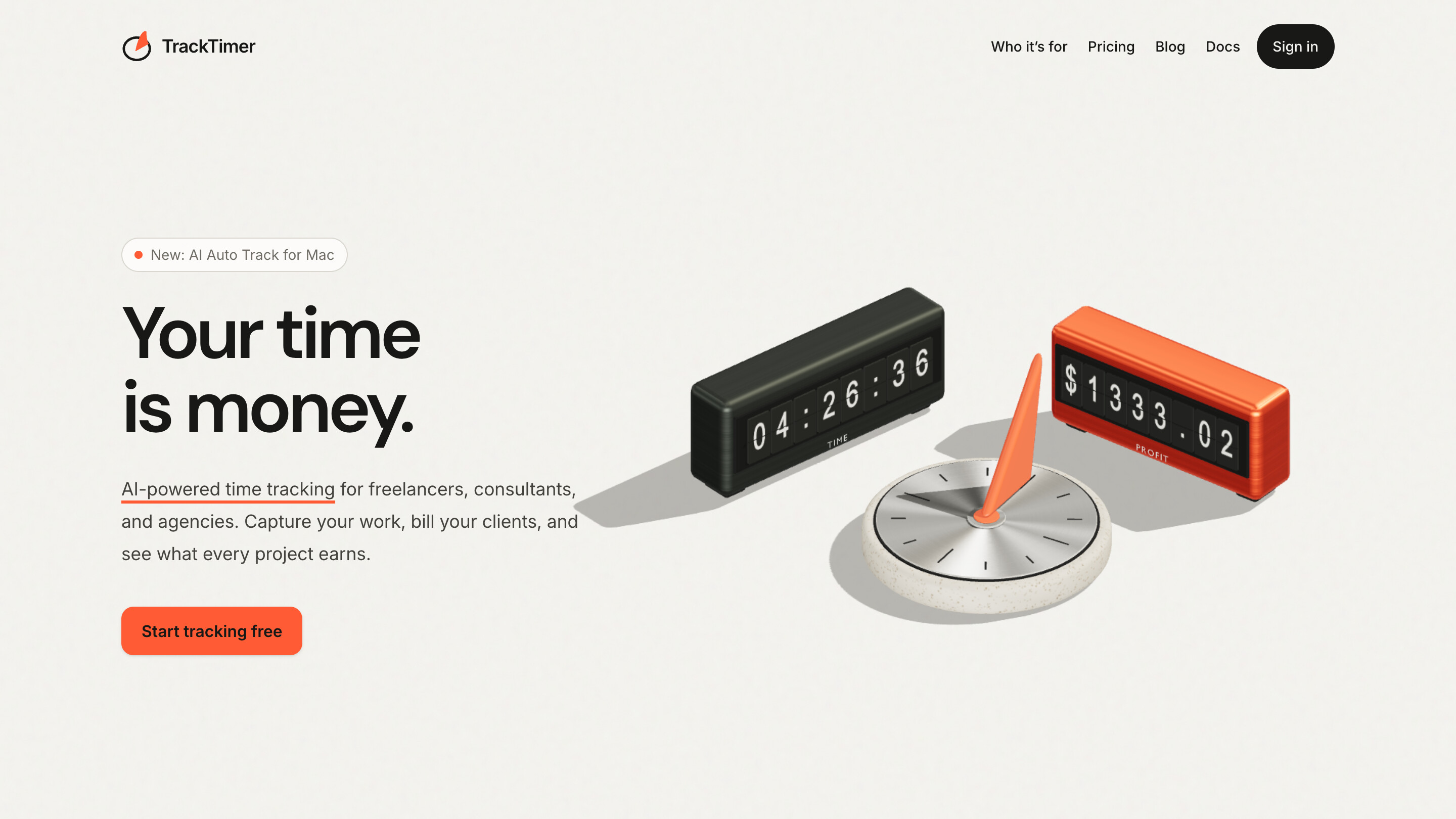
AI-powered time tracking built for freelancers, consultants, and agencies who'd rather do the work than log it. It automatically captures what you work on throughout the day and turns it into clean, accurate timesheets, so no billable hour slips through the cracks. When it's time to get paid, create polished, client-ready invoices in seconds, straight from your tracked time. Real-time profitability insights show exactly what every project earns, which clients are worth keeping, and where your hours really go. Less admin, faster payments, and a clear view of your business.
Features
Easy to use
Use Cases
For freelancers

Comments


TrackTimer looks like a great solution for freelancers and agencies looking to simplify time tracking and reduce admin work. I especially like how it combines automatic time tracking, invoicing, and project profitability insights in one place. A useful tool for anyone managing multiple clients and projects!
Most time trackers just count hours, but TrackTimer connects those hours directly to bottom-line profitability and seamless invoicing. For anyone managing a complex client roster, having this level of financial insight in one centralized hub turns raw time-tracking into actionable business intelligence.

Congrats on the launch of TrackTimer! 🚀 Time tracking is essential for freelancers and agencies, but understanding project profitability is what really makes a difference. Bringing time tracking, billing, team costs, and AI-powered automation together in one platform is a great approach. Wishing the team lots of success with TrackTimer. Looking forward to seeing how it grows! 👏


Time tracking doesn't fail because freelancers are lazy. It fails because they forget to hit start. Auto-capture goes after the actual failure point. One suggestion: put the evidence on the invoice itself — activity, timestamps. The moment a client suspects the number came from a machine, you need something to point at.


Premium Products








































Sponsors
Buy
Makers

Makers
Comments
TrackTimer looks like a great solution for freelancers and agencies looking to simplify time tracking and reduce admin work. I especially like how it combines automatic time tracking, invoicing, and project profitability insights in one place. A useful tool for anyone managing multiple clients and projects!
Most time trackers just count hours, but TrackTimer connects those hours directly to bottom-line profitability and seamless invoicing. For anyone managing a complex client roster, having this level of financial insight in one centralized hub turns raw time-tracking into actionable business intelligence.
Congrats on the launch of TrackTimer! 🚀 Time tracking is essential for freelancers and agencies, but understanding project profitability is what really makes a difference. Bringing time tracking, billing, team costs, and AI-powered automation together in one platform is a great approach. Wishing the team lots of success with TrackTimer. Looking forward to seeing how it grows! 👏
Time tracking doesn't fail because freelancers are lazy. It fails because they forget to hit start. Auto-capture goes after the actual failure point. One suggestion: put the evidence on the invoice itself — activity, timestamps. The moment a client suspects the number came from a machine, you need something to point at.
Premium Products
New to Fazier?

Find your next favorite product or submit your own. Made by @FalakDigital.
Copyright ©2026. All Rights Reserved