
ToolkitLoop
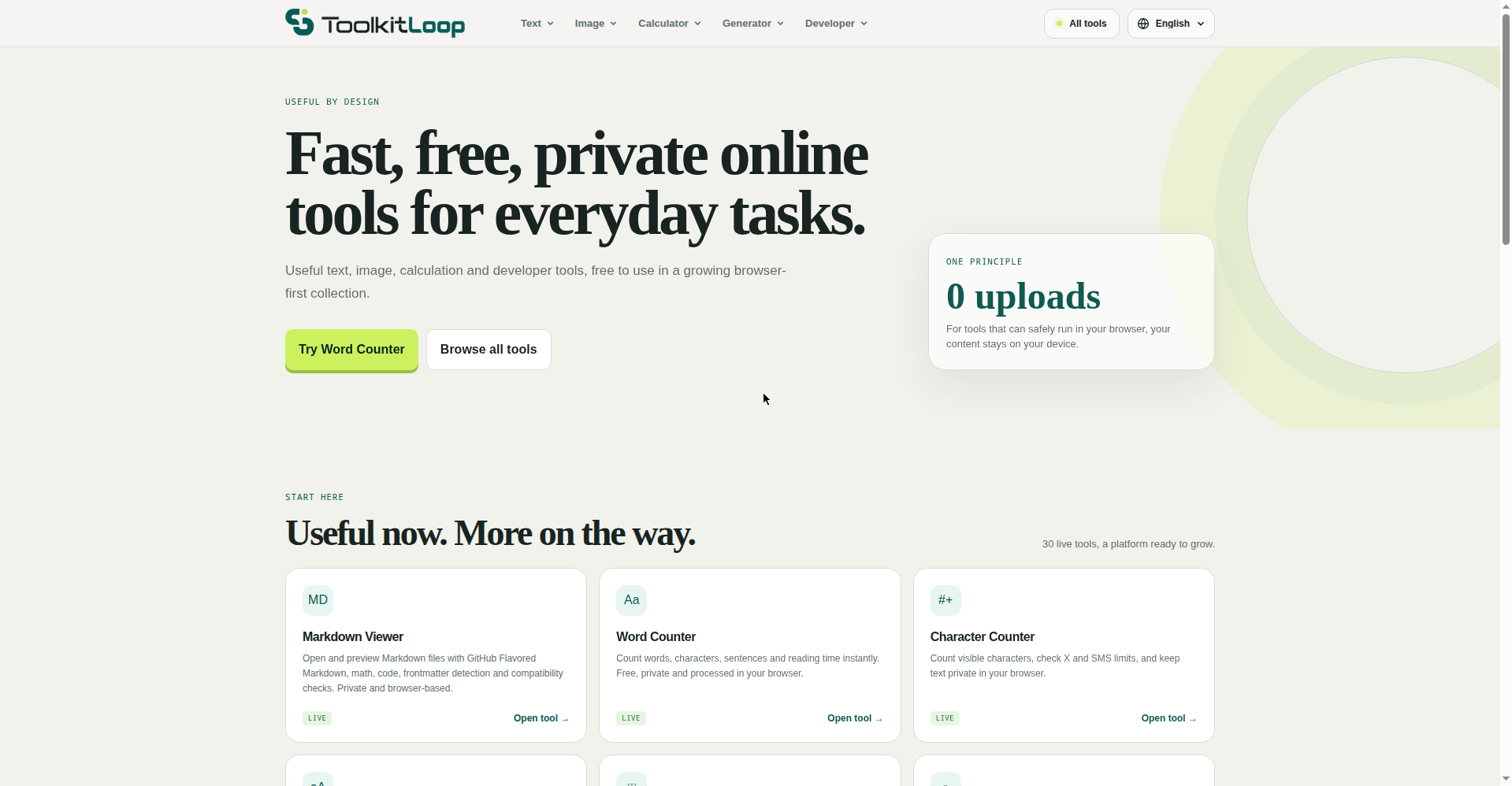
30 free online tools that run 100% in your browser
ToolkitLoop is a free toolkit of 30 online tools that run entirely in your browser. No sign-ups, no uploads — your files and data never leave your device.
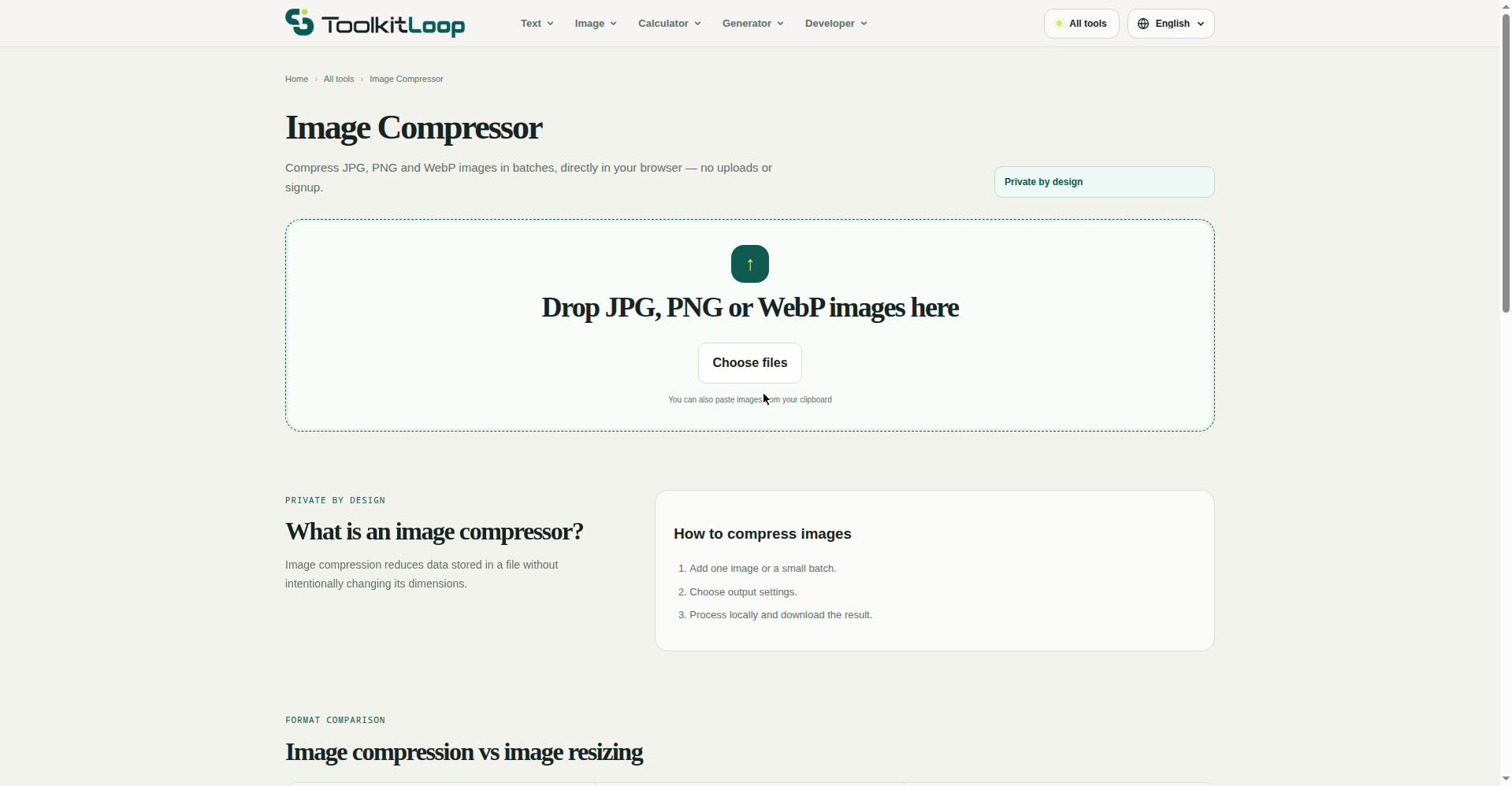
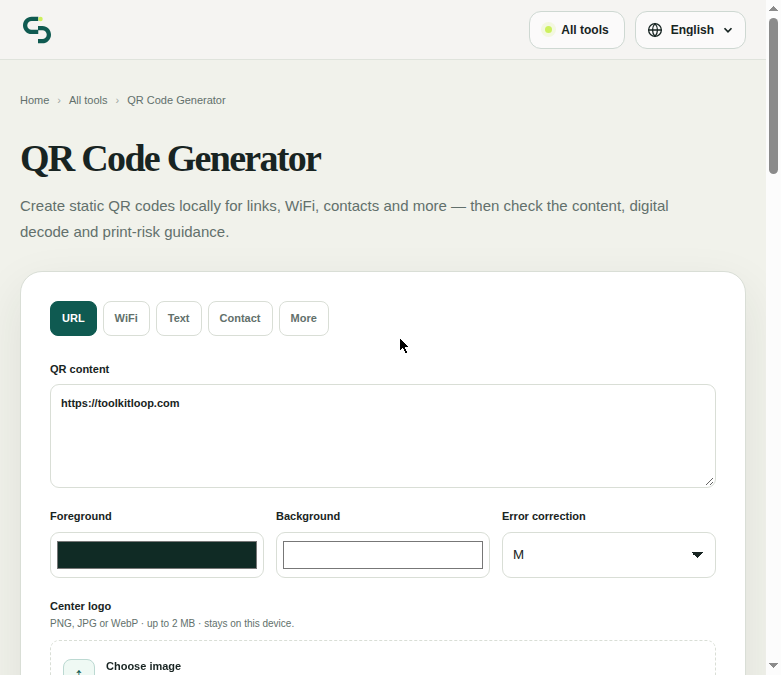
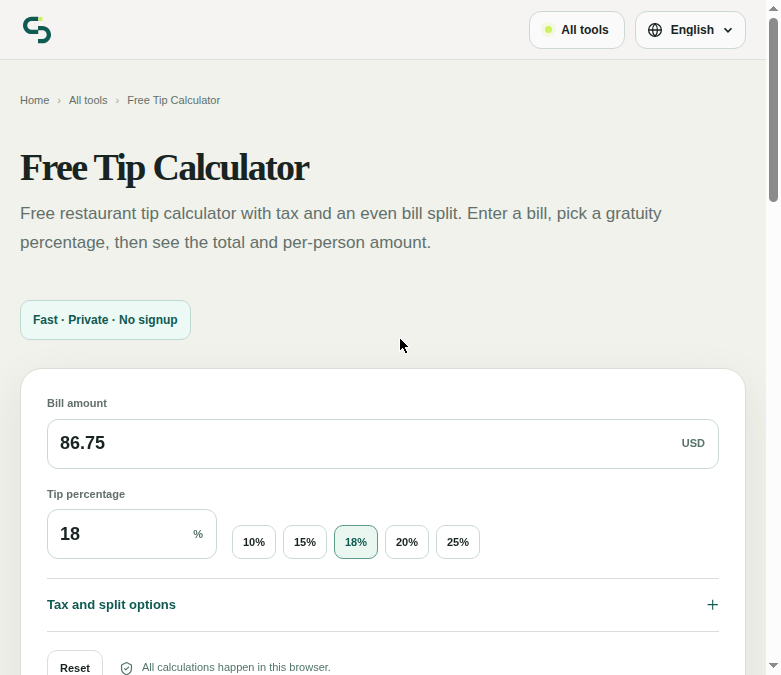
It covers everyday needs: tip, percentage, mortgage and calorie calculators; unit, currency and decimal-to-fraction converters; QR code generator & scanner; barcode generator; image compressor & resizer; and developer utilities like JSON formatter/validator, Markdown viewer, and an M3U8 player.
Private by design, free forever, no account wall.
Features
- 30 free online tools, no sign-up or install required
- Runs 100% in your browser — files and data never leave your device
- Calculators, converters, QR & barcode tools, image tools, JSON/Markdown dev utilities
- Free forever, private by design
Use Cases
- Calculate tips, split bills, and estimate mortgage payments instantly
- Compress images to an exact file size (e.g. 100KB) before uploading
- Generate permanent QR codes and barcodes locally, no account needed
- Validate and format JSON without sending data to a server

Comments


Keeping the image compressor and JSON formatter entirely in the browser is the right call if people are resizing files they do not want uploaded. Hitting an exact target size like 100KB is the feature I would actually use before a form upload. Does that path only lower JPEG quality, or does it also resize dimensions when quality alone cannot reach the target?


Tried the decimal to fraction converter with 0.3333333. The exact fraction is right (3333333/10000000), but in Math mode the nearest practical fraction comes out as 5/16, error 0.0208, because the denominators are powers of two like a ruler. For Math mode a best rational approximation (continued fractions, capped at the max denominator) would give 1/3 with an error of about 0.00000003, and the inch and woodworking modes could keep the ruler steps. Accepting 0.(3) for exact repeats is a nice touch.

The mortgage calculator is the one I would check first. Principal and interest alone understate the real monthly cost, so adding property tax, insurance and an optional extra-payment field, with an amortization table you can copy as CSV, would make it more useful than most single-purpose calculators. Does it already break out those pieces?

Premium Products




















































Sponsors
Buy

Makers

Makers
Comments
Keeping the image compressor and JSON formatter entirely in the browser is the right call if people are resizing files they do not want uploaded. Hitting an exact target size like 100KB is the feature I would actually use before a form upload. Does that path only lower JPEG quality, or does it also resize dimensions when quality alone cannot reach the target?
Tried the decimal to fraction converter with 0.3333333. The exact fraction is right (3333333/10000000), but in Math mode the nearest practical fraction comes out as 5/16, error 0.0208, because the denominators are powers of two like a ruler. For Math mode a best rational approximation (continued fractions, capped at the max denominator) would give 1/3 with an error of about 0.00000003, and the inch and woodworking modes could keep the ruler steps. Accepting 0.(3) for exact repeats is a nice touch.
The mortgage calculator is the one I would check first. Principal and interest alone understate the real monthly cost, so adding property tax, insurance and an optional extra-payment field, with an amortization table you can copy as CSV, would make it more useful than most single-purpose calculators. Does it already break out those pieces?
Premium Products
New to Fazier?

Find your next favorite product or submit your own. Made by @FalakDigital.
Copyright ©2026. All Rights Reserved