Toolerax
169 free online tools — PDF, image, text & converters
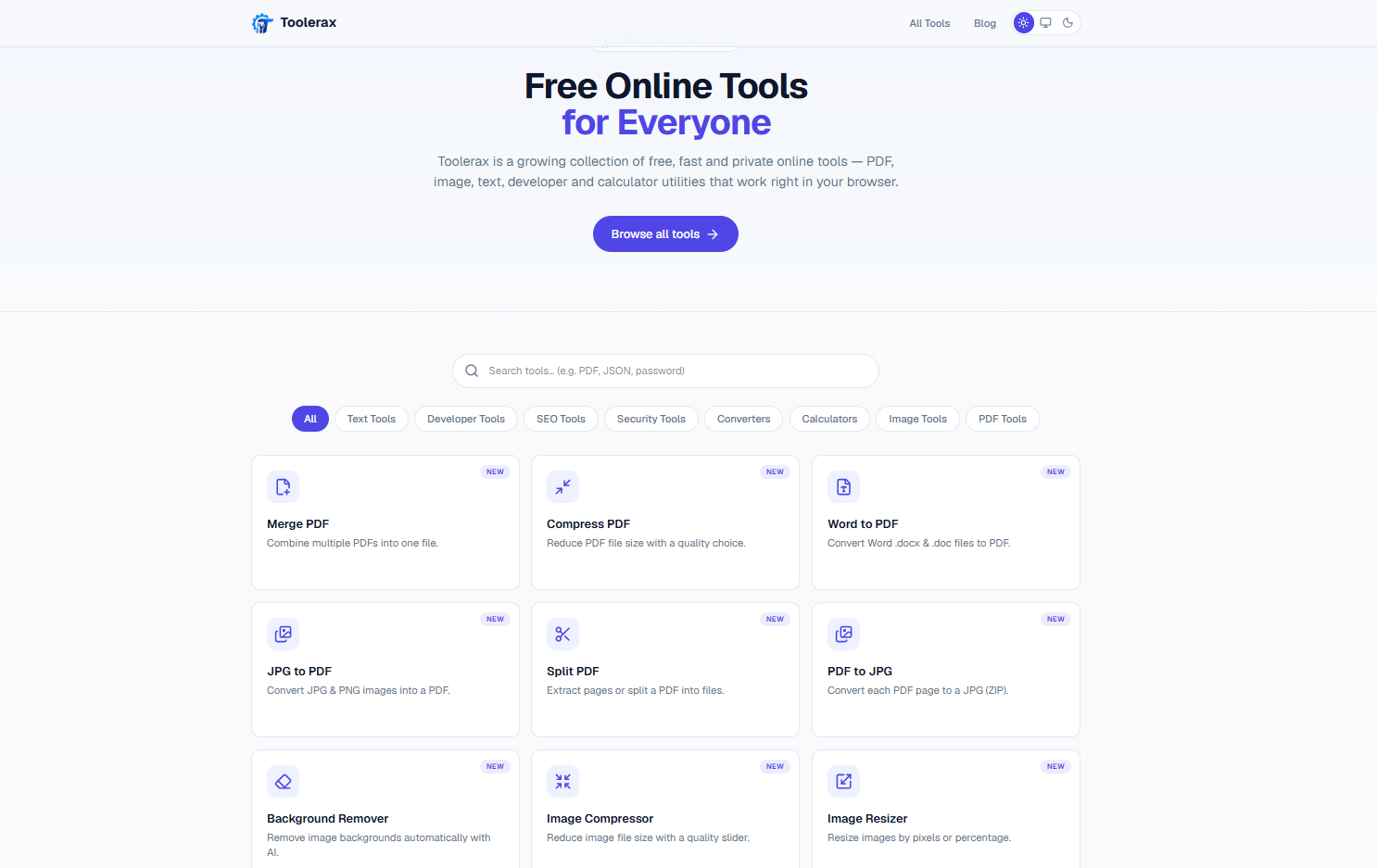
Toolerax is a free collection of 169 online tools — PDF, image, text, converters, calculators and developer utilities. 101 of the 169 run entirely in the browser using Canvas, WebAssembly and the Web Crypto API, so the file never leaves your device for those. The remaining 68 handle formats a browser genuinely can't process — HEIC, PSD, EPS, legacy Office and OpenDocument formats, OCR — and run server-side in an isolated workspace that's deleted the moment the result returns. No account, no watermark, no daily limit.
Features
169 free tools across PDF, image, text, converters, calculators and developer utilities
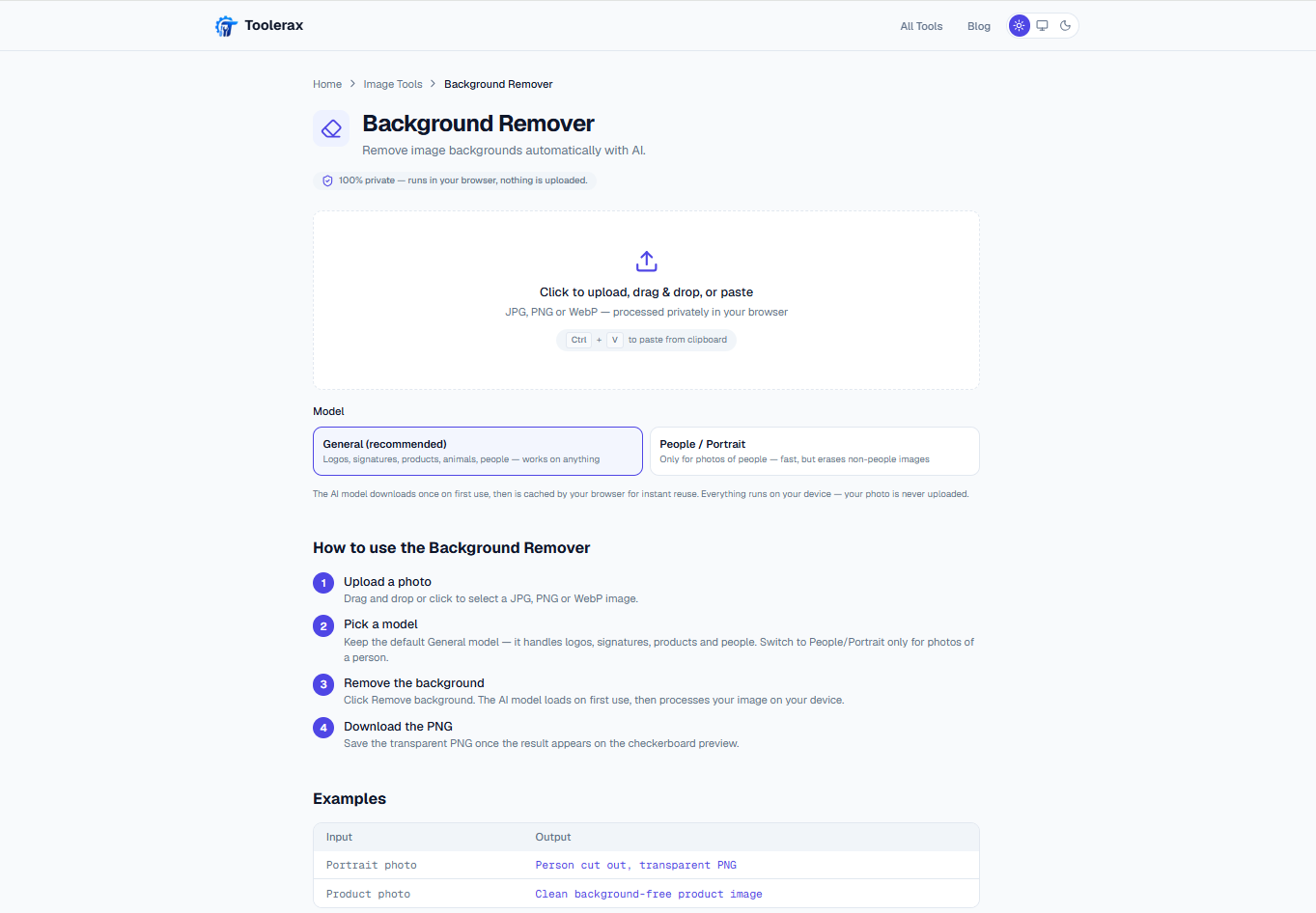
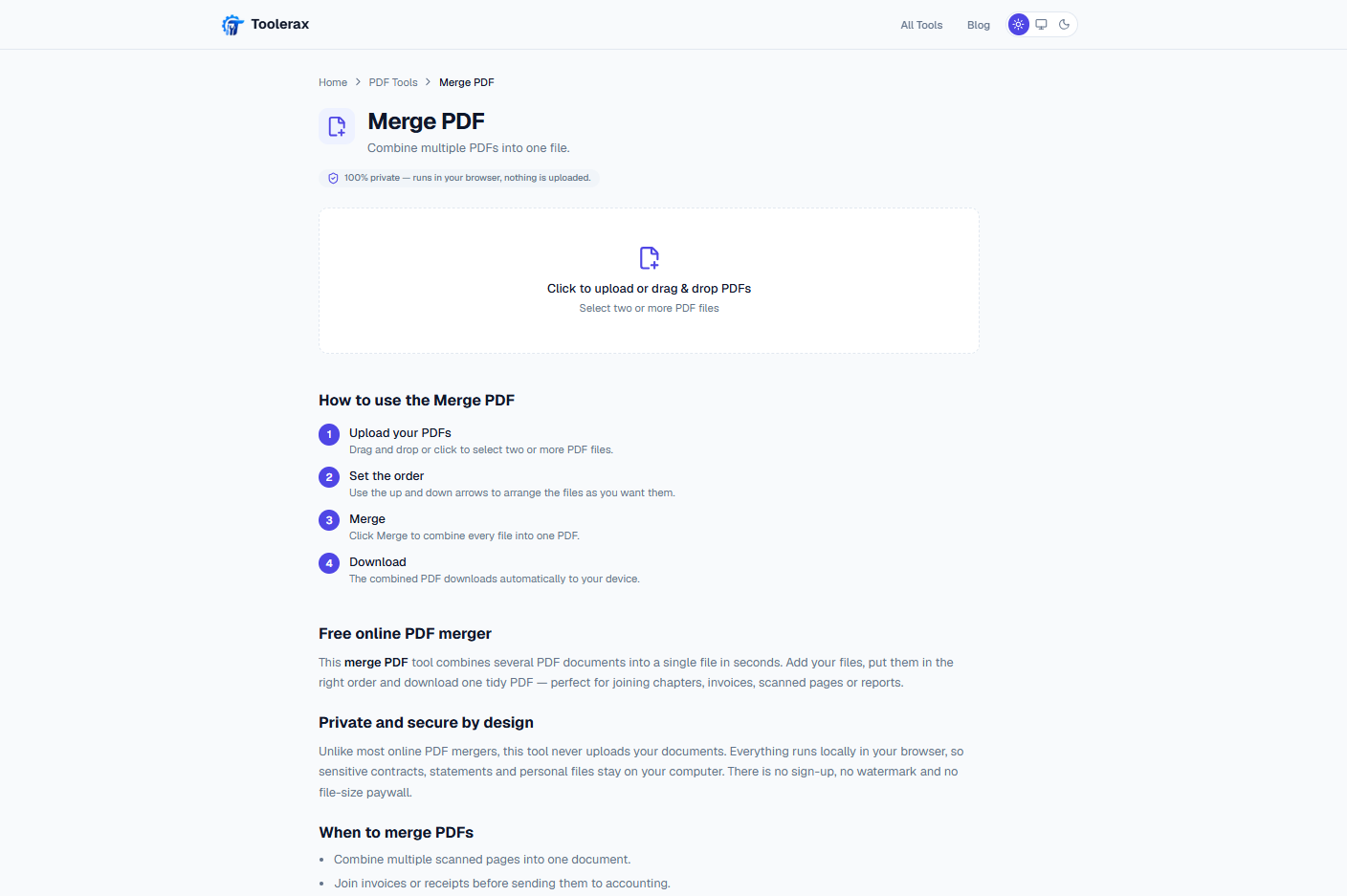
101 tools run entirely in the browser — nothing uploaded, verifiable in the Network tab
Server-side support for formats a browser can't handle: HEIC, PSD, EPS, legacy Office/OpenDocument, OCR
No account, no watermark, no daily limit
A written guide for nearly every tool explaining the format and trade-offs
Use Cases
Merge, split, compress or password-protect a PDF without installing software
Convert a HEIC photo from an iPhone to JPG/PNG for a device that can't open it
Format, validate or diff JSON and other dev payloads without pasting into a random site
Run everyday calculators — mortgage, BMI, GPA, compound interest — without spreadsheets
Convert a legacy Office or OpenDocument file (.doc, .wps, .odt) to something modern software opens

Comments


I kept hitting the same wall: needing to merge a PDF or convert a HEIC photo, and every free option online wanted an email address first, added a watermark, or capped me at 3 files a day. Toolerax is the fix — 169 free tools across PDF, image, text, converters, calculators and developer utilities. 101 of them run entirely in the browser (Canvas, WebAssembly, Web Crypto), so the file never leaves your device for those — open the Network tab while a tool runs and you'll see nothing sent. The other 68 need a real desktop engine for formats a browser can't handle (HEIC, PSD, legacy Office files, OCR), so those run server-side and the file is deleted the moment the result comes back. Built and run solo out of Dhaka, Bangladesh. Happy to answer anything about the stack or which tool to add next.
Toolerax looks like a really useful collection of online tools! I especially like the focus on privacy, with many tools running directly in the browser without uploading files. Having no account https://www.paybyplatema.io requirements, watermarks, or daily limits makes it even more appealing. Great work!

Love that 101 of the tools run fully in the browser — being able to verify it in the Network tab is a great trust signal for PDF/image work. The per-tool guides are a nice touch too. One suggestion for the next tool: a batch image-to-WebP converter with quality presets would be super handy for site owners optimizing page speed.
The split between browser-based and server-side tools is explained unusually honestly here — 101 tools running locally with Canvas/WebAssembly, and the server workspace deleted as soon as the result returns for formats like HEIC and legacy Office. The per-tool guides explaining format trade-offs are a nice touch too. Do the guides get much search traffic compared with the tools themselves?
Premium Products




















































Sponsors
Buy

Makers
Makers
Comments
I kept hitting the same wall: needing to merge a PDF or convert a HEIC photo, and every free option online wanted an email address first, added a watermark, or capped me at 3 files a day. Toolerax is the fix — 169 free tools across PDF, image, text, converters, calculators and developer utilities. 101 of them run entirely in the browser (Canvas, WebAssembly, Web Crypto), so the file never leaves your device for those — open the Network tab while a tool runs and you'll see nothing sent. The other 68 need a real desktop engine for formats a browser can't handle (HEIC, PSD, legacy Office files, OCR), so those run server-side and the file is deleted the moment the result comes back. Built and run solo out of Dhaka, Bangladesh. Happy to answer anything about the stack or which tool to add next.
Toolerax looks like a really useful collection of online tools! I especially like the focus on privacy, with many tools running directly in the browser without uploading files. Having no account https://www.paybyplatema.io requirements, watermarks, or daily limits makes it even more appealing. Great work!
Love that 101 of the tools run fully in the browser — being able to verify it in the Network tab is a great trust signal for PDF/image work. The per-tool guides are a nice touch too. One suggestion for the next tool: a batch image-to-WebP converter with quality presets would be super handy for site owners optimizing page speed.
The split between browser-based and server-side tools is explained unusually honestly here — 101 tools running locally with Canvas/WebAssembly, and the server workspace deleted as soon as the result returns for formats like HEIC and legacy Office. The per-tool guides explaining format trade-offs are a nice touch too. Do the guides get much search traffic compared with the tools themselves?
Premium Products
New to Fazier?

Find your next favorite product or submit your own. Made by @FalakDigital.
Copyright ©2026. All Rights Reserved