Launch
ToolBench
Visit
Example Image

ToolBench

Convert JPG, PNG, WebP & AVIF Online Free

Visit

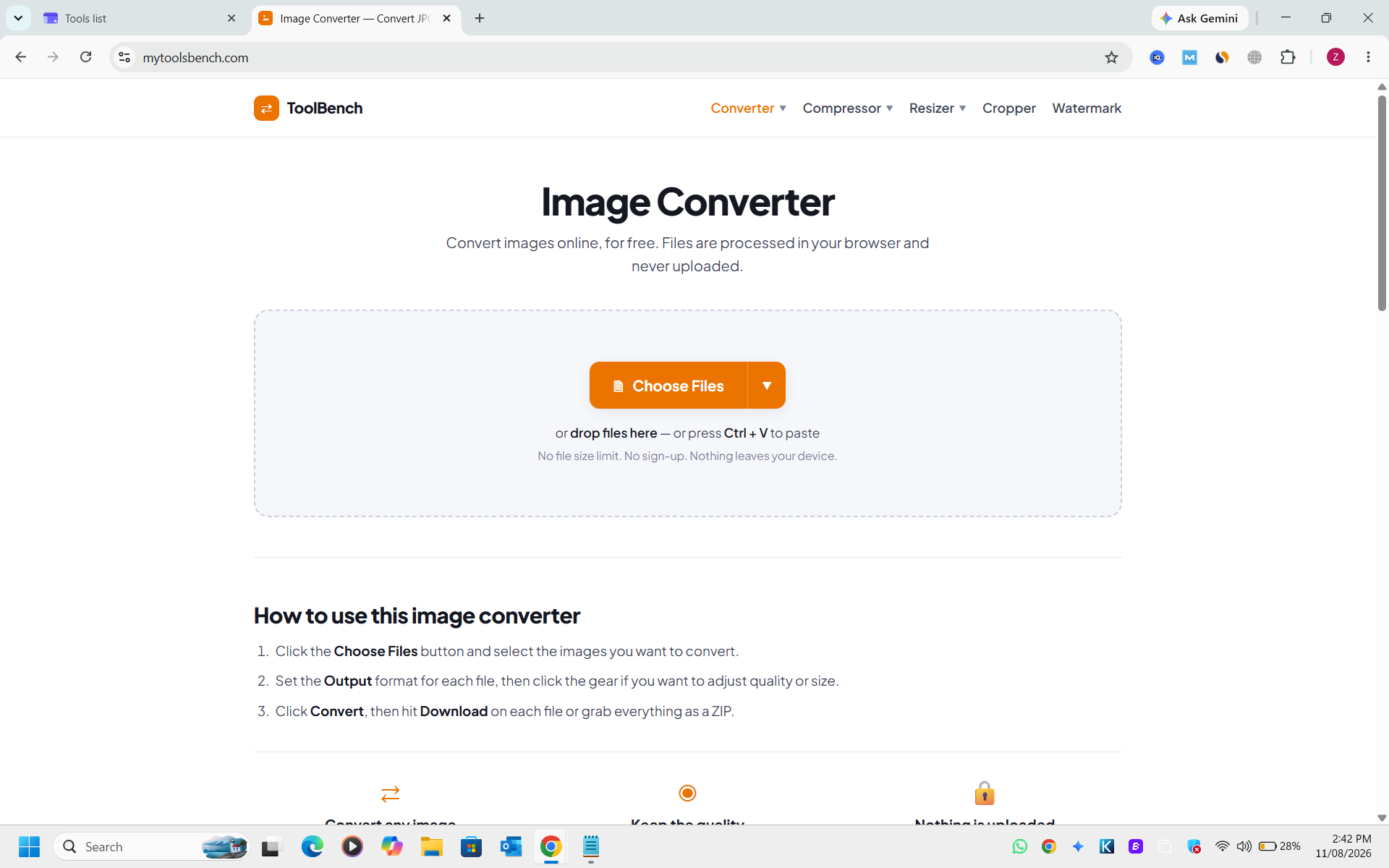
MyToolsBench is a free collection of browser based image tools for resizing, cropping, compressing, converting and watermarking images. It is designed for designers, developers, photographers, content creators, website owners and anyone who needs to quickly work with images without installing complicated software. Many tools process files directly in the browser, helping users work with their images while keeping privacy in mind.
Example Image
Example Image

Features

  1. image editing
  2. drag and drop
  3. real time editing
  4. file conversion

Use Cases

  1. Resize images for websites
  2. Prepare images for social media
  3. Reduce image file size
  4. Crop images quickly
  5. Convert image formats

Comments

custom-img
Generate & Edit Images with AI

Great free tools. Congrats.

Great app to use for free online

Love that many of the tools process images right in the browser — that's a big plus for privacy when handling client assets. One suggestion: a batch mode that chains resize + convert to WebP/AVIF + compress in one pass would save a lot of time when preparing images for websites.

I like that this product focuses on a specific problem rather than trying to do everything. Who would you say benefits most from it: individual users, small teams, or larger businesses?

The batch format conversion with a free online tool is handy, especially that it covers AVIF alongside JPG, PNG and WebP. A quick way to convert without installing anything. Nice work keeping it simple.

The browser-side processing for resize, crop and format conversion is a real advantage for client assets, since nothing has to leave the machine. Would you consider a target file size option (for example, under 100 KB) so the compressor picks the quality level automatically instead of making people guess?

The real-time editing preview with drag and drop is what sets this apart from the usual ad-heavy converter sites. Covering AVIF alongside the classic formats shows you are thinking about modern web workflows, where next-gen formats genuinely matter.

The in-browser processing is the standout feature — no uploads means zero privacy worry when working with client images. AVIF support is a nice touch since many converters still skip it. Do you plan to add batch resize presets for common social media sizes?

Premium Products

Comments

custom-img
Generate & Edit Images with AI

Great free tools. Congrats.

Great app to use for free online

Love that many of the tools process images right in the browser — that's a big plus for privacy when handling client assets. One suggestion: a batch mode that chains resize + convert to WebP/AVIF + compress in one pass would save a lot of time when preparing images for websites.

I like that this product focuses on a specific problem rather than trying to do everything. Who would you say benefits most from it: individual users, small teams, or larger businesses?

The batch format conversion with a free online tool is handy, especially that it covers AVIF alongside JPG, PNG and WebP. A quick way to convert without installing anything. Nice work keeping it simple.

The browser-side processing for resize, crop and format conversion is a real advantage for client assets, since nothing has to leave the machine. Would you consider a target file size option (for example, under 100 KB) so the compressor picks the quality level automatically instead of making people guess?

The real-time editing preview with drag and drop is what sets this apart from the usual ad-heavy converter sites. Covering AVIF alongside the classic formats shows you are thinking about modern web workflows, where next-gen formats genuinely matter.

The in-browser processing is the standout feature — no uploads means zero privacy worry when working with client images. AVIF support is a nice touch since many converters still skip it. Do you plan to add batch resize presets for common social media sizes?

Premium Products