TODO for AI
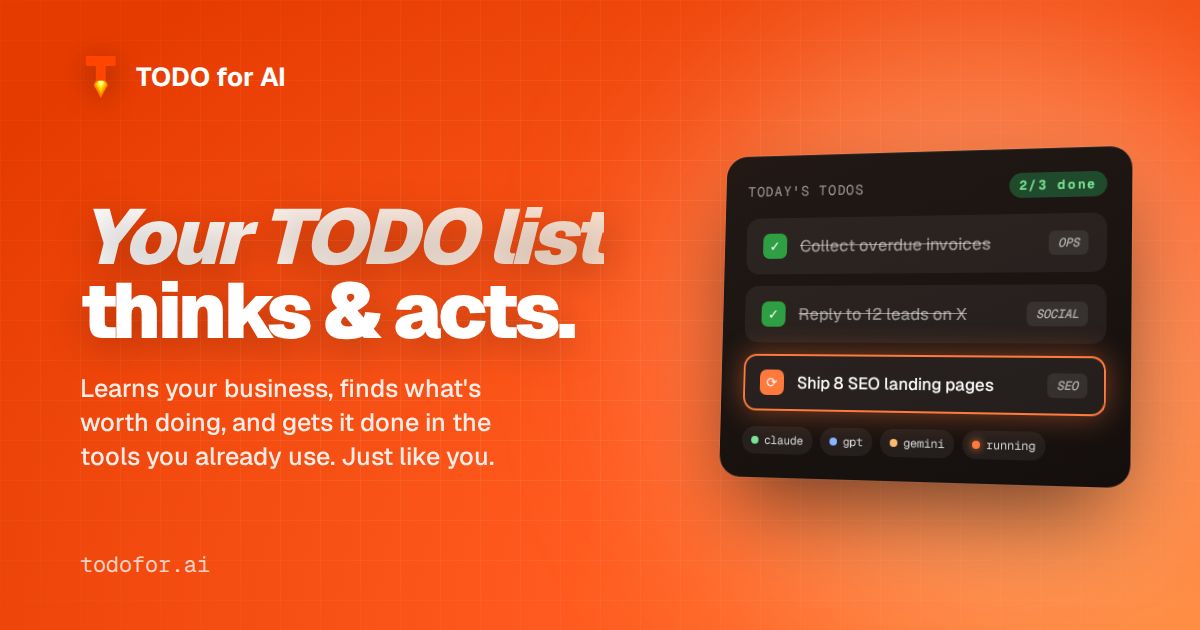
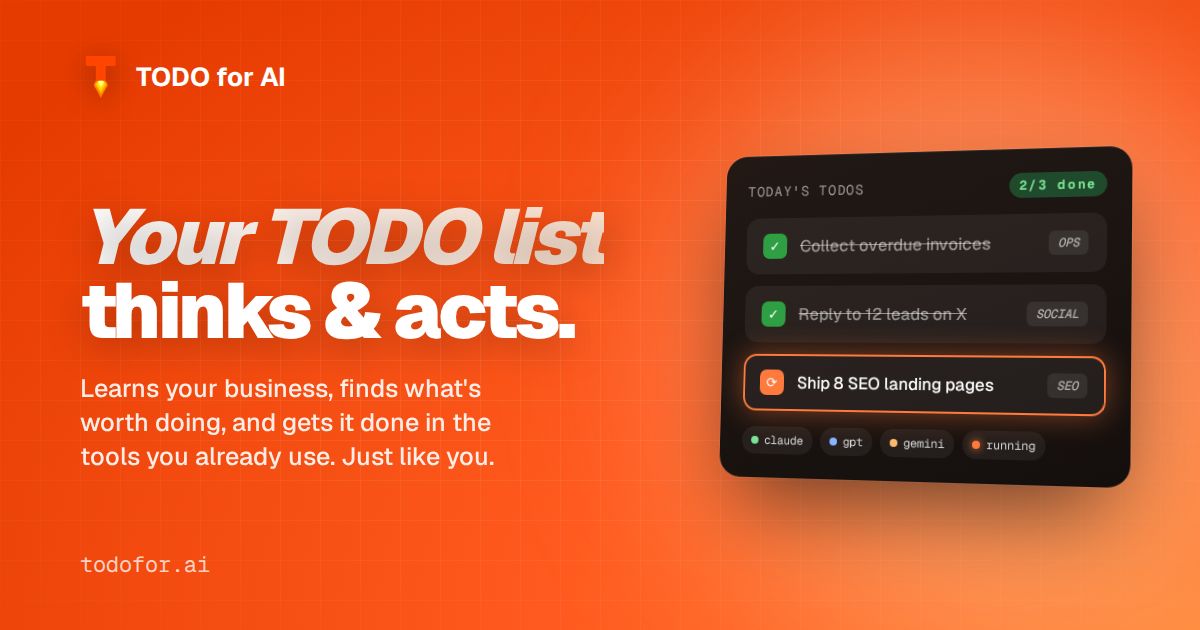
Your TODO list that thinks & acts.
Most AI tools wait for a prompt. TODO for AI works off your list.
Write a TODO — "reply to the 3 open support tickets", "ship the pricing page fix", "post this week’s update on LinkedIn" — and an agent picks it up. It runs in your own browser and on your own machines, so it uses the accounts and tools you already have. Code, email, docs, social, ads, spreadsheets.
It reads your website and business context on day one, then keeps learning from what you accept and reject. Over time it starts proposing the TODOs, not just closing them.
Built for founders and small teams who have more tasks than hands. Freemium: free tier, then $20 / $100 / $200 per month.

Comments


Hi Fazier! I'm Marcell, maker of TODO for AI. It's a TODO list where the items get done by AI agents: drop a task, an agent logs into your tools (browser, email, code, calendar, CRM) and does the work in your own accounts, then shows you the result. It learns your business first so it knows what's worth doing next. Free tier available — happy to answer questions here.



The part that stands out to me is that it runs in your own browser with your own accounts - most agent tools ask you to hand credentials to their cloud, which is a hard sell for a small team. One thing I would want to know before trusting it with my list: does it show its plan before acting on a TODO, or does it just go? A quick approve/reject step per task would make the learning-from-feedback loop feel a lot safer.

Lo más valioso de esta idea es que elimina la fricción de redactar el prompt perfecto: escribir «responde a los 3 tickets abiertos de soporte» ya es suficiente para que el agente actúe. Usar cuentas propias dentro del navegador también es una decisión de diseño muy práctica para el trabajo administrativo, porque evita el riesgo de compartir credenciales. Me gustaría saber cómo maneja la verificación antes de ejecutar acciones sensibles, como enviar correos o publicar cambios. Muy buen lanzamiento.



Running the agent in my own browser on my own accounts is a smart trust model - no handing over OAuth tokens to a third-party server. The accept/reject learning loop is the part I'd watch: does it handle ambiguous TODOs like "post this week's update" well, or does it still need a fairly spec'd task to be reliable? Either way, for founders drowning in small ops work this framing (TODO list that closes itself) is compelling.


Running the agent in your own browser, on accounts you already have (email, docs, code), is a different model from a hosted assistant that needs a new OAuth grant for every tool. The examples — reply to 3 open support tickets, ship a pricing-page fix — make the free tier versus $20 / $100 / $200 easier to judge for a small team. How does it behave when a TODO needs a confirmation, like actually sending an email, versus only drafting it?
Running the agent in your own browser, on accounts you already have (email, docs, code), is a different model from a hosted assistant that needs a new OAuth grant for every tool. The examples, reply to 3 open support tickets or ship a pricing page fix, make the free tier versus 20, 100 and 200 dollars easier to judge for a small team. How does it behave when a TODO needs a confirmation, like actually sending an email, versus only drafting it?




Love the concept of a TODO list that actually thinks and acts on your behalf. The gap between task management and task execution has always been frustrating. Does it integrate with popular project management tools like Linear or Notion? Being able to auto-execute simple tasks would be a game changer for founders juggling too many things.



The idea of agents executing directly from a plain TODO list is compelling — it removes the whole prompt-engineering step from getting work done. Running in my own browser with accounts I already use is also a smart trust model. I'm curious how it handles tasks that need a judgment call mid-way: does it pause and ask, or make its best guess and let me correct it?

Using the accounts I'm already logged into, instead of new OAuth grants, is a nice touch. Two practical questions: what happens if a site asks for a 2FA code halfway through a task? And do scheduled TODOs (like the weekly LinkedIn update) still run if my laptop is closed, or does the machine need to be on?


The browser-local execution is the part that makes this credible for admin work: the agent uses accounts the person already trusts instead of asking them to hand over another cloud token. One thing I would want before delegating a recurring task is a plain audit view showing which account and which tool each run touched, plus the exact diff or sent message. Is that on the roadmap?


Running the agent in your own browser so it reuses accounts you already trust is a practical design for small teams. When it proposes TODOs on its own, can you set per-category approval rules, such as auto-run drafts but always ask before sending emails or posting? That would make it easier to trust on day one.
Premium Products




















































Sponsors
Buy

Awards
View all
Awards
View allMakers
Makers
Comments
Hi Fazier! I'm Marcell, maker of TODO for AI. It's a TODO list where the items get done by AI agents: drop a task, an agent logs into your tools (browser, email, code, calendar, CRM) and does the work in your own accounts, then shows you the result. It learns your business first so it knows what's worth doing next. Free tier available — happy to answer questions here.
The part that stands out to me is that it runs in your own browser with your own accounts - most agent tools ask you to hand credentials to their cloud, which is a hard sell for a small team. One thing I would want to know before trusting it with my list: does it show its plan before acting on a TODO, or does it just go? A quick approve/reject step per task would make the learning-from-feedback loop feel a lot safer.
Lo más valioso de esta idea es que elimina la fricción de redactar el prompt perfecto: escribir «responde a los 3 tickets abiertos de soporte» ya es suficiente para que el agente actúe. Usar cuentas propias dentro del navegador también es una decisión de diseño muy práctica para el trabajo administrativo, porque evita el riesgo de compartir credenciales. Me gustaría saber cómo maneja la verificación antes de ejecutar acciones sensibles, como enviar correos o publicar cambios. Muy buen lanzamiento.
Running the agent in my own browser on my own accounts is a smart trust model - no handing over OAuth tokens to a third-party server. The accept/reject learning loop is the part I'd watch: does it handle ambiguous TODOs like "post this week's update" well, or does it still need a fairly spec'd task to be reliable? Either way, for founders drowning in small ops work this framing (TODO list that closes itself) is compelling.
Running the agent in your own browser, on accounts you already have (email, docs, code), is a different model from a hosted assistant that needs a new OAuth grant for every tool. The examples — reply to 3 open support tickets, ship a pricing-page fix — make the free tier versus $20 / $100 / $200 easier to judge for a small team. How does it behave when a TODO needs a confirmation, like actually sending an email, versus only drafting it?
Running the agent in your own browser, on accounts you already have (email, docs, code), is a different model from a hosted assistant that needs a new OAuth grant for every tool. The examples, reply to 3 open support tickets or ship a pricing page fix, make the free tier versus 20, 100 and 200 dollars easier to judge for a small team. How does it behave when a TODO needs a confirmation, like actually sending an email, versus only drafting it?
Love the concept of a TODO list that actually thinks and acts on your behalf. The gap between task management and task execution has always been frustrating. Does it integrate with popular project management tools like Linear or Notion? Being able to auto-execute simple tasks would be a game changer for founders juggling too many things.
The idea of agents executing directly from a plain TODO list is compelling — it removes the whole prompt-engineering step from getting work done. Running in my own browser with accounts I already use is also a smart trust model. I'm curious how it handles tasks that need a judgment call mid-way: does it pause and ask, or make its best guess and let me correct it?
Using the accounts I'm already logged into, instead of new OAuth grants, is a nice touch. Two practical questions: what happens if a site asks for a 2FA code halfway through a task? And do scheduled TODOs (like the weekly LinkedIn update) still run if my laptop is closed, or does the machine need to be on?
The browser-local execution is the part that makes this credible for admin work: the agent uses accounts the person already trusts instead of asking them to hand over another cloud token. One thing I would want before delegating a recurring task is a plain audit view showing which account and which tool each run touched, plus the exact diff or sent message. Is that on the roadmap?
Running the agent in your own browser so it reuses accounts you already trust is a practical design for small teams. When it proposes TODOs on its own, can you set per-category approval rules, such as auto-run drafts but always ask before sending emails or posting? That would make it easier to trust on day one.
Premium Products
New to Fazier?

Find your next favorite product or submit your own. Made by @FalakDigital.
Copyright ©2026. All Rights Reserved