
The Font Generator
Copy and paste fonts that actually survive the paste
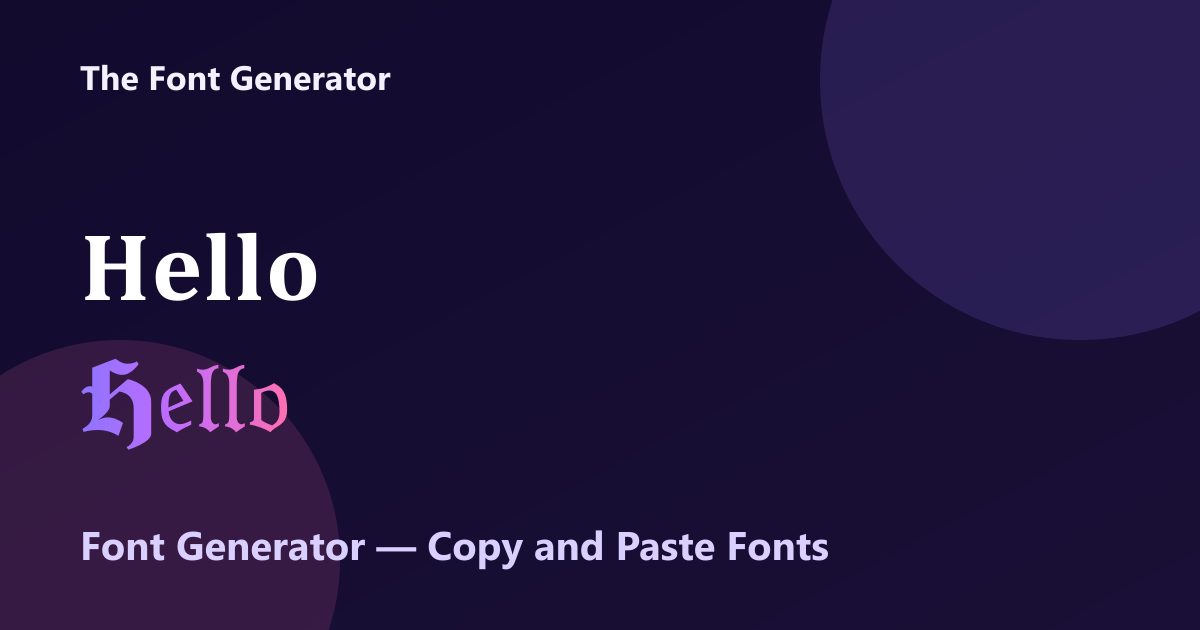
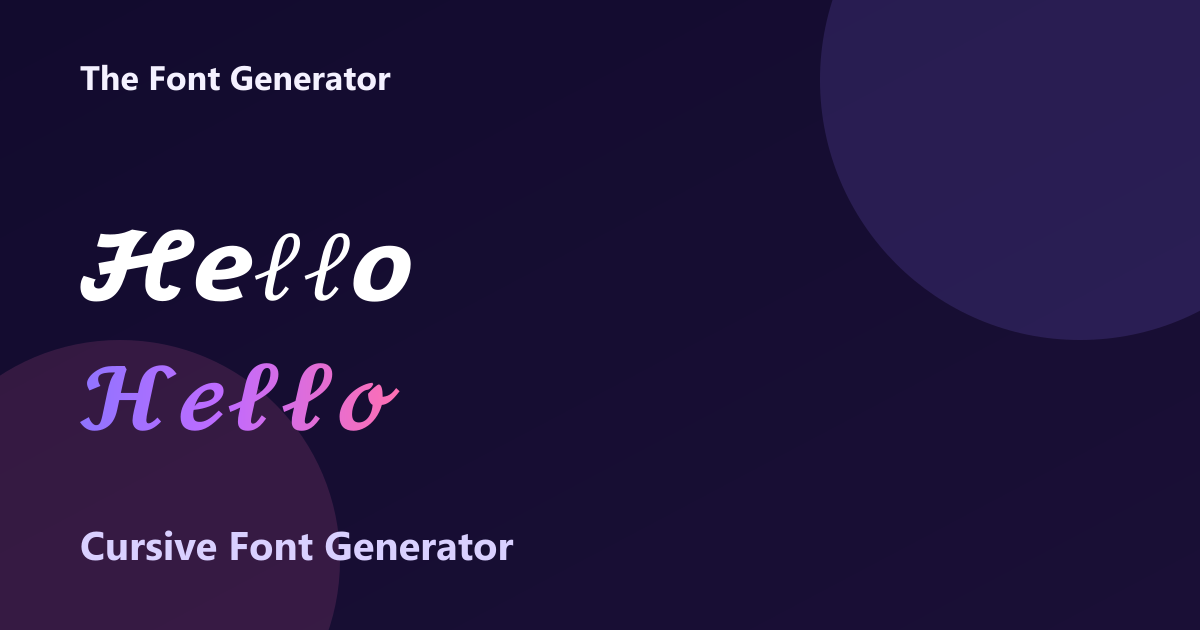
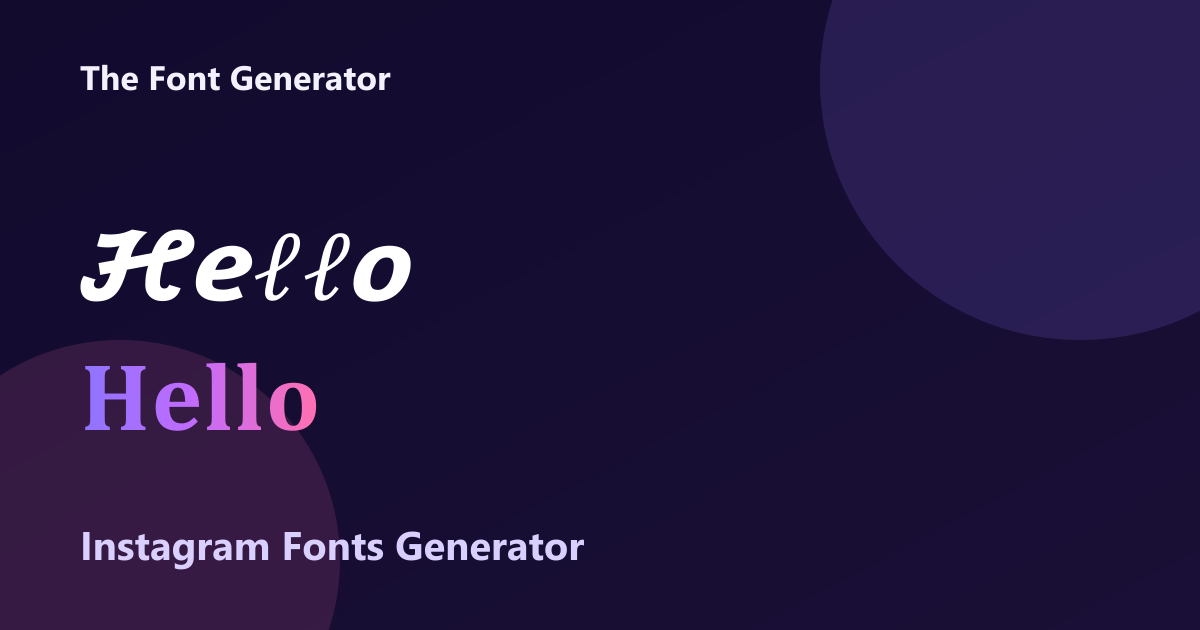
The Font Generator is a free web tool that turns typed text into 30+ Unicode font styles (bold, italic, cursive, gothic, bubble, small caps, upside-down and more) that you can copy and paste into Instagram bios, Discord names, TikTok captions and anywhere else that accepts text. Unlike most fancy-text sites, it tells you which styles break or revert on which apps, which letters are missing from some Unicode alphabets, and how screen readers handle them. Everything runs in the browser, so your text never leaves your device, and there is no sign-up.
Features
30+ Unicode font styles, previewed live as you type
Compatibility notes for Instagram, Discord, TikTok and more
A to Z letter pages for single initials and monograms
Signature, text-to-logo, nickname and handwriting tools
Fully client-side: no uploads, no account, no watermark
Use Cases
Styling an Instagram or TikTok bio
Standout Discord usernames and server channel names
Fancy captions and posts on social media
Picking a monogram or initial in a decorative style

Comments


Hi Fazier! I built The Font Generator because most fancy-text sites hand you 100 styles and never mention that half of them turn into empty boxes on Android, get stripped by some apps, or get read out letter by letter by screen readers. So for each style it notes where it works and which letters are missing (italic 'h', for example, lives outside the main Unicode block). It's all client-side: no account, and your text never leaves the browser. I'd love to hear which app or platform you'd want compatibility notes for next.


A Font Generator is a useful tool for transforming ordinary text into stylish and creative lettering. It helps users personalize social media bios, captions, usernames, and messages with unique text styles. It's a simple way to make digital communication more expressive and eye-catching. https://fontgeneratoorr.com/
A Font Generator is a useful tool for transforming ordinary text into stylish and creative lettering. It helps users personalize social media bios, captions, usernames, and messages with unique text styles. It's a simple way to make digital communication more expressive and eye-catching. https://fontgeneratoorr.com/
A Font Generator is a useful tool for transforming ordinary text into stylish and creative lettering. It helps users personalize social media bios, captions, usernames, and messages with unique text styles. It's a simple way to make digital communication more expressive and eye-catching. https://fontgeneratoorr.com/
A Font Generator is a useful tool for transforming ordinary text into stylish and creative lettering. It helps users personalize social media bios, captions, usernames, and messages with unique text styles. It's a simple way to make digital communication more expressive and eye-catching. https://fontgeneratoorr.com/
A Font Generator is a useful tool for transforming ordinary text into stylish and creative lettering. It helps users personalize social media bios, captions, usernames, and messages with unique text styles. It's a simple way to make digital communication more expressive and eye-catching. https://fontgeneratoorr.com/
A Font Generator is a useful tool for transforming ordinary text into stylish and creative lettering. It helps users personalize social media bios, captions, usernames, and messages with unique text styles. It's a simple way to make digital communication more expressive and eye-catching. https://fontgeneratoorr.com/
A Font Generator is a useful tool for transforming ordinary text into stylish and creative lettering. It helps users personalize social media bios, captions, usernames, and messages with unique text styles. It's a simple way to make digital communication more expressive and eye-catching. https://fontgeneratoorr.com/

I appreciate that you document missing Unicode letters and platform compatibility alongside the styles. How do you handle names with accented characters, such as “José” or “Zoë,” when a style doesn’t support every letter? A preview that highlights characters left unchanged could help people avoid copying a name with an unexpected mix of styles. It would be especially useful for bios and monograms.

Telling people which styles break on which apps is genuinely useful. Most fancy-text sites just let you paste "𝓬𝓾𝓻𝓼𝓲𝓿𝓮" into an Instagram bio and find out later that half the letters turned into boxes. Do you test that compatibility table by hand, or is it generated from known Unicode coverage per platform? Apps change their font fallbacks fairly often. The screen reader note is the part I'd push further: a small warning right next to the copy button ("VoiceOver reads this letter by letter") could stop people from making their bio unreadable without realising it.
The compatibility notes are what sets this apart. Most fancy-text sites let you find out after pasting that a style turns into empty boxes. To your question: I'd add iOS push notifications and App Store listing text. App makers try these styles there, and a note on what renders on iPhone would save a test round. Are the notes from testing on real devices, or worked out from Unicode coverage?

The useful part of this tool is not just the number of Unicode font styles, but how easily the generated text can be copied into platforms such as Instagram, Discord, and TikTok. It would be helpful to add a short compatibility note, since some Unicode characters may not render consistently across platforms or remain easy to read with screen readers. A clearer mobile preview and stronger copy confirmation would also make the experience feel more complete.


Telling people which styles break on which app is the useful part, most fancy-text sites skip that. One more thing worth a note: a display name in Unicode letters often can't be found in search or @mentioned, because people type plain letters and the app doesn't match them. A small "people won't be able to find this name" warning next to the styles that cause it would save a few people from a confusing week.

I like that it explains the gaps instead of hiding them. I typed "Battery Health 94.8%": Bold, Double-struck and Monospace convert the digits, but Italic, Bold Italic and Cursive leave "94.8" as plain digits (Unicode has no italic digits), so the line looks half-styled. A small "numbers stay plain in this style" note on those cards would help anyone styling stats or prices. To answer your question about platforms: LinkedIn would be my pick, since people use bold Unicode in headlines and posts there, and the screen-reader problem matters more in a professional setting.


this is good platform if you want that type of content come here https://ritualx.shop/
The compatibility and screen-reader notes are the reason I would actually use this over the many other fancy-text sites — knowing what breaks where saves a lot of trial and error. One thing I would love: a way to preview a phrase across all 30+ styles side by side before copying, rather than checking one style at a time.




Premium Products









































Sponsors
Buy
Makers
Makers
Comments
Hi Fazier! I built The Font Generator because most fancy-text sites hand you 100 styles and never mention that half of them turn into empty boxes on Android, get stripped by some apps, or get read out letter by letter by screen readers. So for each style it notes where it works and which letters are missing (italic 'h', for example, lives outside the main Unicode block). It's all client-side: no account, and your text never leaves the browser. I'd love to hear which app or platform you'd want compatibility notes for next.
A Font Generator is a useful tool for transforming ordinary text into stylish and creative lettering. It helps users personalize social media bios, captions, usernames, and messages with unique text styles. It's a simple way to make digital communication more expressive and eye-catching. https://fontgeneratoorr.com/
A Font Generator is a useful tool for transforming ordinary text into stylish and creative lettering. It helps users personalize social media bios, captions, usernames, and messages with unique text styles. It's a simple way to make digital communication more expressive and eye-catching. https://fontgeneratoorr.com/
A Font Generator is a useful tool for transforming ordinary text into stylish and creative lettering. It helps users personalize social media bios, captions, usernames, and messages with unique text styles. It's a simple way to make digital communication more expressive and eye-catching. https://fontgeneratoorr.com/
A Font Generator is a useful tool for transforming ordinary text into stylish and creative lettering. It helps users personalize social media bios, captions, usernames, and messages with unique text styles. It's a simple way to make digital communication more expressive and eye-catching. https://fontgeneratoorr.com/
A Font Generator is a useful tool for transforming ordinary text into stylish and creative lettering. It helps users personalize social media bios, captions, usernames, and messages with unique text styles. It's a simple way to make digital communication more expressive and eye-catching. https://fontgeneratoorr.com/
A Font Generator is a useful tool for transforming ordinary text into stylish and creative lettering. It helps users personalize social media bios, captions, usernames, and messages with unique text styles. It's a simple way to make digital communication more expressive and eye-catching. https://fontgeneratoorr.com/
A Font Generator is a useful tool for transforming ordinary text into stylish and creative lettering. It helps users personalize social media bios, captions, usernames, and messages with unique text styles. It's a simple way to make digital communication more expressive and eye-catching. https://fontgeneratoorr.com/
I appreciate that you document missing Unicode letters and platform compatibility alongside the styles. How do you handle names with accented characters, such as “José” or “Zoë,” when a style doesn’t support every letter? A preview that highlights characters left unchanged could help people avoid copying a name with an unexpected mix of styles. It would be especially useful for bios and monograms.
Telling people which styles break on which apps is genuinely useful. Most fancy-text sites just let you paste "𝓬𝓾𝓻𝓼𝓲𝓿𝓮" into an Instagram bio and find out later that half the letters turned into boxes. Do you test that compatibility table by hand, or is it generated from known Unicode coverage per platform? Apps change their font fallbacks fairly often. The screen reader note is the part I'd push further: a small warning right next to the copy button ("VoiceOver reads this letter by letter") could stop people from making their bio unreadable without realising it.
The compatibility notes are what sets this apart. Most fancy-text sites let you find out after pasting that a style turns into empty boxes. To your question: I'd add iOS push notifications and App Store listing text. App makers try these styles there, and a note on what renders on iPhone would save a test round. Are the notes from testing on real devices, or worked out from Unicode coverage?
The useful part of this tool is not just the number of Unicode font styles, but how easily the generated text can be copied into platforms such as Instagram, Discord, and TikTok. It would be helpful to add a short compatibility note, since some Unicode characters may not render consistently across platforms or remain easy to read with screen readers. A clearer mobile preview and stronger copy confirmation would also make the experience feel more complete.
Telling people which styles break on which app is the useful part, most fancy-text sites skip that. One more thing worth a note: a display name in Unicode letters often can't be found in search or @mentioned, because people type plain letters and the app doesn't match them. A small "people won't be able to find this name" warning next to the styles that cause it would save a few people from a confusing week.
I like that it explains the gaps instead of hiding them. I typed "Battery Health 94.8%": Bold, Double-struck and Monospace convert the digits, but Italic, Bold Italic and Cursive leave "94.8" as plain digits (Unicode has no italic digits), so the line looks half-styled. A small "numbers stay plain in this style" note on those cards would help anyone styling stats or prices. To answer your question about platforms: LinkedIn would be my pick, since people use bold Unicode in headlines and posts there, and the screen-reader problem matters more in a professional setting.
this is good platform if you want that type of content come here https://ritualx.shop/
The compatibility and screen-reader notes are the reason I would actually use this over the many other fancy-text sites — knowing what breaks where saves a lot of trial and error. One thing I would love: a way to preview a phrase across all 30+ styles side by side before copying, rather than checking one style at a time.
Premium Products
New to Fazier?

Find your next favorite product or submit your own. Made by @FalakDigital.
Copyright ©2026. All Rights Reserved