
TextMatchCut
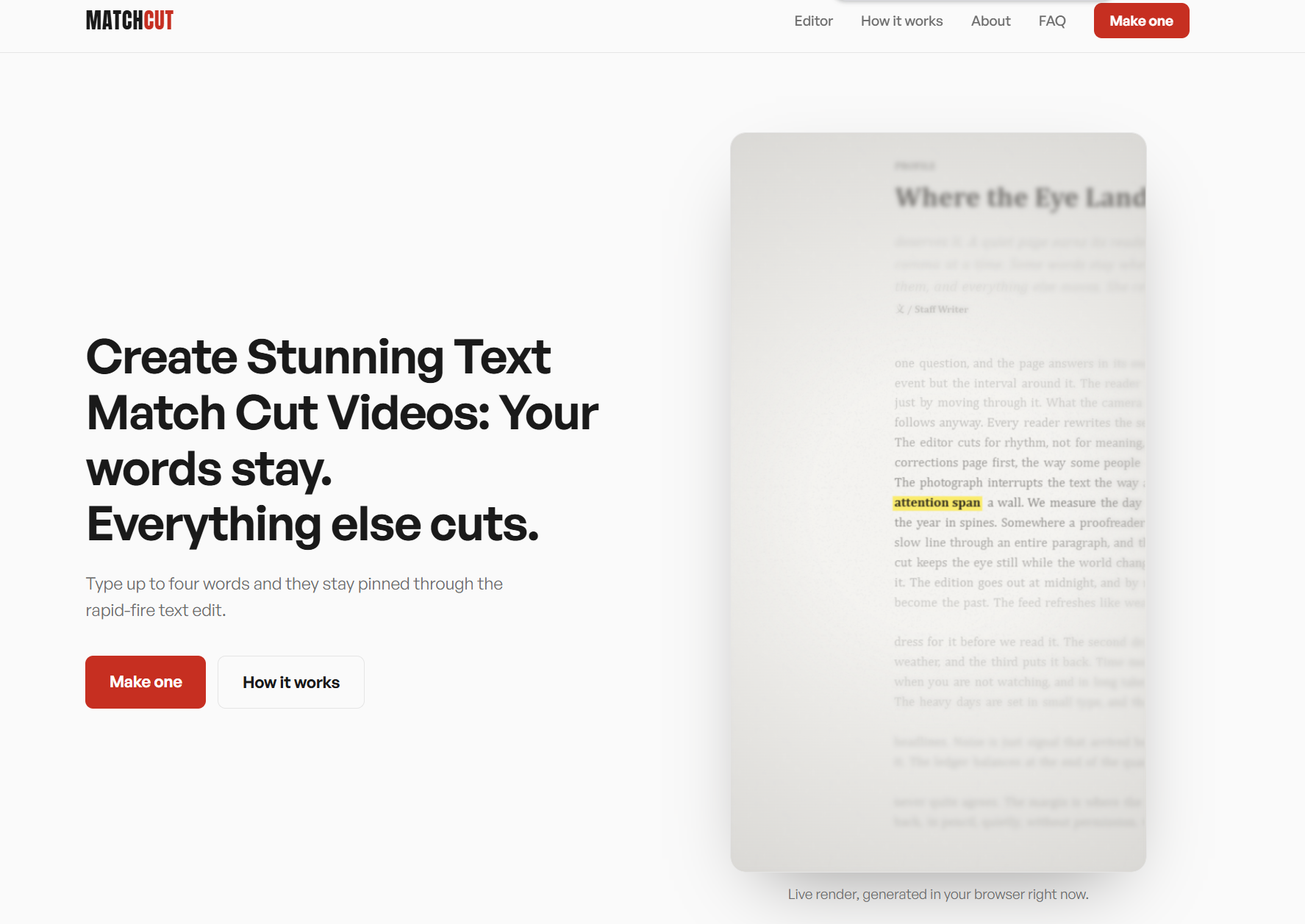
Create Stunning Text Match Cut Videos
The text match cut, that rapid edit where your highlighted words stay locked while whole passages of text change around it, went from a stylistic flourish to a short-form standard in about a year. The tools for making one, though, split into two camps: template packs that lock you into someone else's look, and generic video editors that make you keyframe a dozen frames by hand.
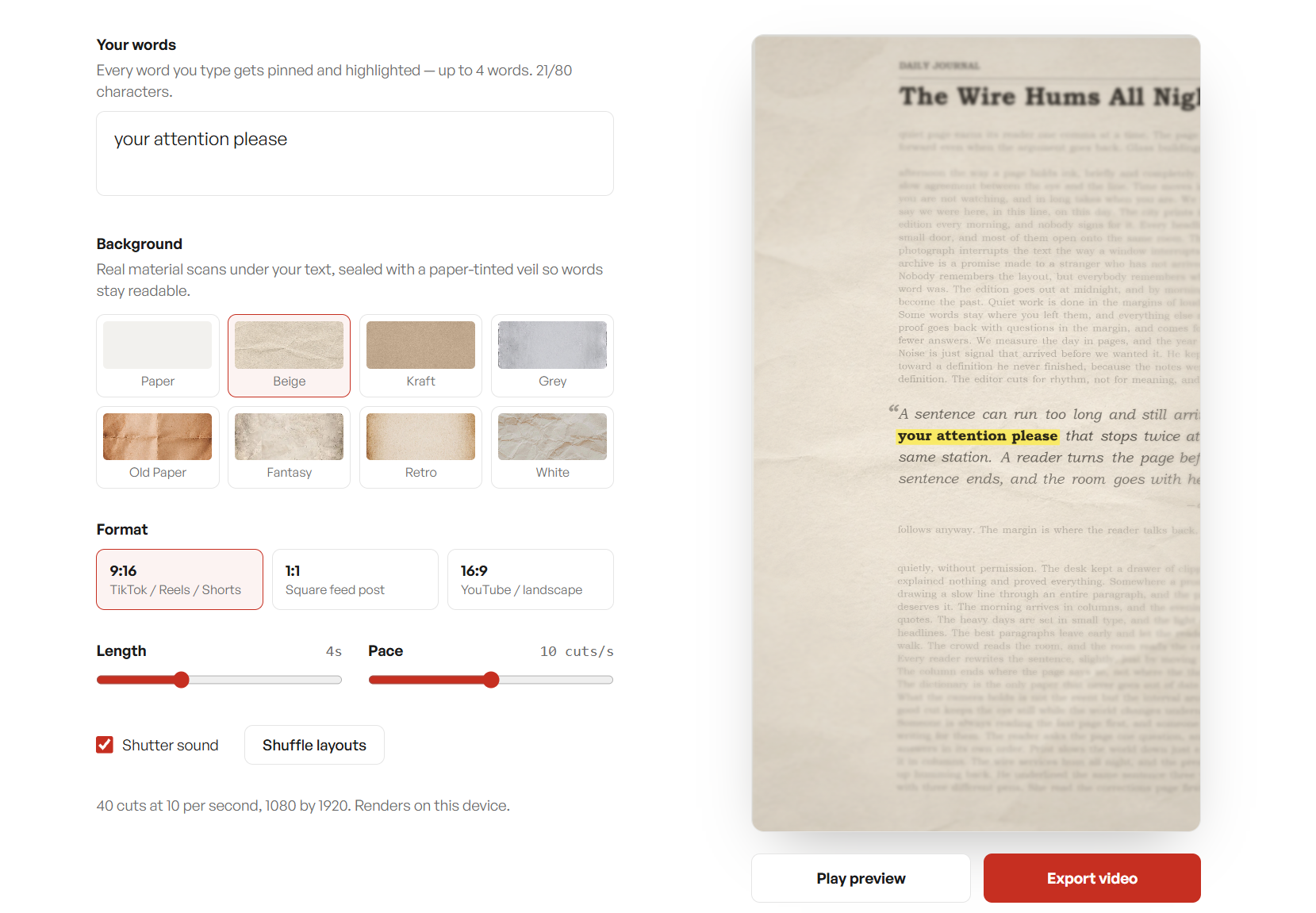
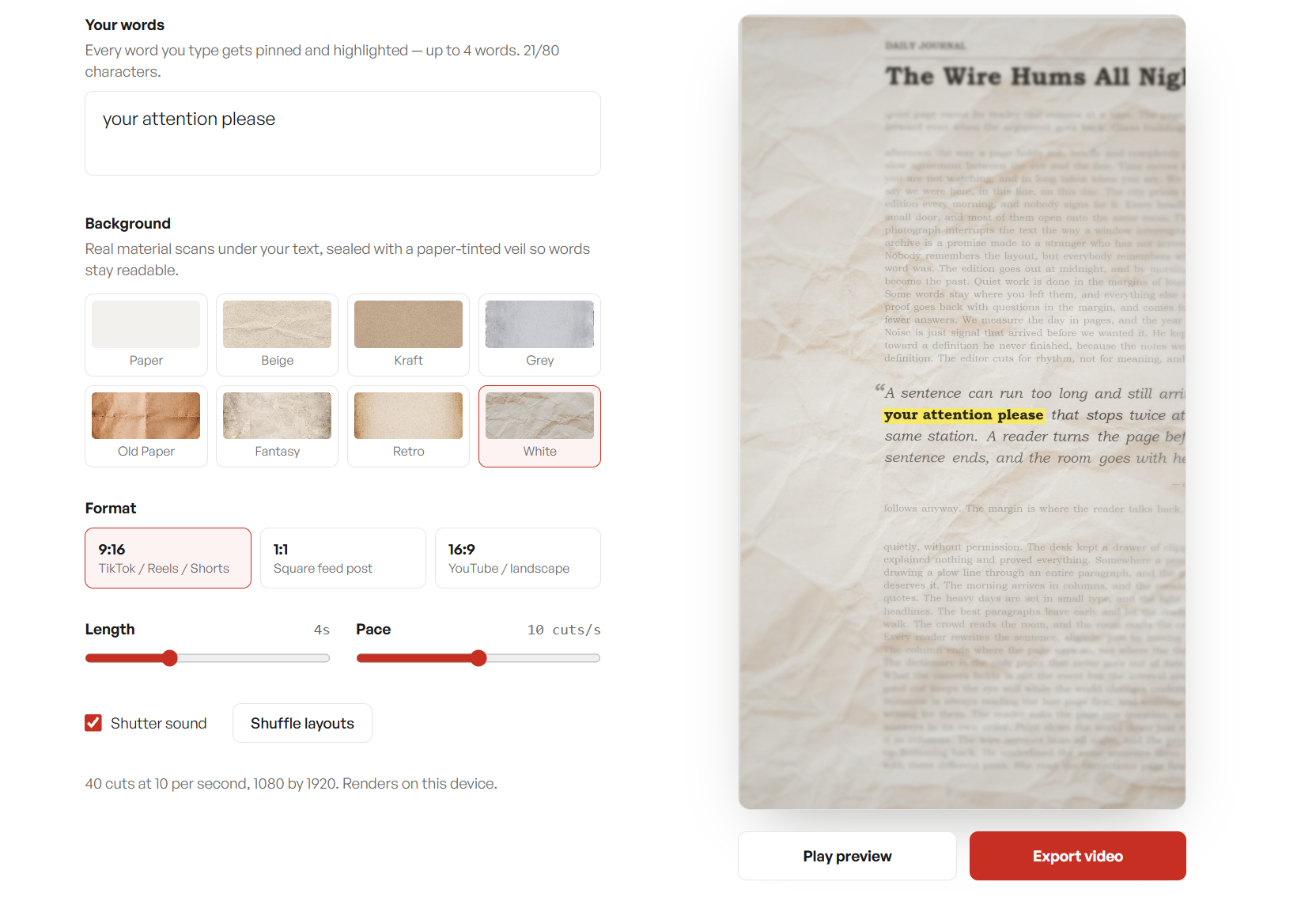
MatchCut does exactly one thing: you type your words — up to four — and get the cut. The text and layouts are generated procedurally, so every export is fresh, and the whole render happens on your device through the canvas and media recording APIs. Nothing you type is uploaded, stored, or logged.
The site is intentionally narrow in scope. No accounts, no timelines, no transitions browser. If you need a general-purpose editor, there are excellent ones already. If you need this one effect in the next thirty seconds, this is the page.
Features
- Nothing leaves your browser.
- Frames are drawn on your own screen and recorded by your own browser. No uploads, no render queue, no account to create.
- Full-resolution export in every aspect ratio, sized for TikTok, Reels, and Shorts.
- A finished cut takes about as long as the video itself. Preview instantly, export once, post.
- Chrome, Edge, and Safari record MP4 directly. Firefox records WebM, which imports into every editor. Either way, no watermark.
Use Cases
- Short-form video hooks: Create high-impact, fast-paced video intros for TikTok, Instagram Reels, and YouTube Shorts to grab viewer attention immediately.
- Emphasizing keywords & data: Dynamically highlight key phrases, prices, or statistics on screen to make them stand out in a video.
- Social media marketing: Quickly generate eye-catching text animations for ad campaigns or promotional posts without needing a dedicated video editor.
- Creator & Vlogger B-roll: Produce engaging transition clips or title cards to use as B-roll in longer videos or podcasts.
- No-code video creation: Allow non-technical users to make trendy match-cut edits entirely in their browser, with privacy (no uploads) and zero watermark.

Comments


I built TextMatchCut because I kept seeing the same problem: the effect looked amazing in short videos, but recreating it meant hunting for pages, aligning a word by hand, and exporting frame by frame. So I wanted the opposite experience: type a phrase, highlight the word you want to keep in focus, and get a finished match cut in seconds. I also wanted it to stay simple. No signup, no watermark, no editor to learn. The video is generated locally in your browser, and a short ad helps cover the cost of keeping it free. This is still early, so I’d love to hear what you’re making with it — whether you want more layouts, more control over the pacing, or a way to use your own screenshots. Your feedback will directly shape what I build next.
Premium Products












































Sponsors
Buy

Makers
Makers
Comments
I built TextMatchCut because I kept seeing the same problem: the effect looked amazing in short videos, but recreating it meant hunting for pages, aligning a word by hand, and exporting frame by frame. So I wanted the opposite experience: type a phrase, highlight the word you want to keep in focus, and get a finished match cut in seconds. I also wanted it to stay simple. No signup, no watermark, no editor to learn. The video is generated locally in your browser, and a short ad helps cover the cost of keeping it free. This is still early, so I’d love to hear what you’re making with it — whether you want more layouts, more control over the pacing, or a way to use your own screenshots. Your feedback will directly shape what I build next.
Premium Products
New to Fazier?

Find your next favorite product or submit your own. Made by @FalakDigital.
Copyright ©2026. All Rights Reserved